

Zoho Books vs QuickBooks: Which accounting software is better for small business in 2026?


Choosing your accounting software is the most critical financial decision you’ll make for your small business. This system is the single source of truth for your income, expenses, and overall financial health. A good choice provides clarity and saves you dozens of hours during tax season. A bad choice creates a nightmare of confusing reports, frustrated accountants, and costly errors.
For nearly every small business, this high-stakes decision comes down to two of the biggest names in the industry: Zoho Books and QuickBooks.
The Zoho Books vs QuickBooks debate is a classic battle of two different philosophies.
QuickBooks (specifically QuickBooks Online or QBO) is the 800-pound gorilla. It’s the US market leader, a comprehensive, all-in-one, double-entry accounting system built to handle any type of small business, from a local cafe to a growing e-commerce store. It is powerful, feature-rich, and the software your accountant almost certainly uses and prefers.
Zoho Books, on the other hand, is the “high-value” challenger. It’s a powerful and surprisingly feature-rich accounting tool that is just one piece of the massive Zoho ecosystem. Its core strength is its incredible value (low price, more users) and its seamless, native integration with 50+ other Zoho apps (Zoho CRM, Zoho Projects, Zoho Inventory, etc.). It’s the ultimate QuickBooks alternative for the tech-savvy, budget-conscious SMB.
This definitive, data-driven accounting software comparison will break down every key feature, the true costs, and the ideal user for each platform to help you make the right choice for your business.
Key points (quick summary)
Here’s the high-level breakdown of the Zoho Books vs QuickBooks matchup.
- QuickBooks is best for… US-based, product-centric businesses (retail/e-commerce) that need robust, built-in inventory management (FIFO) and deep integration with US-based accountants.
- Zoho Books is stronger in… Value for money, customer support, and its native ecosystem. For any business already using (or planning to use) other Zoho apps like Zoho CRM, Zoho Books is the clear winner.
- The main difference in pricing is… Zoho Books is significantly cheaper at every single tier. It also offers a Free Forever plan (for businesses under $50k/yr revenue), while QuickBooks does not.
- The key feature that separates them is… The ecosystem. Zoho Books‘ superpower is its seamless, native integration with the 50+ other apps in the Zoho suite. QuickBooks’ superpower is its deep, best-in-class inventory management (in the Plus plan) and its universal adoption by US accountants.
- The ideal audience for QuickBooks is… The business that wants the industry standard, has complex inventory needs, and works closely with an external US-based accountant.
- The ideal audience for Zoho Books is… The budget-conscious, tech-savvy SMB that wants an all-in-one business suite (CRM, Projects, Accounting) that works together seamlessly, all for a fraction of the cost.
In-depth feature comparison: QuickBooks vs Zoho Books
This is the all-in-one answer you’re looking for. Here is a granular, feature-by-feature breakdown of what each platform offers.
|
Feature |
QuickBooks Online |
Zoho Books |
|
Main focus |
All-in-one US accounting standard |
The accounting hub of a larger software ecosystem |
|
Core accounting |
✅ Full double-entry accounting |
✅ Full double-entry accounting |
|
Free plan |
⛔ No (30-day trial only) |
✅ Yes (Free Forever plan) for businesses <$50k/yr revenue |
|
User limits |
Starts at 1 user. 5 users on Plus plan. 25 users on Advanced. |
Starts at 1 user + 1 accountant. 10 users on Premium plan. |
|
Invoicing |
✅ Good (6 templates) |
✅ Excellent (18+ templates, more customization) |
|
Client portal |
✅ Yes |
✅ Yes (more robust, includes invoice/estimate approval) |
|
Vendor portal |
⛔ No |
✅ Yes (on paid plans, for vendor bill management) |
|
Bank reconciliation |
✅ Yes (AI-powered) |
✅ Yes (AI-powered) |
|
Inventory management |
✅ Excellent (FIFO) on Plus & Advanced plans. |
✅ Good (FIFO) on Professional plan & higher. (Ties in with Zoho Inventory) |
|
Project tracking |
✅ Yes (on Plus & Advanced plans) |
✅ Yes (on Professional plan & higher, integrates with Zoho Projects) |
|
Time tracking |
✅ Yes (on Essentials plan & higher) |
✅ Yes (Built-in, integrates with Zoho Projects) |
|
US payroll |
✅ Yes (as a paid add-on, QuickBooks Payroll) |
✅ Yes (as a paid add-on, Zoho Payroll) |
|
App marketplace |
✅ Excellent (750+ apps) |
✅ Good (40+ apps, but… see below) |
|
Native ecosystem |
⛔ Limited (Payroll, Time, POS) |
✅ MASSIVE (50+ apps) – CRM, Projects, Inventory, HR, etc. |
|
AI features |
✅ Intuit Assist (Forecasting, insights) |
✅ Zia (Anomaly detection, expense scanning, contextual insights) |
|
Customer support |
⛔ Phone support is callback-only on most plans. |
✅ Excellent (24/5 phone & chat) for all paid plans. |
Detailed feature breakdown for small businesses
Here is what those features actually do and the value they provide in the QuickBooks vs Zoho Books showdown.
Core accounting (Invoicing, expenses, reconciliation)
Both Zoho Books and QuickBooks are powerful, double-entry accounting systems.
- Invoicing: Both do it well, but Zoho Books is the clear winner. It offers 18+ templates (vs. QBO’s 6), more customization, and a superior client portal where customers can view, approve, and pay invoices and estimates online.
- Expense Tracking: Both are excellent. You can connect your bank accounts and credit cards, and both platforms will automatically import and categorize transactions. Both use AI to learn your habits.
- Bank Reconciliation: Both have robust reconciliation modules.
Winner: Zoho Books (for its superior invoicing and client portal)
Inventory management: the e-commerce battle
This is a critical differentiator for any accounting software for small business that sells products.
- QuickBooks: QBO is the long-time king here. Starting with its Plus plan ($115/mo), it offers true, built-in FIFO (First-In, First-Out) inventory tracking, stock level alerts, and purchase order management. It is the gold standard for integrated accounting and inventory.
- Zoho Books: Zoho has caught up significantly. Its Professional plan ($50/mo) and higher also include FIFO inventory tracking, sales orders, purchase orders, and batch/serial number tracking. Furthermore, it integrates natively with Zoho Inventory, a dedicated, advanced app for multi-warehouse management and dropshipping.
Winner: It’s a tie, with a slight edge to Zoho for value. QuickBooks has it all in one box (on the expensive Plus plan). Zoho Books offers the same core features for less than half the price (on the Professional plan) and has a more powerful upgrade path with Zoho Inventory.
Payroll: A surprising tie
- QuickBooks: Offers QuickBooks Payroll, one of the most popular payroll solutions in the US. It’s a paid add-on that is deeply and seamlessly integrated, handling taxes, 1099s, and direct deposits.
- Zoho Books: Offers Zoho Payroll, a direct and powerful competitor to QuickBooks Payroll. It is also a paid add-on that is seamlessly integrated. It handles all the same functions: federal/state taxes, 1099s, and direct deposits.
Winner: Tie. Both offer excellent, fully integrated payroll add-ons.
Ecosystem & integrations: The main event
This is the most important difference in the Zoho Books vs QuickBooks comparison.
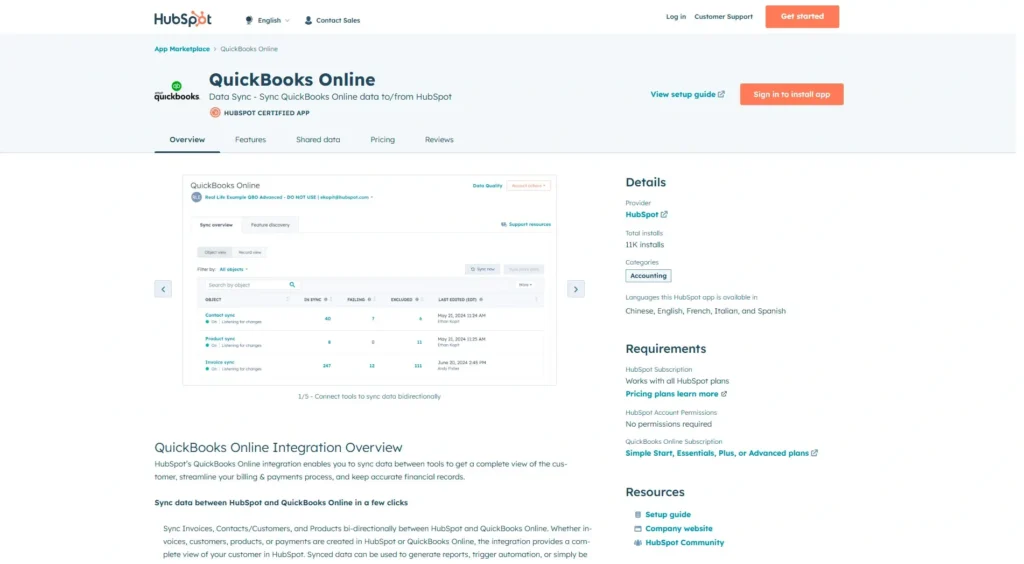
- QuickBooks: Wins on third-party apps. Its app store has over 750+ integrations. If you use a random, niche third-party app for your business, it probably integrates with QuickBooks.
- Zoho Books: Wins on its native ecosystem. Zoho is the ecosystem. It has over 50+ other powerful apps (Zoho CRM, Zoho Projects, Zoho Analytics, Zoho People, Zoho Inventory, etc.) that are all built to work with Zoho Books perfectly and seamlessly from day one. You can run your entire business on the Zoho suite.
Winner: Zoho Books, if you want a single, unified business suite. QuickBooks, if you rely on a diverse set of non-Zoho third-party apps.
AI & automation: Intuit Assist vs. Zia
- QuickBooks: Features Intuit Assist, a generative AI tool that is focused on financial insights. It helps with cash flow forecasting, suggests automation, and can answer questions like, “How much did I spend on marketing last month?”
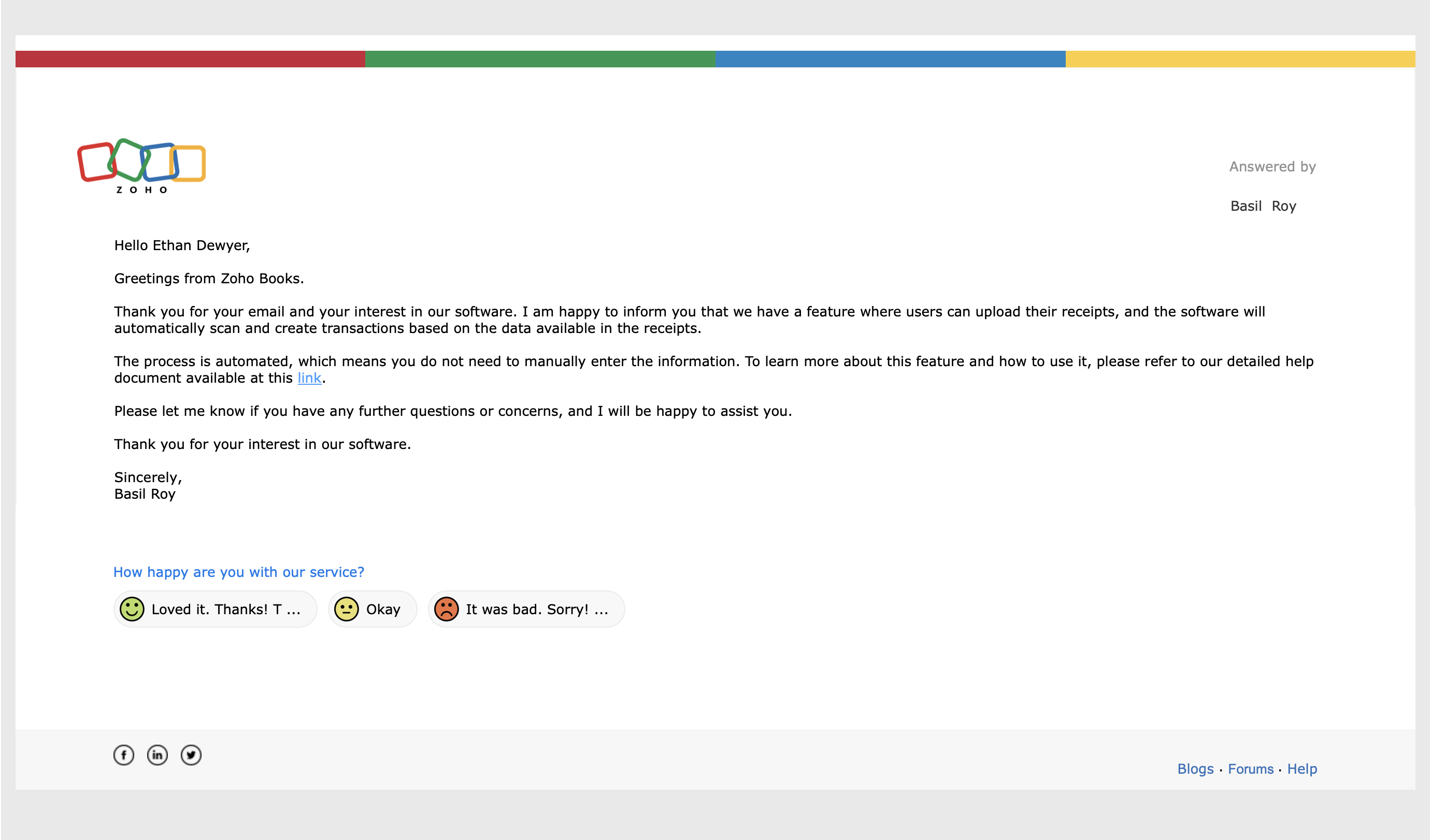
- Zoho Books: Features Zia, Zoho’s powerful AI assistant. Zia is ecosystem-wide. In Zoho Books, it scans receipts, detects anomalies in your spending, and suggests workflow automations. Because it also lives in Zoho CRM and other apps, its insights are often more context-aware of your entire business.
Winner: Zoho Books (Zia is more integrated across the entire business, not just accounting).
Customer support: The deal-breaker
- QuickBooks: This is QBO’s most notorious weakness. Support is extremely difficult to reach. On most plans, you must submit a request and wait for a callback. True 24/7, front-of-the-line support is reserved for the most expensive Advanced plan.
- Zoho Books: This is a major win for Zoho. All paid plans include 24/5 (Mon-Fri) phone, chat, and email support. Their support is known for being responsive and knowledgeable.
Winner: Zoho Books, by a very large margin.
Pricing & value comparison: Which is cheaper?
The Zoho Books vs QuickBooks pricing battle is not a fair fight. Zoho Books is dramatically cheaper at every level and offers a true free plan.
Zoho Books pricing (annual billing)
|
Plan |
Price (per org/month) |
Users |
Key Features |
|
Free |
$0 |
1 User + 1 Accountant |
For businesses <$50k USD revenue. 1,000 invoices/yr. |
|
Standard |
~$15 |
3 Users |
5,000 invoices/yr, recurring transactions, client portal. |
|
Professional |
~$40 |
5 Users |
Inventory (FIFO), sales orders, project tracking, vendor portal. |
|
Premium |
~$60 |
10 Users |
Vendor portal, budgeting, Zoho Sign & CRM integration. |
QuickBooks Online pricing (annual billing)
|
Plan |
Price (per month) |
Users |
Key Features |
|
Simple Start |
~$30 |
1 User |
Core accounting, invoicing, expense tracking. |
|
Essentials |
~$60 |
3 Users |
Adds bill management & time tracking. |
|
Plus |
~$90 |
5 Users |
Inventory (FIFO), project profitability, budgeting. |
|
Advanced |
~$200 |
25 Users |
Advanced reporting, 24/7 premium support, batch invoicing. |
(Pricing is based on public US data as of early 2026 and is subject to frequent promotions. Check sites for current introductory offers vs. renewal prices.)
Pricing summary:
- Free Plan: Zoho Books has a real, double-entry accounting plan for free. QuickBooks has nothing that competes.
- Growing Businesses: The Zoho Books Professional plan (~$40/mo) includes inventory, project tracking, and 5 users. To get the same features from QuickBooks, you need the QBO Plus plan ($90/mo). Zoho is less than half the price.
Winner: Zoho Books. It offers more features for more users at a significantly lower price.
The SMB litmus test: Which tool should your business pay for?
✅ Scenarios where you must choose Zoho Books
- You are a new business, solopreneur, or freelancer.
- The Problem: You need professional, double-entry accounting but have almost no budget.
- The Value: The Zoho Books Free Plan is unbeatable. It’s a real, scalable accounting system (not a “lite” invoice tracker) for $0. It’s the best QuickBooks alternative for startups.
- You already use (or are considering) Zoho CRM.
- The Problem: You need your sales team’s data to sync with your finance team’s data.
- The Value: The native integration is flawless. When a sales rep closes a deal in Zoho CRM, it can automatically create the invoice in Zoho Books. This is the holy grail of business automation.
- You are a growing service-based business with 5-10+ employees.
- The Problem: You need to track projects, manage billable hours, and give access to your whole team.
- The Value: The Zoho Books Premium plan is vastly cheaper than QuickBooks Advanced. You get 10 users and deep project tracking integration for ~$60/mo, versus the $200/mo QBO charges.
✅ Scenarios where you must choose QuickBooks
- Your accountant only works with QuickBooks.
- The Problem: Your accountant or bookkeeper is non-negotiable and they live in QuickBooks.
- The Value: Happy accountant, happy life. Forcing them to learn a new system will cost you more in billable hours than you save on the software. In the US, QBO is the industry standard, and this is its biggest advantage.
- You are a complex retail or e-commerce business.
- The Problem: You have complex inventory, assemblies, or bundles and need an all-in-one system.
- The Value: QuickBooks Online Plus (and Advanced) has best-in-class, built-in inventory management. While Zoho can do this, QBO’s system is often seen as more robust for complex, product-based businesses.
- You need a native, integrated POS hardware system.
- The Problem: You run a physical cafe, shop, or retail store.
- The Value: QuickBooks POS hardware is built to sync directly with QuickBooks Online. Zoho Books requires a third-party POS integration, which adds a layer of complexity.
Final verdict & recommendation table
This Zoho Books vs QuickBooks comparison shows two very different paths for a small business.
|
Factor |
Best choice |
Reason |
|
Ease of use |
Zoho Books |
The interface is cleaner, more modern, and more intuitive for non-accountants. |
|
Pricing & value |
Zoho Books |
The clear winner. The Free plan and lower-cost paid tiers provide far more value. |
|
Customer support |
Zoho Books |
24/5 phone & chat support on paid plans. QBO support is notoriously hard to reach. |
|
Inventory management |
QuickBooks |
QBO’s Plus & Advanced plans have more robust, built-in inventory features. |
|
Accountant preference (US) |
QuickBooks |
This is the industry standard. Your accountant will almost certainly prefer you to use QBO. |
|
Ecosystem & integrations |
Zoho Books |
The native Zoho ecosystem (CRM, Projects, etc.) is a unified, more powerful suite than QBO’s. |
|
Best for service businesses |
Zoho Books |
Unbeatable value, great invoicing, and strong project/time tracking. |
|
Best for product businesses |
QuickBooks |
The Plus plan’s inventory and the POS hardware ecosystem are built for retail. |
FAQ: Zoho Books vs QuickBooks
How is Zoho Books different from QuickBooks?
The main difference is ecosystem vs. all-in-one. QuickBooks is a self-contained, all-in-one accounting system (with add-ons for payroll/POS) that is the US standard. Zoho Books is the accounting part of a much larger, interconnected business ecosystem (Zoho Suite), which is its greatest strength.
Which is cheaper, Zoho Books or QuickBooks?
Zoho Books is significantly cheaper at every level. It offers a Free Forever plan for small businesses (under $50k/yr revenue), which QuickBooks does not. Its paid plans are also 50-60% cheaper than the comparable QuickBooks plans.
Do accountants prefer Zoho Books or QuickBooks?
In the United States, the vast majority of accountants and bookkeepers prefer (and are trained on) QuickBooks. This is QBO’s biggest “moat.” Always ask your accountant what they prefer before you buy.
Is Zoho Books real accounting?
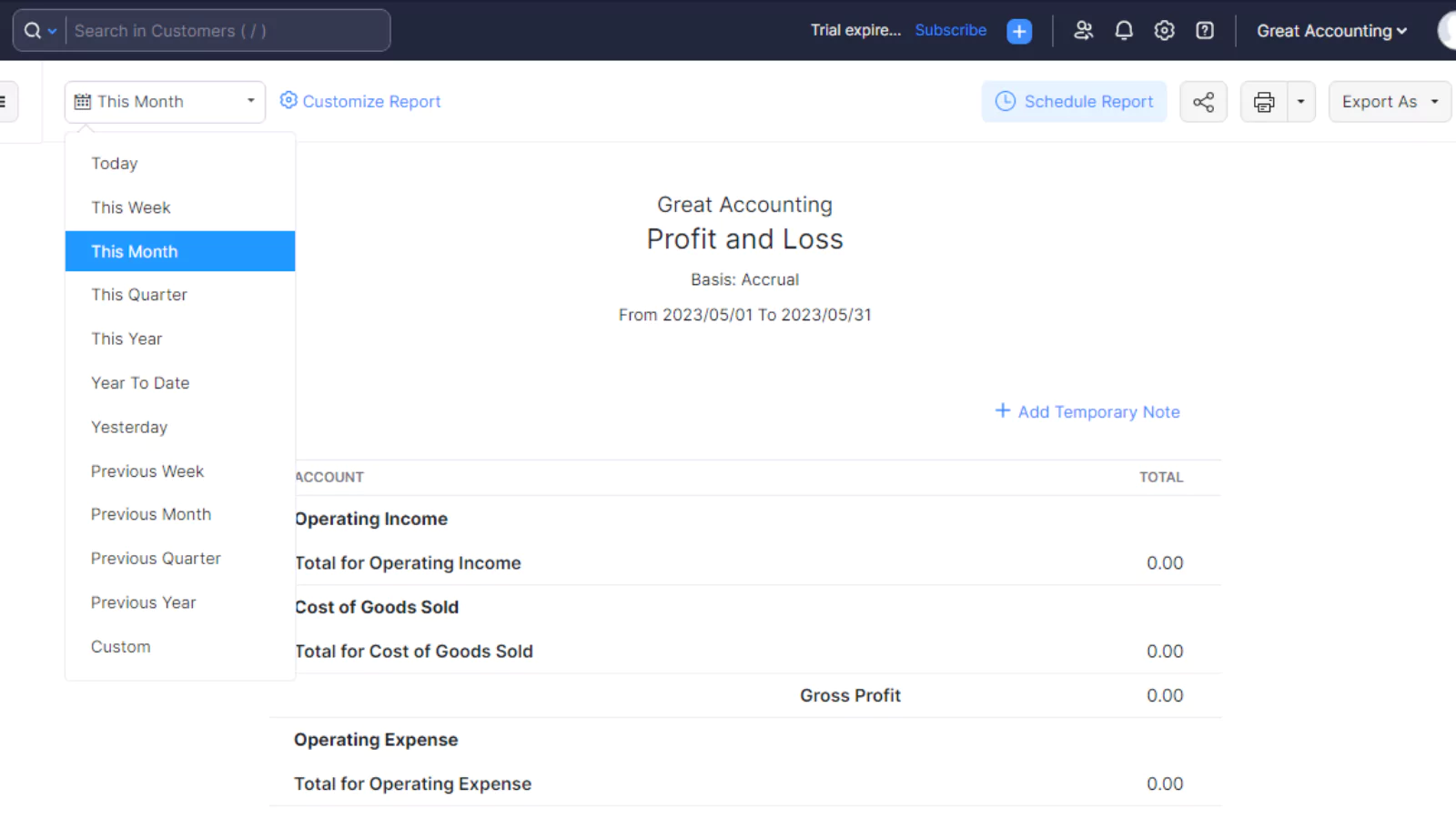
Yes. Zoho Books is a powerful, double-entry accounting platform, just like QuickBooks. It can produce all the standard financial reports your business needs, including a P&L, Balance Sheet, and Cash Flow Statement.
Can Zoho Books handle inventory?
Yes. The Zoho Books Professional plan (and higher) includes FIFO inventory tracking, sales orders, and purchase orders. It also natively integrates with Zoho Inventory, a more advanced, dedicated inventory app for multi-warehouse management.
How to migrate from QuickBooks to Zoho Books?
Zoho Books has a direct, built-in migration tool for QuickBooks Online users. You can connect your QBO account, and Zoho Books will automatically fetch and import your chart of accounts, customers, vendors, and transactions.
How to migrate from Zoho Books to QuickBooks?
This process is manual. You must export your data from Zoho Books (chart of accounts, contacts, transactions, etc.) as CSV or Excel files. Then, you use the “Import Data” tool inside QuickBooks to upload each file one by one, manually mapping the columns to the correct fields in QuickBooks.





