

Veed.io Review for 2025
Veed Creative Tools Plans & Pricing

Veed Comparison
Expert Review
Pros

Cons

Veed Creative Tools 's Offerings
- Free: Great for testing or occasional, simple video editing, trimming clips, adding music/text, small edits. But videos have a watermark, only 720p export quality, and a short video length cap.
- Lite: A good step up for businesses or creators who want clean, presentable videos without a watermark, ideal for social media posts, ads, or short promotional clips. 1080p quality and unlimited uploads make this a step toward professional content.
- Pro: Designed for regular content creation, marketing videos, ads, tutorials, training, and social posts. Pro gives high-quality exports (even 4K), brand control, advanced AI features that save time (subtitles, voiceovers, background cleanup), and access to a rich media library. Perfect if video is a regular part of your marketing or content strategy.
- Enterprise/Business: For agencies, marketing teams, or businesses producing lots of video content — multiple users, team workflows, brand consistency across campaigns, large storage and export capacity, custom workflows, analytics, and support.
Which plan should your business pick?
- Just starting or experimenting: Use the Free plan. It’s ideal if you want to test whether Veed fits your workflow — for occasional social clips, test videos, or learning the platform.
- Small business, social media, or light marketing: Lite is the most budget-friendly way to move beyond hobby-level output. It removes the watermark and gives good quality for ads, product promos, or social posts.
- Growing content needs: regular videos, marketing, brand videos: Pro is the sweet spot. For consistent video production (YouTube, social media, tutorials, ads), Pro delivers flexibility, quality, automation, and brand consistency.
- Marketing agency, multi-team setup, or heavy video use: Enterprise/Business plan makes sense when multiple people need access, you have large video volume, require advanced control, or need video analytics and team management.
Veed.io Alternatives

Free
Pros
- Ease of use
- Useful AI features
- Cloud-based workspace
Cons
- Limited free plan
- Lack of customer support options

Free
Pros
- Powerful free plan
- Affordable Pro plan
- Very easy to use
Cons
- Lack of customer support
- Limited frame rate

Free
Pros
- Variety of AI features
- Amazing customer support
- Export quality
Cons
- InVideo watermark in the free plan
- Credits don’t roll over if left unused
Is Veed.io good?
Veed.io is a strong choice for business owners who want fast, professional video creation without dealing with complicated software. It works in the browser, so you can edit from any device, and the interface is simple enough for beginners while still offering advanced features like AI captioning, background removal, templates, and brand kits.
The platform is especially useful for marketing teams, agencies, trainers, and entrepreneurs who need to turn raw footage into polished videos quickly. Veed’s automatic subtitles are accurate, its AI tools save time, and its export quality is reliable. It is not the cheapest option, but the speed, ease of use, and workflow automation make it a solid value for most small and mid-sized businesses looking to create consistent, professional video content.
Customer Support
Although Veed.io offers its users incredible features and possibilities, its support system isn’t quite as extensive as it could be.
Users with free subscription plans can get support only by searching the website and browsing the blog or FAQ sections.
In contrast, users with paid subscription plans can get support via online chat features.
Features & Functionality
Key Features
Veed.io is packed with great features that can make everyday content creation a breeze. Aside from including simple video editing features, it consists of a variety of advanced tools that can significantly improve the outcome of any video.
Video Editor
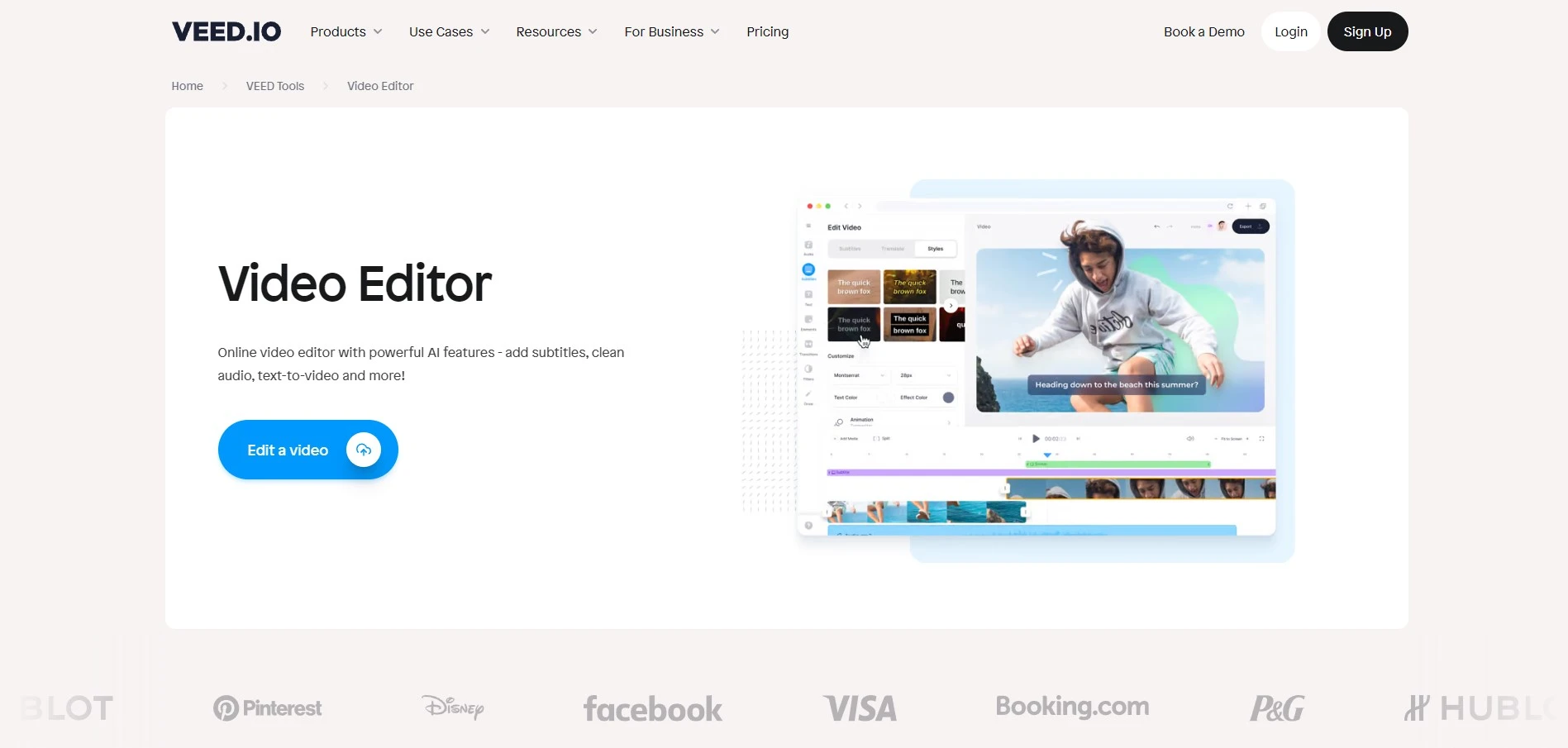
The video editor is the main feature, and it’s where users can use their own media, add effects, voiceovers, transitions, subtitles, and much more. The platform uses a simple drag-and-drop system that even beginners can use.
In-App Video Recorder
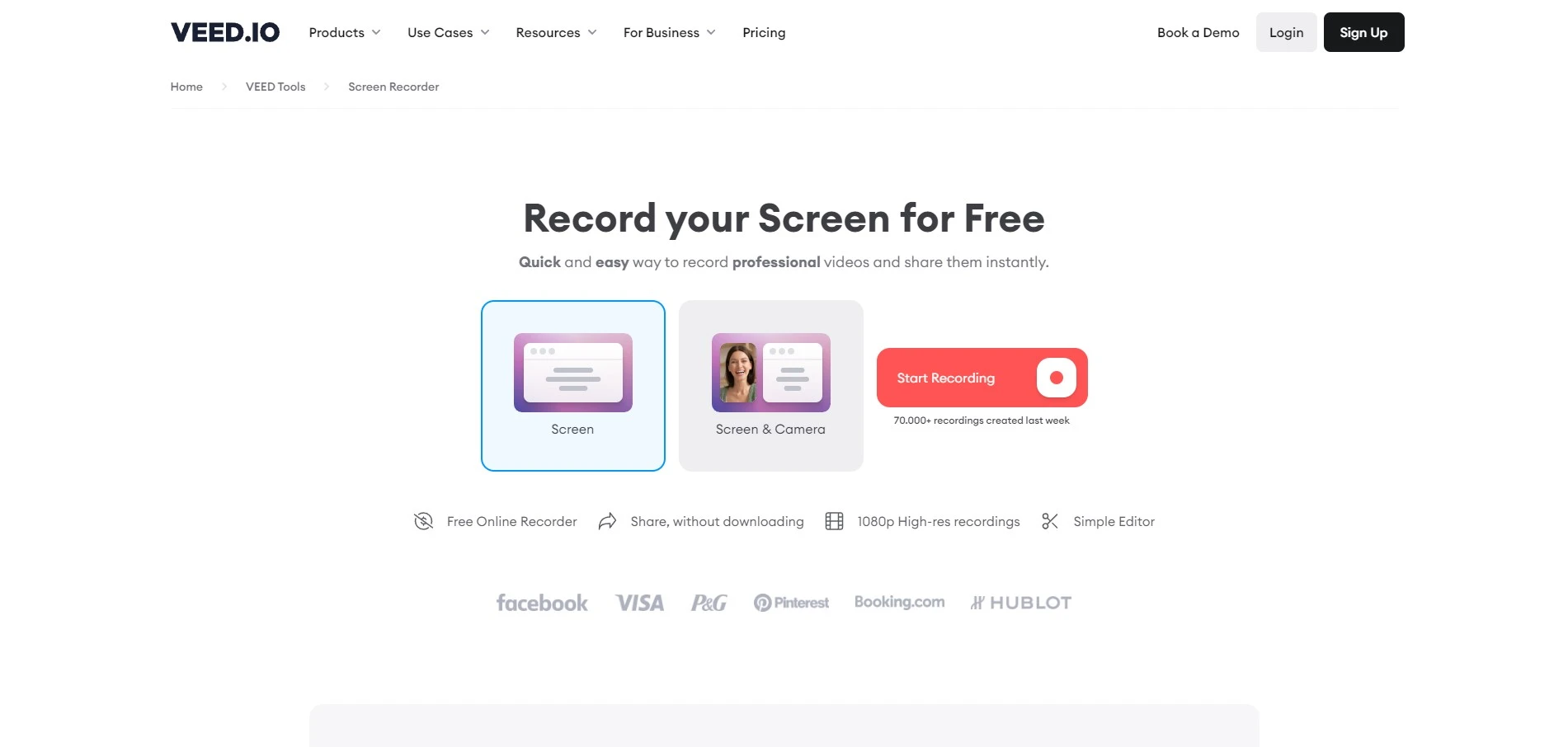
One of the most useful features of Veed.io is the video recorder within the platform. This allows video creators to choose whether the recorded video will contain media from the camera, from the screen, or both. This feature eliminates the need for complicated software while recording reaction videos or creating how-to videos.
Eye Contact Correction
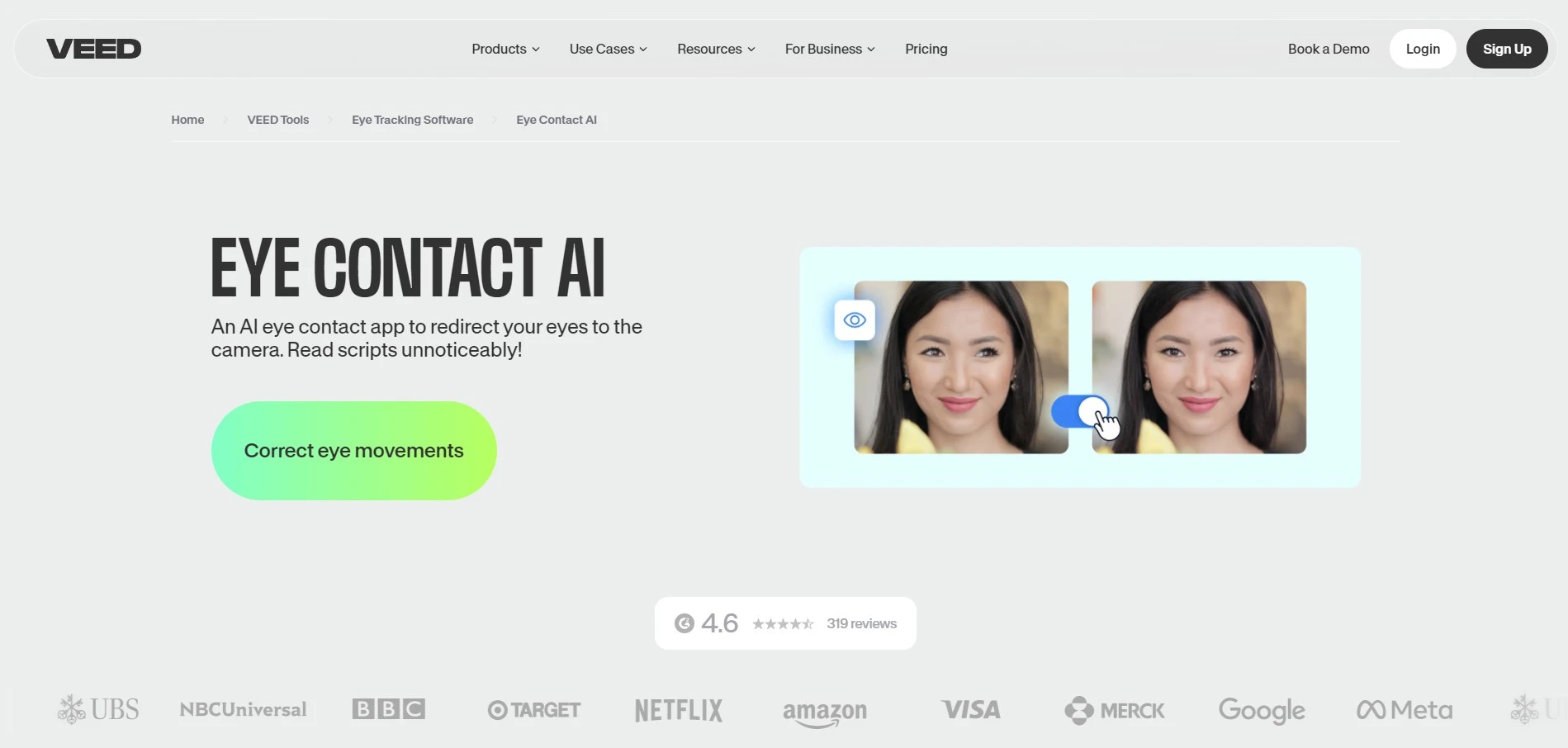
When it comes to the eye correction feature, Veed.io is among the few video editing platforms that do it well. This feature uses AI to make the person on the video look right at the camera even if the person is reading the lines from the script. This is an incredibly useful tool for explainer videos where presenters need to learn a large block of text while looking at the camera. Instead of recording the narration in numerous takes, this AI speeds up the process significantly.
Supported File Formats
Work with a wide range of file types for maximum compatibility.
Pricing plans
Choose from various plans to suit your creative needs.
Platform available on
Accessible on multiple platforms for versatile use.
Advanced Editing Tools
Edit with precision using powerful professional-grade tools.
Sharing and Export
Easily share projects and export them in desired formats.
Export Formats
Support for diverse export options to meet specific requirements.
Performance:
One of this video editing platform’s greatest assets is its incredible performance. The downside is that its performance depends on internet speed. However, users with a stable internet connection can quickly create transitions and use even the most complex AI features within seconds.
When it comes to online video editing platforms, complex features usually take time, but with Veed.io, the waiting time is minimal. Even exporting videos is done pretty quickly.
Ease Of Use:
Even with the numerous possibilities that Veed.io offers, it’s one of the easiest online video editing platforms to use.
Creating an account is the first step in using the Veed.io platform. This process is straightforward and takes just a few minutes. By default, new accounts include the free plan; however, upgrading to one of the paid subscription plans is as easy as it gets.
Once users choose their subscription plan, creating content can begin almost immediately. The platform uses a simple drag-and-drop system, and no matter how complex the features might sound at first, even users with no experience can create professional content. It can be done with a simple click, Whether text-to-speech, adding a voiceover, subtitles, or any other element.
Verdict:
It’s a no-brainer that Veed.io is an amazing video editing platform for content creators. The abundance of AI features and simple user interface make it a great asset, no matter the level of experience.
The platform offers a variety of features that will satisfy the needs of users. However, I must address the elephant in the room – the limited video export length in the free and basic plans.
Even small content creators sometimes require their videos to be longer than 25 minutes, which requires them to get the pro plan. The problem is that the difference between the basic and pro plans is the video export length and price. Other features are the same in both plans.
 Write a Review