
Best Video Editing Software
Looking for the best AI video editing tools to create professional content? We've compared, reviewed and ranked the top rated AI video editing tools to help you get started now and take your videos to the next level.
Last updated: September 2026
7-Days Free Trial
- Beautify your selfies with AI technology
- Enhance, brighten & retouch in seconds
- Over 200 million downloads
- Extremely easy to use
- Amazing filters and effects
- Intelligent AI editing options
- AI-powered styling and makeup
- Has limited support options
- No customization options for the app
7-Days Free Trial
- Beautify your selfies with AI technology
- Enhance, brighten & retouch in seconds
- Over 200 million downloads
- Extremely easy to use
- Amazing filters and effects
- Intelligent AI editing options
- AI-powered styling and makeup
- Has limited support options
- No customization options for the app

7-Days Free Trial
- Add movement & effects to still photos
- Sharpen & enhance old blurry photos
- Add, replace, or change objects in photos
- Advanced features including headshots, avatars & photo enhancement
- AI-based features for highly accurate results
- Discover feature to get inspired and break out of creative blocks
- Animate feature to create short-form videos from still images
- No cross-platform sharing
- Accessing all features requires payment
7-Days Free Trial
- Add movement & effects to still photos
- Sharpen & enhance old blurry photos
- Add, replace, or change objects in photos
- Advanced features including headshots, avatars & photo enhancement
- AI-based features for highly accurate results
- Discover feature to get inspired and break out of creative blocks
- Animate feature to create short-form videos from still images
- No cross-platform sharing
- Accessing all features requires payment

7-Days Free Trial
- Stock footage, sounds & fonts library
- Edit, personalize, and share in 1 app
- 90M+ downloads across platforms
- Projects are immediately stored, even while editing
- Ability to see and use other creator's templates
- Uses the latest AI tools in the industry
- User-friendly timeline
- Not supported on Windows or Mac
- Prices are on the high-end
- Watermark on the final outcome of the free version
7-Days Free Trial
- Stock footage, sounds & fonts library
- Edit, personalize, and share in 1 app
- 90M+ downloads across platforms
- Projects are immediately stored, even while editing
- Ability to see and use other creator's templates
- Uses the latest AI tools in the industry
- User-friendly timeline
- Not supported on Windows or Mac
- Prices are on the high-end
- Watermark on the final outcome of the free version
- Color correction, multi-cam & VR support
- Smooth integrations to enhance creativity
- In-app tutorials, guides & community
- Advanced editing features such as color correction, multi-cam editing, and VR support
- A vast library of video and audio effects
- Auto-Reframe tool automatically adjusts aspect ratios for different platforms
- Incredible customer support
- Mastering all the advanced features can take time
- Expensive if paid monthly
- Requires powerful hardware to run smoothly
- Color correction, multi-cam & VR support
- Smooth integrations to enhance creativity
- In-app tutorials, guides & community
- Advanced editing features such as color correction, multi-cam editing, and VR support
- A vast library of video and audio effects
- Auto-Reframe tool automatically adjusts aspect ratios for different platforms
- Incredible customer support
- Mastering all the advanced features can take time
- Expensive if paid monthly
- Requires powerful hardware to run smoothly

- Create, collaborate & share videos quickly
- Stunning videos with quality AI Avatars
- Host videos with an embeddable player
- Ease of use
- Useful AI features
- Cloud-based workspace
- Brand kit available
- Limited free plan
- Lack of customer support options
- Limited video export length
- Create, collaborate & share videos quickly
- Stunning videos with quality AI Avatars
- Host videos with an embeddable player
- Ease of use
- Useful AI features
- Cloud-based workspace
- Brand kit available
- Limited free plan
- Lack of customer support options
- Limited video export length

Free plan available
- Built for easy team collaboration
- Internal content scheduler and publisher
- Robust drag & drop
- 75 million+ accessible files
- 420,000+ free templates
- Easy to share option
- Automatic save
- Best features aren't available for free
- No phone, live chat, email or community support
- Its online version has more templates and design elements
Free plan available
- Built for easy team collaboration
- Internal content scheduler and publisher
- Robust drag & drop
- 75 million+ accessible files
- 420,000+ free templates
- Easy to share option
- Automatic save
- Best features aren't available for free
- No phone, live chat, email or community support
- Its online version has more templates and design elements

Free plan available
- Engage with effects, music & animation
- TikTok templates for eye-popping videos
- Remove backgrounds & add subtitles
- Powerful free plan
- Affordable Pro plan
- Very easy to use
- Integrated music library
- Lack of customer support
- Limited frame rate
Free plan available
- Engage with effects, music & animation
- TikTok templates for eye-popping videos
- Remove backgrounds & add subtitles
- Powerful free plan
- Affordable Pro plan
- Very easy to use
- Integrated music library
- Lack of customer support
- Limited frame rate

- Extract exciting clips from long-form videos
- Trend analysis fuels automated editing
- Machine learning keeps videos centered
- Beginner-friendly layout
- Automatically extracts short clips
- Caption generation for social platforms
- Supports multiple languages
- Must subscribe to access certain features
- Can’t edit or adjust video elements
- Limited customer support options
- Extract exciting clips from long-form videos
- Trend analysis fuels automated editing
- Machine learning keeps videos centered
- Beginner-friendly layout
- Automatically extracts short clips
- Caption generation for social platforms
- Supports multiple languages
- Must subscribe to access certain features
- Can’t edit or adjust video elements
- Limited customer support options

Free plan available
- Videos with subtitles, voiceover & music
- Serving 25M customers & 190 countries
- Change edits with simple text commands
- Variety of AI features
- Amazing customer support
- Export quality
- Very easy to use
- InVideo watermark in the free plan
- Credits don’t roll over if left unused
Free plan available
- Videos with subtitles, voiceover & music
- Serving 25M customers & 190 countries
- Change edits with simple text commands
- Variety of AI features
- Amazing customer support
- Export quality
- Very easy to use
- InVideo watermark in the free plan
- Credits don’t roll over if left unused
* Featured prices and terms can be updated. Free offers may include additional terms.
Visual storytelling has become the perfect way to communicate and share. Platforms like TikTok, Instagram, and YouTube have taken center stage in the way we interact. As such, the demand for visually appealing content has never been more. Video editing apps have now become essential for anyone looking to share visually engaging content. These apps simplify the editing process while enhancing video quality.
Choosing the right AI video generator software can give you a real advantage in your video editing process. In this article, we’ll discuss some of the best video editing apps in 2024.
Facetune is one of the most advanced AI-driven photo editing apps on the market; it’s an easy-to-use app that allows you to do everything - from removing blemishes to adding makeup, hair, and blemish… Read more
Facetune is one of the most advanced AI-driven photo editing apps on the market; it’s an easy-to-use app that allows you to do everything - from removing blemishes to adding makeup, hair, and blemish filters - in a matter of seconds!
Learn more in our full Facetune review.
Pros & Cons
- Extremely easy to use
- Amazing filters and effects
- Intelligent AI editing options
- AI-powered styling and makeup
- Has limited support options
- No customization options for the app
Features
- Image Editing Capabilities
- JPG
- Free Trial
- Monthly subscription
- Annual subscription
- iOS
- Android
- Offline Capabilities
- Filters and Effects
- Layer Support
- Color Correction
- Audio Editing Tools
- Direct Social Media Sharing
- Cloud Storage Integration
- MP4
- PNG
- TIF
Pricing
$25
mo/
month
$40
mo/
month
$77.99
yr/
year
Videoleap is the ultimate all-in-one social platform for video editing and sharing. With millions of downloads and thousands of reviews, it’s one of the most advanced AI-based apps on the market.… Read more
Videoleap is the ultimate all-in-one social platform for video editing and sharing. With millions of downloads and thousands of reviews, it’s one of the most advanced AI-based apps on the market. Creators can effortlessly edit, share, use templates, and upload straight to social media. Videoleap by Lightricks caters to every creator’s video editing needs.
Learn more in our full Videoleap review.
Pros & Cons
- Projects are immediately stored, even while editing
- Ability to see and use other creator's templates
- Uses the latest AI tools in the industry
- User-friendly timeline
- Not supported on Windows or Mac
- Prices are on the high-end
- Watermark on the final outcome of the free version
Features
- Image Editing Capabilities
- Video Editing Capabilities
- JPG
- PNG
- Free Trial
- Monthly subscription
- Annual subscription
- iOS
- Android
- Windows
- macOS
- Offline Capabilities
- Filters and Effects
- Layer Support
- Color Correction
- Audio Editing Tools
- Direct Social Media Sharing
Pricing
$10
mo/
month
$119.99
yr/
year
Veed.io is an online video editing platform that allows beginners and experienced users to create professional videos using simple editing tools combined with incredible AI features. Veed.io… Read more
Veed.io is an online video editing platform that allows beginners and experienced users to create professional videos using simple editing tools combined with incredible AI features. Veed.io offers a free plan by default. However, it’s only for trial purposes and is very limited in terms of features and video export length. Paid plans, on the other hand, offer a very wide variety of tools, features, and export options. The Veed.io platform is an ideal solution for content creators, first of all, because it’s very simple to use, and secondly, because of the incredible AI features it includes.
Learn more in our full Veed review.
Pros & Cons
- Ease of use
- Useful AI features
- Cloud-based workspace
- Brand kit available
- Limited free plan
- Lack of customer support options
- Limited video export length
Features
- Video Editing Capabilities
- MP4
- Free Trial
- Monthly subscription
- Annual subscription
- iOS
- Web
- Filters and Effects
- Layer Support
- Color Correction
- Audio Editing Tools
- Direct Social Media Sharing
- Cloud Storage Integration
Pricing
$0
mo/
month
$10
mo/
month
$21
mo/
month
$35
mo/
month
Leonardo.ai is a free text-to-image AI tool that creates production-quality images and videos based on text descriptions. The AI image generator transforms your creative ideas into stunning visuals… Read more
Leonardo.ai is a free text-to-image AI tool that creates production-quality images and videos based on text descriptions. The AI image generator transforms your creative ideas into stunning visuals with unparalleled detail and diversity. From photorealistic landscapes to abstract designs, this tool supports a wide array of artistic endeavors, making it ideal for professionals in industries like marketing, game development, and digital art. So far, 1.2M artists have used Leonardo and, combined, have generated 1B artworks.
Learn more in our full Leonardo Ai Image Generator review.
Pros & Cons
- High-quality image generation with consistent style control
- AI models to choose from
- Train your own models
- Fast and stable
- Consumption of tokens per task varies and can be tricky to calculate
- AI bias exists and can hamper results
Features
- Text-to-Image Generation
- Scene Composition
- Style Emulation
- Batch Generation
- Interactive Editing
- Web
- macOS
- iOS
Pricing
$0
mo/
month
$10
mo/
month
$24
mo/
month
$48
mo/
month
InVideo is an incredibly powerful AI tool that can be used in personal and business applications. It's an online platform that allows even inexperienced individuals to create professional-looking… Read more
InVideo is an incredibly powerful AI tool that can be used in personal and business applications. It's an online platform that allows even inexperienced individuals to create professional-looking videos using prompts. Although it might take some time getting used to, it's one of the tools every marketer should have at their disposal. It's one of the tools that can help social media growth quickly!
Learn more in our full Invideo review.
Pros & Cons
- Variety of AI features
- Amazing customer support
- Export quality
- Very easy to use
- InVideo watermark in the free plan
- Credits don’t roll over if left unused
Features
- Video Editing Capabilities
- JPG
- MP4
- Free Trial
- Monthly subscription
- Annual subscription
- iOS
- Android
- macOS
- Web
- Filters and Effects
- Layer Support
- Color Correction
- Audio Editing Tools
- Direct Social Media Sharing
Pricing
$0
mo/
month
$28
/mo /user/
/mo /user
$48
/mo /user/
/mo /user
$96
/mo /user/
/mo /user
The rise of video editing apps
Video editing as an art form has been on a consistent rise for a while now. Some of it is due to better hardware, but most is due to software advances. Social media platforms, for example, have strongly influenced video editing. Most videos are made for social media nowadays. This has driven the democratization of video editing apps for everyday social media users. Nowadays, everyone thinks they can be an influencer – and they’re probably right too. Apps like TikTok, Snapchat, and Instagram also offer very useful built-in editors for quick, direct video editing.
Proper editing used to be reserved for experts with the most complex computers and software. Nowadays, anyone can get professional video editing on their phones while walking the street. More recent times have brought us further innovation. Video editing is now so much easier with the integration of AI-driven features. These features enable content creators to produce professional-looking videos without elaborate equipment.
Essential Features of Video Editor Apps
The essentials of AI video generator apps depend on your skill level and destination platform. But here are some general must-haves for creating engaging videos in 2024:
Basic Editing
Trimming and cutting
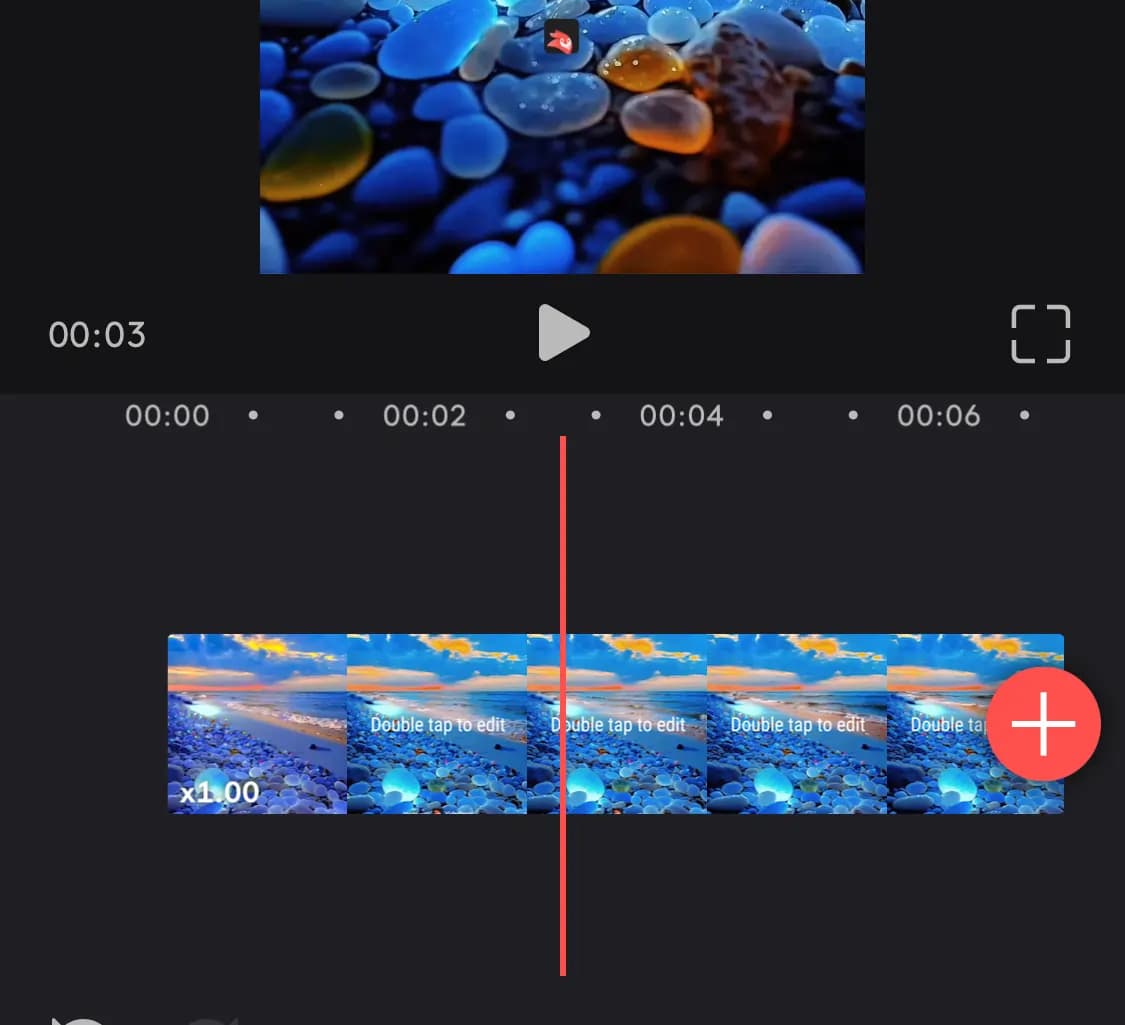
Remove unwanted parts or awkward pauses and mistakes. Splice your footage together seamlessly and tighten the pace to emphasize key moments. Use a timeline with frame-by-frame accuracy to make edits as subtle or dramatic as is needed.
Cropping and resizing
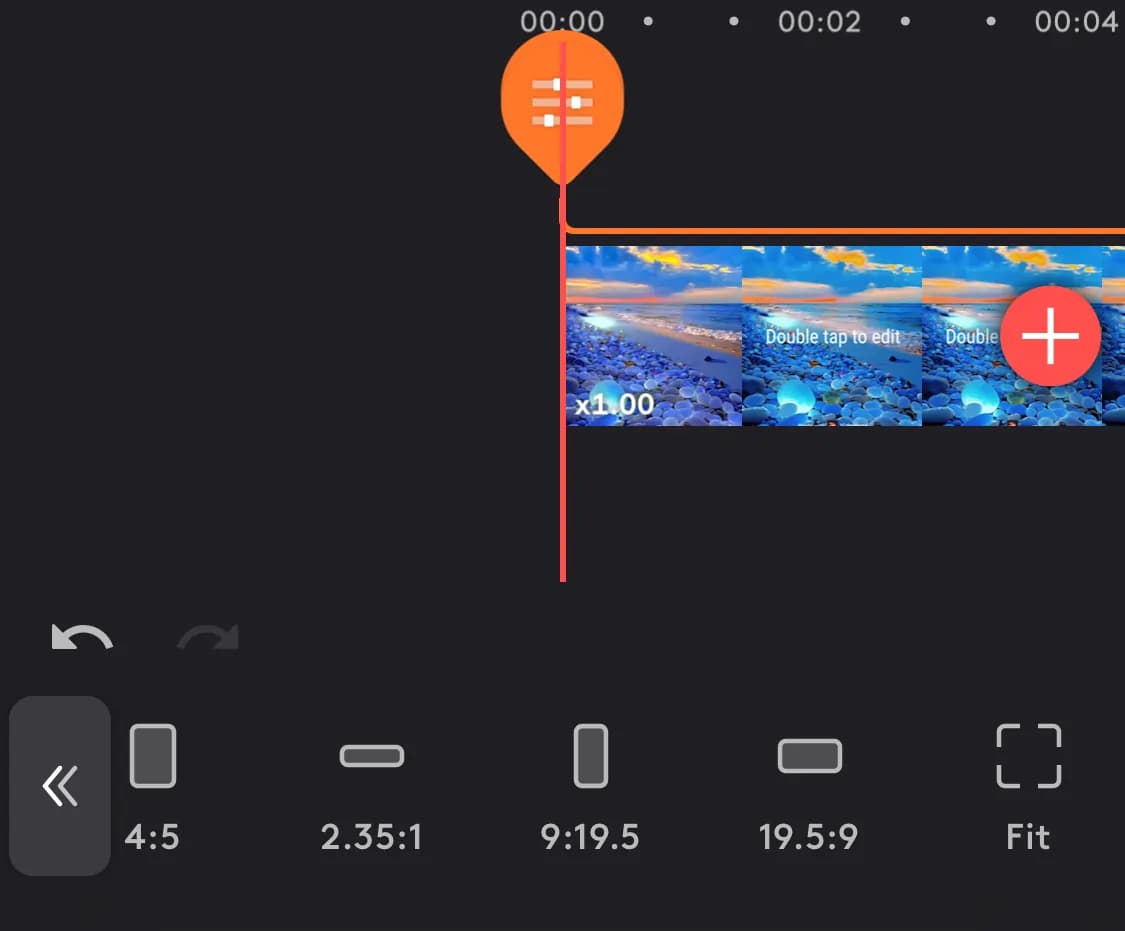
Adjust the frame of your video to adjust focus or correct tilted horizons. Many apps have different default aspect ratios. Adapt your video for different platforms for better cross-platform compatibility.
Merging and combining
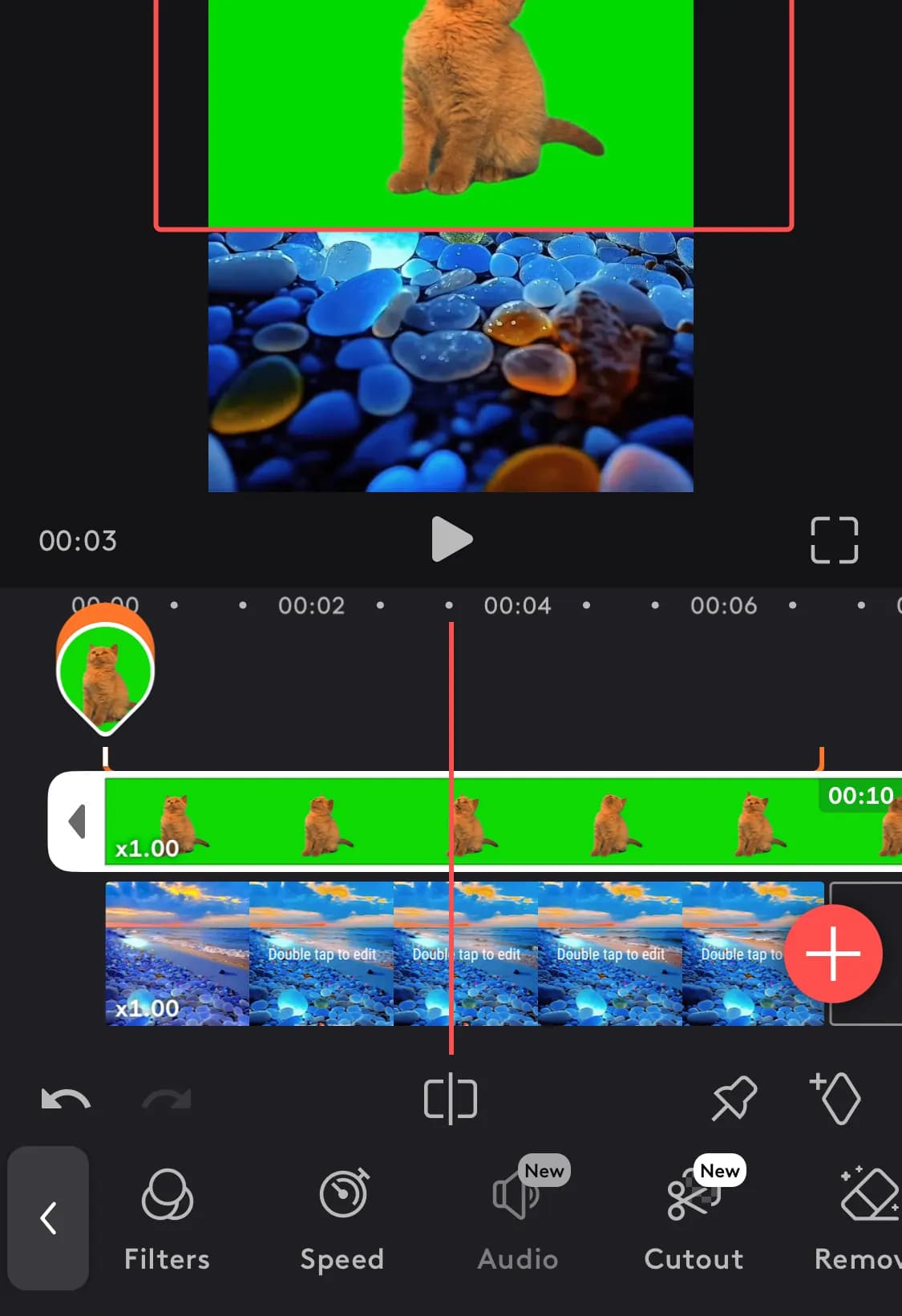
Stitch multiple video clips together to create longer narratives. Showing multiple videos can be useful for side-by-side comparisons. You can also overlay a smaller video window on top of another one. This is great for commentary and metacommentary, or live footage integration.
Audio editing
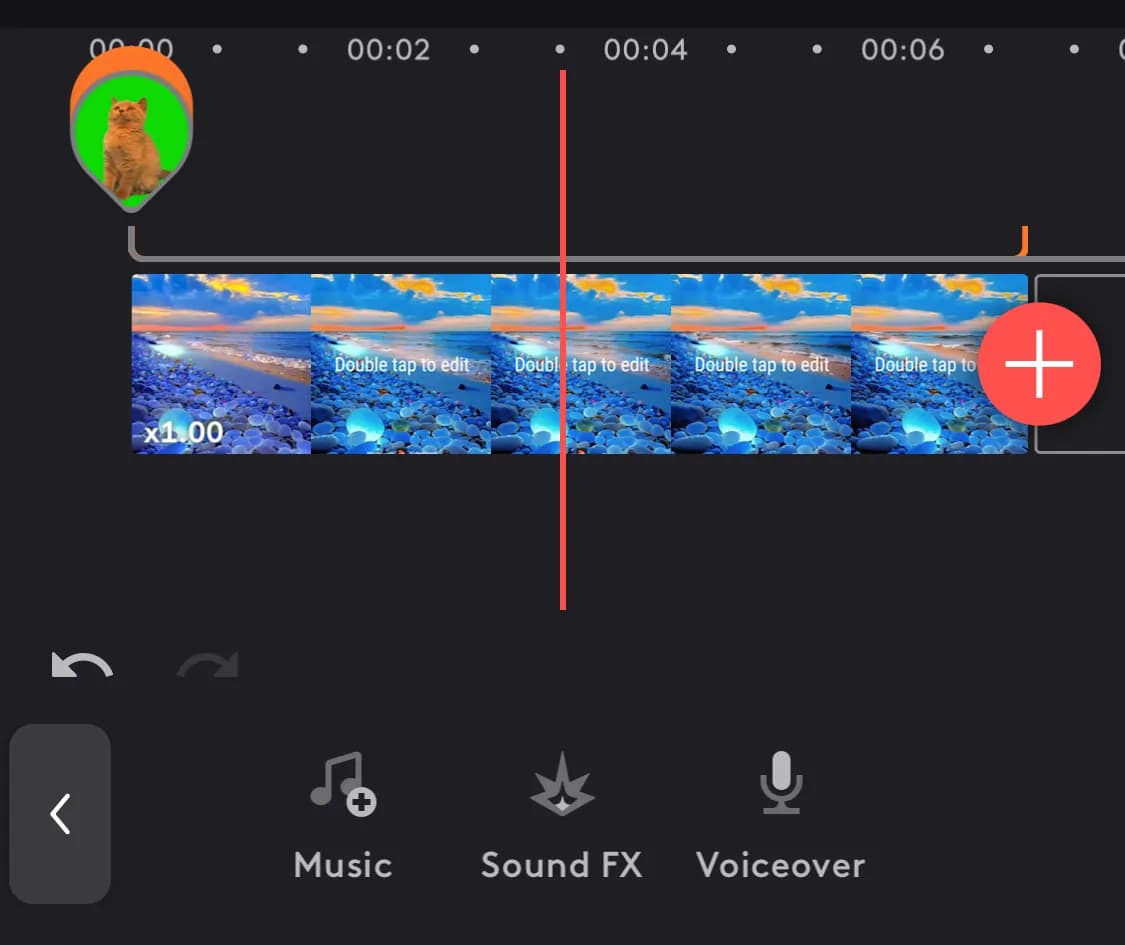
Overlay your videos with your tracks for mood and tone. Adding sound effects and creative viral audio can help storytelling and engagement. Your voice can be added to help explain visuals and guide the narrative.
Volume control and audio mixing
Adjust individual audio levels and blend multiple audio sources seamlessly. Toggle with specific frequency ranges to enhance dialogue and clear up muddy audio. Ensure optimum audio levels to avoid distortion and ensure consistent volume throughout your video.
Visual effects
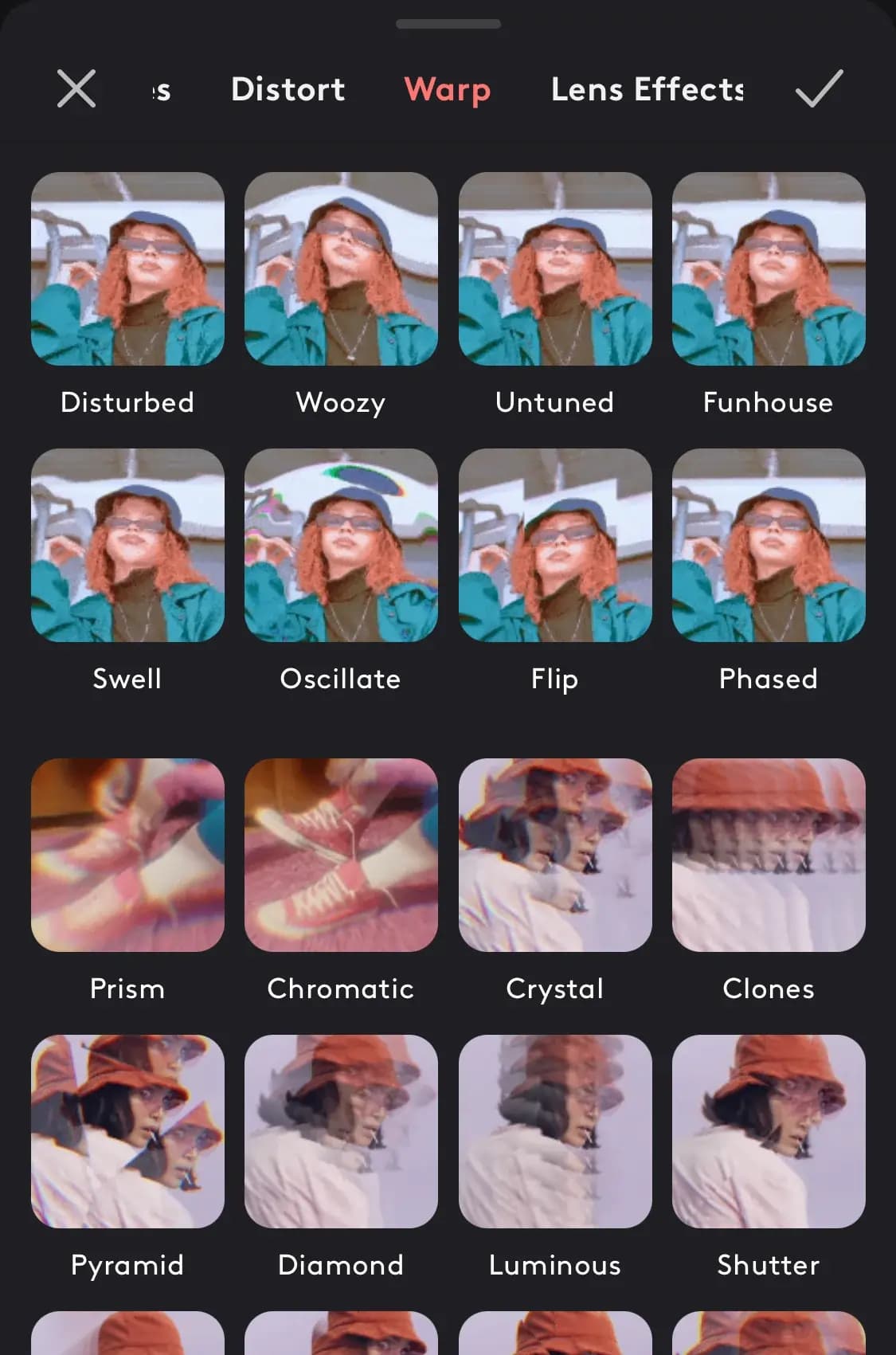
Experiment with various artistic filters, hue, contrast, saturation, and other settings. These add some vibrance to your video. Color grading also goes a long way in adding a modern, professional look.
Transitions and effects
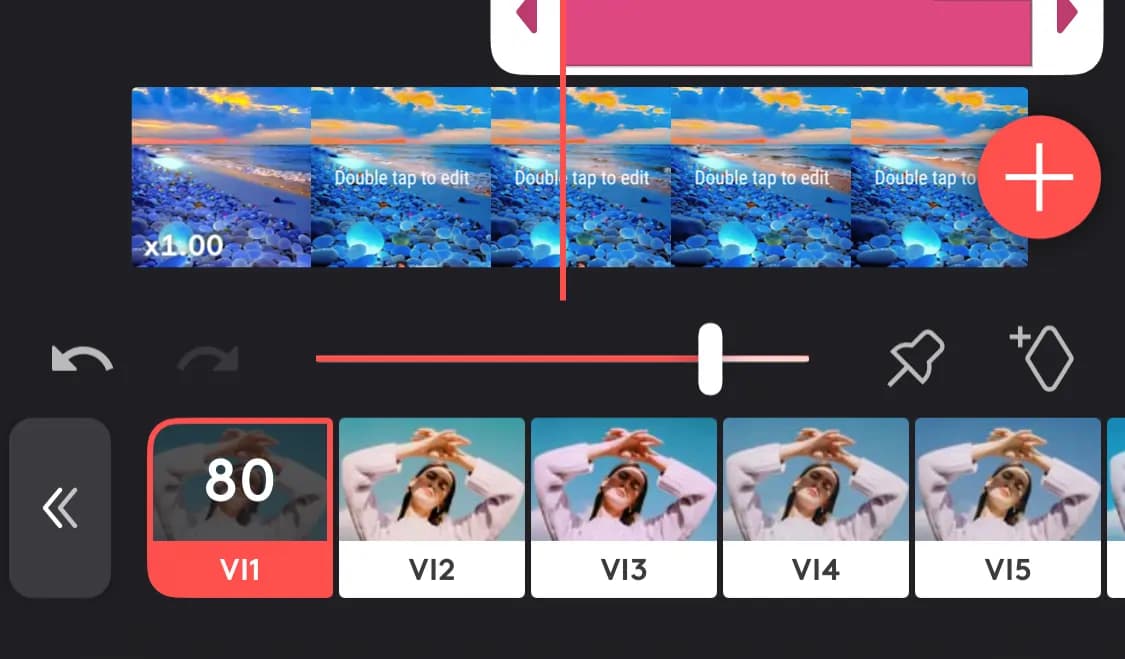
Add smooth transitions between clips and creative effects like slow motion, time-lapse, or overlays. These help to emphasize moments, add humor, and manage time. Simple transitions like wipes and zooms can create impactful visual breaks between clips. Motion graphics and custom-animated transitions are great too and can promote brand consistency.
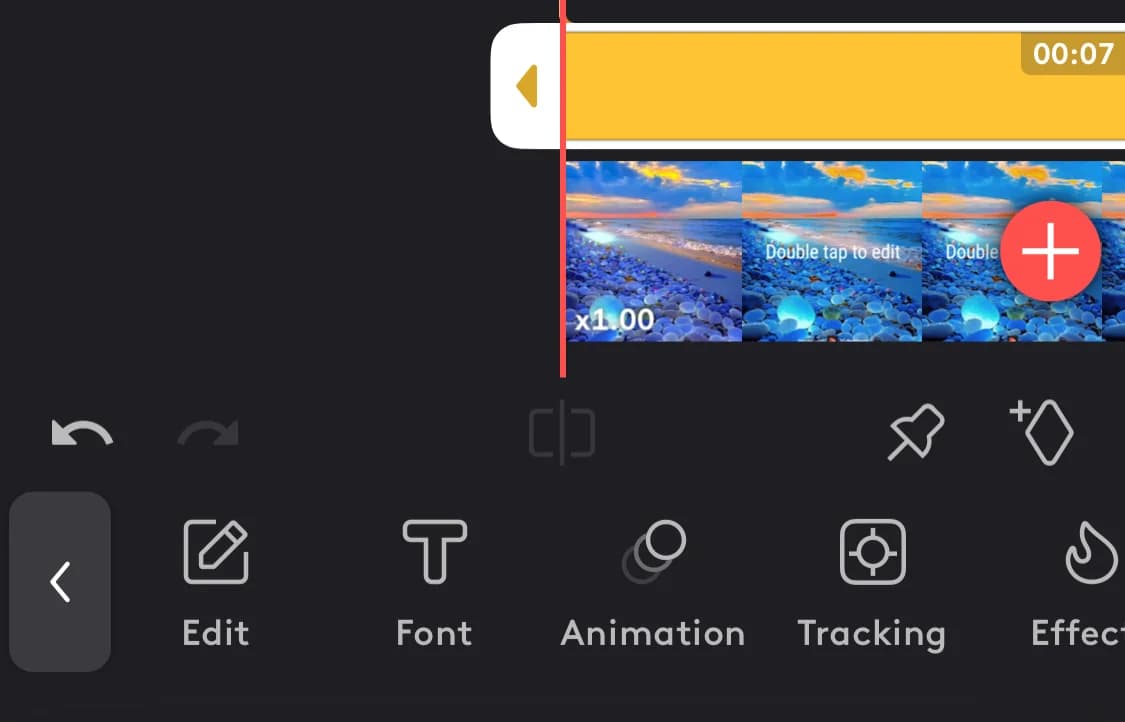
Text overlays and titles
Add captions, titles, and other text elements for information or storytelling purposes. Text animation and motion paths can add a modern spin to your videos. Clickable text elements that direct viewers can create interactive experiences and increase conversion.
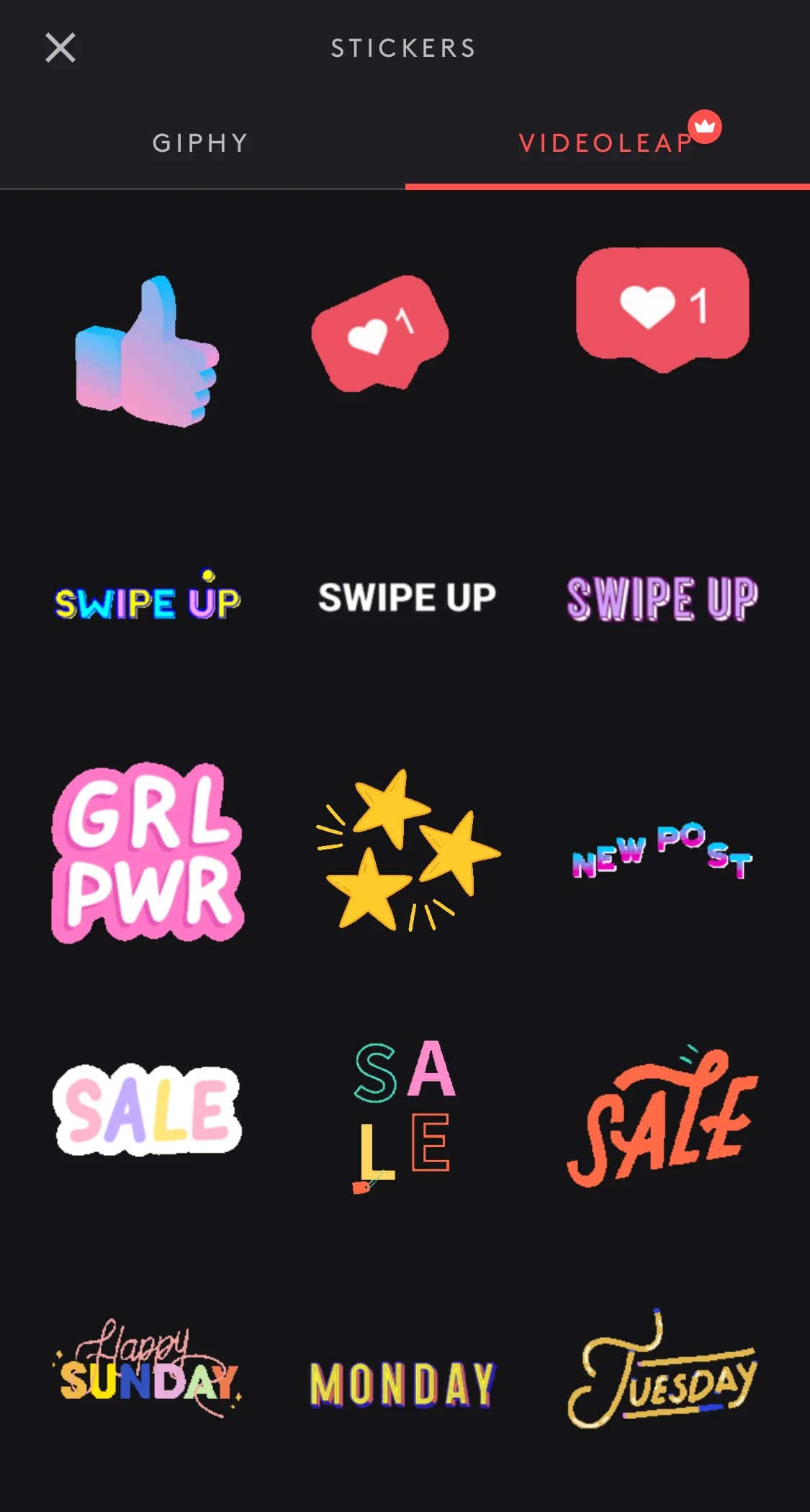
Stickers and graphics
Use fun animated stickers or static graphics to improve visibility and engagement. Animated stickers or emojis can highlight funny moments, add personality, or emphasize specific points.
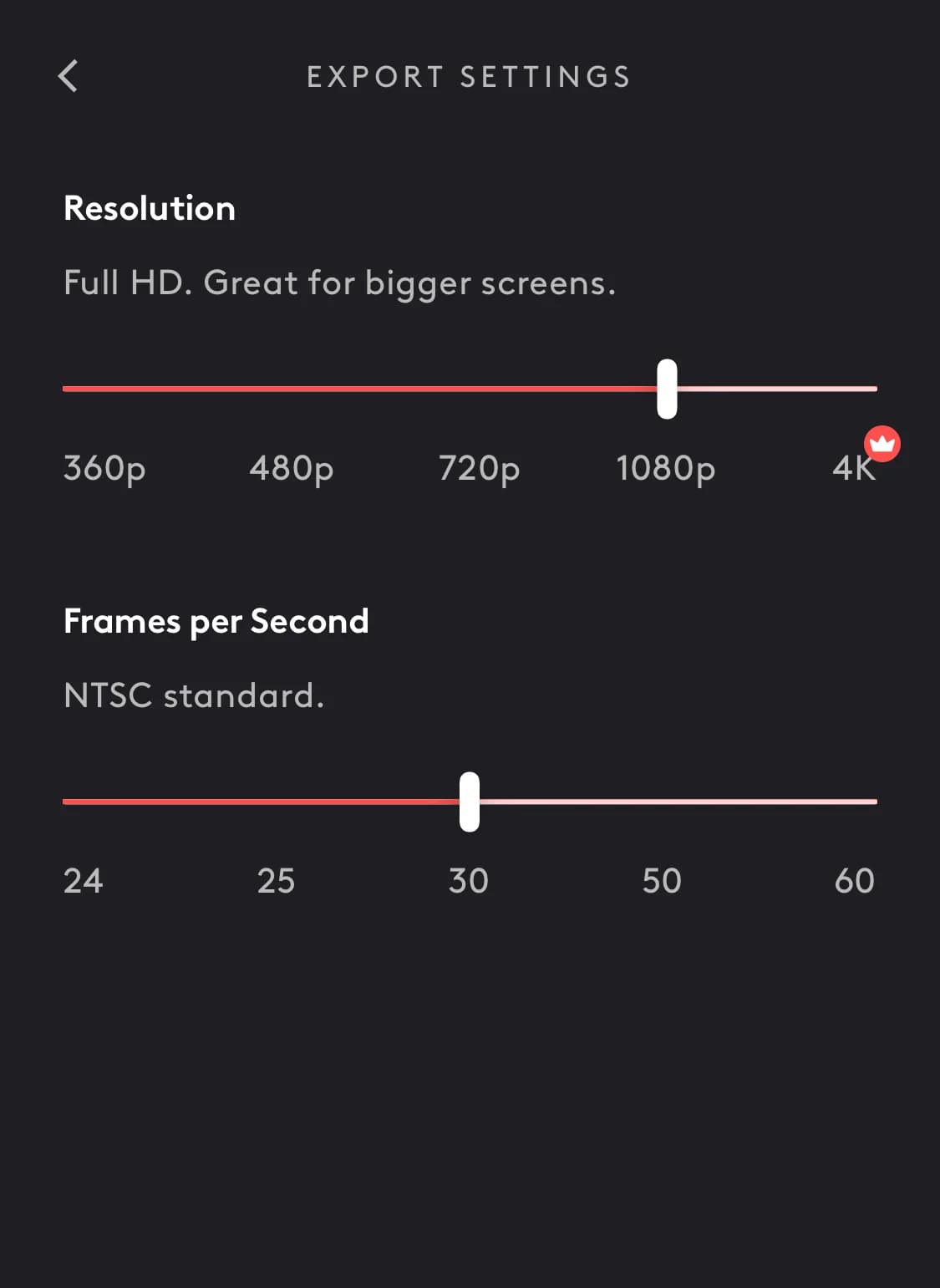
Sharing and compatibility
Export options/formats: Save your videos in various formats and resolutions. This helps to cover various platforms. Choose pre-configured export settings for optimal resolution and bitrate, and format requirements of popular platforms like YouTube, Instagram, Facebook, TikTok, etc.
Social media integration
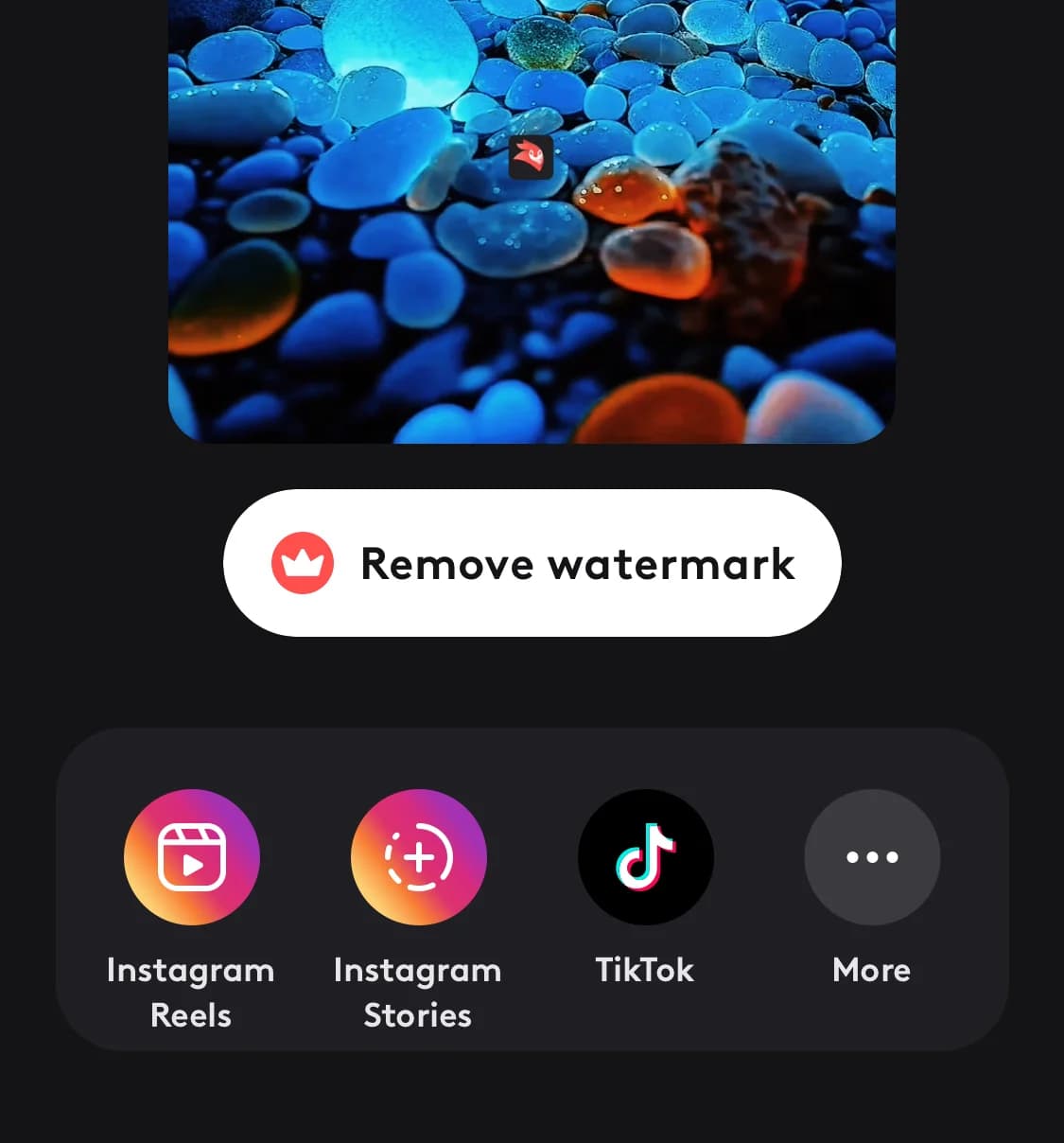
Easy sharing options for popular social media platforms like Instagram, YouTube, etc. Streamline your workflow by uploading your video directly to your chosen social media platform from within the editor.
Cross-platform compatibility
Easy upload and importation from various platforms without format conversion limitations. Access the same editing features and projects across Windows, macOS, iOS, and Android devices, allowing you to work on the go or on different computers seamlessly.
Cross-device consistency
Ensures users can edit on different devices without compromising functionality. With projects and edits automatically synced across all your devices, you can pick up where you left off from any device. Real-time collaboration with other users across different devices, enabling effective teamwork and shared creative vision.
Cloud integration/storage access
Securely access and store your video projects and media in the cloud (Google Drive, Dropbox) to prevent data loss and facilitate access from anywhere. Share project files and folders with teammates or clients directly from the cloud, enabling efficient remote collaboration.
Advanced Features
These features are often used for professional projects like movies or documentaries. However, anyone with the skill can apply them to their work. These features add a professional feel to your videos.
They include the following:
Multi-track editing
Multi-track editing lets you layer multiple video and audio tracks, opening doors to creative possibilities. Interviews, commentary, or demonstrations can be edited with and onto main video footage. It also lets you edit specific tracks with voiceovers, sound and visual effects, for a rich and layered outcome.
The non-linear storytelling feature lets you build a unique and complex narrative structure as you play with the order of your footage.
Chroma keying
Green screen technology for seamless integration of virtual backgrounds or replacement effects. This makes it easy to combine live-action footage with computer-generated elements or other video clips to create stunning visual effects.
Stabilization
Balance out shaky footage for a steady, professional look. This is particularly useful for fast-paced footage like sports recording and handheld vlogging. This lets you create watchable, engaging content without a tripod.
User interface
An intuitive and user-friendly layout is crucial for efficient editing. Modern advances with AI have made for easier control of video and audio clips, effects, and graphics on the timeline.
Performance and stability
Ensure the app runs smoothly and handles large video files without crashing. This protects your work from accidental loss. Regular updates and bug fixes for improved performance and stability.
Best AI Video Creator Apps of 2024
Here are a few apps to elevate your video content in 2024:
Videoleap app
Videoleap is an AI-powered, easy-to-use app for mobile video editing. With diverse editing tools, it has everything you need for the modern video landscape. Its standout feature is its social media presets. This lets you create videos from a viral trending template. This is a great hack for audience engagement and product promotion. It has become a user favorite for crafting simple yet engaging video content.
Built-in video editors (iOS built-in editor (Photos app) + Android built-in video editor (Google Photos)
Built-in video editors used to rank far behind specialized video editing software. Although they have yet to catch up, that gap has closed slowly. Both iOS and Android offer built-in tools within their Photos apps. These in-built apps offer a convenient way to do some quick video editing on your mobile device. They also sync seamlessly with your device’s storage/cloud services. If speed and compatibility are your priority, built-in editors are a great starting point for quick edits and social media sharing.
Adobe Premiere Rush
Adobe Premiere Rush is a top-shelf video editor popular in the industry. While made for professionals, amateurs should be able to master it with a learning curve. If you're looking for a high-powered editor with professional output, this is great for you. However, the subscription model and learning curve may pose barriers for casual users.
Inshot
InShot is a popular mobile video and photo editing application available for both iOS and Android devices. It is a solid choice for beginners and casual users. It is a user-friendly and versatile video editing app that is great for social media content. Its intuitive UI and diverse tools make it easy to create engaging content on the go.
Easy to Compare
Videoleap | iOS Photos App Editor | Android Google Photos Editor | Adobe Premiere Rush | |
|---|---|---|---|---|
User needs: | Quick edits, trendy presets & social media optimization. | Basic edits, simple social media sharing | Basic video edits, freeform trimming, video stabilization | Advanced cross-platform editing, professional tools. |
Downloads (approx): | High (~75M) | High (pre-installed on billions of Apple devices) | High (pre-installed on billions of Apple devices) | Moderate (10M-50M) |
Ratings: iOS: | 4.6 (115k+ reviews) | iOS: 3.7 (4k+ reviews) | 4.3 (506K votes) | iOS: 4.6 (117k reviews) Android: 3.7 (34k+ reviews) |
Devices: | iOS, Android | iOS | Android | iOS, Android |
Best fit for | Social media content creators. | iPhone/iPad users, beginners needing basic tools, quick edits | Android users seeking basic tools, and quick edits. | Android users seeking basic tools, and quick edits. |
Videoleap offers a quick and intuitive mobile video editing experience. This caters to influencers, YouTubers – and anyone who needs quick and trendy edits. Its user-friendly interface strikes a fine balance between simplicity and functionality.
Native iOS and Android photo editors are for users seeking the most basic of edits. While great for quick edits, they may not measure up to standalone video editing apps.
For advanced video editing with a focus on professional features, Adobe Premiere Rush stands out. It caters to video pros, filmmakers, and anyone who edits for a living. This is great for content creators who swear by quality and precision in their videos.
InShot offers a broad range of particularly social media-friendly features. This, alongside its ease of use, makes it perfect for the influencer types. Inshot provides quick and attractive edits for a smooth editing experience.
Videoleap stands out as a user-friendly mobile editing solution. It offers creative and trendy edits without sacrificing quality or ease. Thus, providing essential features without overwhelming the editing process.
Expert Tips and Tricks for Video Editing
Effects
Be generous with visual effects. Filters, Icons, Overlays, Texts, and Titles can make your videos visually appealing if used judiciously. Try not to overdo it of course. Overuse can make your videos jarring and unattractive.
Crop
Tighten up your framing to eliminate unnecessary background clutter. This helps to draw viewers' attention to the heart of the action. Proper cropping can go a long way in keeping your audience engaged.
Stabilization
Shaky footage can be jarring and distracting for viewers. Use your app's stabilization tools to smooth out wobbly clips and give your video a professional polish. Use stabilization features to smooth out shaky footage. Many AI clip generators & editing apps offer stabilization tools. These can significantly improve the overall quality of the video.
Color and Tone
Subtle adjustments to color grading and white balance can dramatically improve the look and feel of your video. Playing around with the tone, and saturation can enhance visual appeal if done right.
Sound
Audio is a key part of the video experience. High-quality audio can elevate your video more than most elaborate features. Ensure clear dialogue, and sound effects judiciously. Consider adding music, reducing background noise, and syncing audio elements for a smooth outcome.
Transitions and Beyond
Transitions connect scenes in creative ways. When transitioning between clips, use high-quality and smooth transitions to maintain a polished look. Avoid jarring transitions that can distract from the content.
Export Settings
When exporting the final video, choose high-resolution settings to preserve the quality. Choose a resolution and aspect ratio that suits the destination platform seamlessly. Be mindful of compression settings when exporting videos. Some platforms may compress videos during upload. Exporting at a slightly higher quality can help compensate for potential loss during compression.
These tips are merely a starting point in a fast-evolving field. As you refine your editing skills, you'll uncover more ways to enhance video quality.
The Competitive AI Advantages
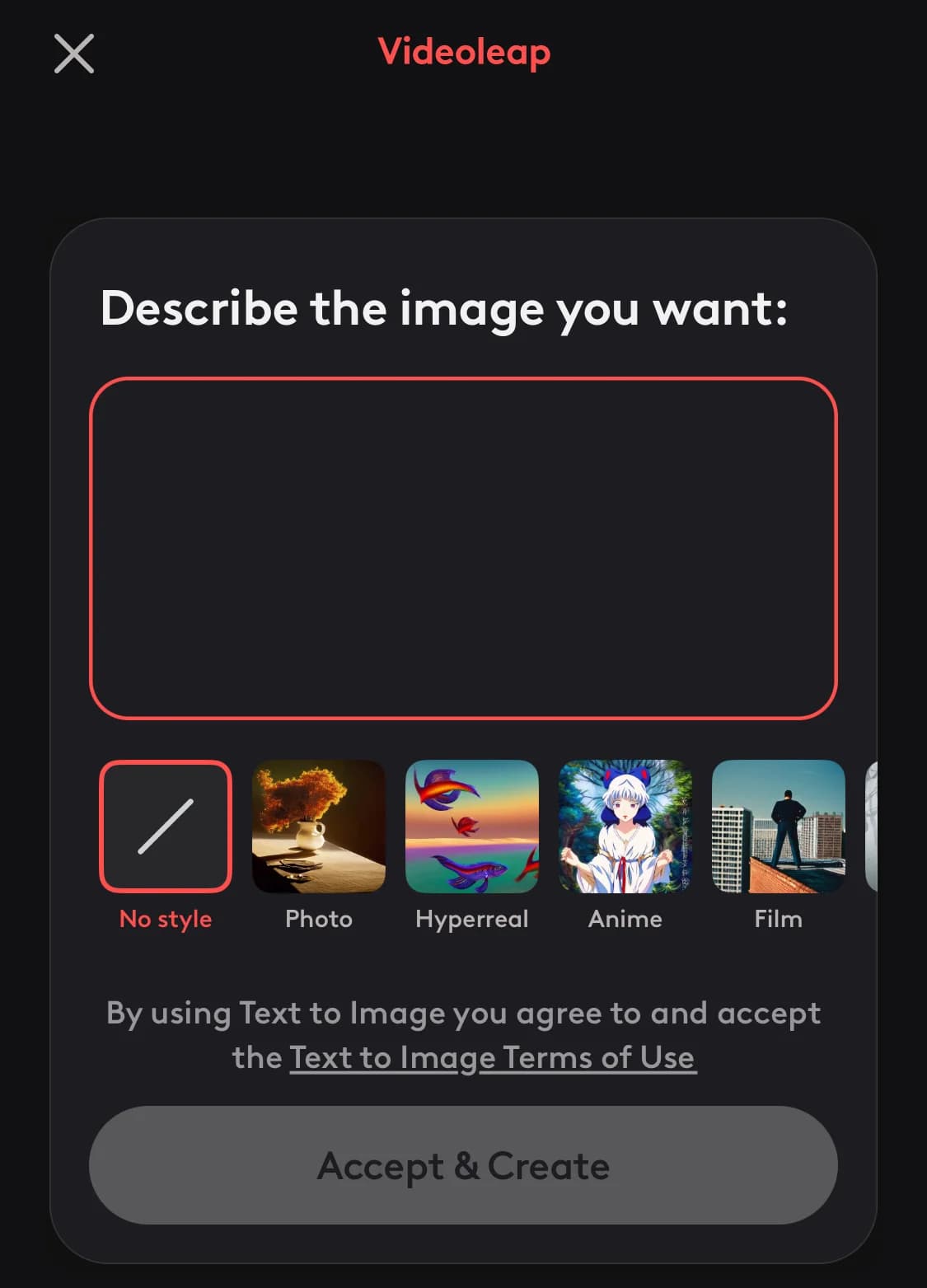
Modern AI features like auto-editing and generative art engines have changed the video production landscape. AI auto-editing streamlines the post-production process, automating tasks like cutting, sequencing, and refining footage. This saves time and energy while ensuring a consistent and polished final product. Generative AI tools using algorithms like GANs, empower creators to generate realistic visuals, enhancing scenes with stunning effects and lifelike elements. These features have democratized video creation. Both professionals and hobbyists can now create high-quality, visually compelling content with unprecedented ease and efficiency.
See also
- Video is rarely the only spend, so best marketing tools for small business is the place to see how editing sits next to design and promotion.
- A budget of nothing changes the shortlist completely, because watermarks and export resolution caps decide it, which is the whole basis of best free video editors.
- Cutting on the phone right after filming calls for best video editing apps rather than a desktop timeline and a render queue.
- Finished cuts still need per platform captions and a posting queue, work that lands with the best social media marketing tools picks.
- Footage you never filmed is a separate category, and the best free AI video generators build clips from a script instead of a camera roll.
Conclusion
For great video content, you need a great video editor – no question. The video editing application you decide on must take your budget, content, and skill level into account. Fortunately, there are a lot of quality products to choose from. Good luck on your editing journey!