Best Mobile Credit Card Processing Apps & Readers for 2026

For contractors, market vendors, and pop-up retailers, the ability to accept payments anywhere is the difference between a closed sale and a lost customer. Mobile credit card processing has evolved from clunky dongles to sleek, "tap-to-pay" apps that turn your smartphone into a powerful terminal.

- Simple price structures
- Many payment options available
- PCI compliance for data security

- No contracts. No monthly fees.
- Comprehensive customer management system
- Low interchange rate per transaction

- 0% markup payment processing with flat fees
- Savings of up to 40% monthly
- Ideal for high-volume merchants


- Build custom revenue models
- Only pay for what you use
- Accept payments anywhere

- The All-in-One Commerce Platform
- The Universal Standard for Online Checkout
- Your Gateway to the Global Economy
We evaluated the top mobile payment processing solutions for 2025 to help you find the right fit. Whether you need a simple phone credit card processing app for occasional sales or a high-volume mobile merchant credit card processing system, this guide covers the best options for speed, cost, and reliability.
Key Points
- SoftPOS is Standard: You no longer need a physical reader. Tools like Square and Zettle now support “Tap to Pay” directly on iPhone and Android.
- Volume Matters: Flat-rate mobile payment processors (Square, SumUp) are best for startups, while subscription models (Stax, Helcim) save thousands for businesses processing over $10k/month.
- Connectivity: The best mobile credit card payment systems offer “Offline Mode” to store transaction data when cell service fails.
- Ecosystems: Modern apps don’t just take payments; they sync inventory, send invoices, and manage teams directly from your cell phone credit card processing app.
What is Mobile Credit Card Processing?
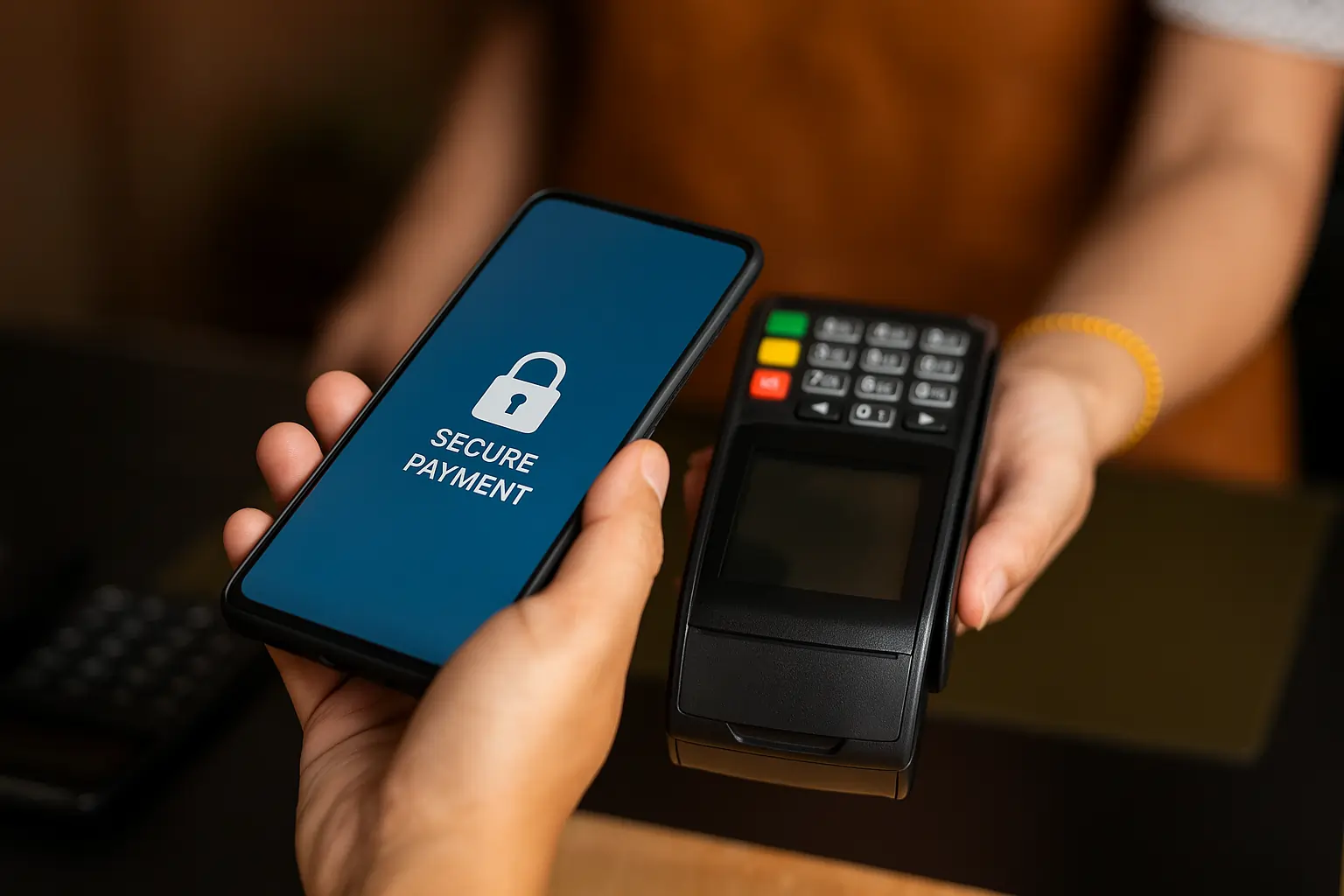
Mobile credit card processing (often called mPOS) is a technology that allows businesses to accept debit and credit card payments using a smartphone or tablet rather than a traditional countertop register. This enables accepting payments in various locations, providing flexibility for businesses on the move.
It typically involves two components:
- The App: A mobile credit card processor application installed on your iOS or Android device, allowing compatibility with both iPhones, iPads, and Android devices.
- The Hardware: A credit card reader or mobile card reader that connects via Bluetooth or audio jack—though newer android credit card processing tech allows the phone itself to read the card via NFC (Near Field Communication), enabling contactless transactions. A mobile device, such as a smartphone or tablet, is used to accept payments on the go.
Some systems allow you to accept payments offline when there is no internet connection; transactions are stored securely and sync once the device reconnects.
Common Use Cases:
- Field Services: Service professionals such as plumbers, electricians, and tutors benefit from mobile credit card processing by accepting payments on-site.
- Mobile Retail: Food trucks and market stalls using mobile card payment solutions.
- Line Busting: Retail staff checking out customers on the floor to reduce queues.
- In person payments: Businesses operating outside traditional storefronts can easily accept in-person payments, improving convenience and cash flow.
The rise of mobile payments is a key part of the evolution of payment technology.
Merchant Account and Card Processing
To accept credit card payments in person or on the go, every business needs both a merchant account and a dependable card processing system. A merchant account acts as a special type of bank account that temporarily holds funds from card transactions before they’re deposited into your business bank account. This setup is essential for businesses that want to accept payments from customers using credit cards, debit cards, or digital wallets.
How to Choose the Best Mobile Processing App
To find the best mobile credit card processing tool for your specific needs, evaluate these four factors:
- Payment App Evaluation: Assess which payment app offers the features, security, and user experience you need for your business.
- Transaction Fees vs. Subscription:
- Low Volume (<$10k/mo): Look for flat-rate mobile card processing like Square (2.6% + 10¢) to avoid monthly fees.
- High Volume (>$20k/mo): Consider interchange-plus or subscription models, such as Stax or Helcim, to lower your effective rate. Consider ongoing monthly charges as part of your total expenses, and be aware of additional fees that may apply for advanced features or certain payment types.
- Hardware Costs:
- Budget: Phone credit card processors like SumUp offer readers for as low as $54.
- Pro: All-in-one terminals with printers (e.g., Clover Flex) cost $450+.
- OS Compatibility: Ensure the reader supports your specific device, especially if you need android credit card processing vs. iOS. Most modern readers work on both.
- Offline Capabilities: If you work in remote areas (e.g., festivals, food trucks), ensure your credit card mobile processing app supports offline mode.
When setting up your account, note that the application process for merchant accounts may require providing business documentation and undergoing a review, which can take time, especially for larger businesses.
Some providers offer faster funding options, such as Next Day or Same Day funding, at no extra cost.
For payment flexibility, choose a solution that supports other payment methods beyond credit and debit cards, such as mobile wallets.
If you use business management tools, look for integration with accounting software to streamline your operations.
Top Mobile Credit Card Processing Reviews
Square: Best Overall Mobile Processor
Square remains the gold standard for mobile credit card payment processing. It offers the most robust free app on the market, allowing you to accept payments, manage inventory, and track employee hours without a monthly subscription. Its “Tap to Pay” feature turns your phone into a reader instantly.

 Simple price structures
Many payment options available
Simple price structures
Many payment options available 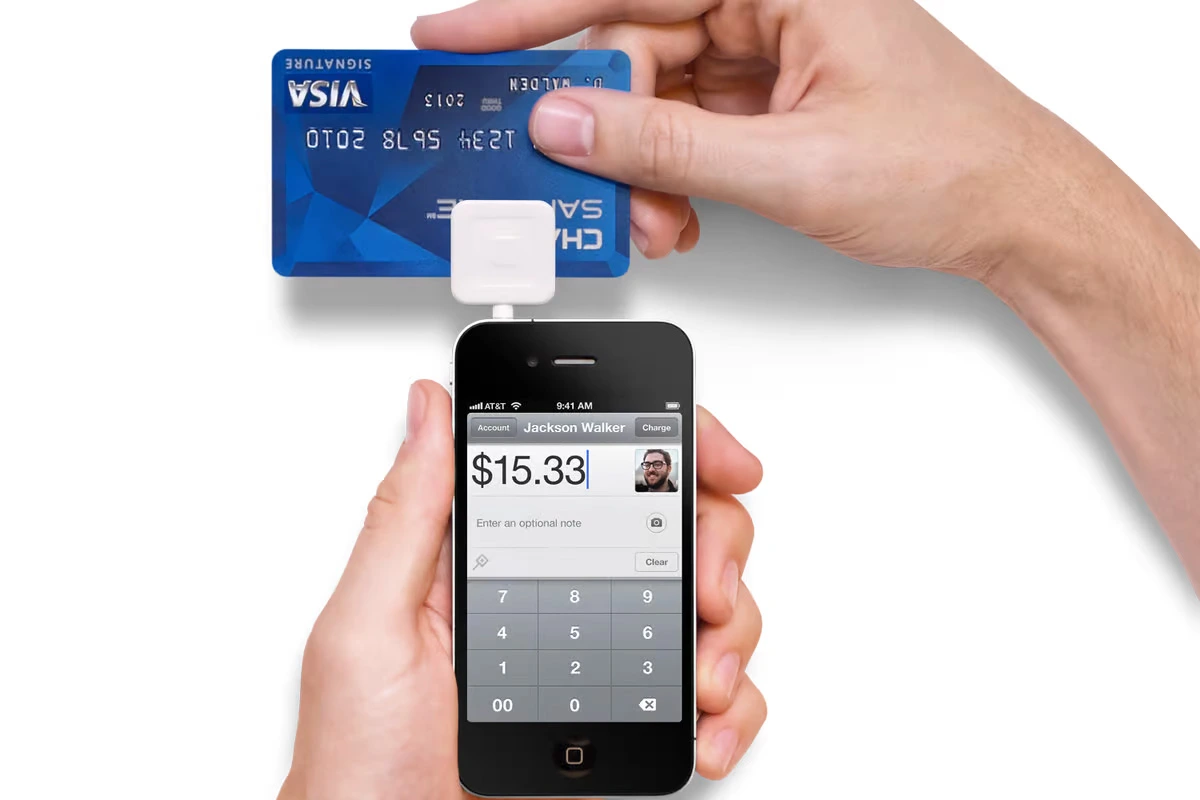
Starting Price:
- Software: $0/month (Free plan).
- Processing: 2.6% + 10¢ per in-person transaction.
Key Features:
- Offline Mode: Process payments without a signal (stored locally).
- Tap to Pay on iPhone/Android: No hardware required for contactless cards; accept contactless payments with NFC.
- Virtual Terminal: Manually enter card payments from any device.
- Ecosystem: Integrates with Square Online, Payroll, and Appointments.
- Customer Experience: Send digital receipts to customers instantly for every transaction.
- Security: All transactions are secure and PCI compliant, with end-to-end encryption.
- Funding: Get paid quickly, often as soon as the next business day after a transaction.
- Compatibility: For best results and access to all features, use the latest version of iOS or Android.
Pros:
- No monthly fees or long-term contracts.
- Extremely easy setup; start taking payments in minutes.
- Free magstripe reader often included.
- Works with a range of mobile credit card readers and credit card readers for in-person and offline transactions.
- Compatible with various mobile devices for flexible payment acceptance.
Cons:
- Credit card processing – mobile fees can be high for large businesses.
- Customer support is difficult to reach on the free plan.
Best For: Small businesses, solo entrepreneurs, and pop-up shops needing a reliable all-in-one solution.
Helcim: Best for Cheapest Rates
Helcim is the best mobile merchant credit card processing solution for growing businesses, offering comprehensive merchant services. Unlike flat-rate providers, Helcim uses interchange-plus pricing, which passes wholesale rates directly to you. The more you process, the more you save, so you keep more money from each transaction.
No contracts. No monthly fees.
Comprehensive customer management system 
Starting Price:
- Software: $0/month.
- Processing: Interchange + ~0.15% + 8¢ (Volume discounts available).
Key Features:
- Volume Discounts: Margins decrease automatically as your volume grows.
- Customer Manager: Built-in CRM to track customer history.
- No Hidden Fees: No PCI compliance or monthly account fees.
- Sale Tracking: Each sale is tracked and can be integrated with your business systems.
Pros:
- Lowest transaction fees for businesses processing >$10k/month.
- Transparency in pricing (Interchange-plus).
- One account covers mobile, online, and invoicing.
Cons:
- Card reader hardware is more expensive (~$109) than competitors.
- stricter approval process (not for high-risk merchants).
Best For: Established businesses and professional services looking to minimize processing costs and securely handle credit card information with PCI compliance.
Stax (formerly Payment Depot): Best for Custom Rates
Stax offers a subscription-based model ideal for high-volume merchants. Instead of a percentage markup, you pay a monthly membership fee and a tiny flat fee per transaction. This makes it one of the most cost-effective mobile payment processing solutions for businesses processing over $20,000 monthly. Stax supports accepting credit card payments through mobile devices, card readers, and other flexible payment methods.
0% markup payment processing with flat fees
Savings of up to 40% monthly 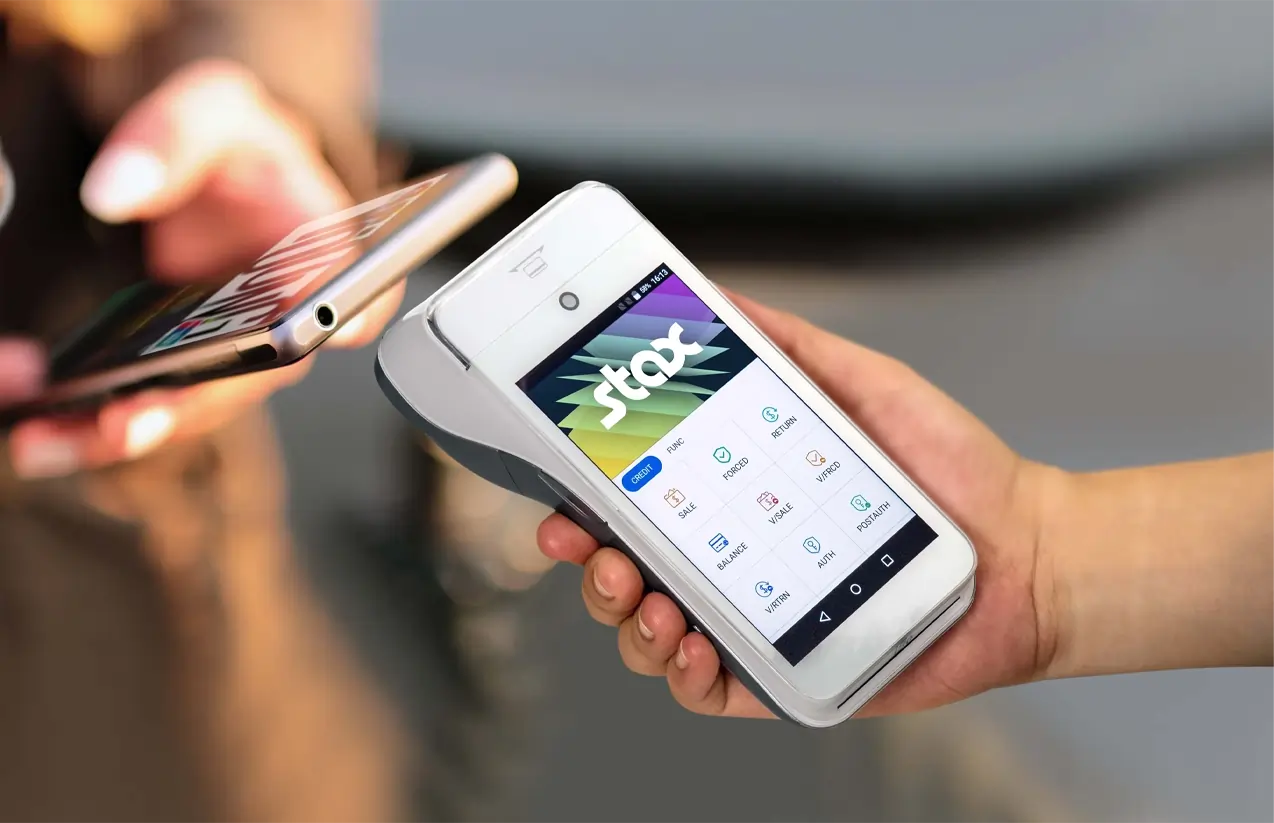
Starting Price:
- Software: Starts at $99/month.
- Processing: Interchange + 0% + transaction fee (e.g., 8¢-15¢).
Key Features:
- Subscription Model: Zero percentage markup on transactions.
- Next-Day Funding: Available (sometimes for a fee).
- Analytics: Comprehensive dashboard for sales trends.
- Virtual Terminal: Process payments without a physical card, ideal for remote or manual transactions.
Pros:
- Massive savings for high-volume users.
- Predictable monthly costs.
- 24/7 technical support.
Cons:
- High monthly fee makes it unsuitable for small/new businesses.
- Hardware must be purchased or reprogrammed.
Best For: High-volume businesses ($20k+/mo) wanting wholesale rates without percentage markups.
When processing transactions, Stax securely handles payment information to ensure safe and efficient payment experiences for both merchants and customers.
PayPal Zettle: Best for Payment Method Variety
Zettle (by PayPal) is a fantastic phone credit card processing choice if you want to accept PayPal and Venmo codes alongside standard cards. It connects directly to your PayPal Business account, making funds accessible almost instantly. Zettle also supports mobile payments for added convenience.
The All-in-One Commerce Platform
The Universal Standard for Online Checkout 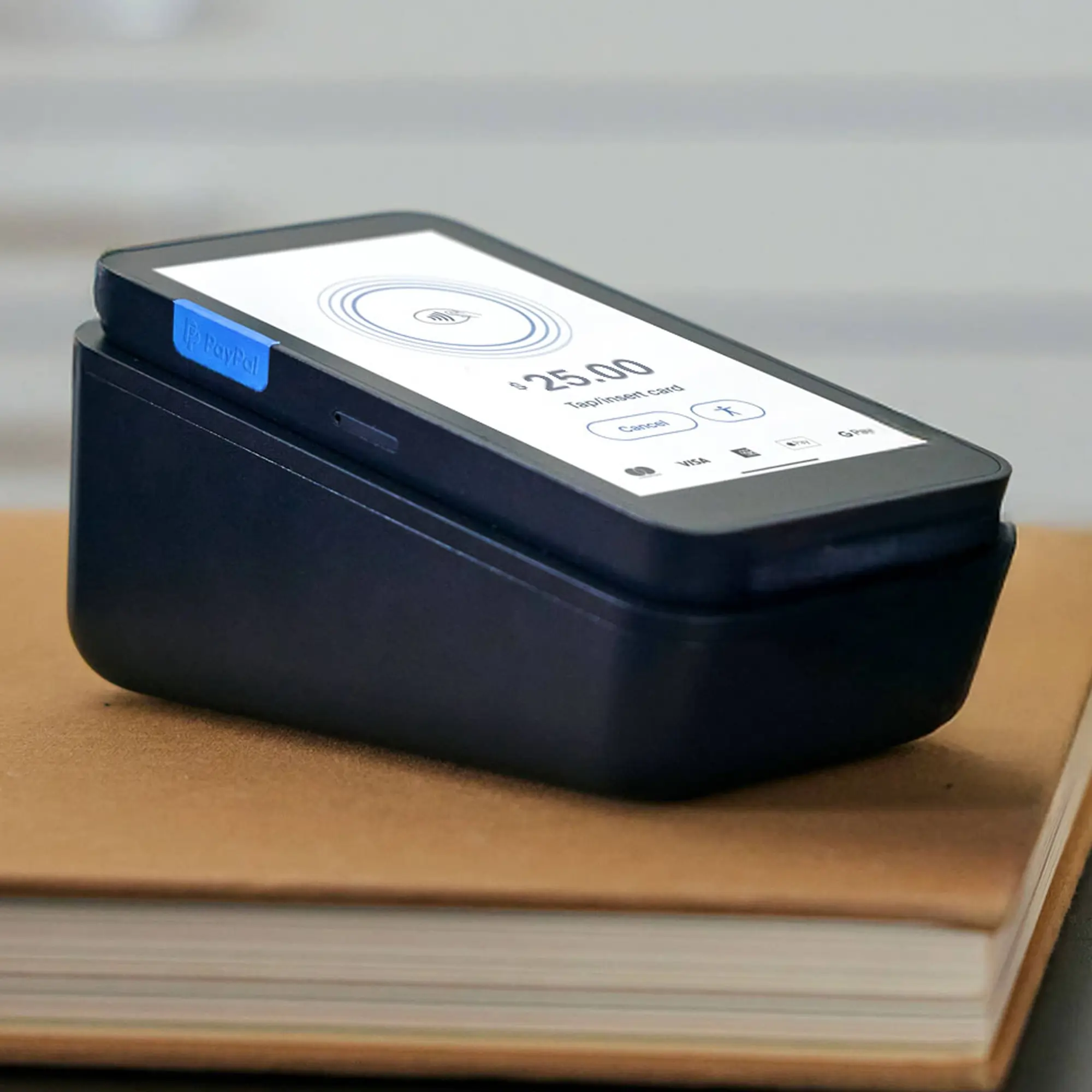
Starting Price:
- Software: $0/month.
- Processing: 2.29% + 9¢ per in-person transaction.
Key Features:
- PayPal Integration: Sales settle into PayPal instantly.
- Venmo Acceptance: Scan to pay via QR codes.
- Hardware: Affordable card reader (often ~$29 for the first one).
- Mobile Payments: Accepts a variety of mobile payment methods for fast, on-the-go transactions.
Pros:
- Lower flat rate (2.29%) compared to Square (2.6%).
- Trusted brand for customers.
- Good inventory basics.
Cons:
- Funds go to PayPal first; transfer to bank takes extra time or fee.
- High invoicing fees (3.49% + 49¢).
Best For: Merchants already using PayPal, those who want to accept Venmo in-person, or businesses selling at trade shows.
Customers enjoy the ease of paying with various methods, including cards, mobile payments, and QR codes.
SumUp: Most Affordable Card Reader
SumUp is a simplified mobile credit card processor that focuses on affordability and ease of use. Their “Solo” and “Plus” readers are compact and low-cost, making them perfect for businesses that need a simple way to accept credit cards and other payments without complex POS features.
 Integrates with top e-commerce platforms
Automated rewards & marketing
Integrates with top e-commerce platforms
Automated rewards & marketing 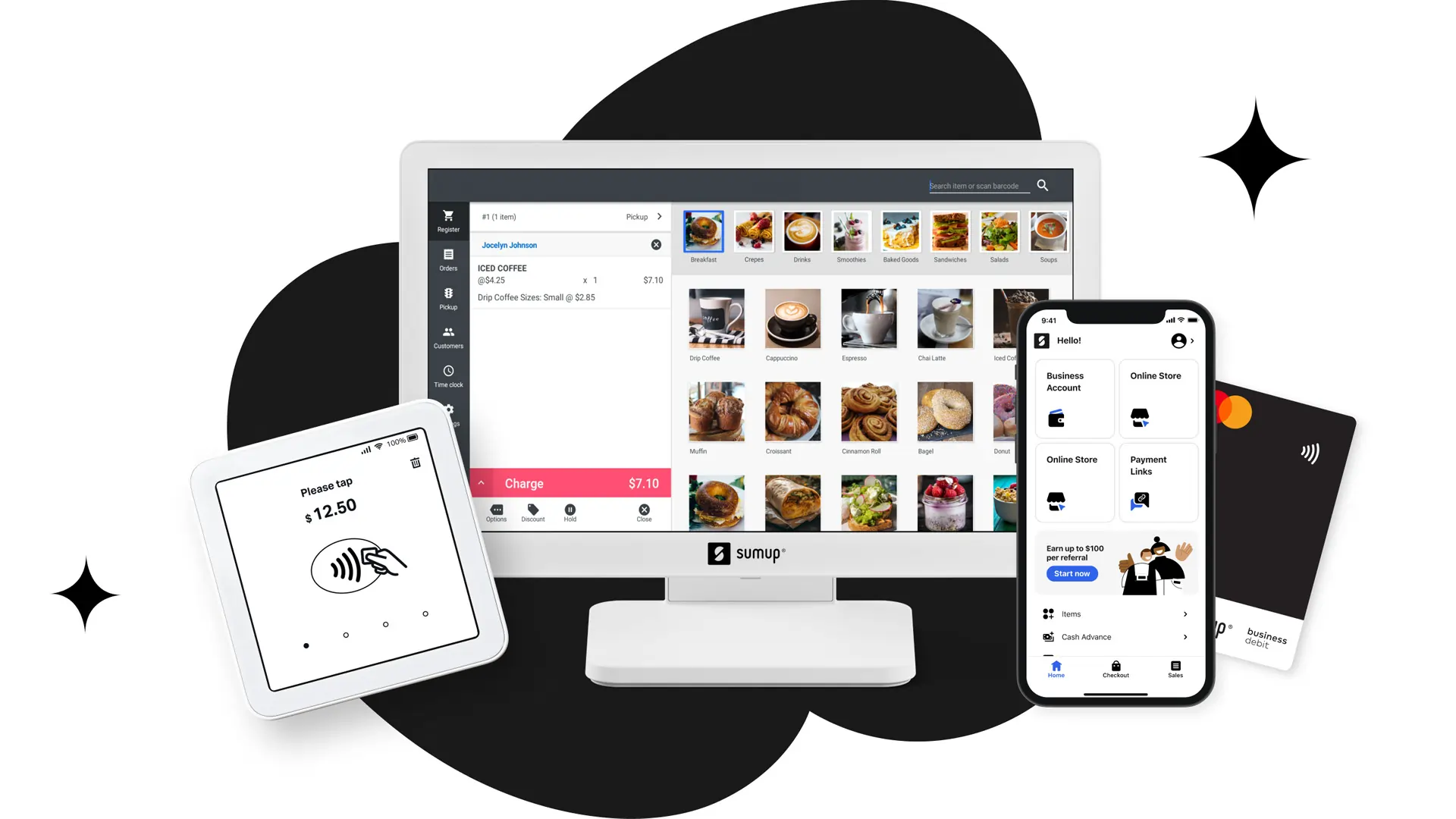
Starting Price:
- Software: $0/month.
- Processing: 2.6% + 10¢ per in-person transaction.
Key Features:
- Hardware: Mobile card readers start at just $54 (SumUp Plus), allowing you to accept payments on the go.
- Simplicity: App focuses purely on payments and basic items.
- Global Use: Popular in Europe and works well for travel.
Pros:
- Lowest entry cost for physical hardware.
- No monthly minimums or fixed costs.
- Long battery life on readers.
- Ability to offer discounts for cash payments to incentivize customers and improve cash flow.
Cons:
- Limited POS features compared to Square.
- Online invoice fees are higher (2.9% + 15¢).
Best For: Micro-merchants, casual sellers, and those needing a backup reader.
Shopify POS: Best for E-commerce
If you run an online store, Shopify is the mobile card payment solution that keeps everything in sync. The POS Lite app (included in all plans) unifies your online and offline inventory, ensuring you never sell a product you don’t have. Ideal for the business owner who needs to manage both online and in-person sales.
 Process digital wallets & popular payments
Personalize marketing to boost loyalty
Process digital wallets & popular payments
Personalize marketing to boost loyalty 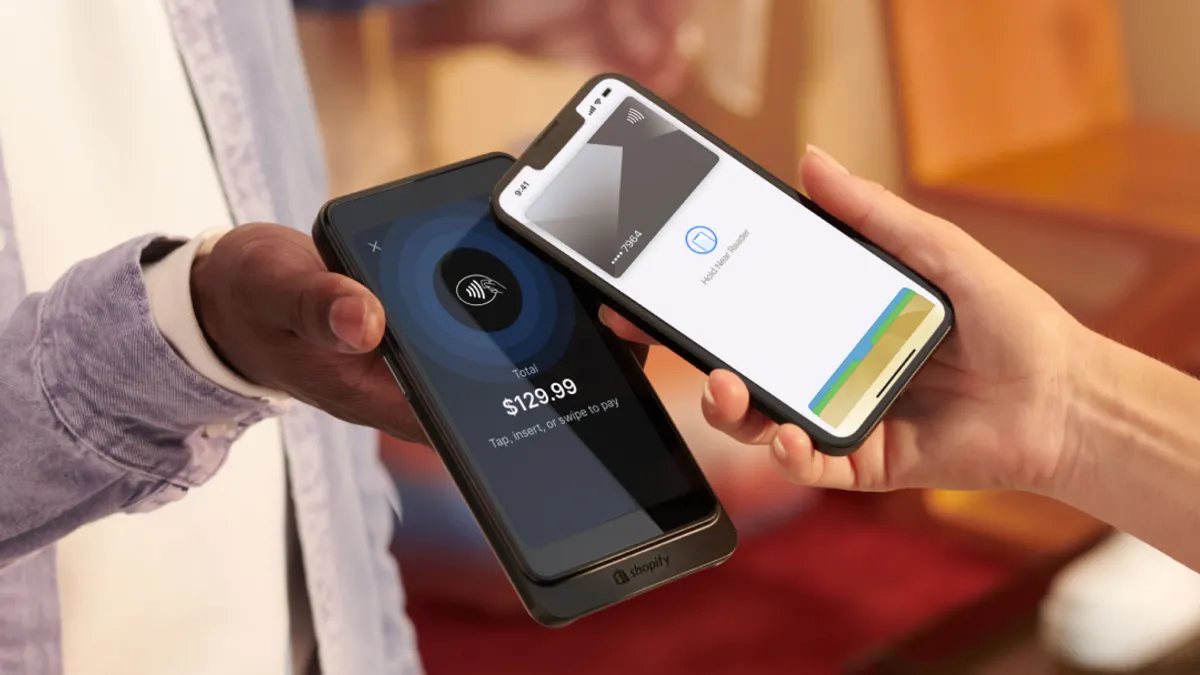
Starting Price:
- Software: Included in Shopify plans (starts ~$29/mo).
- Processing: 2.6% + 10¢ (Basic) down to 2.4% + 10¢ (Advanced).
Key Features:
- Unified Inventory: Real-time sync between web and mobile sales.
- Marketing: Collect customer emails at checkout for campaigns.
- Hardware: Shopify Go and Tap & Chip readers available.
- Compatibility: Works seamlessly across various mobile devices.
- Analytics: Each sale is tracked and integrated with inventory and reporting.
Pros:
- Seamless integration for ecommerce brands.
- Powerful inventory management.
- Rates decrease as you upgrade your Shopify plan.
Cons:
- Requires a monthly Shopify subscription (not free like Square).
- Advanced POS features (Pro) cost an extra $89/mo/location.
Best For: Ecommerce businesses and business owners that also sell at markets, pop-ups, or retail locations.
Cost Breakdown: What You’ll Actually Pay
When choosing a credit card mobile processing system, look at the Total Cost of Ownership (TCO):
- Transaction Fees:
- Square/SumUp: $270 per $10k processed (2.6% + 10¢).
- Stax: ~$100 (Membership) + ~$15 (Transaction fees) + ~$150 (Interchange) ≈ $265 (Savings kick in at higher volumes).
- Be aware of additional fees that may apply for certain features or payment types, such as chargebacks or premium payment methods.
- Hardware:
- Phone Only: $0 (Tap to Pay on Android/iPhone).
- Bluetooth Reader: $29–$59 (One-time cost).
- Smart Terminal: $199–$499 (One-time cost).
- Monthly Fees:
- Most mobile payment processors are free, but advanced inventory (Shopify) or wholesale rates (Stax) carry monthly charges ($29–$99+).
- Funding Options:
- Some providers offer next-day or same-day funding at no extra cost, while others may charge for faster access to your funds. Check if your preferred provider includes this feature without an extra cost.
Conclusion
The landscape of mobile credit card payment processing in 2025 is more competitive than ever.
- For simplicity and zero fixed costs, Square remains the best mobile credit card processing choice.
- For the lowest fees on high volume, Helcim or Stax are the clear winners.
- For ecommerce integration, Shopify is unrivaled.
- For the lowest hardware cost, SumUp offers the most affordable entry point.
Next Step: Check your current monthly volume. If you process under $5,000, download Square or Zettle today and use “Tap to Pay” to start immediately. If you process over $20,000, request a rate quote from Helcim.