
Celoxis Review
Overall Rating
4.0
Last updated: November 2025
Celoxis is project management software built for collaborative businesses. This web-based software lets users manage resources, business processes, and projects all in one platform, with several built-in features and tools. Track and get real-time reports for a variety of use cases and industries.
Plans & Pricing
Essential
$25
seat/
/mo /user
Billed Annually
Professional
$35
seat/
/mo /user
Billed Annually
Business
$45
seat/
/mo /user
Billed Annually
Enterprise
Custom
seat/
/mo /user
Featured prices can be updated and free offers may include additional terms.
Celoxis offers four plans tailored to different business needs: Essential, Professional, Business, and Enterprise. Each plan includes features like advanced scheduling, workload tracking, risk management, and timesheets. Higher-tier plans offer additional capabilities such as strategic portfolio management, custom app creation, and increased API request limits. Support levels range from standard to VIP, and integrations with tools like JIRA, Azure DevOps, and QuickBooks are available as add-ons. Celoxis also provides a flexible, pay-per-use pricing model for enterprise users.
Expert Score
Pros
- 2-and 3-yearly discounts
- Robust feature set
- Customizable workflows and dashboards
- 30-day, all-inclusive free trial
Cons
- Limited flexibility regarding the pricing plans
- Limited customer support channels
Customer Support
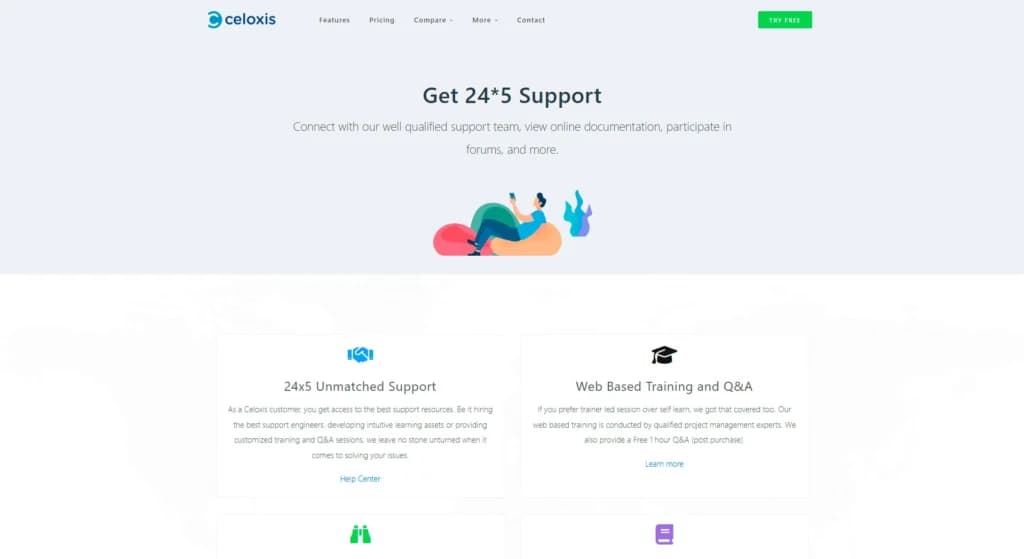
Celoxis provides 24/5 support to customers. However, it isn’t the traditional customer support that we’re used to. For instance, there is no email or phone support to talk to a brand representative. Instead, Celoxis provides you with a vast knowledge base, FAQs, community, and educational videos. You can also ask for customized training and Q&A sessions, but these come at an additional cost. Finally, you could hire experienced software engineers to help you out with any problem you face.
FAQ
Comprehensive FAQ section can be found on the official website.
Video Tutorials
Video tutorials available on the brand’s official website.
Ease of Use
Celoxis is extremely visual and easy to use. The tool offers multiple dashboards where you can see all of your projects with the respective statuses, deadlines, and completion percentages for each. Adding, viewing, and generating reports takes only a few clicks, and switching between different views doesn’t get easier. Close to all dashboards are customizable. There is little to no learning curve.
Features & Functionality
When talking about an all-in-one project management solution, Celoxis checks all the boxes. It provides a wide array of project management, project portfolio management, resource planning, budgeting, custom workflows, and team collaboration features. The tool covers all the basic, expected features, as well as mobile app support and task management. Here are some of the most notable features:
Request Tracking
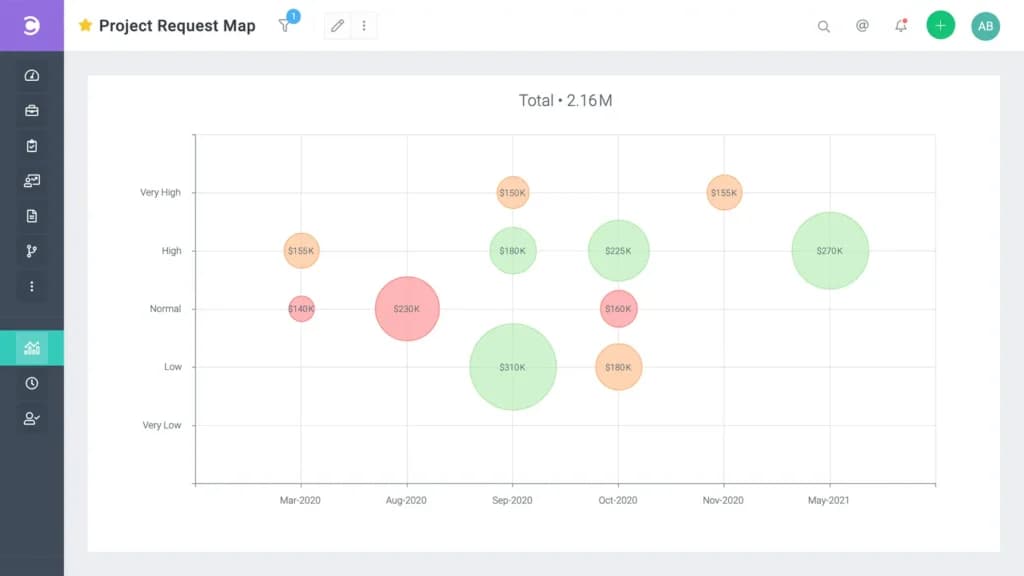
The request tracking feature allows you to collect all project requests from various sources in a single place, and sort them based on your business KPIs. Requests can be created from forms, emails, and spreadsheets. You can also configure the ranking logic of requests and utilize custom fields and workflows.
Project Planning
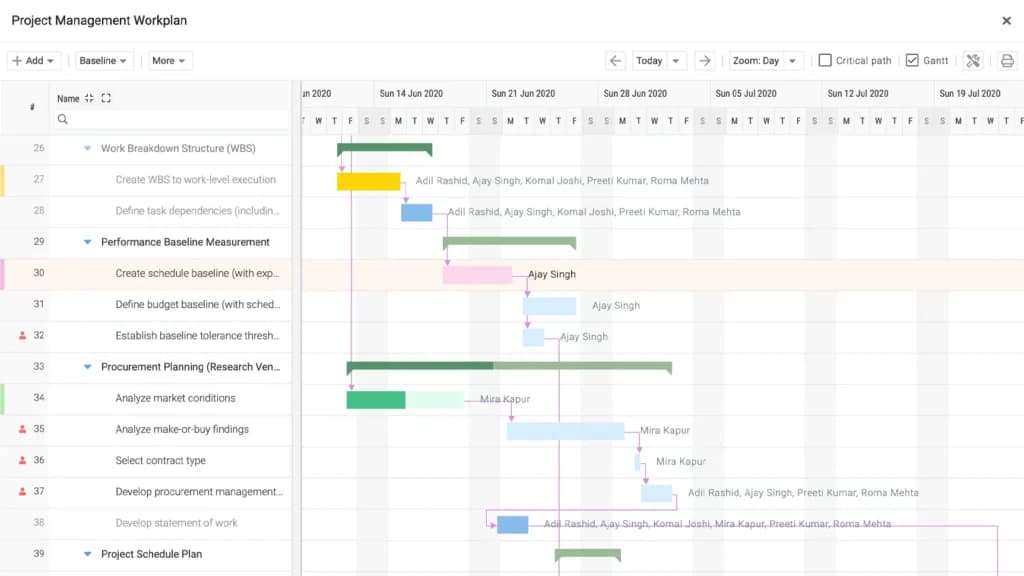
The intuitive project planning feature allows you to build dynamic project plans that can be configured to automatically adjust to changing conditions. The planning tool has everything you’ll ever need including task interdependencies, automated scheduling, and multiple resource allocation per task options.
Project Tracking
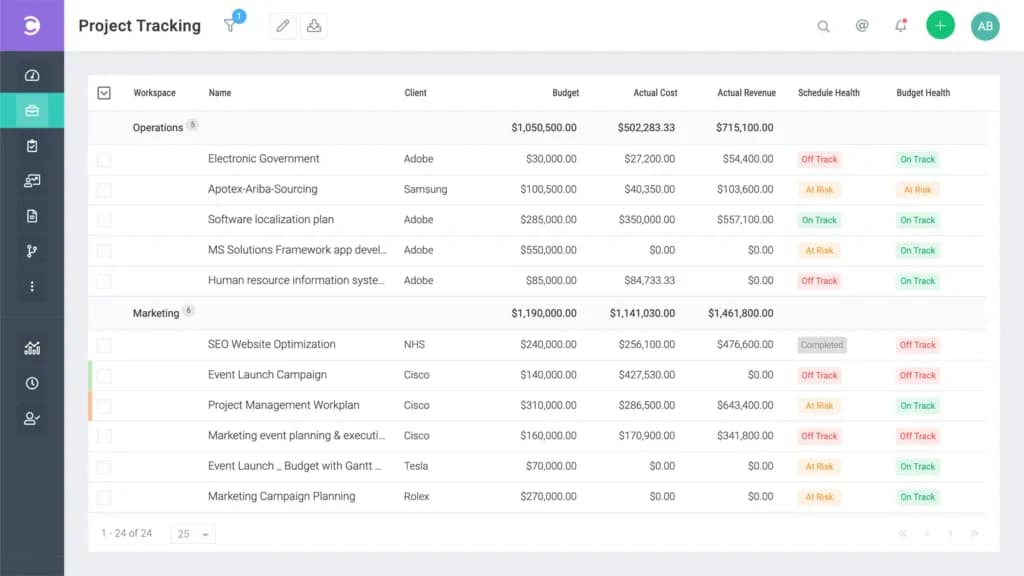
The project tracking tool allows you to address any issues with your tasks, milestones, and projects through a single dashboard. The feature is equipped with RAG project health indicators, critical path analysis, baselines, and EVA. In addition, you can enable automatic email alerts to instantly be notified of any changes.
Project Accounting
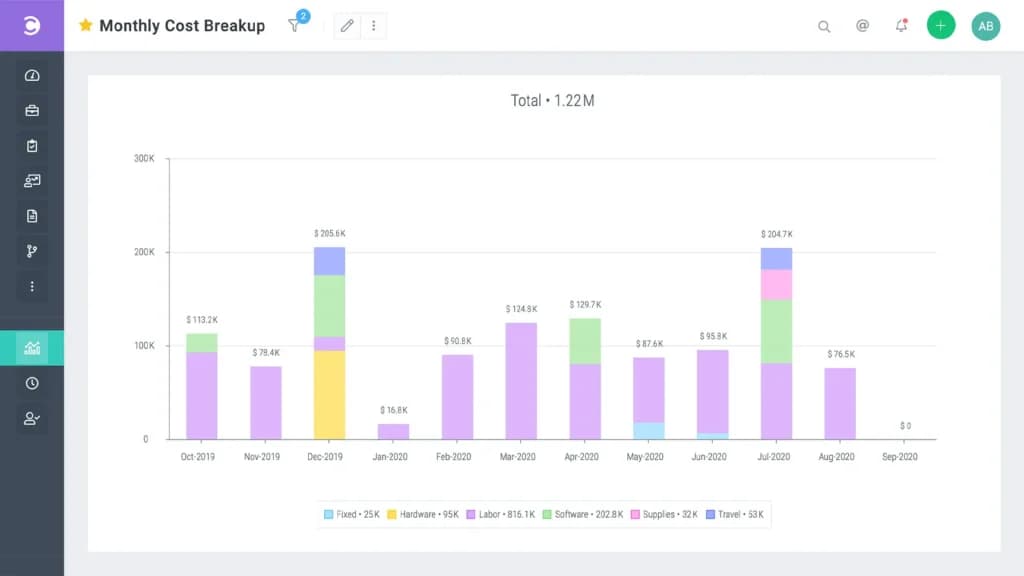
The project accounting dashboard allows you to get instant, real-time visibility into budget spends, receivables, and profitability across all projects and portfolios. The tool is also equipped with revenue forecasting, profit and margin tracking, and custom financial APIs.
Project Portfolio Management
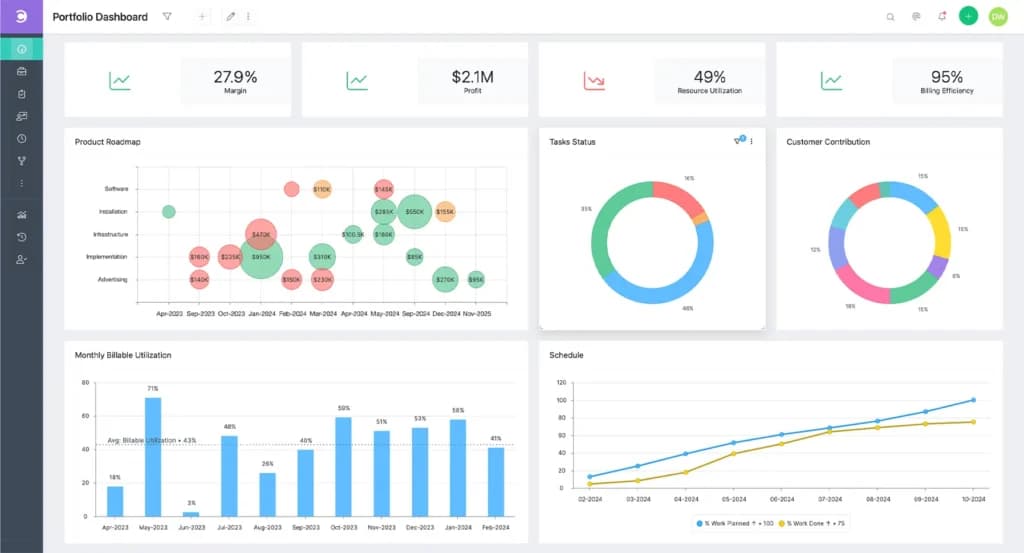
The portfolio management tool visualizes the combined data about your projects and allows you to track important KPIs. The tool is fully customizable, which allows you to set it up just the way you need to maximize efficiency.
Advanced Scheduling
The real-time scheduling engine schedules your tasks based on vacations, company holidays, constraints, and resource calendars. The multiple time zone support and multiple resource assignments allow you to assign more than one resource to a task to overcome time zone complications. In addition, you can configure the tool to schedule or not schedule specific tasks automatically, using the manual scheduling feature.
Resource Management
The resource management dashboard allows you to optimize your workforce by allocating appropriate resources to tasks based on various metrics including availability, demand, and skills. The tool takes into account holidays and exceptions, geographical location and shifts, as well as allows you to perform capacity planning.
Enhance team collaboration with integrated communication features.
Gantt Chart
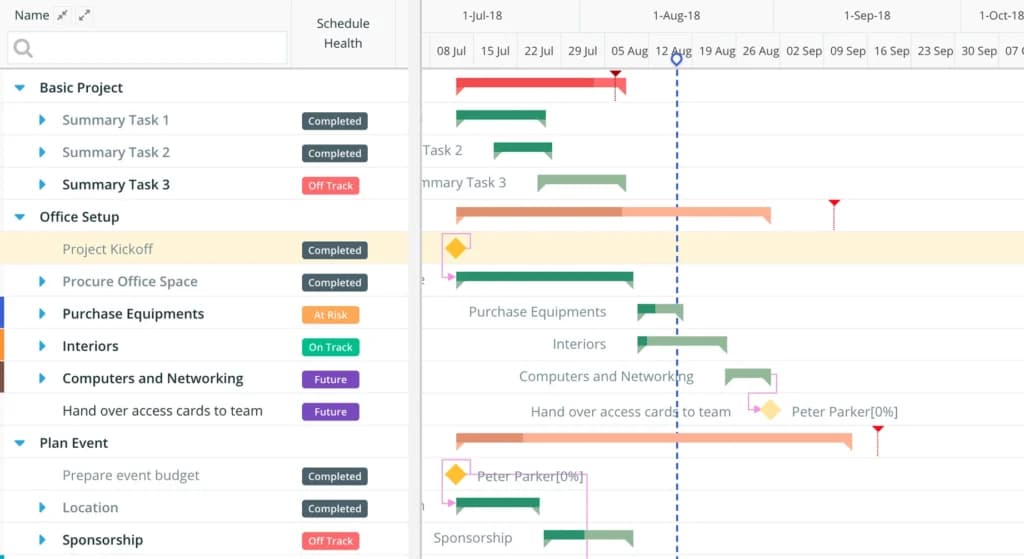
Celoxis delivers powerful, interactive Gantt charts that let users create tasks, manage dependencies, update progress, and visualize project timelines with real-time drag-and-drop flexibility.
Features
- File Sharing
- Document collaboration
- User Access and Permissions
- Mobile App
- Search
- Multi-language support
- Risk Analysis
- Reporting and Dashboards
- Customization
- Storage Included
Verdict
Overall, Celoxis can be considered the go-to all-in-one project management tool, especially for large enterprises. The ability to switch from cloud to on-premise solutions can be very handy. The feature set is easily the best, and the same is true for reporting and integrations. The customer support chapter is a bit lacking, however, the vast knowledge base and training sessions, along with the tool being very easy to use, make up for it nicely.
Users Reviews
Be the first to write a review
Share your experience with Celoxis and help others choose the right software.