
Heartland Retail POS Review For 2026
Overall Rating
3.8
Last updated: October 2026
Heartland Retail offers a cloud-based POS and retail management solution for growing businesses. It includes CRM and inventory management and can link up to a range of third-party hardware and software.
Plans & Pricing
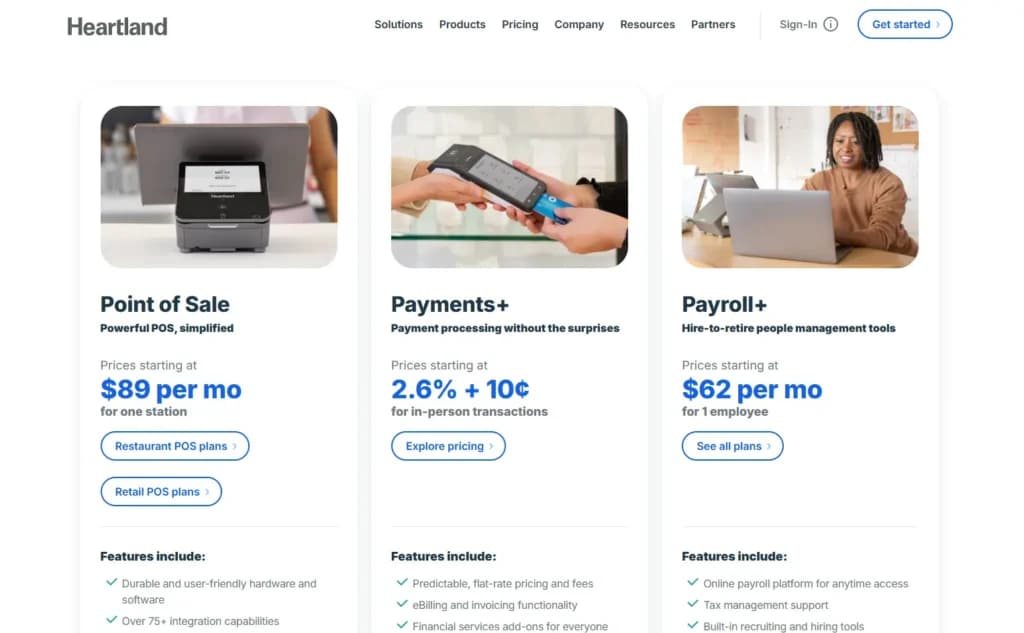
Point of Sale
$89
seat/
month
per station
Payments
2.6% + 10¢
seat/
month
per station
* Featured prices can be updated and free offers may include additional terms.
Heartland Retail’s pricing structure is refreshingly simple to understand.
Expert Score
Pros
- Goes beyond basic POS and into full retail management
- Plenty of flexibility for different payment partners
- A market-leading selection of integrations
- Great at handling multiple branches and suppliers
Cons
- Not really suitable for smaller retail businesses
- Limited support options at some pricing levels
- Above average costs
Customer Support
The old adage that you “get what you pay for” is very true with Heartland Retail when it comes to support. The fastest support is only on offer for enterprise-level customers, so it’s worth paying attention to exactly what you do get on the lower tiers. Additional customer support: Blog Heartland Retail doesn’t run its own blog. However, Heartland Payment Systems, Heartland Retail’s “sister” company, does maintain a blog.
Phone Support
Available with the “Professional” or enterprise pricing plans
Available via a ticketing system
FAQ
Help center features an FAQ section
Live Online Chat
Available for all paying Heartland Retail customers
Ease of Use
Heartland Retail is a relatively advanced system, aimed at slightly larger and more established businesses. It’s often purchased via resellers who will help with the initial setup and configuration, reducing the learning curve. It’s possible to build advanced, custom setups, and non-technical users would no doubt need assistance with those. However, from a user perspective, the system itself is intuitive and reasonably simple to learn.
Features & Functionality
Integrated CRM
Heartland Retail includes built in Customer Relationship Management (CRM). Through the use of as many custom fields as you need, you can build up comprehensive data sets on all of your customers. This can help you finely tune your marketing and gives you the ability to treat every customer as a recognized individual.
Purchasing Features
Heartland Retail excels with the back-office side of retail operations, and is well-suited to businesses with multiple stores, suppliers, and warehouses. There are features to handle everything from orders to returns to barcode labelling. As the system is cloud-based, real-time information is available from anywhere.
Strong Reporting and Analytics
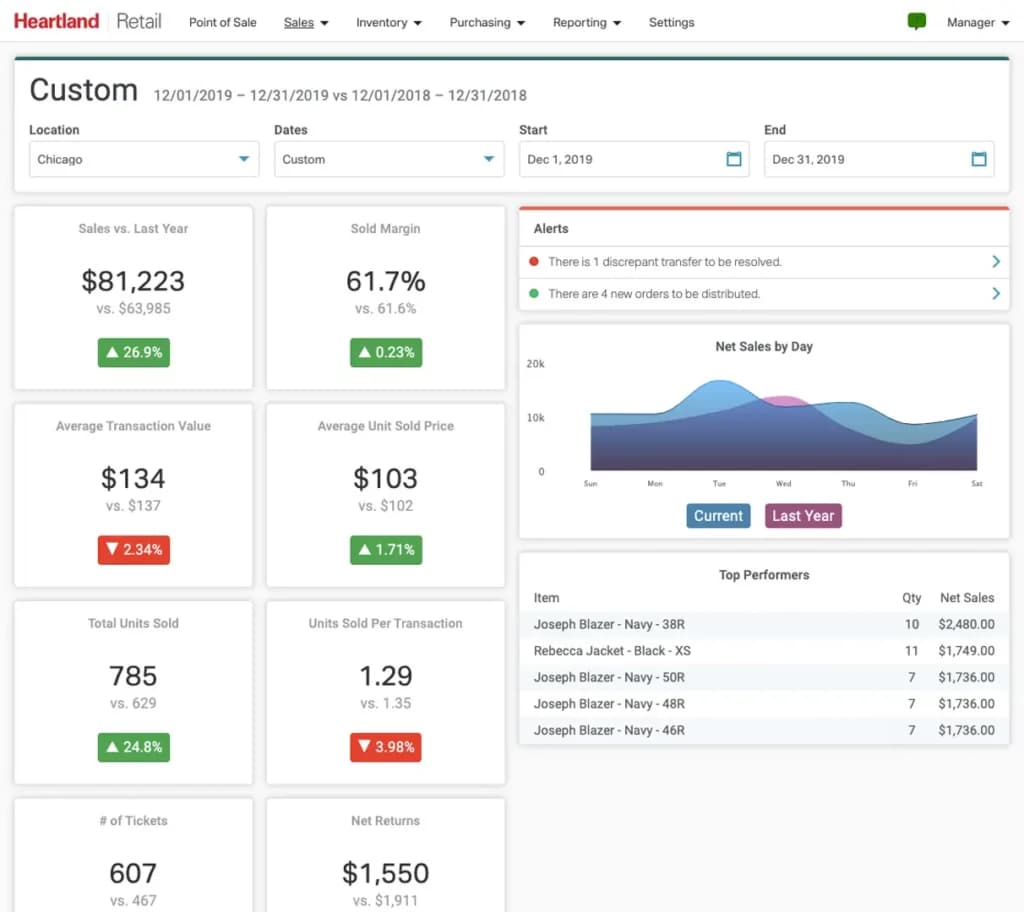
One area where Heartland Retail already has a very strong reputation is in reporting and analytics. Reports work in real-time, are highly customizable, and also easy to export in your desired format. Do note, however, that while there are strong reporting features in “Plus,” analytics only comes with “Professional” or the custom enterprise plans.
Open API
Heartland Retail offers a rich range of software integrations. Better still, unlike many competitor systems, it goes further with a fully open API. For the non-technical, this means it’s possible for developers to hook into the system and its live data, allowing custom tools and integrations to be built. This functionality is only available with the enterprise version.
Integrations & Add-Ons
Integration is a real strong point for Heartland Retail. There’s an extensive list of compatible applications, covering big names such as Shopify, Magento, QuickBooks, and Mailchimp. Many integrations are free but some come with an extra price tag.
There is also, of course, the open API. This facilitates custom integrations with other products and even bespoke in-house software.
Tailored solutions for retail stores, coffee shops, nightclubs, quick service, bars, restaurants, and food trucks.
Hardware Requirements
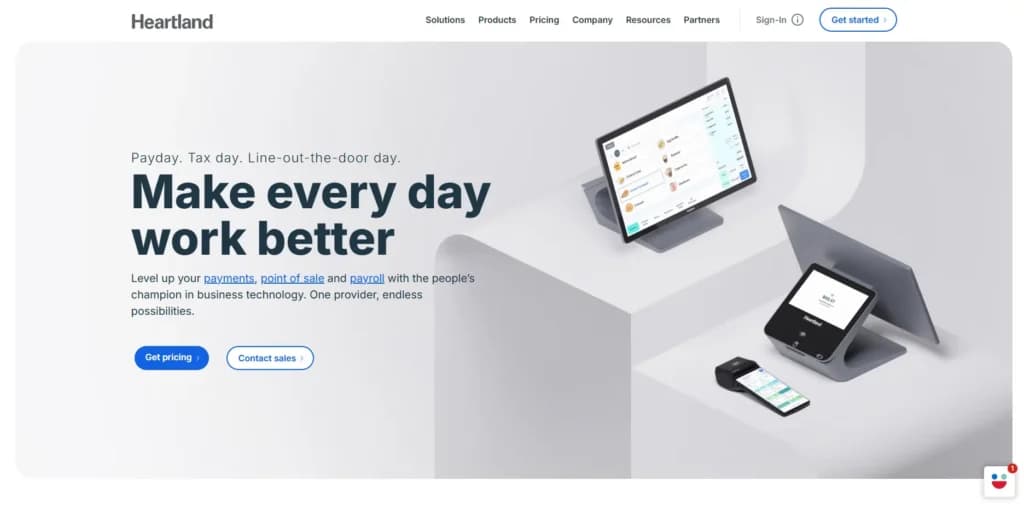
While some POS providers offer hardware as part of the deal or preset bundles of third-party-kit, Heartland Retail takes a different approach. In fact, within the support pages, the company makes clear that it is a “software company, not a hardware company.”
The software solution is cloud-based so you can access it with any operating system via a browser. The app itself is iPad-based.
When it comes to things like cash drawers and receipt printers, the solution is – at least in theory – “hardware agnostic.” This means you should be able to integrate most standard-issue POS hardware. Furthermore, Heartland Retail recommends some specific devices and links out to a partner hardware supplier as a recommended source.
For the avoidance of doubt, it’s wise to check compatibility with specific items prior to purchase.
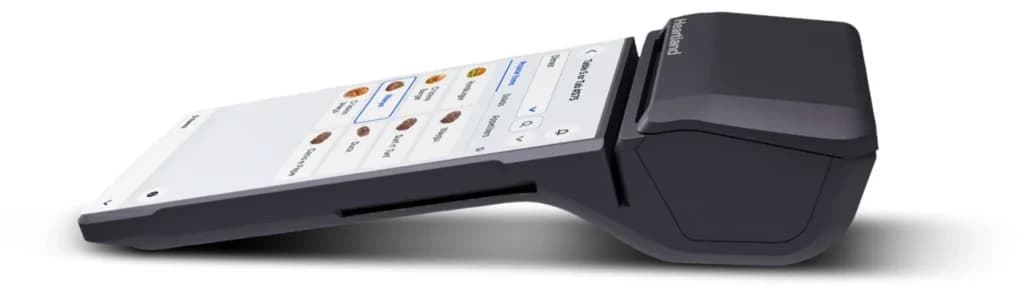
Software
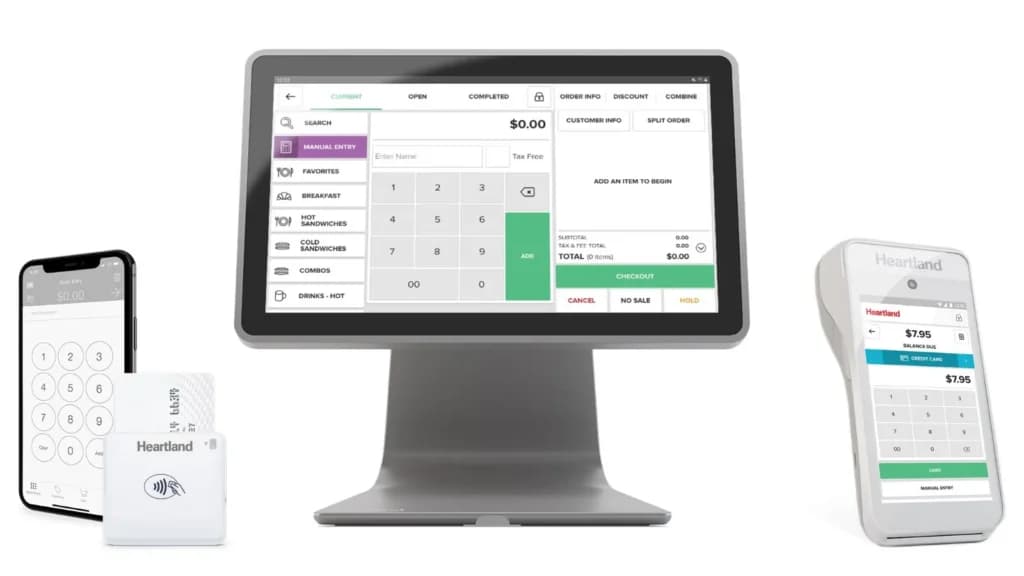
Flexible Payment Options
If you use Heartland Retail, you have a host of ways to deal with customer payments. You can keep everything simple and use Heartland Payments, a processing option from another arm of the same company. Alternatively, you can use the system’s many integrations to connect to the payment provider(s) of your choice or those you already use.
Features
- Inventory Management
- Mobile Compatibility
- Reporting
- Customer Profiles
- Multidevice Payments
- Gift Card Support
- Accounting Integration
- Customer-Facing Display
- Retail Store
- iOS
Verdict
Heartland Retail offers an advanced solution for retail businesses with multiple stores. The back-end management features are particularly strong, making this a system that handles much more than the basic point of sale.
At the time of writing, the rebranding from Springboard is at quite an early stage. This is apparent in the breadth of support material available. As Heartland Retail’s parent company also runs a range of additional brands and a payment provider, the branding is a little confusing. This seems likely to improve in time.
The killer features for many will be the API, the integration options, and the freedom to use a wide-range of third-party hardware. This is a system that can be deeply customized for the most bespoke of retail businesses.
Users Reviews
Write a review
Leave a review, help others get it right the first time.
7 Reviews
Debra B
Great product, customer support lacks
product's layout, intuitive design, and ease of use. Our retail team enjoys using it.
- Customer support lacks urgency when issues are minor or major
Paul B
Love it!
Amazing reporting features and fully functional POS that I have been quite happy with.
- Expensive!
Rebecca L
Simple POS!
Very modern & simple. never worked with a POS system that allows you to add details and notes on customers, specific tickets, ad pay-ins/outs.
Kathy R
Wonderful functionality that has the user in mind
Excellent customer service. Really great for small businesses. It's been a pleasant and easy experience using Heartland thus far.
- Constant updates and new releases within the software, keeps everything running smoothly.
- Processing fees can be somewhat steep depending.
Shayla S
Scalable and simple to use
Although this solution is mainly tailored to apparel, my craft business has had great success with it.
- Everything can be customized to your liking and business's needs.
- Few minor issues with credit card processing
Kyle C
Easy to Use POS
Work easily from anywhere I like with no additional clunky equipment
- cloud based interface & the detailed reporting feature
- More customization with my inventory
Jason K
Okay POS, has room for improvement
user-friendly and the real-time inventory is very helpful.
- -Lots limitations and some glitches on the sales order/invoice side of business.
- - data migration took 2 months for our inventory to be auto-gridded.