

Last updated: October 2025
InVideo is an incredibly powerful AI tool that can be used in personal and business applications. It's an online platform that allows even inexperienced individuals to create professional-looking videos using prompts. Although it might take some time getting used to, it's one of the tools every marketer should have at their disposal. It's one of the tools that can help social media growth quickly!
Plans & Pricing
- AI generation 10 min /week
- 10GB storage
- 4 exports per week
- Includes InVideo watermark
- Everything in the Free plan plus:
- AI generation 50 min /week
- 100GB storage
- No InVideo watermark
- 2 voice clones per user
- Everything in the Plus plan plus:
- AI generation 200 min /week
- 400GB storage
- Unlimited exports
- 5 voice clones per user
- 200 mins/mo of AI generation
- 320/mo iStock
- 15m Generative credits
- 400 GB storage
- Unlimited exports
- 5 voice clones
* Featured prices can be updated and free offers may include additional terms.
InVideo offers three standard plans: the free plan, the Plus plan, and the Max plan. Users who choose Plus or Max plans can decide whether they want to be billed monthly or annually. Annual plans offer an additional 20% discount, which is notable for businesses that require plans for multiple users.
InVideo AI video creation tool offers a variety of plans tailored to meet the needs of different users, from those just starting out to established creators looking for advanced features. Here’s a detailed breakdown of our pricing plans:
Free Plan
The Free Plan is perfect for anyone who wishes to try AI video creation without any financial commitment. This plan costs $0 per month and provides the following features:
- AI Generation: Up to 10 minutes per week of AI-generated video content.
- Storage: Includes 10 GB of storage space.
- Exports: You can export up to 4 videos per week, though these will include the Invideo logo.
- Media Library: Access to over 2.5 million standard media assets.
This plan is a great starting point for users who want to explore the capabilities of AI video generation.
Plus Plan
For creators who are starting their journey and need more resources, the Plus Plan is an excellent choice at $20 per month, billed annually at $240. This plan includes:
- AI Generation: Up to 50 minutes per month of AI-generated video content.
- iStock Access: Includes 80 iStock assets per month.
- Storage: Offers 100 GB of storage space.
- Exports: Allows unlimited exports without any branding.
- Voice Clones: Includes the ability to create up to 2 voice clones.
- User Access: This plan supports up to 1 user.
The Plus Plan provides a significant upgrade in features, making it ideal for creators who are serious about growing their video content capabilities.
Max Plan
Our Max Plan is designed for growing and established creators who need extensive resources and advanced features. Priced at $48 per month, billed annually at $576, this plan includes:
- AI Generation: Up to 200 minutes per month of AI-generated video content.
- iStock Access: Includes 320 iStock assets per month.
- Storage: Offers a substantial 400 GB of storage space.
- Exports: Allows unlimited exports, ensuring no restrictions on content creation.
- Voice Clones: Includes the ability to create up to 5 voice clones.
- User Access: This plan supports up to 1 user.
The Max Plan is the best value for those who need comprehensive tools and resources to support their advanced video creation needs.
Expert Score
Pros
- Variety of AI features
- Amazing customer support
- Export quality
- Very easy to use
Cons
- InVideo watermark in the free plan
- Credits don’t roll over if left unused
Customer Support
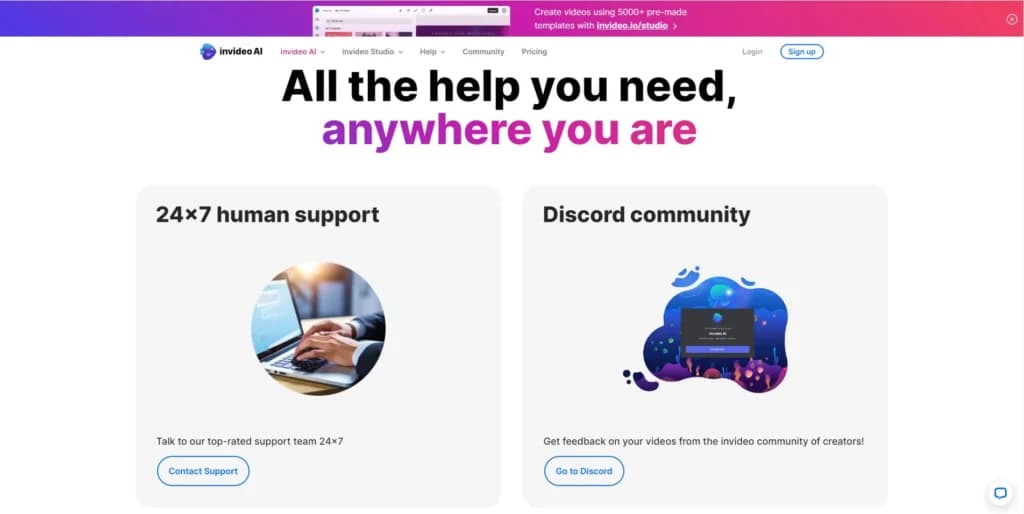
Aside from offering a wide variety of features and possibilities, InVideo has an exceptional customer support system that can provide answers to users at any time. Users can reach support in a number of ways, including a 24/7 live chat and email. Helpful information can be found through the tutorial section and the InVideo Discord channel.
support@invideo.io
24/7 Help & Support
Yes
Blog
https://invideo.io/blog/
Live Online Chat
Online chat allows users to communicate with real people
Video Tutorials
On its YouTube channel
Ease of Use
One of the biggest upsides of InVideo is the fact that it’s so easy to use. It offers incredible features and possibilities, but using it to create stunning videos is simply impressive.
New users can create accounts using their Google accounts, their Apple accounts, or by using a traditional email address. The process is straightforward and doesn’t take more than a few minutes. By creating an account, users get the Free plan by default, with the possibility to upgrade their plans according to their needs.
Once an account has been created, it’s a matter of selecting the feature that’s best suited for the specific need. Aside from offering prompt-based video creation, InVideo provides a video editing app that is incredibly easy to use, no matter if the user has any prior video editing experience.
Performance
Although InVideo is an online video editing and creation platform, its performance depends both on internet speed and the computer’s hardware. If both conditions are met and users have decent hardware and internet speed, the InVideo app will perform far beyond everyone’s expectations.
Features & Functionality
Creative Tools
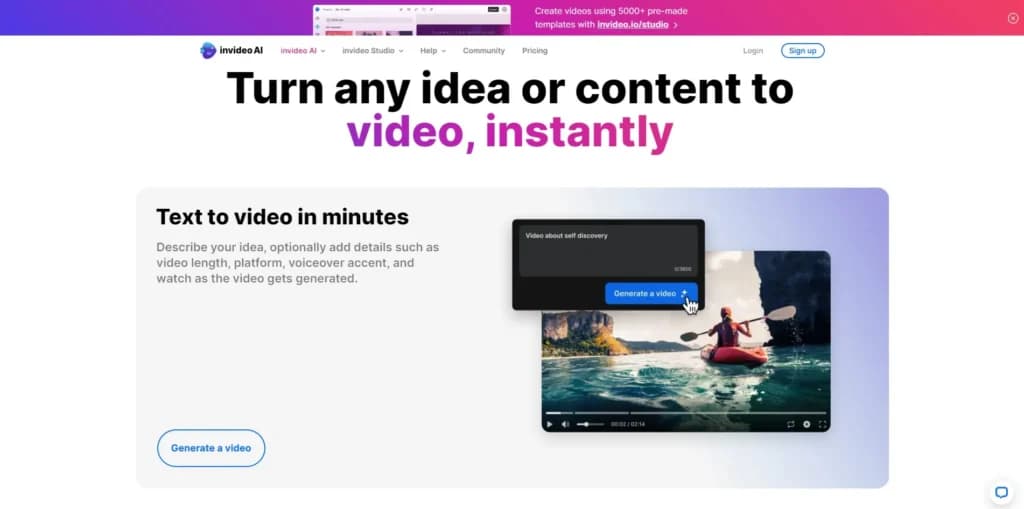
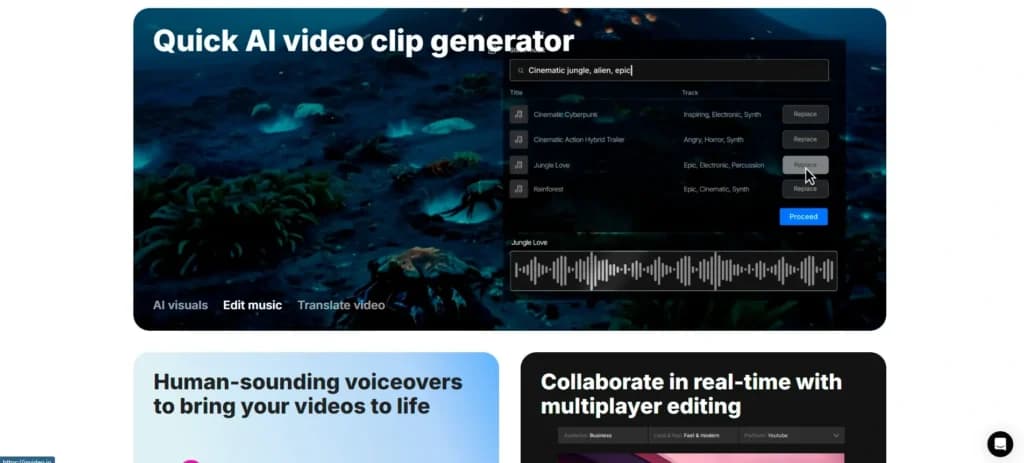
The most notable feature that can be found on InVideo is its text-to-video feature. Users can simply type in their video idea and the app will come up with an engaging, high-quality video that not only includes stock footage, but also a voiceover, background music, and transitions. This is an amazing feature for users that need to quickly turn ideas into content.
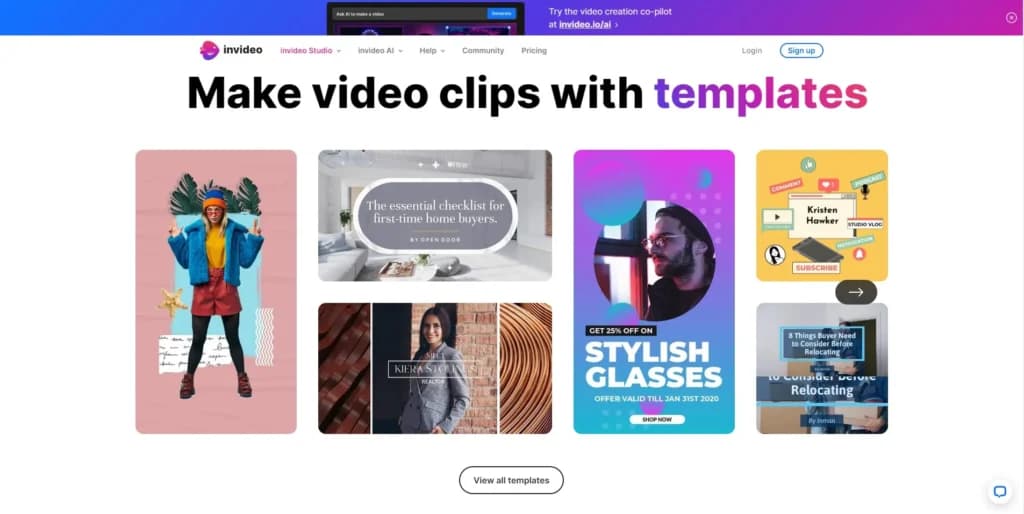
A great addition to any video editing app are the premade templates. InVideo offers more than 6,000 templates which can be used for creating viral Instagram or TikTok videos. Editing templates and customizing them is done easily as the user interface allows users to drag and drop elements to create stunning visuals.
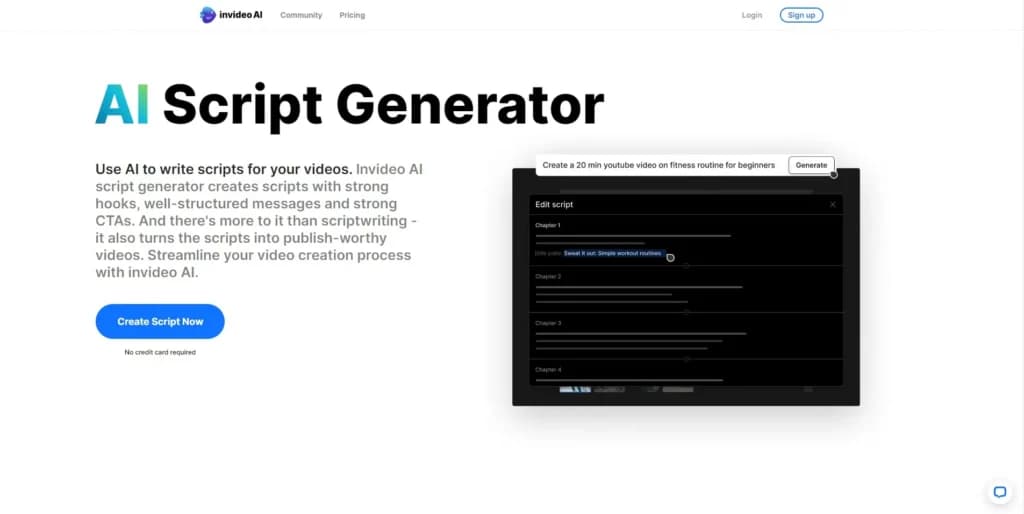
For those just starting on YouTube, the AI script generator is another amazing feature that can not just help users gain subscribers and views, but it can also drastically speed up the content creation process. This is an extremely helpful feature for creating faceless videos.
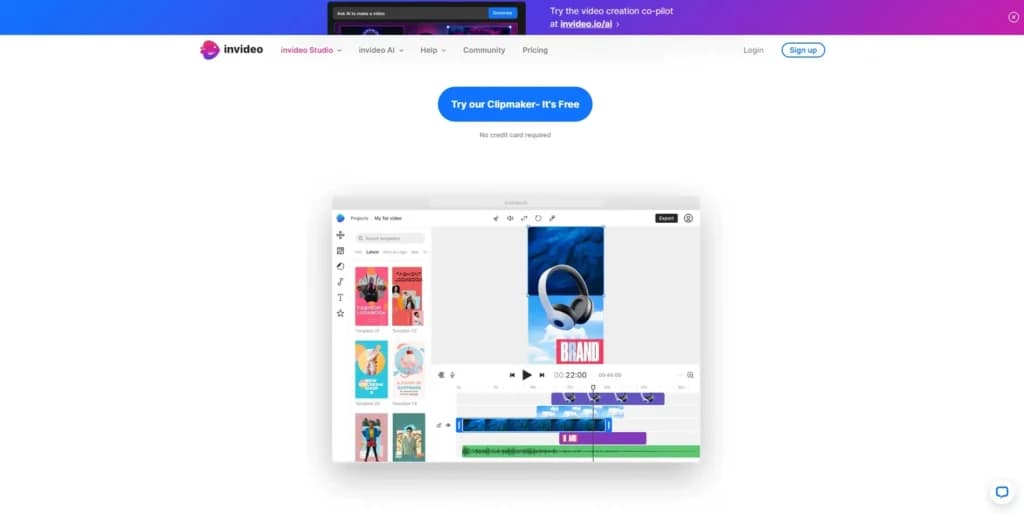
The clipmaker feature is an awesome way for users to get the most out of their content. This feature can turn long-form videos into short clips with its simple cut, snap, and trim tools. Although it includes basic video editing features, it’s a fast way of getting amazing results quickly with no video editing experience.
Work with a wide range of file types for maximum compatibility.
Choose from various plans to suit your creative needs.
Accessible on multiple platforms for versatile use.
Edit with precision using powerful professional-grade tools.
Easily share projects and export them in desired formats.
Support for diverse export options to meet specific requirements.
AI Tools
The most notable feature that can be found on InVideo is its text-to-video feature. Users can simply type in their video idea and the app will come up with an engaging, high-quality video that not only includes stock footage, but also a voiceover, background music, and transitions. This is an amazing feature for users that need to quickly turn ideas into content.
A great addition to any video editing app are the premade templates. InVideo offers more than 6,000 templates which can be used for creating viral Instagram or TikTok videos. Editing templates and customizing them is done easily as the user interface allows users to drag and drop elements to create stunning visuals.
For those just starting on YouTube, the AI script generator is another amazing feature that can not just help users gain subscribers and views, but it can also drastically speed up the content creation process. This is an extremely helpful feature for creating faceless videos.
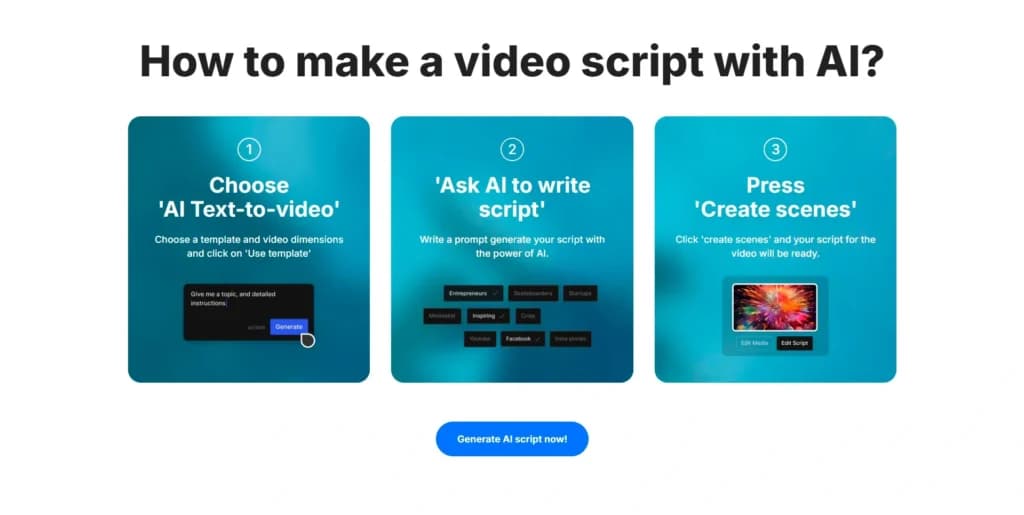
The clipmaker feature is an awesome way for users to get the most out of their content. This feature can turn long-form videos into short clips with its simple cut, snap, and trim tools. Although it includes basic video editing features, it’s a fast way of getting amazing results quickly with no video editing experience.
Accessible on multiple platforms for versatile use.
Features
- Video Editing Capabilities
- JPG
- MP4
- Free Trial
- Monthly subscription
- Annual subscription
- iOS
- Android
- macOS
- Web
Verdict
When it comes to online video editing apps, InVideo is among the top contenders. Its wide variety of features, and an impressive number of AI tools makes it a super-versatile option for content creators. The great thing about InVideo is the fact that it’s incredibly easy to use and no previous video editing experience is required.
Setting up an account and getting started is a fairly simple process that doesn’t require much time. When registered, users get a free plan by default with the possibility to upgrade with just a few clicks.
Aside from being able to work on their content on Mac or PC, users can download the InVideo apps for mobile phones and tablets, too, which allows them to create content no matter where they are. The online platform is definitely the easiest one to use, but the mobile apps are a great addition for less demanding video edits.
Users Reviews
Be the first to write a review
Share your experience with Invideo and help others choose the right software.