

Last updated: October 2025
NordPass has one of the most user-friendly password management software on the market. The Netherlands-based company is affiliated with NordVPN and holds accreditations with leading organizations, including being a member of the FIDO Alliance. NordPass is a highly secure password manager that uses XChaCha20 encryption and zero-knowledge architecture to ensure only you can access your encrypted data.
Plans & Pricing
- Autosave and autofill
- Store passwords, credit cards, passkeys
- Everything in the Free Plan
- Stay logged in when you switch devices
- Detect weak passwords
- Data breach monitoring
- Attach files to items
- Mask your email
- Everything in the Premium Plan
- 10 users
- Companywide settings
- Google Workspace SSO
- Unlimited secure password storage
- Encrypted vault for every user
- Activity log
- Everything in the Teams Plan
- 5-250 users
- Security dashboard
- Integration with Vanta
- Everything in the Business Plan
- Unlimited users
- 24/7 premium support
- SSP with most companies
- User and group provisioning
* Featured prices can be updated and free offers may include additional terms.
NordPass supports multi-factor authentication and offers autofill, password generation, and data breach monitoring, making it an excellent tool for enhancing security and streamlining password management for both personal and business use. This review will examine all aspects of this offering, including features, pricing, usability, and more.
NordPass pricing tiers offer three different plans for individuals and three plans for businesses. You can pay for two years at a time, securing a small monthly discount.
For individuals, there’s the Free Plan, which will be available for an unlimited amount of time and allows you to store passwords, as well as set up autosave and autofill without needing any credit card information. It also comes with a 30-day free trial of the Premium Plan.
- The Premium Plan usually costs $1.89/mo and gives you one account and a full array of features.
- The Family Plan is much the same as the Premium Plan, but you can have six user accounts for $3.69/mo.
The starting point for businesses:
- The Teams Plan, which costs $1.99/mo per user, caters to up to 10 people.
- The Business Plan allows for up to 250 users and will cost $3.99/mo per user.
- Finally, the Enterprise Plan has unlimited users and offers premium 24/7 support for $5.99/mo per user.
Expert Score
Pros
- Has a free plan for people getting started
- Most user-friendly password protection manager
- Very detailed reports for password health
Cons
- Not too many customization options
Customer Support
There is a comprehensive help center at NordPass that allows you to find answers about a wide range of topics. This allows you to quickly troubleshoot issues without contacting the team directly in a lot of cases. The articles lay out clear steps, and you can also find tutorial videos to help you with certain topics.
If you want to directly contact the support team, their email support is always useful for complex matters that take a bit more attention. The live chat operates 24/7 and will be suitable for simpler matters.
NordPass has a presence across the most popular social media platforms, allowing you to get answers to certain matters and also stay up to date with the latest developments or upgrades that NordPass has to offer.
There’s also the community forum that allows you to interact with fellow NordPass users to discuss certain matters. You’ll find plenty of interaction and activity, allowing you to engage with your peers.
Personal Experience of Customer Support
We found the email support to be particularly good, being well-equipped to promptly answer our questions about a variety of topics. Then the live chat is always on hand for straightforward matters if you can’t find the solution in the well-laid-out help center.
Phone Support
Available through certain plans.
Contact via email: support@nordpass.com
24/7 Help & Support
There is a live chat that is available 24/7.
FAQ
An extensive FAQ is accessible on their site.
Blog
You can read their comprehensive blog on their website.
Live Online Chat
Live chat on their site.
Video Tutorials
On site, via the help center.
Ease of Use
You'll struggle to find another password management tool as user-friendly as NordPass. Everything is beautifully designed, with the icons allowing you to quickly pick out what feature or functionality you want to explore. It has a lot of similar characteristics to the Slack messaging app in its design.
The experience is just as streamlined on mobile devices as what you get through the desktop. Even signing up only takes a few minutes, so you don’t have to waste time going through tons of convoluted steps before getting up and running.
Performance
NordPass gets independently audited by trusted organizations to make sure that everything is up to scratch in terms of security principles. It also holds various certifications and compliance standards, including ISO 27001 and HIPAA.
There is also the deployment of XChaCha20 encryption, which is not used by any other password manager to make sure that your account is always protected from known types of cryptographic attacks. The cross-platform compatibility means you can instantly access your passwords on all devices without having to sync or update anything.
NordPass works seamlessly on all devices and it's not something that will constantly be annoying you with unnecessary notifications and pop-ups. It runs quietly and effectively in the background, only bringing important issues to your attention until you actively go into your vault to access passwords.
Features & Functionality
The NordPass password manager tool comes with plenty of features and functionalities for you to enjoy. There will be no shortage of ways to enhance your digital security. We have listed some of the main features for you to explore:
- Security Dashboard
- Shared Folders - password sharing
- Activity Log
- Identity Provider Integrations
- Built-In Authenticator
- Group and User Management
- Encrypted Storage
- Autofilling Forms
- Password Generator
- Secure Item Sharing
- Breach Monitoring
- Password Health Reports
- Multi-Factor Authentication
- Easy Import
- Secure Notes
- Emergency Access
- Masked Emails
Security Dashboard
The security dashboard allows you to quickly see the security status of all your credentials, emails, and domains. Anything that is suboptimal will be accompanied by tips on improvements you can make to become more secure.
Shared Folders
The Shared Folders feature allows you to quickly and safely engage in data and password sharing in a secure manner with team members and other departments.
Activity Log
You can keep track of the actions of users at all times, seeing who accessed certain data and at what time. This allows you to completely control your company logins.
Identity Provider Integrations
NordPass is completely compatible with identity providers such as Okta, Google Workspace, and Entra ID.
Built-In Authenticator
You can boost the security of your NordPass account by creating time-based one-time passwords or setting up two-factor authentication.
Group and User Management
Norton Password Manager's Group and User Management feature allows businesses to control who has access to specific information. Administrators can quickly grant or revoke access, ensuring that only authorized users can view or manage sensitive data, enhancing overall security and flexibility in access control.
Encrypted Storage
NordPass makes sure to encrypt your storage using XChaCha20 instead of the typical AES 256-bit encryption, which means you can keep your personal passwords and other sensitive information in the same place. Nobody in NordPass can access the passwords thanks to the zero-knowledge encryption this online security tool provides.
Auto-Fill Forms
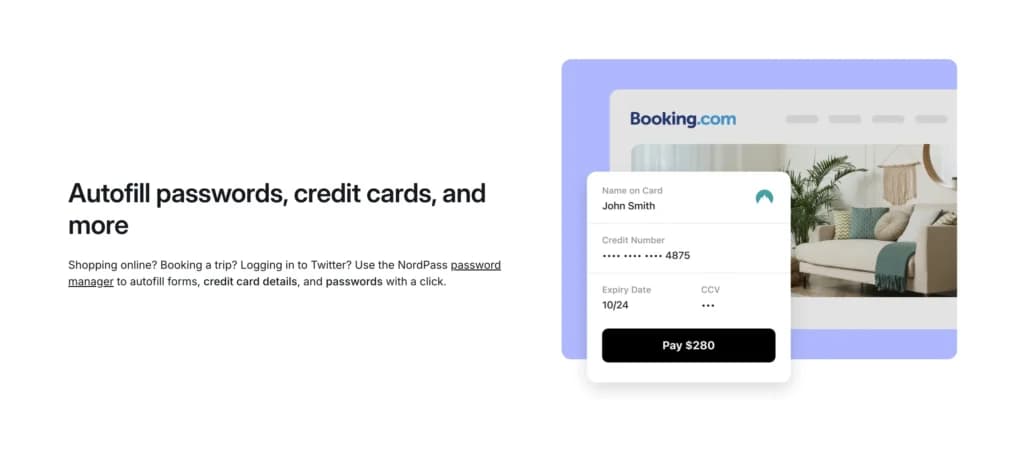
You can set up the auto-filling of forms to create a faster shopping experience while still not having to share any personal details with third parties.
Password Generator
The password generator tool allows you to create very strong and unique passwords that keep your accounts well protected.
Secure Item Sharing
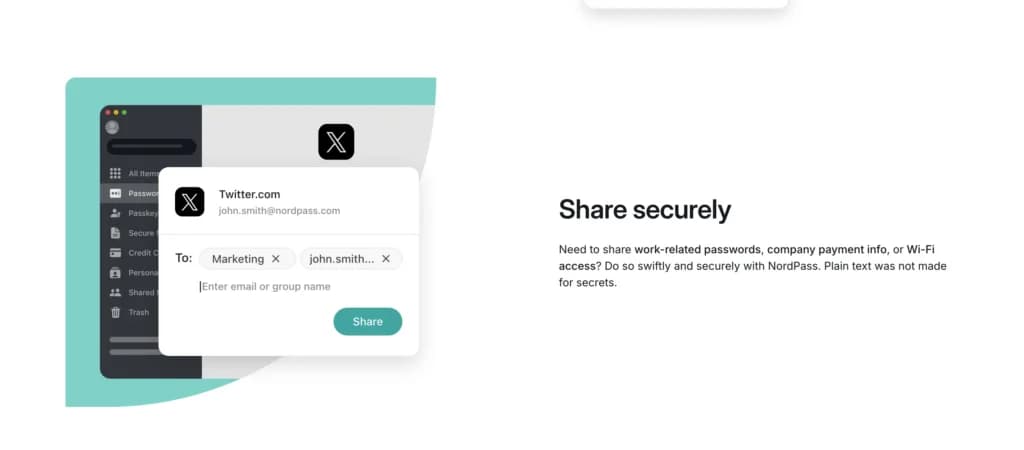
You can share password login credentials with other people as you please in a fully encrypted way and grant access as you need.
Breach Monitoring
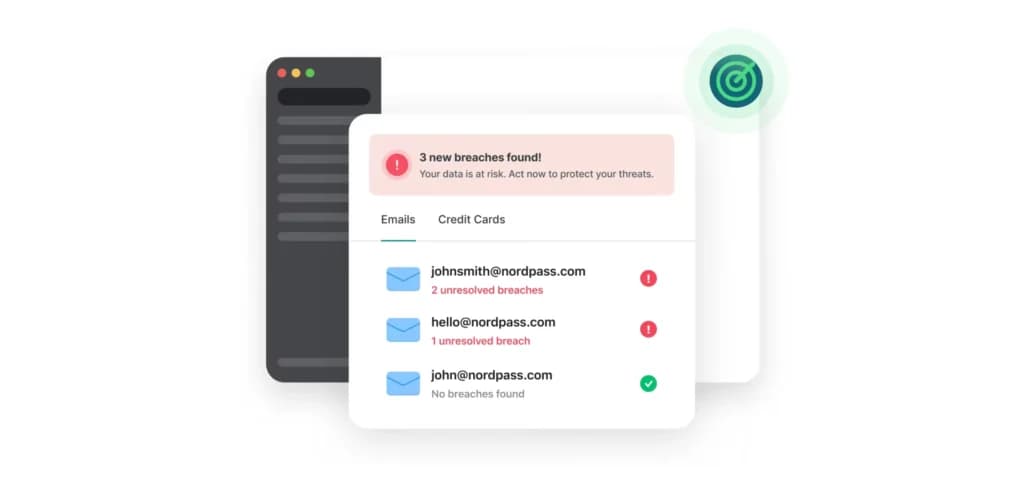
You can set up data breach alerts to make sure that your data hasn’t been involved in any sort of attack. This dark web monitoring will give you real-time updates if anything occurs.
Password Health Reports
Norton Password Manager's Password Health Reports feature identifies passwords that are reused, outdated, or weak. This helps users quickly spot vulnerable passwords and take action to improve their security by updating or strengthening them, reducing the risk of potential breaches.
Multi-Factor Authentication
You can go passwordless if you wish with NordPass by setting up biometric authentication, which means you can access accounts with just a fingerprint scan or through facial recognition.
Easy Import
NordPass will automatically detect any passwords you have stored in your browser, uploading them instantly to your vault.
Secure Notes
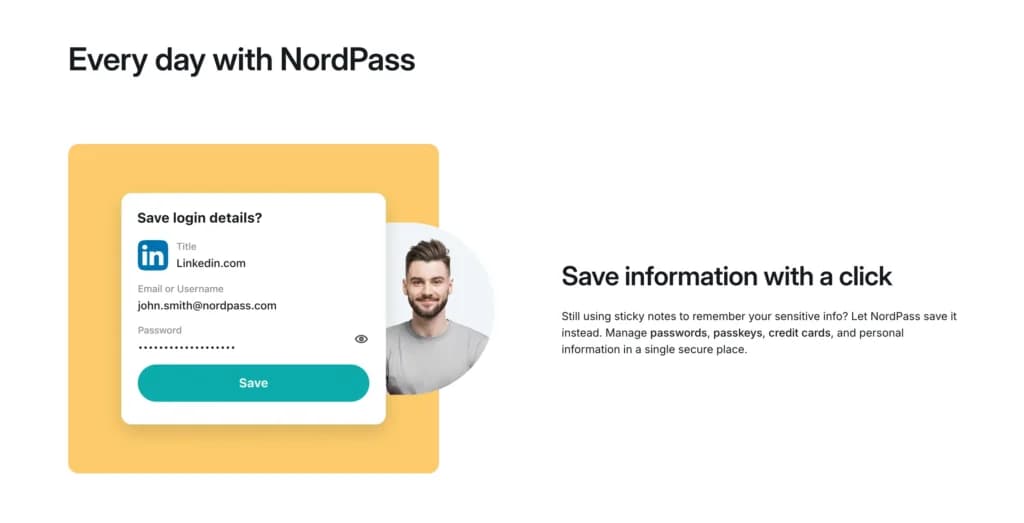
Keep notes linked to certain passwords to make sure that you always have access to important information as you need it. You can organize everything into folders if you wish.
Emergency Access
If there is an emergency, you can provide close friends or family with emergency access to your vault.
Masked Emails
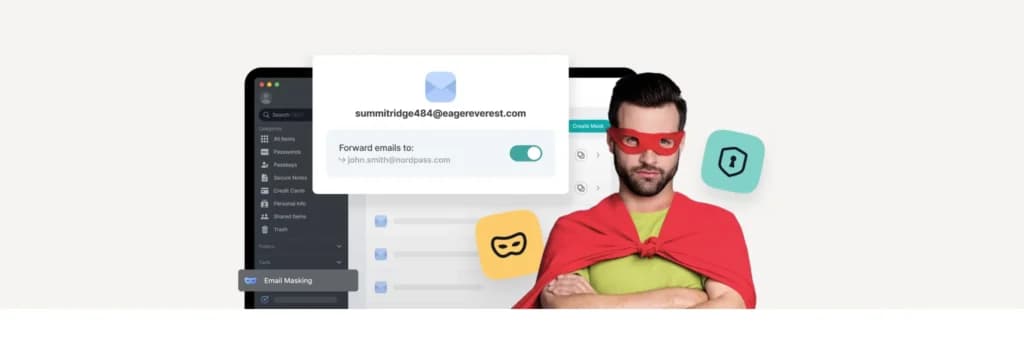
This Norton tool allows you to create disposable email addresses when signing up for services, allowing you to protect your actual identity.
Verdict
NordPass is a great fit for people and businesses who want an extremely user-friendly way to protect passwords and beef up their digital security.
Everything is easy to use, integrates well with other apps, and has top-tier encryption of your sensitive information. On top of that, you have competitive pricing that makes it a quality option for most needs.
Users Reviews
Be the first to write a review
Share your experience with NordPass Password Manager and help others choose the right software.