

Teamwork Review
Overall Rating
4.3
Last updated: November 2025
Teamwork is built from the ground up for project management. Visualize everything in one place, collaborate in real-time with other employees, and expand on your workspace with tools like CRM and DeskChat. Switching to Teamwork is easy; simply import all your tasks and projects from other platforms.
Plans & Pricing
Deliver
$10.99
seat/
/mo /user
Billed Annually
- 3 user minimum
Grow
$19.99
seat/
/mo /user
Billed Annually
- 5 user minimum
Scale
$54.99
seat/
/mo /user
Billed Annually
- 5 user minimum
Enterprise
Custom
seat/
month
* Featured prices can be updated and free offers may include additional terms.
Teamwork plans are designed so that the higher the plan, the more usage limits you have on the platform. It also prices based on the features you have access to. There are three core plans and an enterprise plan that’s tailored to the needs of the business.
Teamwork is fairly priced for what it offers and is constantly developing new features to ensure they stay current. Most customers are happy with the value provided by Teamwork.
Expert Score
Pros
- Comes with a CRM and help desk if needed
- Built-in time tracking that can be converted to an invoice
- Workload estimation for staff for better resource utilization
- Custom automation workflows
Cons
- Not designed for advanced project profitability reporting
- Data tracking & reporting of activities and tasks doesn’t allow users to drill down deeply
Customer Support
Teamwork offers customer support via multiple channels but the emphasis is on using the knowledgebase to find an answer to your question. The company has spent a lot of time and energy making it comprehensive and you’ll find answers to most usage questions there. If you need a live support rep, you can be confident that they’re knowledgeable and can solve most issues quickly.
Phone Support
Phone support is available from 7 AM to 12 AM IST.
Email support is available and fairly responsive.
FAQ
Multiple FAQs around the website and a detailed knowledgebase
Live Online Chat
Live chat is also made available to all customers.
Video Tutorials
There are many video tutorials on the official YouTube channel.
Ease of Use
From the beginning, Teamwork has had an emphasis on making the software simple for the end-user to use and reducing friction. Setting up projects or creating tasks takes a minimum number of clicks and the rest of the platform has been thoughtfully put together to prevent confusion. Even though Teamwork does a great job on its UI, there are still advanced features that take some getting used it. It’s inevitable because the software is expansive and caters to many types of customers. In a nutshell, there’s almost no learning curve for the core features such as setting up projects, creating tasks, assigning those tasks, etc. For the more advanced features, be prepared to dedicate a bit of time to mastering them or training your team.
Features & Functionality
Teamwork has been around since 2007 and in that time it has developed a robust and expansive solution for businesses of all sizes. It has the core project management features you’d expect such as multiple project views, team collaboration tools, personal task lists, team management, etc. It also has powerful features that help it stand out from the crowd.
File Sharing
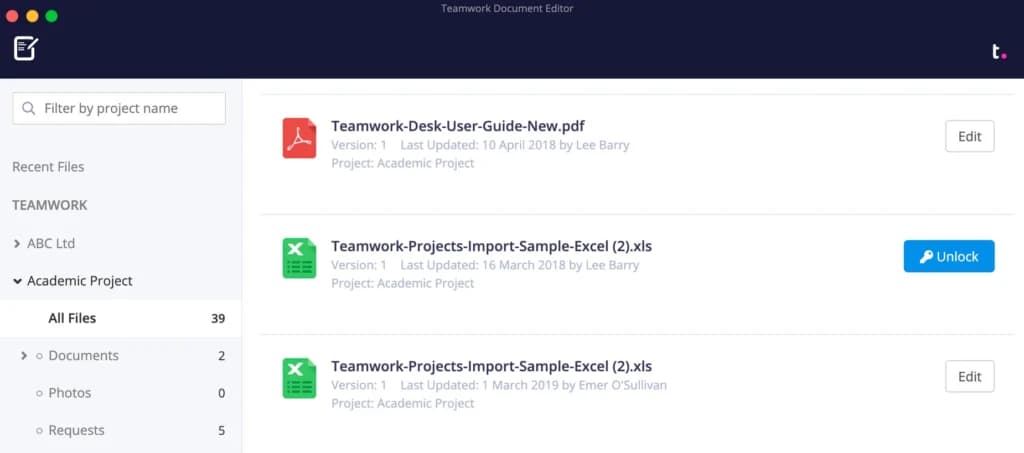
Help desk
The Teamwork helpdesk tool is a robust way to manage customer support. It, of course, has a team inbox, automation rules, collision detection and prevention, prioritization, canned responses, and the other core features you’d expect in a help desk solution.
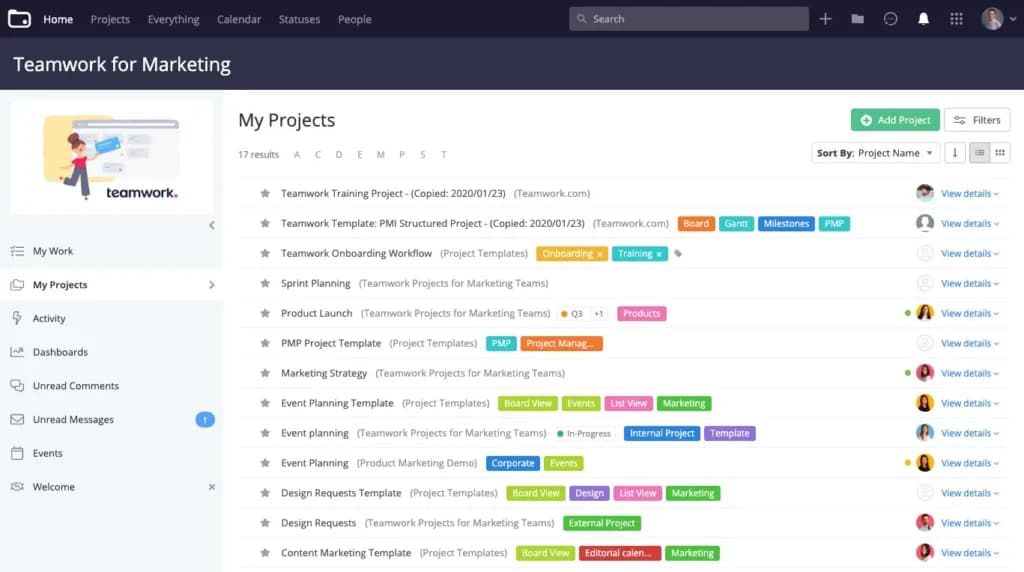
CRM
Most project management platforms will give you pointers to help you hack together a CRM solution. With Teamwork, you have access to a purpose-built CRM that helps you do everything from managing multiple pipelines to sales forecasting.
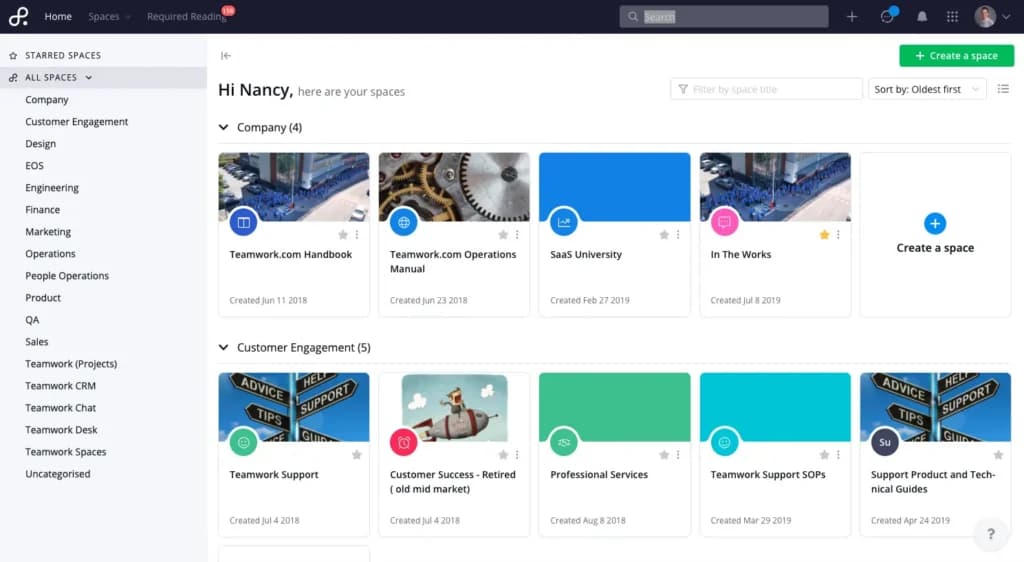
Document management
Known as Spaces, the document management product allows customers to create internal or external document repositories. Collaboration can occur in real-time and there are multiple widgets that create a rich experience for those interacting with the documents.
Time tracking
The time tracking tools allow you to see what your team is spending time on which allows you to better plan and allocate resources. At the same time, those hours spent can be transformed into an invoice that’s sent directly to clients.
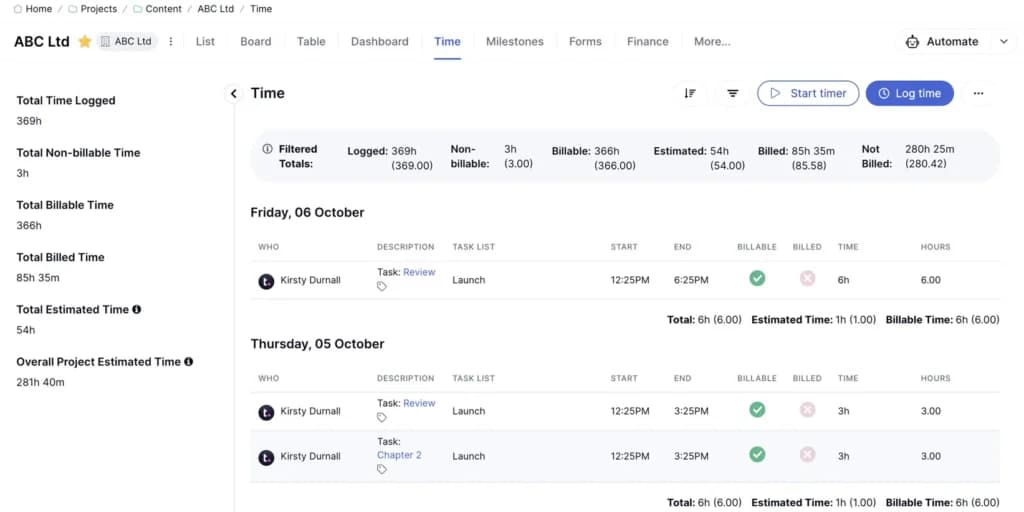
Enhance team collaboration with integrated communication features.
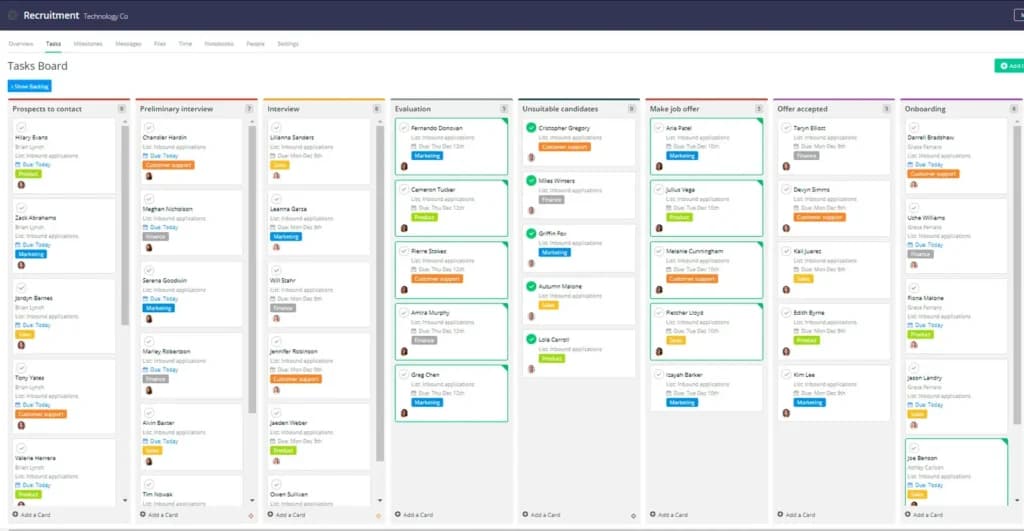
Task Management
Teamwork’s task management feature lets users create detailed, customizable tasks with full visibility, making it easy to prioritize, track progress, and prevent bottlenecks across multiple projects.
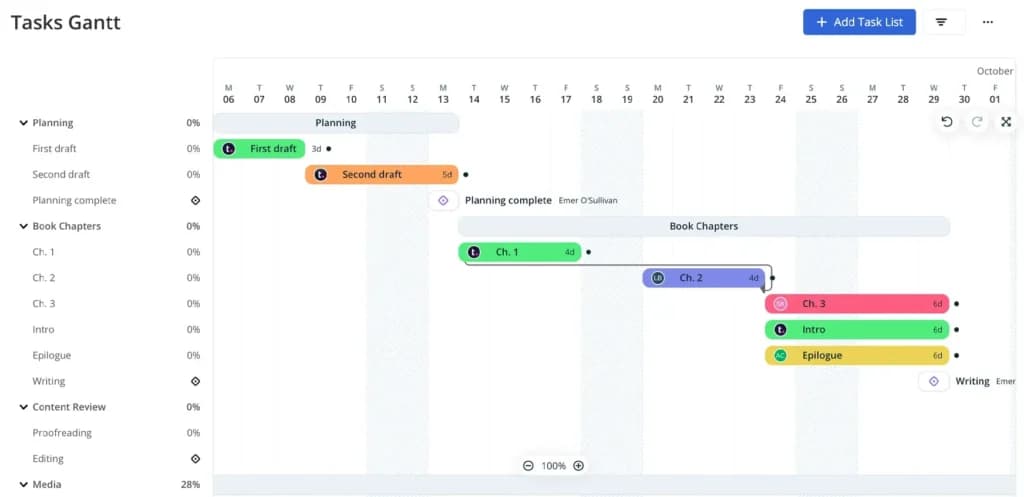
Gantt Charts
With a clear visual timeline of tasks and dependencies, the Gantt charts make it easy for teams to plan, track progress, and adjust schedules as needed.
Teamwork has a desktop application for Windows and Mac that can be used when connected to the internet. It also has a mobile app for iOS and Android. By far, the most popular way to access the platform is via the web interface. It’s compatible with almost any web browser so customers can be confident they’ll have access it no matter how they like to work.
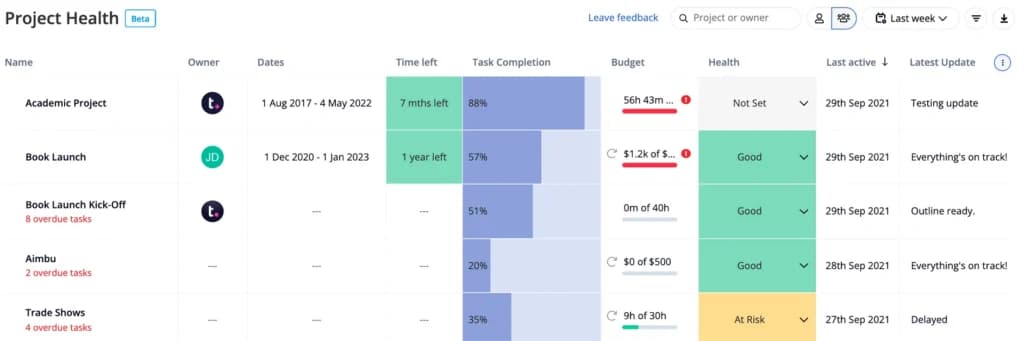
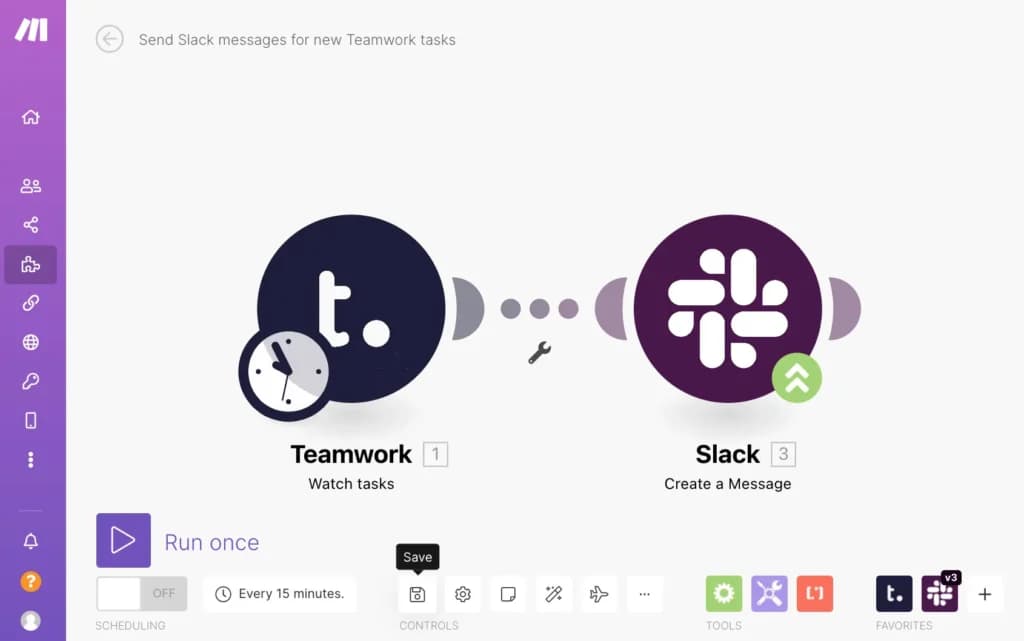
In addition to broad accessibility, it integrates with a large collection of other applications such as Slack, Hubspot, Stripe, Mailchimp, and many more. If the tools you use aren’t available, the team is responsive to requests to add more so just reach out and see whether or not the integration is possible.
Features
- File Sharing
- Document collaboration
- User Access and Permissions
- Mobile App
- Search
- Multi-language support
- Risk Analysis
- Reporting and Dashboards
- Customization
- Storage Included
Verdict
Since 2007, Teamwork has been building a product to make it easier for teams of all sizes to do their best work. Today, it boasts tens of thousands of paying customers, multiple products in its portfolio, and a customer base that loves what it does. It has a clear emphasis on making its software easy so almost anyone can get started within a few minutes. In addition to the core project management tools such as projects, tasks lists, file sharing, etc. It also adds a CRM, help desk, time tracking tools, document management, and so much more.
Even though it has an intuitive UI, there are some areas that require more dedicated effort to master. It also doesn’t have the best historical reporting tools. If those aren’t deal-breakers then the evolving ecosystem, a large number of integration partners, and fair pricing make Teamwork worth taking a closer look at for your organization.
Users Reviews
Be the first to write a review
Share your experience with Teamwork and help others choose the right software.