

Last updated: September 2026
Trusted by over 100,000 companies, Calendly enables businesses to efficiently book meetings and achieve team goals faster while boosting website bookings and customer engagement. Features include automatic reminders, meeting tools, and custom event invites. This Calendly review will explore the pricing plans, features, customer service, and performance of the Calendly scheduling tool.
Plans & Pricing
- Unlimited 1-to-1 meetings
- One event type
- Connect a calendar
- Utilize video conferences
- Create a custom booking page
- Send a confirmation email
- Embed the scheduling on your website
- Use the browser extension and Calendly app
- 24/7 email support
- Calendly community access
- Unlimited event types
- Connect multiple calendars
- Integration with Mailchimp and HubSpot
- PayPal and Stripe integration
- Connect Google Analytics
- Use team scheduling
- Automate reminders
- Customize Calendly
- 24/7 live chat
- View analytics about meetings
- Send meetings to Salesforce
- Share any Round Robin meetings
- Advanced admin functions
- Qualify and route prospects
- Manage teams permissions
- Routing for analytics
- Single Sign-On add-on available
- Enable SAML and SSO
- Domain Control
- Audit log compliance
- Data deletion API
- Customer success representative
- Integrate Microsoft Dynamics
- Legal and security reviews
- Communication archiving
- Phone support
- Onboarding and implementation
* Featured prices can be updated and free offers may include additional terms.
The Calendly pricing options offer four options: A free plan or three paid plans. You will pay a higher price if you choose monthly billing rather than paying for a whole year in one go. Here’s a look at the Calendly cost if you pay annually:
- The Free plan includes unlimited 1-to-1 meetings, one event type, calendar sync, video calls, a custom booking page, email confirmations, 24/7 email support, and more.
- The Standard plan costs $10/mo and offers unlimited event types, multiple calendar syncs, integrations (Mailchimp, HubSpot, PayPal, Stripe), Google Analytics, team scheduling, reminders, customization, live chat support, meeting analytics, and branding removal.
- The Teams plan costs $16/mo and works well for teams that need access to more advanced features like automation, reporting, and meeting distribution. A 14-day free trial is available for this option.
- The Enterprise plan starts at $15,000/year and is suitable for big teams that need enhanced security, support, and admin control.
Expert Score
Pros
- Offers a free plan with many features
- Tremendous customer support with endless resources
- Automate meeting scheduling to save time
- Extremely intuitive user experience
Cons
- No email reminders through the Free plan
Customer Support
The level of customer support you get at Calendly depends on what plan you go for. If you choose the Free or Standard plans, email support is the sole option. This extends to 24/7 live chat if you have a Teams plan, with the Enterprise package also bringing phone support and a dedicated customer success expert for your account.
A useful X (formerly Twitter) profile for Calendly exclusively focuses on answering support questions, which is open to all users.
Calendly also has a presence on other social media platforms like Facebook, LinkedIn, and Instagram. A chatbot also appears on the website, helping direct you to solutions.
The YouTube channel contains useful videos for learning more about this popular scheduling tool, including tutorials and interviews with real-life businesspeople.
The Calendly website does a good job of portraying all relevant information clearly and concisely. It uses visuals very well when explaining features, and most sections have relevant FAQs to answer questions you have.
Then there’s the help center with a comprehensive set of FAQs, a dedicated area for video tutorials, and other useful resources like e-books, webinars, guides, customer stories, and blog posts.
Personal Experience of Customer Support
The lack of live chat for the Free and Standard plans was initially a concern for me when conducting this Calendly review, but I was pleasantly surprised by the quality of the email support.
I got a swift response to my request, and testing the Calendly Support X page also led to prompt results with no issues. The YouTube channel also has very good tutorials and informative videos targeting very specific types of users.
Community
The Calendly Community is thriving, with hundreds of people viewing posts every day. You can ask questions about this popular scheduling tool to help troubleshoot any issues you might be having.
Other popular sections include discussing new ideas about how to use Calendly and sharing useful tips with your peers.
Phone Support
Phone support is only available with an Enterprise plan.
Contact support via a form on their site.
24/7 Help & Support
Email for all plans, live chat for Teams & Enterprise.
FAQ
There is an FAQ on their site.
Blog
Read their informative blog on the site.
Live Online Chat
Live chat is only for Teams and Enterprise plans.
Video Tutorials
Video tutorials can be accessed on their site.
Ease of Use
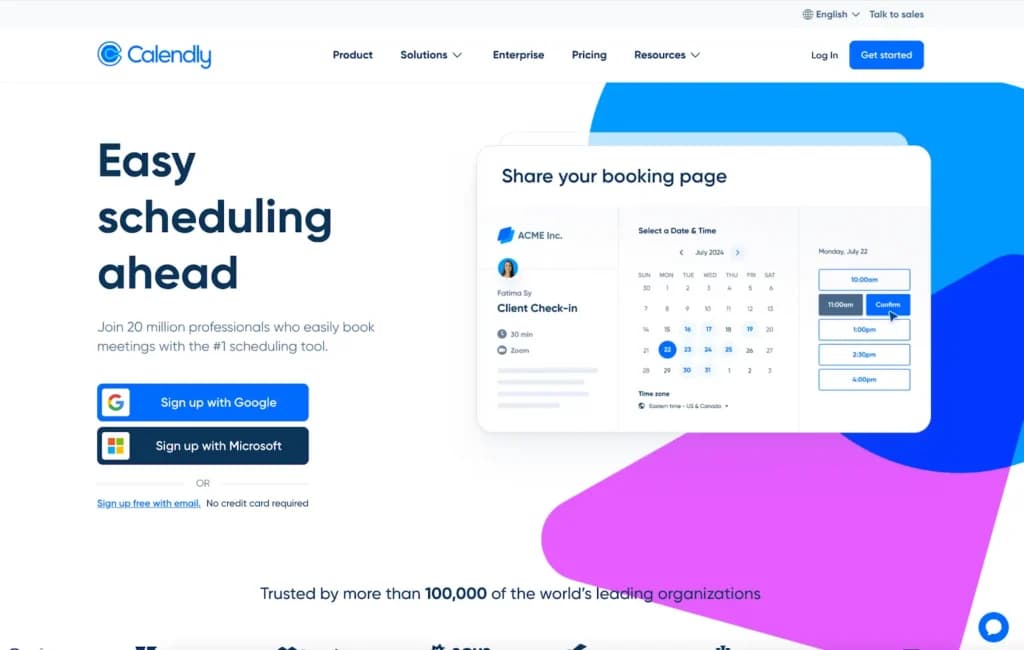
The onboarding process with Calendly is very straightforward. You can sign up for the Free plan with just your email address, with no credit card information necessary. The alternative is signing up directly through Google or Microsoft, with this process taking less than a minute.
This can be done directly through the Calendly website, by adding a browser extension, or by downloading the Calendly app for your iOS or Android devices.
If you're going for a paid Calendly calendar scheduler plan, you can pay for it through credit cards or debit cards. Bank transfers are available if your Standard or Teams plan is at least $5,000/mo or you have an Enterprise plan.
Paid plans will automatically renew. If you want to upgrade your plan, it is easy to do so by just going to your billing page and updating the plan type or number of user seats.
Setting meetings through this scheduling tool couldn’t be easier. Even people with zero experience using a meeting scheduler tool will find it easy to book themselves into a time slot.
Performance
The performance of Calendly in all aspects is impressive. The mobile experience is just as streamlined as what you get on a computer. The mobile app gives you instant pop-up notifications about meetings or any changes to schedules. I didn’t see any drop-off in performance.
The speed and responsiveness of the Calendly software stand out compared to competitors. The platform's intuitiveness means that anyone can get to grips with it easily. The customization options mean you can tailor it even further to your desired structure.
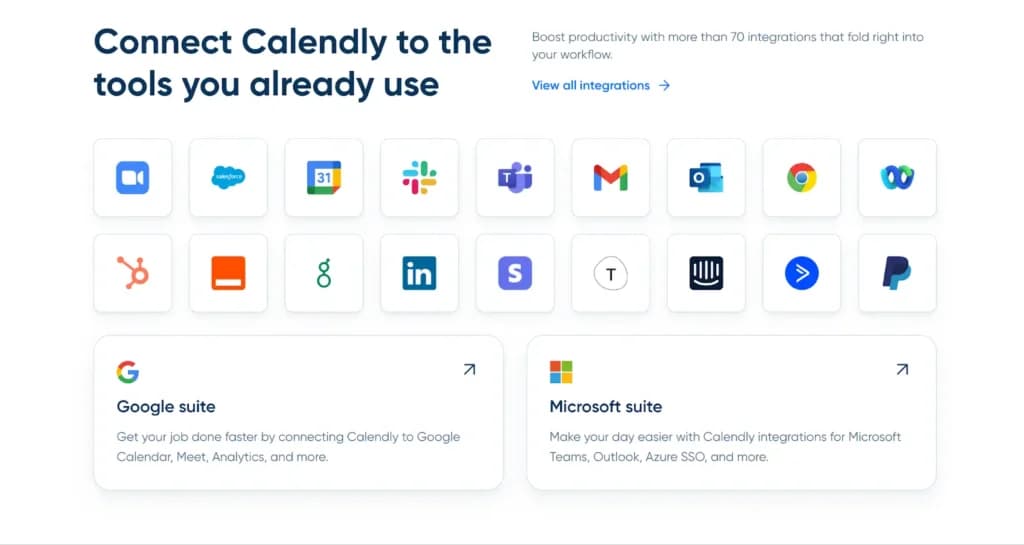
Reliability is never a concern, with the software always running seamlessly and not experiencing any downtime. The scalability capabilities are decent, with the platform able to handle large numbers of users and schedule endless meetings. There’s the integration with over 70 different apps, which helps you streamline everything rather than feel disjointed.
Even setting up automated processes, reminders, and follow-ups is very good. You can set and forget, not having to check that invites constantly were sent or give reminders. This saves business owners valuable time and energy.
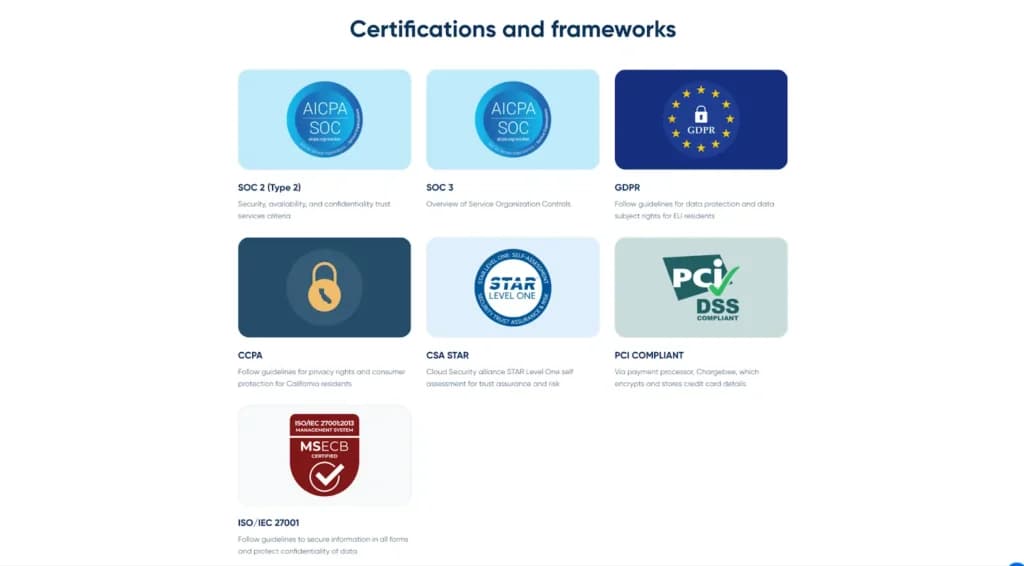
Calendly has top-level security, which keeps your business and any data that you capture as part of the scheduling process secure. It is certified by numerous renowned institutions and holds top-tier security certificates like ISO/IEC 27001 and CCPA.
Features & Functionality
Calendly is packed with interesting features and functionalities across its four plans. It is a one-stop shop for all your meeting scheduling needs. This section deep dives into some of the most popular features and functionalities available:
- Simple Scheduling
- Send Text Reminder
- Connect Calendars
- Showcase Availability
- Connect Conferencing Tools
- Pool Team Schedules
- Customize Event Types
- Quick Sharing Link
- 70+ Integrations
- Send a Thank You Email
- Localized Time Zones
- Automated Workflows
- Routing Forms
- Meeting Polls
- Admin Management
- High-Level Security Share Booking Page
- Simple Scheduling
The process of scheduling a meeting through Calendly is very straightforward. The interface is minimalistic, so you can’t go wrong, even if you have no experience using a scheduling tool.
Send Text Reminder
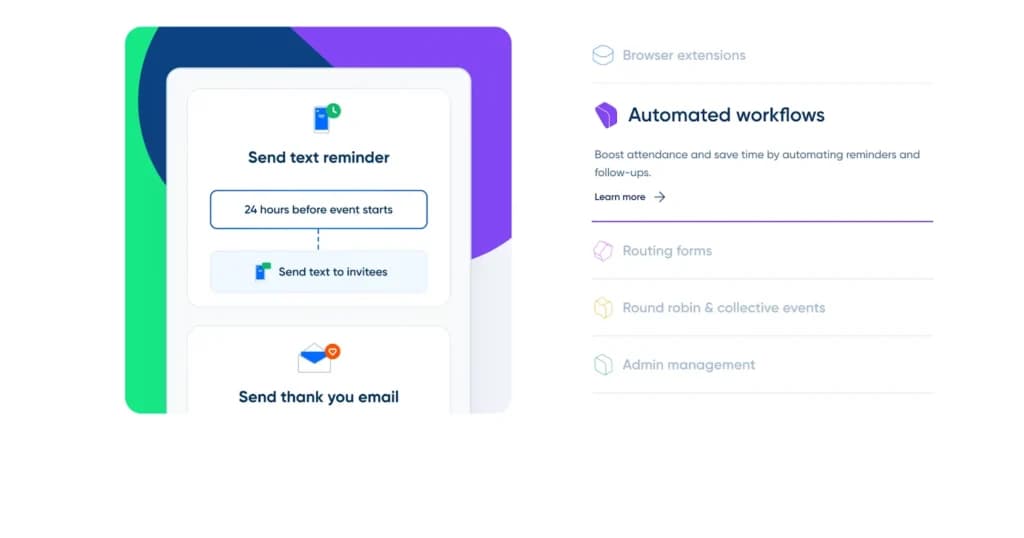
To reduce the number of no-shows to meetings, you can send text reminders through the Calendly scheduling tool.
Connect Calendars
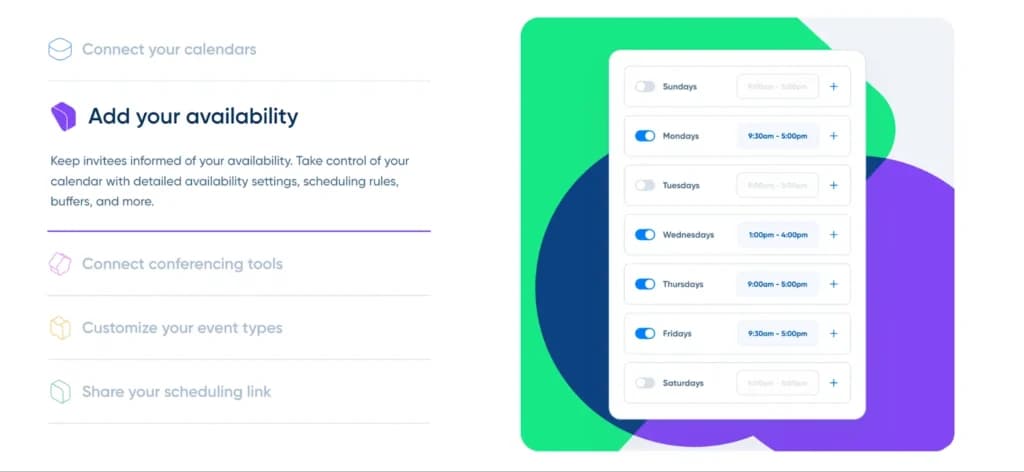
Through the paid plans, you can connect up to six calendars to your Calendly account, automating your scheduling by showing your real-time availability and not having to manually update information.
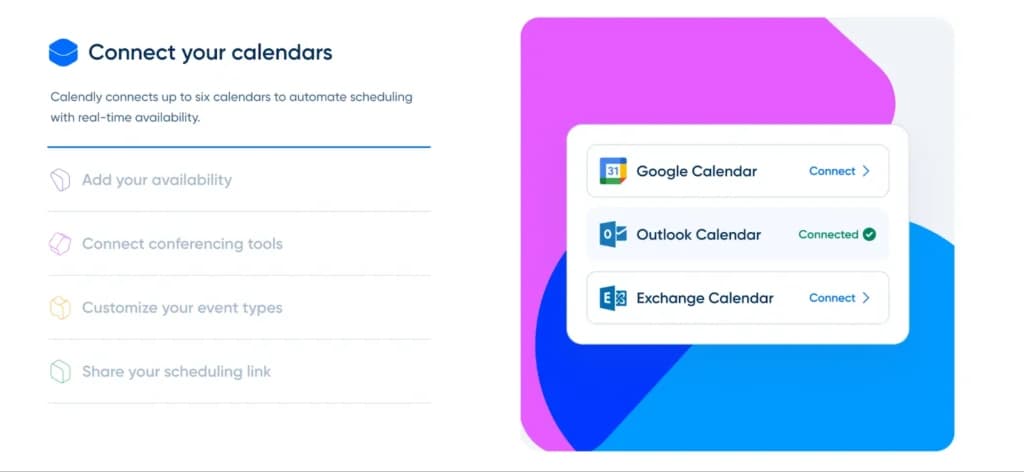
The Calendly tool allows you to show clients or employees when you are available for calls without needing back-and-forth via email or instant message to find a time that suits all parties.
Connect Conferencing Tools
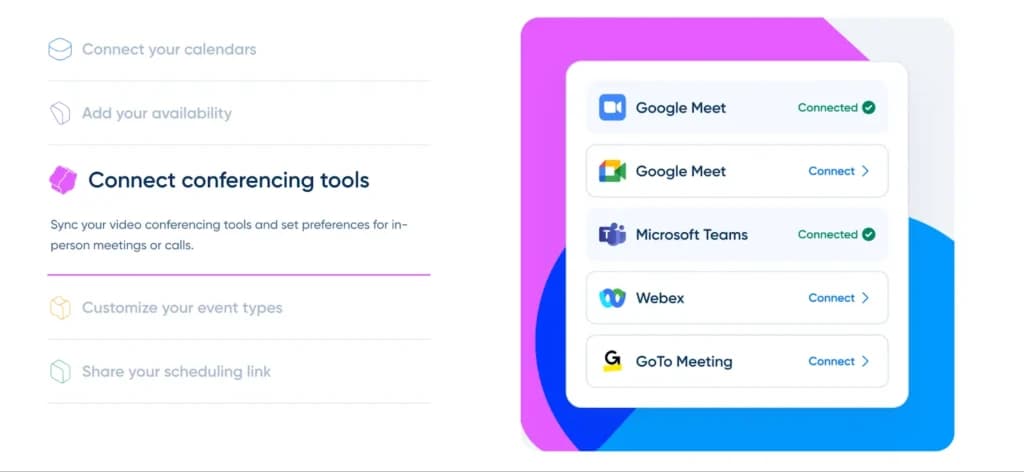
Calendly allows you to sync any video conferencing you use and then set your specific preferences for calls or in-person meetings.
Pool Team Schedules
Calendly allows you to pool a team schedule to offer greater booking availability or to create quick collective calls.
Customize Event Types
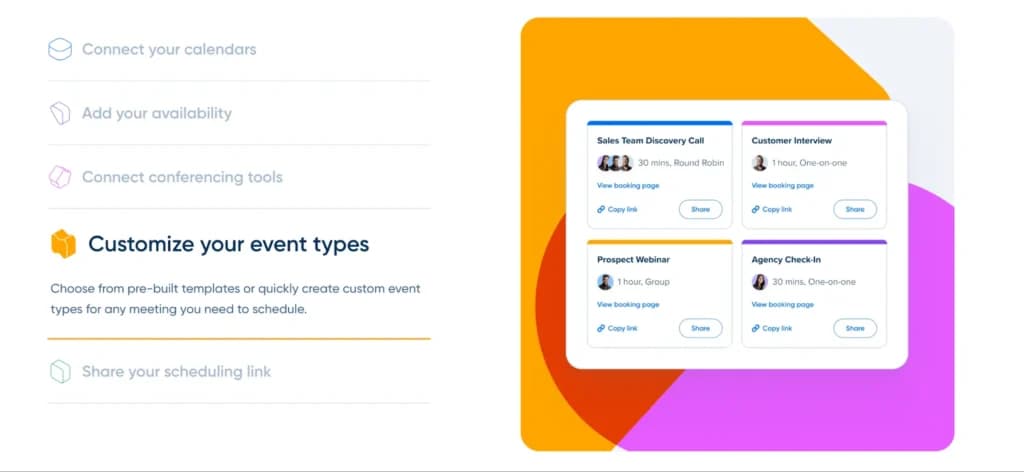
You can select a pre-built template when creating a new event or customize it to your needs for all meetings.
Quick Sharing Link
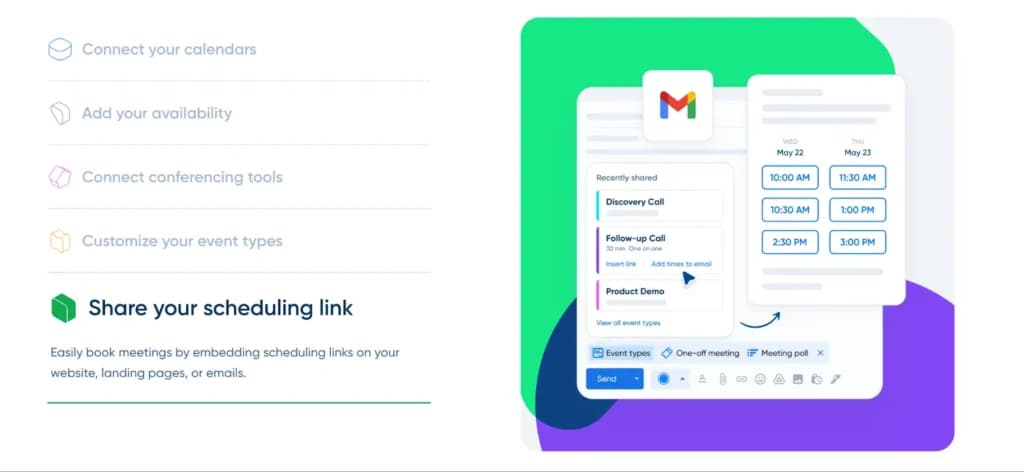
You can quickly book your meetings by sending a simple scheduling link or embedding it onto your website or in your emails.
70+ Integrations
Calendly integrates with over 70 popular applications, allowing you to get more productive with your workflow. Some of the most popular integrations include Salesforce, Google Suite, and LinkedIn.
Send Thank You Emails
After a meeting concludes, you can send a thank-you email to those on the call. This could be an automated follow-up or a custom message related to the specific conversation.
Localized Time Zones
Calendly will automate the time zones to show the suggested meeting times are in your local area, clearing up confusion if people are working across different time zones.
Automated Workflows
You can automate a lot of the processes within this scheduling tool, allowing you to automatically send reminders or thank people for attending a meeting.
Meeting Polls
You can run a poll to determine what times would suit your team best for a call.
Routing Forms
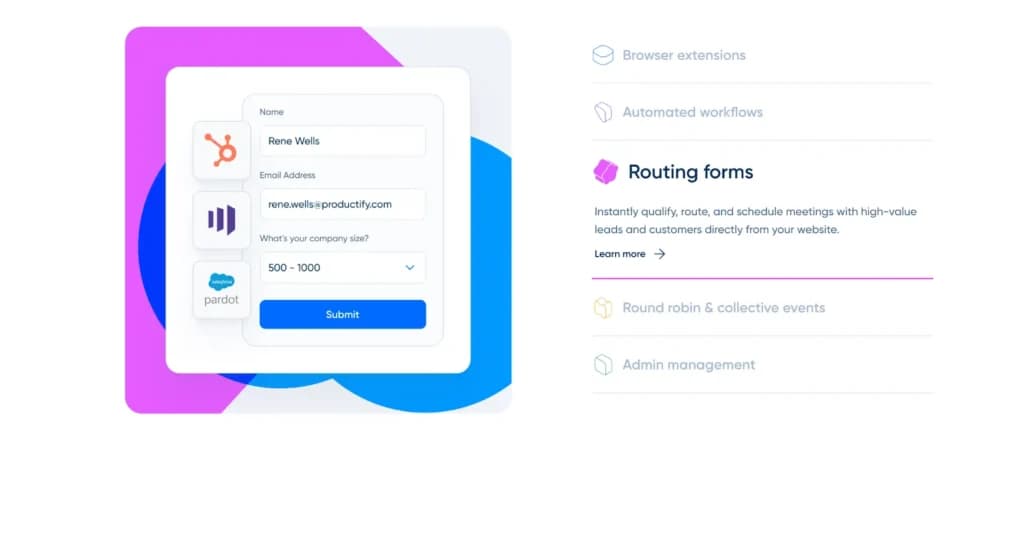
You can immediately qualify, route, and schedule meetings with any customers or leads straight through your website.
Admin Management
Businesses can streamline the onboarding processes, track trends in scheduling, and keep security up to scratch through the team admin tools.
High-Level Security
Calendly always protects user data with enterprise-level admin management, integrations with top security tools, compliance audits, and other privacy protections.
Analytics & Insights
Calendly offers strong analysis capabilities and provides insights into your meetings. This includes everything from the number of created events, the most popular days of the week, and users with the least events.
You can customize the analytics dashboard only to see the information you want. The insights help you get actionable data to improve your processes.
Enhance scheduling capabilities with additional features.
Accessible across various platforms for versatile use.
Features
- Online Scheduling
- Calendar Synchronization
- Automated Reminders
- Customization Options
- Multi-platform Access
- Payment Integration
- Resource Management
- Appointment Scheduling Pages
- Analytics and Reporting
- Team Collaboration
Verdict
Calendly has a place at the top of the rankings for meeting scheduling software for a reason. It is a great all-rounder, delivering no shortage of features to help business owners and their employees become more productive and efficient.
It also keeps clients and leads happy as there is no need for constant back-and-forth to set meetings or issue reminders. The variety of Calendly pricing plans is ideal, with the free option perfect for individuals or anyone who wants to test it out for themselves. Solo users who only need one event type can start with the best free scheduling software and upgrade when team routing becomes the bottleneck.
Finally, the commitment to a top-level customer experience means that you have endless resources to learn how to best use Calendly, and the support team is always on hand to take care of any issues or concerns. Booking links solve most calendar friction - the wider comparison of best scheduling software shows where round-robin routing or intake forms change the pick.
Users Reviews
Be the first to write a review
Share your experience with Calendly and help others choose the right software.