
Last updated: July 2025
Zoho Bookings offers a scheduling tool that simplifies meeting management, removing back-and-forth communication and reducing repetitive tasks. Customers can self-schedule, requiring no manual effort from you. Key features include automatic reminders, advanced analytics, and seamless payment collection. In this Xoho Bookings review, I'll discuss the features, pricing, customer service, business benefits, and more.
Plans & Pricing
- 1 staff member
- Online meetings
- Notification emails
- Two-way calendar sync
- One-on-one service booking
- Collective bookings for multiple hosts
- Custom messaging
- Round robin allocation
- Invite numerous guests
- Reports on staff and appointments
- Automatic time zone conversion
- Add branding to the booking page
- Customize booking form fields
- Add a browser extension
- Online payments
- 3 workspaces (Add more workspaces for $12/mo)
- Book resources
- Portal registration for customers
- Host the booking page on your website domain
- Remove the Zoho Booking branding
- Make group bookings
- Add recurring group bookings
- Get revenue reports
- Customize texts
* Featured prices can be updated and free offers may include additional terms.
The exact Zoho Bookings pricing depends on what type of plan you go for. Note that the prices listed below are for annual payments. Currently, paying monthly comes with a 25% premium.
Zoho Bookings offers a 15-day free trial, allowing you to get to grips with the offering before proceeding with either a free or paid plan. Here’s a look at the different pricing tiers:
- Forever Free:$0/mo, includes 1 staff member, online meetings, email notifications, and calendar sync.
- Basic: $6/mo and includes all free features, plus one-on-one and group bookings, custom messaging, reports, branding, form customization, and mobile app access.
- Premium:$9/mo and includes all basic features, plus online payments, 3 workspaces, resource booking, a customer portal, a custom domain, branding removal, group bookings, and revenue reports.
- Flex: You can reach out for custom pricing if you have specific requirements.
Expert Score
Pros
- Offers a 15-day free trial for paid plans
- Seamless booking payments management
- The mobile app is very intuitive
- Streamlines the booking process for customers
Cons
- Not many features are available in the free plan
- Limited customization options for appointment lengths
Customer Support
Zoho Bookings wants to make sure people have access to as many relevant resources as possible. This means providing you with a wide range of resources, including in-depth FAQs, video tutorials, an informative blog, and one-on-one demos.
You can also try the tool with a 15-day free trial. Weekly webinars are held every Thursday for a complete overview of the scheduling tool, and you can get your questions answered live during the 60-minute session.
Plus, you can always access past webinars whenever you need.
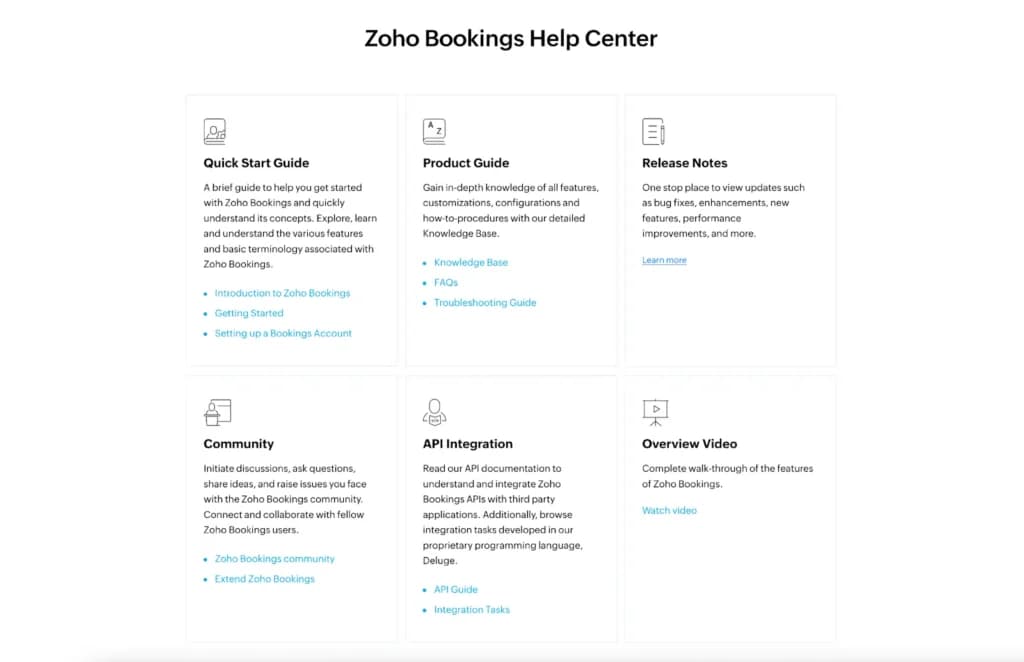
The resource section of the Zoho Bookings website gives you access to useful tools like a quick start guide, product guide, and the latest release notes so you can stay up to date with changes.
While these resources are massively in-depth, if you still don’t have an answer to your question, the support team is reachable by email. There are different email addresses depending on your issue or if you’re an existing customer, but you can always contact: support@zohobookings.com.
The support team is also reachable by phone, so you can talk to a specialist about any problem you’ve been having. These lines are usually open 24 hours per day between Monday and Friday, which is ideal. You can call them at +1(888) 900 9646—they usually reply within ten minutes.
Personal Experience of Customer Support
I enjoyed the knowledge center at Zoho Bookings as there’s a comprehensive range of resources to learn about this scheduling tool and how to get the most out of it.
The email support team is very responsive, giving responses within hours, and the availability of telephone support is another plus. The phone lines are open all day during the week, so you won’t be waiting long if a pressing issue is impacting your Zoho Bookings scheduling software.
Community
Zoho Bookings has a community area where people can ask questions and get feedback from their peers. The section tends to be quite active, with posters typically able to expect a reply quickly from another community member.
You can also keep track of Zoho Bookings announcements in this section, as well as take part in more general discussions.
Phone Support
You can call them 24/7 during weekdays: +1(888) 900 9646
Contact support via email: support@zohobookings.com
FAQ
On the site you can read the extensive FAQ section.
Blog
Access the informative blog on the Zoho Bookings website.
Video Tutorials
Video tutorials are accessible on the website.
Ease of Use
I was impressed at how easy it was to get up and running with Zoho Bookings. As soon as you enact the free trial, you can explore all the features and functions with ease. While there is an explainer video highlighting the main features, I didn’t need to view this initially as everything was intuitive.
The most important thing is that customers can easily understand how to make an appointment without any confusion or uncertainty setting in. Only a couple of steps are necessary to make an appointment, so you won’t have people giving up halfway through when using this calendar scheduler.
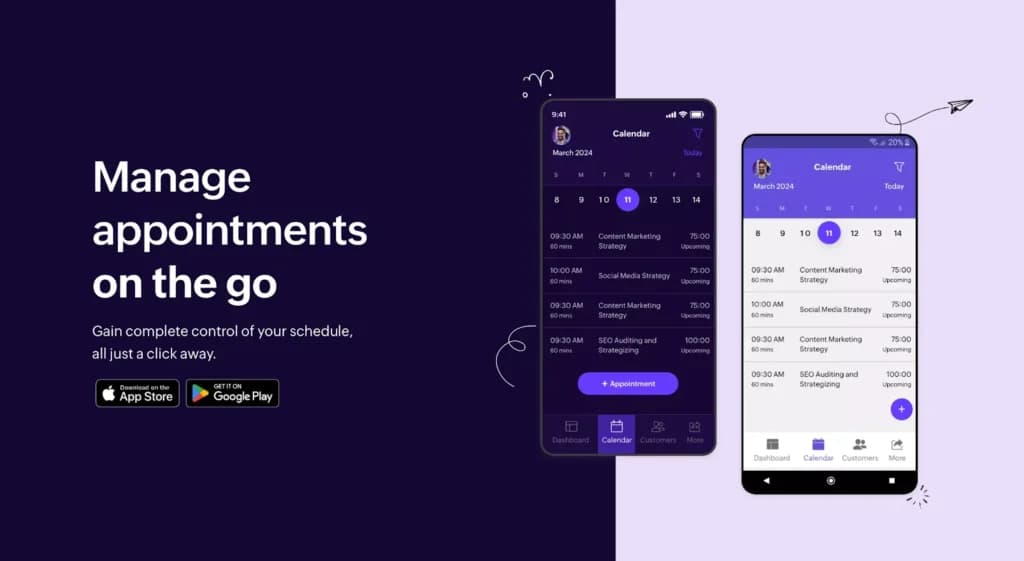
The Zoho Bookings app's intuitive design makes it easy to manage appointments on the go, allowing you to quickly grasp this scheduling tool without any specialist training.
The ability to embed the Zoho Bookings software onto a company’s website is a nice touch, removing another barrier for people to make a booking as they don’t even need to go to another platform to confirm their appointment.
Performance
Using Zoho Bookings as a meetings scheduler is very intuitive on whichever device you use. The speed and responsiveness mean you can quickly set up your system's availability without wasting any time. This allows you to focus on your business rather than getting sidetracked.
The user experience is top-notch, with everything nicely spread out and no clutter being present. Zoho Bookings was extremely reliable during my testing out the scheduling tool. I felt the workflow would be easy to grasp for team members and customers alike.
The reliability is a major plus, with no outages or lag. If issues arise while using the scheduling tool, 24/7 weekday phone support is available.
There are also great customization capabilities, so you can add your own touch to this meeting scheduler, including your branding. Then you can enforce extra rules to protect your schedule as best as possible and to minimize no-shows and cancellations.
The Zoho Bookings app is available to download from the iOS and Google Play Stores, with both options having great reviews from users. It is a streamlined way to manage appointments on the go.
Zoho Bookings also stays up to date with all relevant certifications to ensure it properly protects the sensitive data of businesses and their clients. Some approvals it holds include ISO/IEC 27001, AICPA SOC, and HIPAA. It has proper data security protocols to give peace of mind to businesses and customers alike.
Features & Functionality
Zoho Bookings certainly delivers massively when it comes to features. It allows businesses to take control of their appointment scheduling, saving time and energy by automating a lot of processes.
In this section of my Zoho Bookings review, I'll break down some of the key features and functionalities of this scheduling tool, allowing you to see what’s on offer to help improve your processes:
- Customize availability
- Customized booking page
- Team scheduling
- Alter scheduling rules
- Calendar sync
- Video call integration
- CRM integration
- Automatic notifications and reminders
- Add buffer times
- Payment collection
- Built team member profiles
- Receive push notifications
- Reporting
- Categorize appointments
- Website Embed
- Enable terms and conditions
- Customer Portal
- Accurate sharing
Customize Availability
When using Zoho Bookings, you can quickly customize your availability so people making bookings can instantly see what slots are open, which eliminates a back-and-forth chain of messages trying to find a day and time that suits both parties.
Customized Booking Page
Zoho Bookings allows you to create customized booking pages that reflect the exact needs of your business for that particular interaction. This includes adding your branding to the page.
Team Scheduling
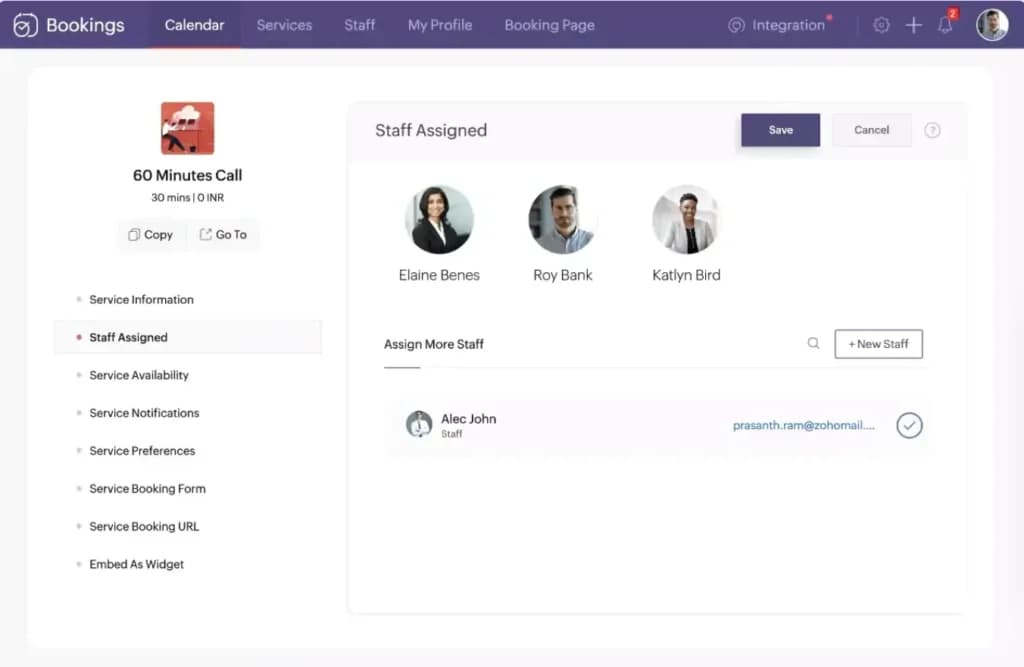
You can showcase the availability of your whole team for a call or appointment, which allows people to often get a better range of availability and pick the person they wish to deal with the most.
Alter Scheduling Rules
Zoho Bookings allows you to put rules in place for bookings through its scheduling tool, such as automating the conversion of different time zones, stopping people from blocking out large portions of time, and enacting a cancellation window.
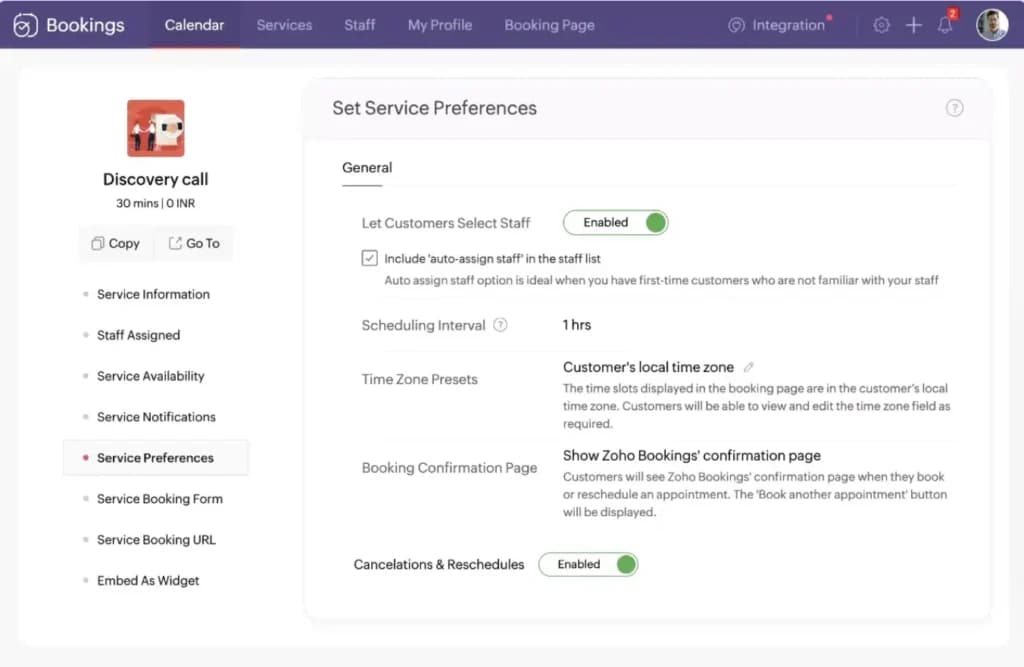
Calendar Sync
You can connect your calendars from popular platforms like Outlook Calendar and Google Calendar to make sure double booking doesn’t occur.
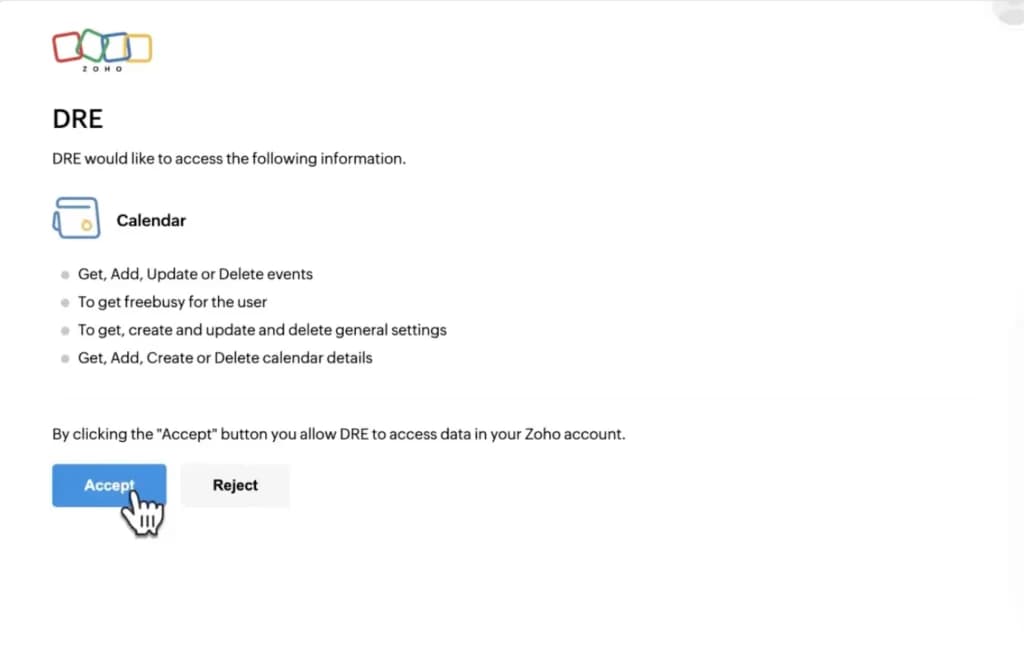
Video Call Integration
Zoho Bookings integrates popular video call tools like Zoom, MS Teams, and Google Meet for seamless calls.
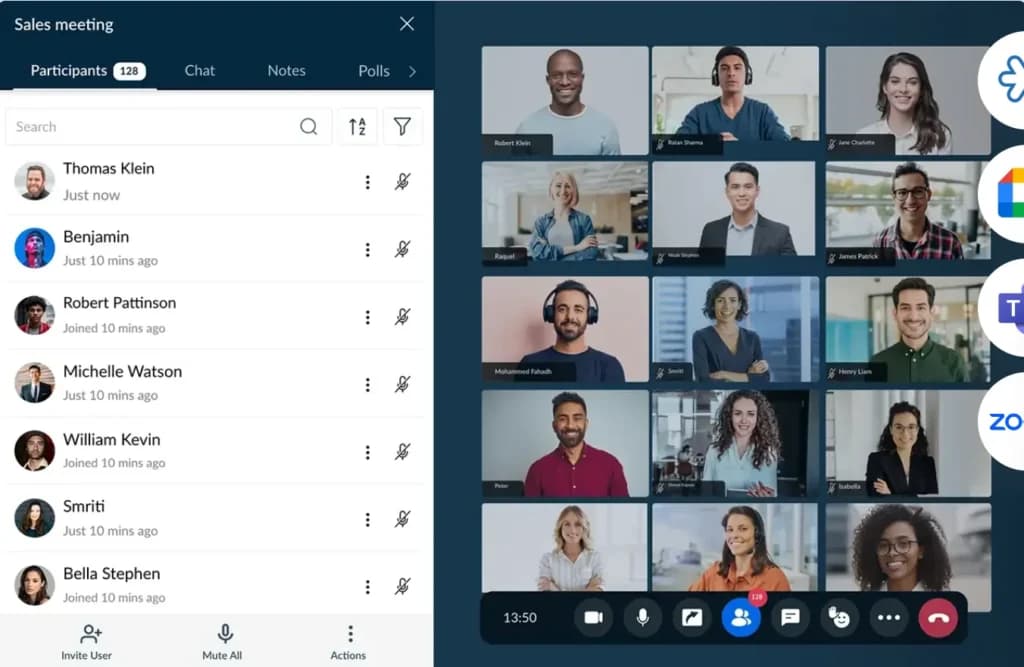
CRM Integration
Zoho Bookings allows you to integrate your CRM tools and utilize them easily during meetings.
Automatic Notifications and Reminders
Zoho Bookings can send automatic SMS and email reminders to people about their appointments to minimize no-shows.
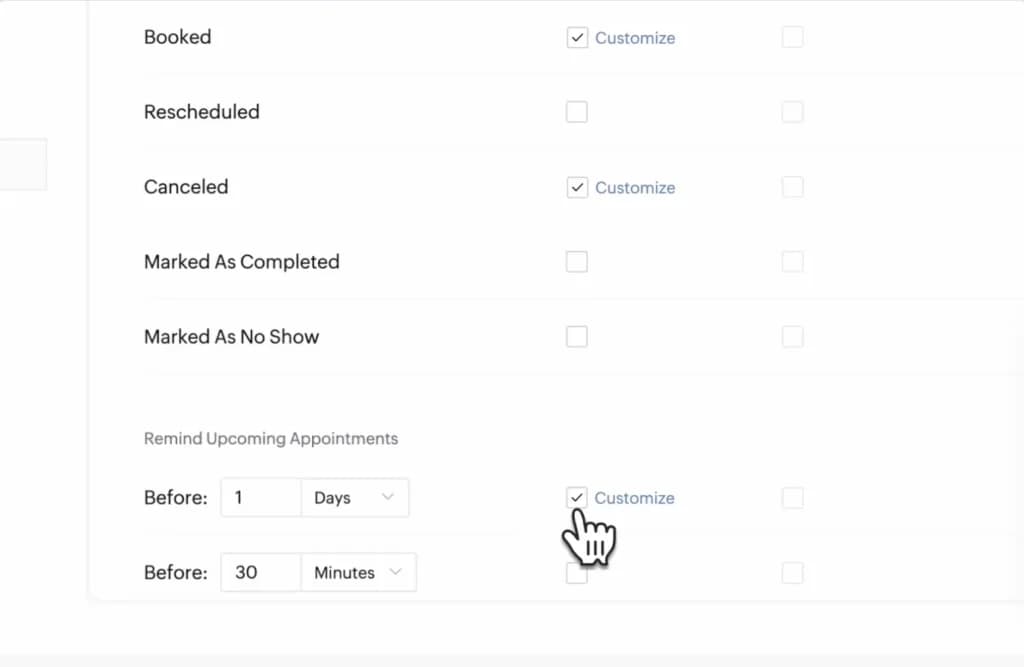
Add Buffer Times
You can add buffer times between appointment slots to allow you to prepare ahead and after each of your appointments.
Payment Collection
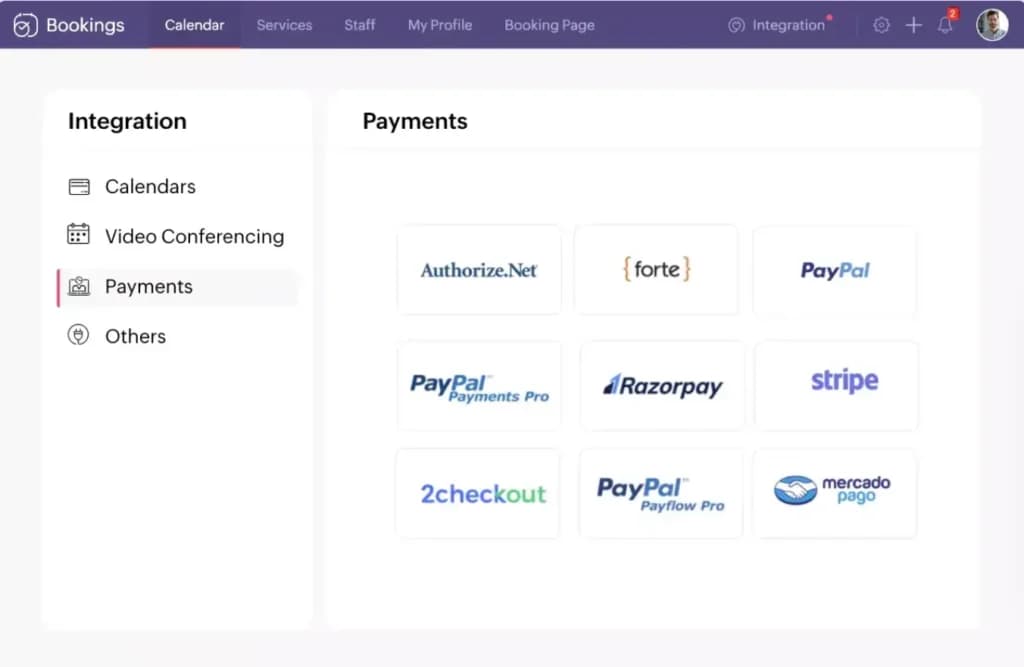
Many popular payment processors integrate into Zoho Bookings, allowing you to quickly take payments for goods or services. These include Stripe and PayPal, with payment options including taking a deposit, partial payment, or full payment.
Built Team Member Profiles
You can provide separate logins to each team member so they can access their calendar. You can add information about their skills and specialties so people know exactly what they’re getting.
Receive Push Notifications
You can implement push notifications, so you instantly become aware anytime there is a new appointment, ensuring you can always remain on top of your busy schedule.
Reporting
Zoho Bookings provides useful reporting capabilities for both your team and customers. You can see which team members are performing best or what service is generating the most attention.
You can also analyze trends in your bookings, identify the most important customers, and figure out why a dip in revenue might have occurred.
Categorize Appointments
Zoho Bookings allows you to quickly categorize the different items in the schedule, such as appointments that are confirmed, finished, people were a no-show, were canceled, or had to be rescheduled.
Website Embed
You can embed the appointment form directly on your website, so you don’t have to send customers to another platform to confirm their booking.
Enable Terms and Conditions
Businesses can put together a terms and conditions page that customers can view and agree to directly through Zoho Bookings before your meeting.
Customer Portal
Zoho Bookings allows you to set up a customer portal where people can log in to their account and see their previous appointments and manage future ones. You can even give rewards to these people, such as discounts or a free service.
Accurate Sharing
You can share very specific booking pages through Zoho Bookings with a simple link. This means you can generate separate booking pages for specific types of services.
Enhance scheduling capabilities with additional features.
Accessible across various platforms for versatile use.
Features
- Online Scheduling
- Calendar Synchronization
- Automated Reminders
- Customization Options
- Multi-platform Access
- Payment Integration
- Resource Management
- Appointment Scheduling Pages
- Analytics and Reporting
- Team Collaboration
Verdict
Zoho Bookings is a great fit for a variety of business needs as it offers a user-friendly interface, customizable appointment scheduling, and the ability to collect payments.
Advanced analytics give you valuable insights into your appointments and identify potential bottlenecks impacting your bottom line. There’s a good mix of affordable plans.
The free plan is always available, but to access the most useful features, upgrading to a paid plan is often the best choice.
Onboarding takes mere minutes, so you can begin improving the efficiency of your business's scheduling in no time at all.
Users Reviews
Be the first to write a review
Share your experience with Zoho Bookings and help others choose the right software.