

Last updated: September 2026
Runway AI is a cloud-based generative-AI content creation platform designed for video editors, content creators, marketers and creative teams. It enables tasks such as text-to-video generation, image-to-video conversion, advanced video editing with AI, and collaborative workflows.
Plans & Pricing
Basic
$0
seat/
month
Standard
$12
seat/
month
Pro
$28
seat/
month
Unlimited
$76
seat/
month
Enterprise
Costum
seat/
month
* Featured prices can be updated and free offers may include additional terms.
Runway AI offers a variety of pricing plans designed to meet different needs:
Plan | Price | Features |
|---|---|---|
Basic | Free Forever | 125 one-time credits, 5GB storage, limited features |
Standard | $12/month (billed annually) | 625 credits/month, 100GB storage, access to Gen-3 Alpha features |
Pro | $28/month (billed annually) | 2,250 credits/month, 500GB storage, advanced editing features |
Unlimited | $76/month (billed annually) | Unlimited credits, 500GB storage, full suite of features |
Enterprise | Custom Pricing | Tailored plans for large organizations, with dedicated support and expanded storage options |
Runway AI greets users with an intuitive dashboard offering access to all its tools. The platform supports project tagging and organization, which is particularly useful for enterprise users. Its advanced features cater to both beginners looking for straightforward AI tools and professionals requiring deep customization.
However, the interface can feel cluttered, with inconsistent layouts across features. Tutorials from Runway Academy are recommended for maximizing the platform’s potential.
Performance and Output Quality
Runway’s video outputs are detailed, vibrant, and consistent, particularly with Gen-2’s enhanced realism. However, some image generations suffer from errors like distorted features or unrealistic landscapes. Audio generation tools, such as text-to-speech and soundscapes, complement the platform’s multimedia capabilities.
Expert Score
Pros
- Powerful Video Generation: Create lifelike videos from text or images.
- Robust Editing Tools: Advanced suite for video and image editing.
- Customizability: Train custom models and generate personalized outputs.
- Rich Media Integration: Combines live action with AI-generated elements.
Cons
- Cluttered Interface: Inconsistent layouts can be confusing.
- High Cost for Advanced Plans: Expensive for small-scale creators.
- Variable Image Results: Quality can be inconsistent for some prompts.
- No Offline Access: Requires an internet connection for use.
Customer Support
In available reviews, Runway AI users report that documentation and tutorials are well-organized, aiding onboarding. Runway offers a detailed Help Center and Runway Academy for tutorials and troubleshooting. Standard plan users and above receive prioritized customer support, typically responding within three business days. Runway AI offers different levels of customer support depending on the plan. While the Basic plan provides limited support, the higher-tier plans, such as Standard, Pro, and Unlimited, offer more comprehensive assistance, including access to priority support and extensive tutorials. The platform also has a supportive online community, which, combined with its user-friendly resources, helps users troubleshoot issues independently. However, more direct support options like chat or phone assistance might be more accessible to users on the higher-tier plans.
Ease of Use
Runway AI excels in user-friendliness, offering an intuitive interface that makes AI tools accessible to users of all skill levels. Whether you are a beginner or a seasoned professional, Runway AI's layout is easy to navigate, with clear instructions and video tutorials for each feature. The platform is designed to minimize the learning curve, allowing users to quickly get up to speed and start producing content. Its mobile app further simplifies the experience, offering essential features in a streamlined format for on-the-go creativity.
The interface of Runway AI is consistently praised in user reviews for its intuitive design, enabling both beginners and professional users to work with AI-powered video and image tools.
For example:
- Uploading clips, prompting with text, and exporting video is described as streamlined.
- There remains a learning curve for the advanced features (e.g., custom AI model training, motion brush, cinematic workflows).
Performance
Runway’s video outputs are detailed, vibrant, and consistent, particularly with Gen-2’s enhanced realism. However, some image generations suffer from errors like distorted features or unrealistic landscapes. Audio generation tools, such as text-to-speech and soundscapes, complement the platform’s multimedia capabilities.
Runway AI's performance is one of its biggest strengths.
- The platform's AI models deliver high-quality outputs rapidly, making it suitable for both quick prototyping and detailed content creation.
- Features like text-to-video, frame interpolation, and super-slow motion operate smoothly, with fast processing times and minimal lag.
- Runway AI’s ability to handle complex tasks without sacrificing quality makes it a reliable choice for creators needing consistent performance across various media types.
Who Should Use Runway AI?
Ideal For:
- Filmmakers: Streamline pre-production with storyboard visualization and advanced editing tools.
- Artists and Content Creators: Experiment with artistic styles and create engaging multimedia content.
- Businesses: Produce professional-quality ads, demos, and marketing materials efficiently.
Not Ideal For:
- Offline Users: Runway’s reliance on cloud-based functionality makes it unsuitable for offline work.
- Budget-Conscious Creators: Limited free features and high-tier pricing may deter those with tight budgets.
Features & Functionality
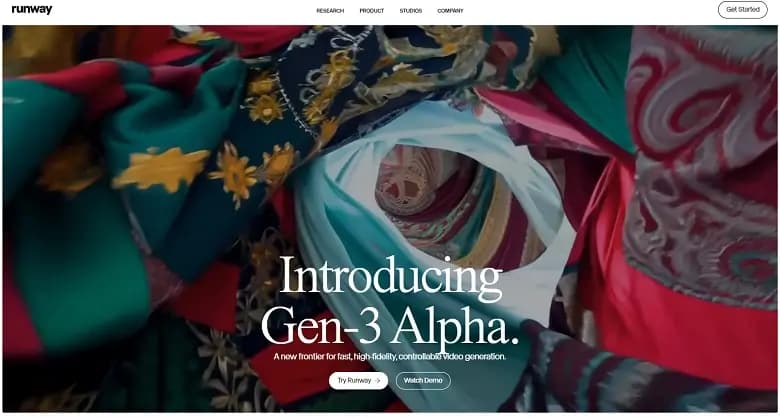
Runway AI’s video-creating capabilities are particularly strong, making it a go-to platform for content creators looking to enhance their video production workflow:
Runway AI is packed with features that empower users to create and customize high-quality multimedia assets. Here are the standout features:
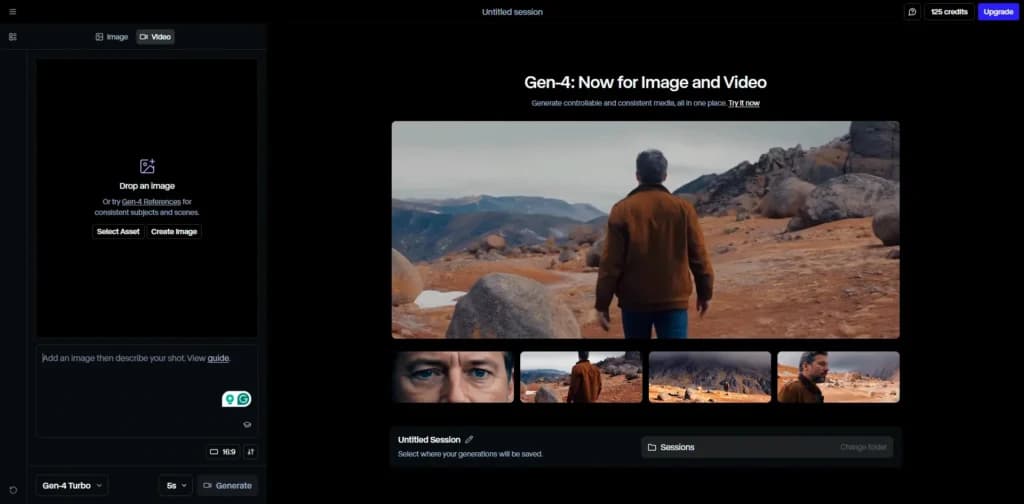
1. AI-Powered Video Generation
- Text-to-Video: Generate realistic videos by describing the scene with text prompts.
- Image-to-Video: Upload an image and transform it into a video with customizable settings.
- Lip Sync: Synchronize audio or text with video for seamless character animations.
- Slow Motion Conversion: Create smooth slow-motion effects from standard video clips.
2. Image Generation and Editing
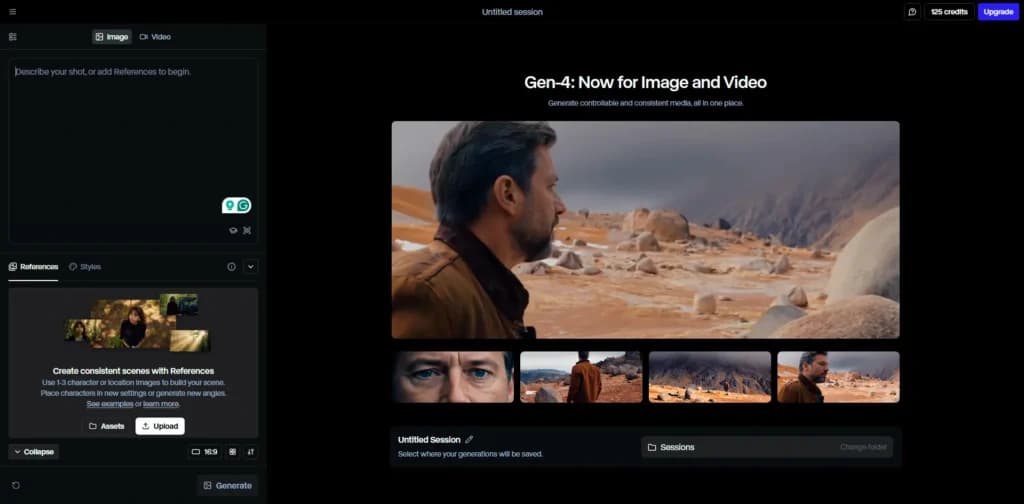
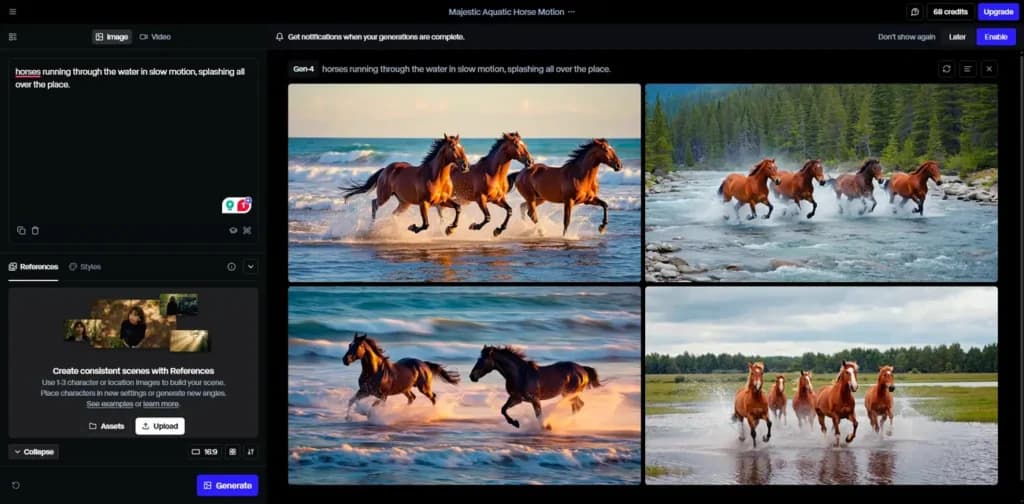
- Text-to-Image: Generate vibrant images from descriptive text.
- Image-to-Image Transformation: Modify or reimagine existing images.
- Object Removal: Effortlessly erase elements from videos and images with a simple brush stroke.
- Background Removal: Quickly replace or eliminate backgrounds for green screen effects.
3. Advanced Video Editing
- Green Screen: Remove backgrounds or replace them with creative environments.
- Scene Detection: Automatically identify and separate scenes for streamlined editing.
- Frame Interpolation: Smoothly transition between frames for animations or clips.
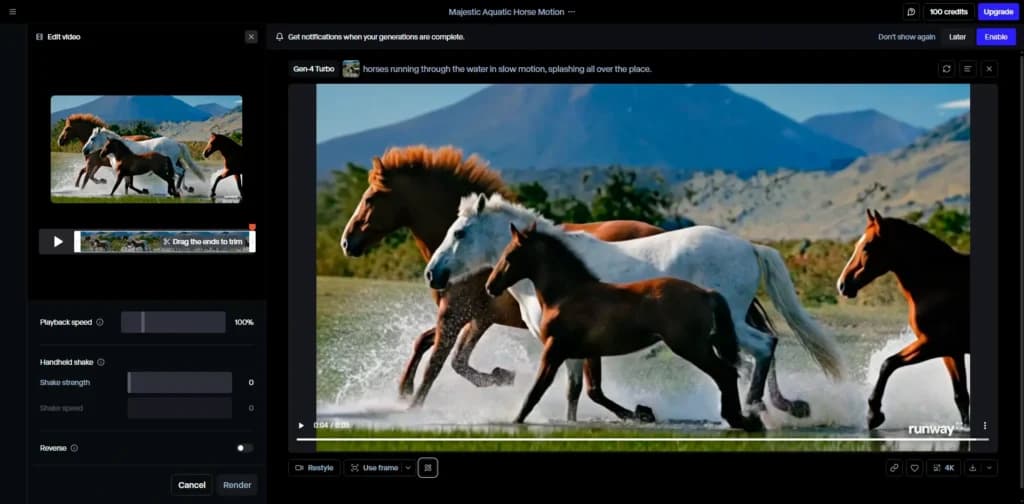
4. Generative AI (Gen-1 and Gen-2)
- Gen-1: Turn any input—text, images, or videos—into stunning content.
- Gen-2: Synthesize lifelike videos from text prompts with enhanced realism.
5. Custom Model Training
- Train AI models to align with specific styles or project needs, providing a personalized creative edge.
6. Animation and 3D Tools
- Generate textures and animations from text inputs.
- Create 3D assets by uploading video footage from different angles.
7. Collaborative Workspace
- Organize and share projects in dedicated folders, supporting team-based workflows for enterprises and studios.
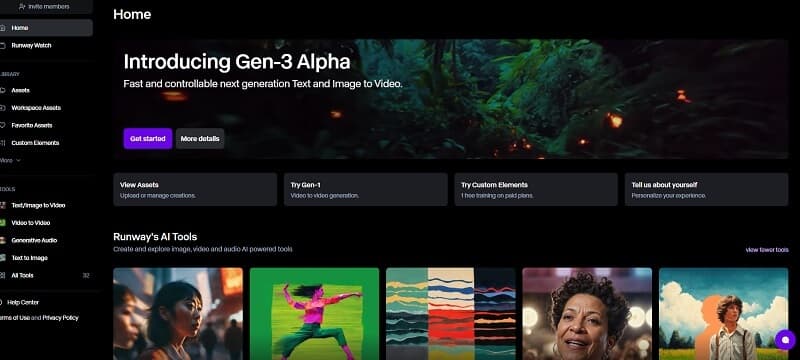
These features, coupled with Runway AI’s fast processing and high-quality output, make it an excellent choice for video editors and content creators who need powerful yet easy-to-use tools.
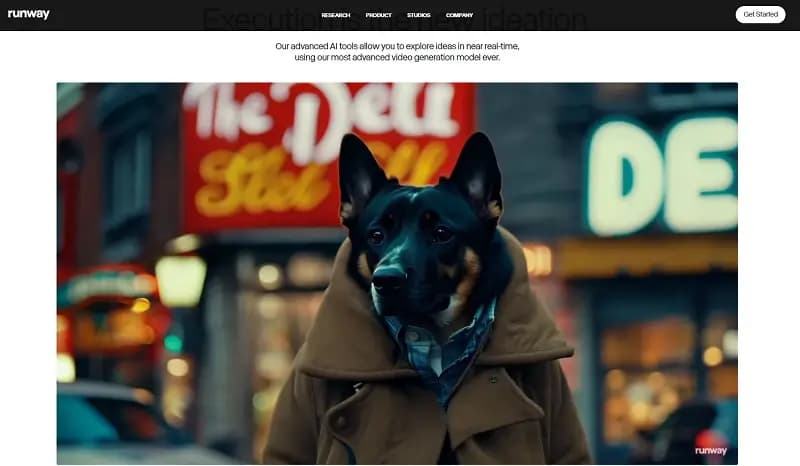
Features
- Background Noise Reduction
- Green Screen
- Text-to-Video
- Object Tracking
- Pre-Built Templates
Verdict
Runway AI, also known as RunwayML, is a cutting-edge platform combining advanced artificial intelligence with creative tools for video, image, and audio generation. Designed for filmmakers, artists, and content creators, Runway stands out for its robust AI-powered capabilities and an expansive suite of editing tools, making it a game-changer in multimedia production.
Runway AI is a robust and versatile platform that is well worth considering for anyone involved in creative content production. Its innovative features, particularly in video and 3D model creation, set it apart from other AI tools. While it excels in these areas, users primarily focused on image generation might find specialized tools like Midjourney more suitable. Overall, Runway AI offers tremendous value, especially given its comprehensive free plan, which allows users to explore most of the platform’s capabilities without any financial commitment.
After analyzing verified user feedback and features, this Runway AI software review finds that the platform delivers exceptional value for creators who want to integrate AI directly into their content workflows.
It’s ideal for:
- Video creators and editors are experimenting with AI video generation
- Social media marketers who need fast, high-quality visuals
- Production studios prototyping scenes or storyboards using AI
If you need ultra-precise, frame-by-frame control or heavy compositing tools, you might still need to complement Runway with traditional editors like Adobe Premiere or DaVinci Resolve.
Verdict: Runway AI is one of the most capable AI content creation tools available in 2025, combining ease of use with cutting-edge AI models
What separates Runway AI from other AI video generator tools is the fusion of video editing and generative AI in one intuitive interface:
- Text-to-Video Creation: Type a scene description, and the AI creates a video clip.
- Image-to-Video: Turn a photo or static image into a moving video sequence.
- Motion Brush: Apply movement to specific regions in a frame.
- Generative Editing: Automatically remove objects or replace backgrounds without manual masking.
- Collaborative AI Workspace: Teams can share projects, comment, and edit in real time in the browser.
What Is Runway AI?
Runway AI is a generative content creation platform that allows you to produce, edit, and collaborate on video projects using machine learning models.
The Runway AI tool is recognized for its text-to-video, image-to-video, and AI editing capabilities, which operate entirely in the cloud.
Founded in New York in 2018, Runway has quickly become a leader in AI filmmaking technology, primarily through its Gen-2 and Gen-3 models, which create realistic motion video directly from text or still images.
Runway AI Integrations
Runway integrates smoothly into existing creative pipelines through:
- Adobe Creative Cloud(import/export compatibility)
- Figma and Canva (asset transfer for design workflows)
- Quick export to social media platforms (TikTok, Instagram Reels, YouTube Shorts)
- Developer API for embedding AI generation into custom apps or tools
These integrations make Runway a powerful AI tool for content marketing and design teams.
Users Reviews
Be the first to write a review
Share your experience with Runway and help others choose the right software.