

Top Smartsheet Alternatives & Competitors in 2026
The best Smartsheet Project Management alternatives are Freshbooks, Monday, and Clickup, each offering file sharing, with pricing from free.
The best Smartsheet Project Management alternatives are Freshbooks, Monday, and Clickup, each… Show more
The best Smartsheet Project Management alternatives are Freshbooks, Monday, and Clickup, each offering file sharing, with pricing from free.
Starting from: $9//mo /user
Pro
- Spreadsheet-like interface makes it easy to use
- Advanced reporting and analytics for better insights
- iOS and Android mobile apps
- Powerful automation reduces manual tasks efficiently
- No monthly billing
- The individual plan may not be enough for small businesses
- Learning curve for new users can be steep

Starting from: $6.30/month
Lite
70% Off for 4 Months
- Delightful user experience
- Team collaborative tools
- Simple product and service records
- Estimate and retainer functionality
- Some dashboard deficits
- Limited invoice customization
- No quarterly tax estimates

Starting from: $9//mo /user
Basic
Free Trial, Money-Back Guarantee
- This project management software is easy to navigate
- The site uses reliable and user-friendly tools
- The organization of the platform is effective
- The help and support area needs to offer more options
- The help and support area should have more extensive testimonials and videos
- There is no multilingual support
Smartsheet is a Project Management known for spreadsheet-like interface makes it easy to use and advanced reporting and analytics for better insights. However, businesses often look for alternatives when they need No monthly billing, more competitive pricing than $9/mo, or features Smartsheet doesn't offer such as storage included. Below we compare the 6 best Project Management alternatives — ranked by overall rating, feature coverage, and value, so you can find the right fit for your business.

FreshBooks stands out as the premiere project management software designed specifically for small businesses, combining ease-of-use with powerful project-tracking capabilities. Its intuitive platform… Read more
FreshBooks stands out as the premiere project management software designed specifically for small businesses, combining ease-of-use with powerful project-tracking capabilities. Its intuitive platform enables businesses to effortlessly invite team members, securely access critical files, and comprehensively track project profitability — all from a single, unified interface. FreshBooks streamlines collaboration and enhances operational efficiency and financial clarity, empowering businesses to make data-driven decisions and boost overall productivity. In this FreshBooks Project Management review, I'll discuss features, performance, customer service, and FreshBooks pricing.
Learn more in our full Freshbooks Project Management review.
Pros & Cons
- Delightful user experience
- Team collaborative tools
- Simple product and service records
- Estimate and retainer functionality
- Some dashboard deficits
- Limited invoice customization
- No quarterly tax estimates
Features
- File Sharing
- Document collaboration
- User Access and Permissions
- Mobile App
- Search
- Reporting and Dashboards
- Customization
- Storage Included
- Integrated Chat
- Notifications
- Comments on Tasks
- Discussion
- Task Creation and Assignment
- Due Dates
- Project Budgeting
- Resource Management
- Reporting
- Forecasting
- Marketing Analytics
Pricing
$6.3
mo/
month
$11.4
mo/
month
$19.5
mo/
month

Visualize your projects' progress and make informed decisions with monday.com's project management software. Trusted by over 200,000 customers worldwide, monday.com offers a flexible platform… Read more
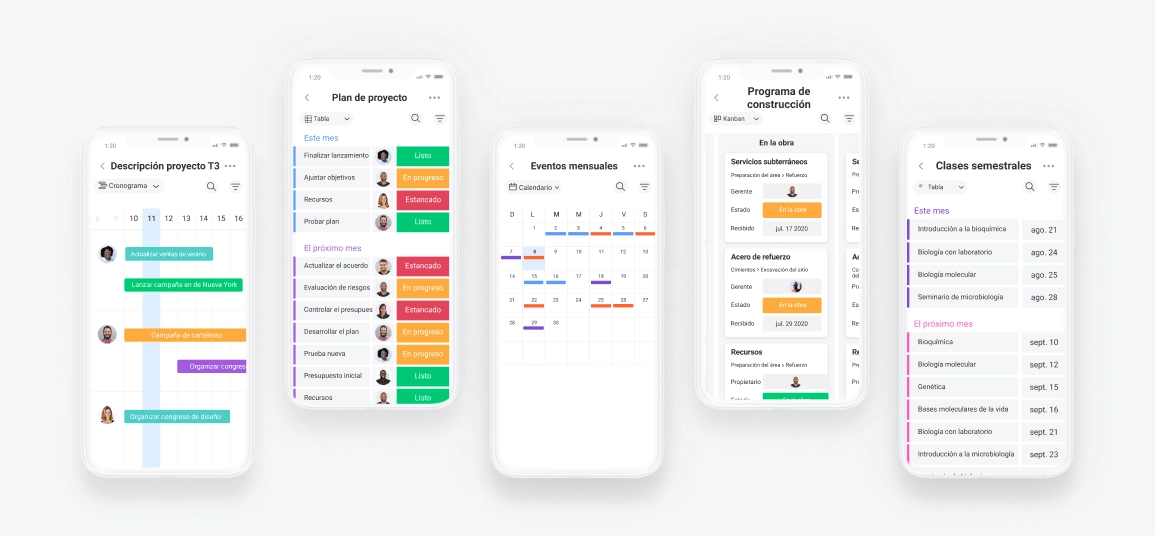
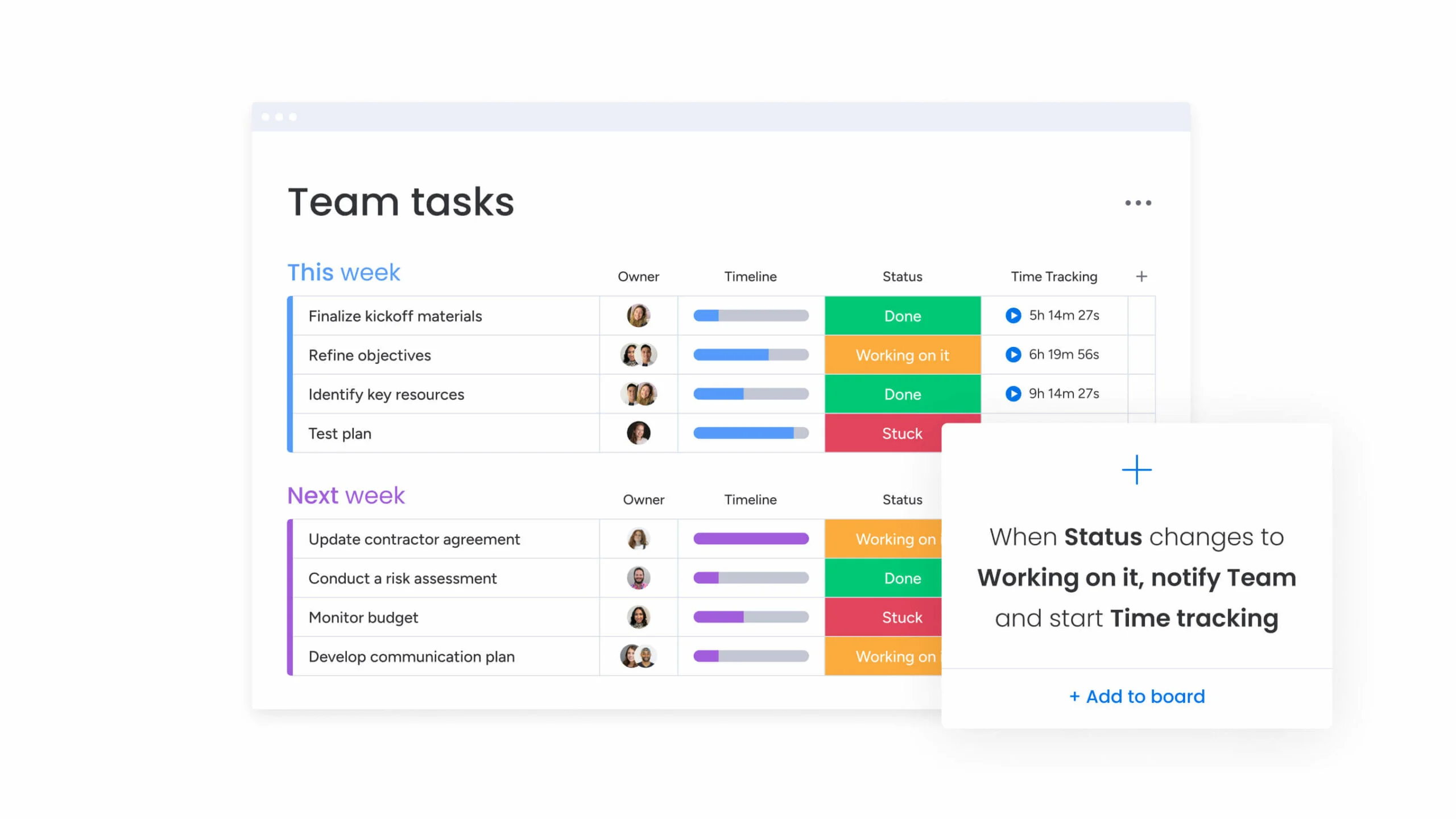
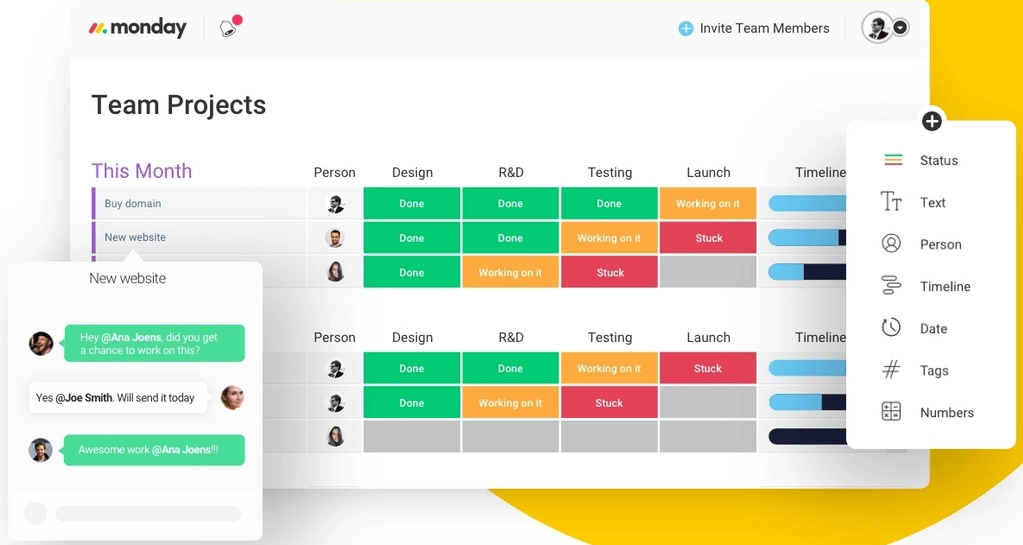
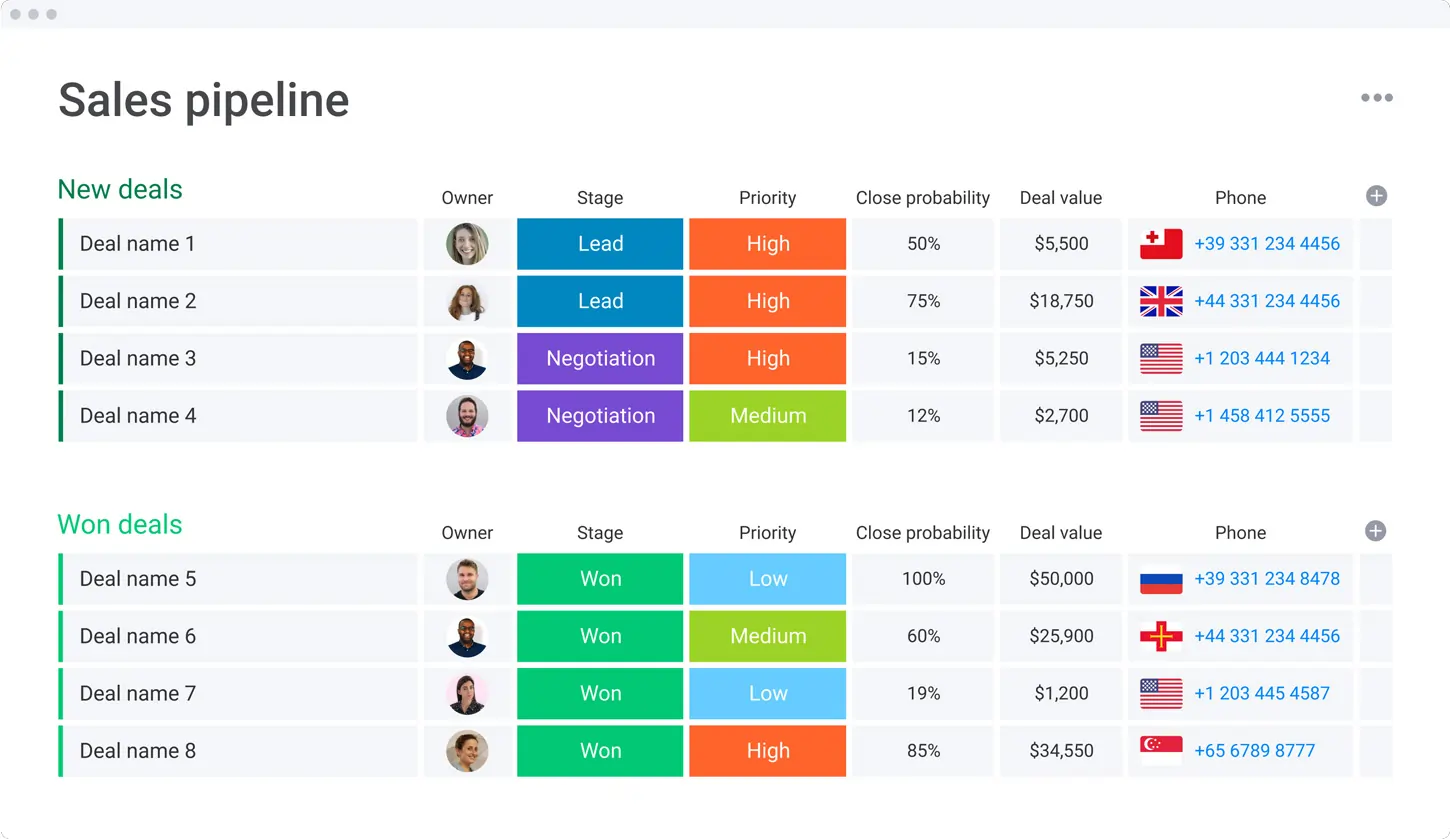
Visualize your projects' progress and make informed decisions with monday.com's project management software. Trusted by over 200,000 customers worldwide, monday.com offers a flexible platform adaptable to various workflows, including project management, CRM, software development, and human resources. Its intuitive interface and customizable features streamline collaboration, enhance efficiency, and provide real-time insights into project stages. In this monday.com project management review, I'll discuss features, performance, customer service, and monday.com pricing.
Learn more in our full Monday review.
Pros & Cons
- This project management software is easy to navigate
- The site uses reliable and user-friendly tools
- The organization of the platform is effective
- The help and support area needs to offer more options
- The help and support area should have more extensive testimonials and videos
- There is no multilingual support
Features
- File Sharing
- Document collaboration
- User Access and Permissions
- Mobile App
- Multi-language support
- Reporting and Dashboards
- Customization
- Storage Included
- Integrated Chat
- Notifications
- Comments on Tasks
- Discussion
- Task Creation and Assignment
- Due Dates
- Task Prioritization
- To-Do Lists
- Calendar
- Gantt Chart / Project Map
- Baselining / KPIs
- Project Budgeting
- Resource Management
- Reporting
- Forecasting
- Marketing Analytics
Pricing
$9
/mo /user/
/mo /user
$12
/mo /user/
/mo /user
$19
/mo /user/
/mo /user
Screenshots

Imagine a workspace where every project detail aligns seamlessly, teams collaborate effortlessly, and productivity soars—welcome to ClickUp. This all-in-one project management platform offers… Read more
Imagine a workspace where every project detail aligns seamlessly, teams collaborate effortlessly, and productivity soars—welcome to ClickUp. This all-in-one project management platform offers customizable workflows, enabling you to tailor processes to your team's unique needs. Assign tasks with precision, visualize projects from inception to completion, and maintain clear communication through integrated document sharing, comments, and real-time notifications. With a vast library of project templates and integrations, ClickUp adapts to businesses of all sizes, ensuring tasks are executed efficiently and effectively. In this ClickUp review, I'll discuss features, performance, customer service, and ClickUp pricing.
Learn more in our full Clickup review.
Pros & Cons
- Over a dozen project views
- Built-in document editor that can be used to collaborate in real-time
- Dedicated chat interface to aid team collaboration
- Workload and time log tracking
- Can be difficult to master because of how expansive the platform is
- When using the Everything view, it can be difficult to understand who owns what.
Features
- File Sharing
- Document collaboration
- User Access and Permissions
- Mobile App
- Search
- Multi-language support
- Risk Analysis
- Reporting and Dashboards
- Customization
- Storage Included
- Integrated Chat
- Notifications
- Comments on Tasks
- Discussion
- Task Creation and Assignment
- Due Dates
- Task Prioritization
- To-Do Lists
- Calendar
- Gantt Chart / Project Map
- Resource Management
- Reporting
Pricing
$0
mo/
month
$7
mo/
month
$12
mo/
month
Zoho Projects is the Project Management software that assists in planning projects, tracking work efficiently, and collaborating with team members from everywhere. The built-in Gantt charts can… Read more
Zoho Projects is the Project Management software that assists in planning projects, tracking work efficiently, and collaborating with team members from everywhere. The built-in Gantt charts can produce your project plan and track your task schedule.
Learn more in our full Zoho Projects review.
Pros & Cons
- Simple to use application
- Built-in time tracking with integrations for direct invoicing
- The ability to set up project budgeting
- Robust help documents that cover every aspect of the application
- Many features have been removed to encourage subscriptions to Zoho’s other projects
- The interface is bland when compared to similar products
Features
- File Sharing
- User Access and Permissions
- Mobile App
- Search
- Multi-language support
- Reporting and Dashboards
- Customization
- Storage Included
- Integrated Chat
- Notifications
- Comments on Tasks
- Discussion
- Task Creation and Assignment
- Due Dates
- To-Do Lists
- Calendar
- Gantt Chart / Project Map
- Baselining / KPIs
- Project Budgeting
- Resource Management
- Reporting
Pricing
$0
mo/
month
$4
/mo /user/
/mo /user
$9
/mo /user/
/mo /user

Wrike stands out as a premier project management solution, empowering teams to visualize progress, collaborate in real-time, and tailor workflows to meet specific needs. Trusted by over 200,000… Read more
Wrike stands out as a premier project management solution, empowering teams to visualize progress, collaborate in real-time, and tailor workflows to meet specific needs. Trusted by over 200,000 organizations worldwide, Wrike offers dynamic Gantt charts, intuitive Kanban boards, and customizable dashboards, providing unparalleled control and visibility over tasks and projects. Its robust integration capabilities and scalable architecture make it an ideal choice for businesses aiming to enhance efficiency and foster growth. In this Wrike project management software review, I'll discuss features, performance, customer service, and Wrike pricing.
Learn more in our full Wrike review.
Pros & Cons
- Offers top-tier support for all users, but especially enterprise businesses and applications.
- Easy to integrate other tools with Wrike
- Very easy to use, even with the customizable dashboards
- Pricing could be better for smaller businesses
- The timer is task-based, not account-based, and it can be tricky for some to find
Features
- File Sharing
- Document collaboration
- User Access and Permissions
- Mobile App
- Search
- Multi-language support
- Reporting and Dashboards
- Customization
- Storage Included
- Integrated Chat
- Notifications
- Comments on Tasks
- Discussion
- Task Creation and Assignment
- Gantt Chart / Project Map
- Reporting
- Forecasting
- Marketing Analytics
Pricing
$0
mo/
month
$10
/mo /user/
/mo /user
$25
/mo /user/
/mo /user

WorkZone's project management software is a well-balanced and highly-awarded platform that simplifies workflow and communications. They believe that the right features are better than more, so they… Read more
WorkZone's project management software is a well-balanced and highly-awarded platform that simplifies workflow and communications. They believe that the right features are better than more, so they suggest tools to meet your goals. It's the perfect project management solution for teams.
Learn more in our full WorkZone review.
Pros & Cons
- Easy to get set up
- Solid core feature set to manage projects
- Time tracking that can be integrated with billing/invoicing software
- Employee workload tracking and optimization
- The application looks dated in some areas
- It’s more expensive than many comparable project management tools
Features
- File Sharing
- User Access and Permissions
- Mobile App
- Search
- Multi-language support
- Reporting and Dashboards
- Customization
- Storage Included
- Integrated Chat
- Notifications
- Comments on Tasks
- Discussion
- Task Creation and Assignment
- Due Dates
- To-Do Lists
- Calendar
- Gantt Chart / Project Map
- Baselining / KPIs
- Project Budgeting
- Resource Management
- Reporting
Pricing
$22
/mo /user/
/mo /user
$31
/mo /user/
/mo /user
$41
/mo /user/
/mo /user
What is the best alternative to Smartsheet?
The best alternative to Smartsheet depends on your needs. For overall value, Freshbooks is the highest-rated option with a 4.8-star average. For budget-conscious buyers, Clickup starts at free.