
CapCut just got much more expensive, and users are (rightfully) raging! Here's what a 177% increase means for your fav editing tool

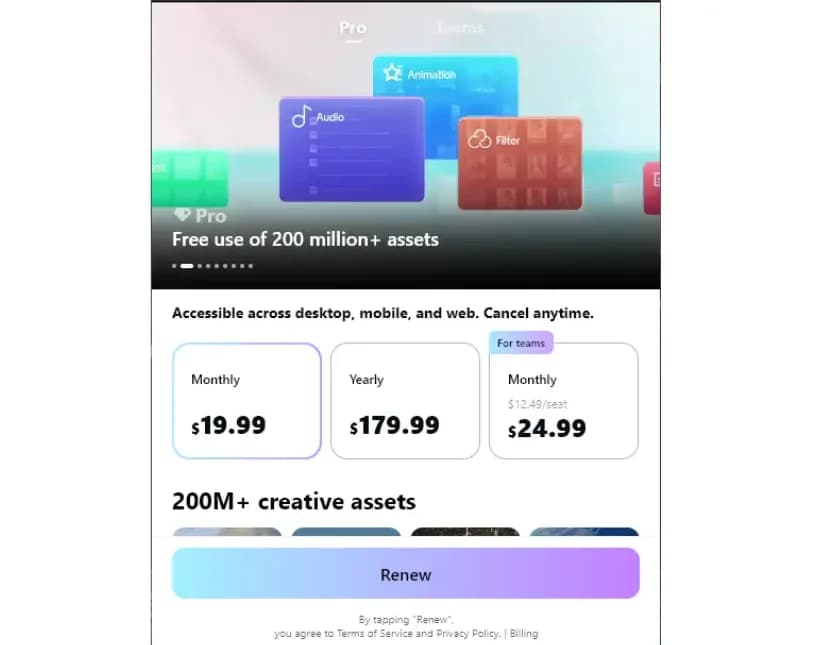
If you checked your subscription renewal notification for CapCut this week and did a double-take, you aren’t alone. The popular video editor has quietly rolled out a massive restructuring of its pricing model, and for many users, the cost of the "Pro" tier is jumping from $77.99 a year to $179.99 a year. This isn't just a minor adjustment; it's a 177% increase that fundamentally changes the math for every creator and small business owner using the app.
Calling all creators, influencers, and small business owners: the "budget-friendly" era of CapCut is officially over. If you rely on this app to churn out content, your overhead just took a massive hit. Here is the straight talk on what changed and how to handle the "renewal cliff" heading your way.
TL;DR
- Confirmed: CapCut has split its offering into Standard, Pro, and Team tiers, effectively raising the price of the full cross-platform experience to $19.99/month or $179.99/year.
- Why this matters: Features that were once free (like 1080p exports) are moving behind the paywall. The "Pro" experience now costs roughly 177% more annually than previous rates.
- What’s next: Existing subscribers face a renewal cliff—many reports indicate annual plans will jump to the new $180 rate starting February 20, 2026.
- Your move: Check your current subscription status immediately. If the new pricing breaks your budget, it’s time to audit your workflow.
Why is CapCut so expensive?
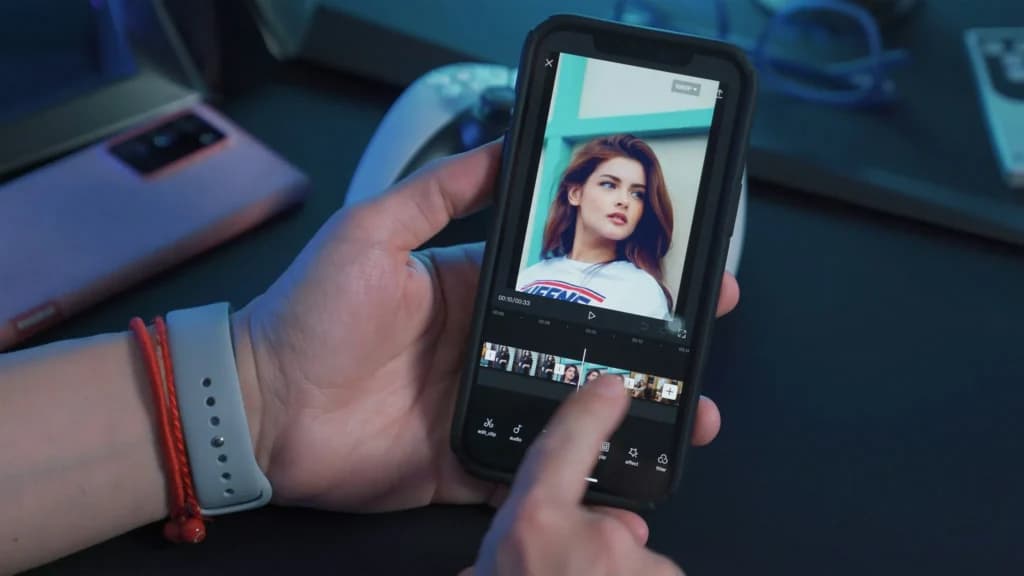
CapCut costs money because it makes high-quality video editing super fast and easy for anyone, right from a phone. You are essentially paying for convenience and saved time.
- No editing skills needed: You don't have to learn complicated computer programs. You can take a quick phone clip and make it look like a pro made it in just a few minutes.
- Smart features do the hard work: Tools like automatic subtitles, background removal, and smart effects do in seconds what used to take hours by hand.
- Everything is already inside: It comes packed with music, graphics, fonts, and templates, so you don't have to pay for separate stock sites or extra apps.
- Cheaper than hiring help: For small businesses, paying a subscription for CapCut is way cheaper than hiring a freelance editor or a video team.
- Edit anywhere: You can shoot, edit, and post great videos on the go without ever opening a computer.
When an app saves you hours of effort and helps you make professional videos that get views, it feels worth the price tag.
Is CapCut free to use?
Yes, CapCut is actually free to download and use. You don't need to pay a cent to start making great videos on your phone or computer.
- What you get for free: You can trim clips, add basic text, auto-generate subtitles, use standard filters, add free music, and export your videos without a big watermark. For most everyday videos, the free version is more than enough.
- What costs money (CapCut Pro): If you want to use fancy AI effects, pro filters, special text templates, or extra cloud storage, you need to pay for the "Pro" upgrade.
- No surprise charges: CapCut marks all the paid features with a little "Pro" icon, so it's easy to avoid them and keep using the app 100% free.
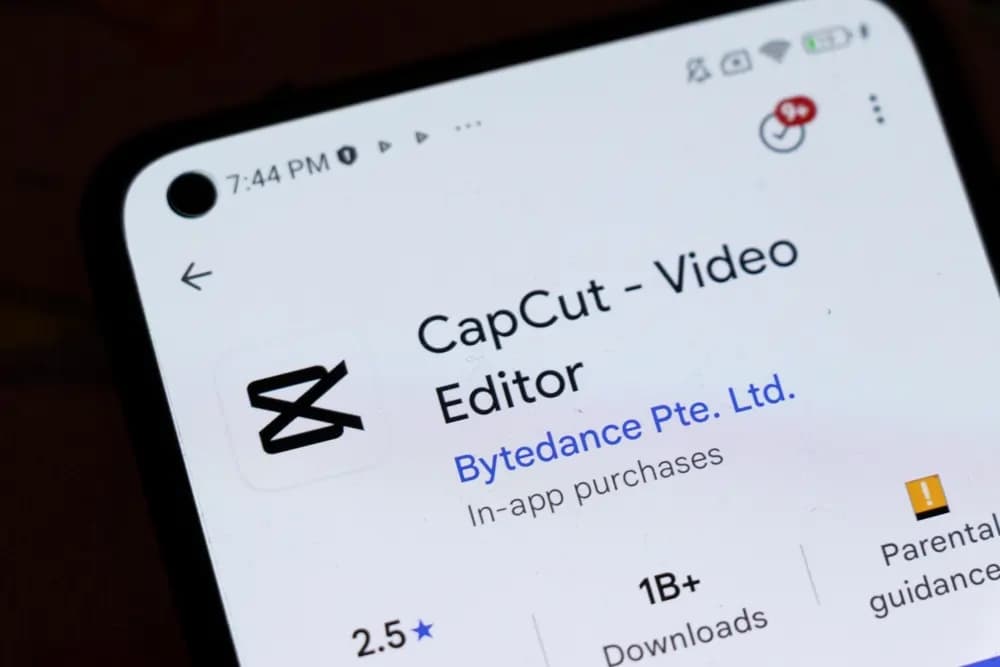
How much is CapCut Pro: What you get now vs. what’s changing
The shift isn't just about the price tag; it's about what you lose if you don't pay up. Here is a breakdown of how the tiers have shifted the goalposts for 2026.
Feature | Free Tier (The "Old" Way) | Standard Tier (New) | Pro Tier (The "New Pro") |
|---|---|---|---|
Annual Price | $0 | ~$89.99 / year | $179.99 / year |
Platform Support | Mobile + Desktop | Mobile Only | Mobile + Desktop + Web |
Watermark | Included | Removed | Removed |
Export Quality | 1080p (limited) | 1080p | 4K + HDR |
Auto Captions | Restricted | Restricted | Full Access |
Cloud Storage | Minimal | 10–20 GB | 1024 GB (1TB) |
AI Features | Basic | Limited | Full AI Toolkit |
The big takeaway: If you were using CapCut on your desktop for "free" or on the old "Pro" rate, your workflow just got gated. To keep using the desktop app with premium features, you are now required to upgrade to the $179.99/year tier.
Why the sudden jump in price?
While Bytedance (CapCut's parent company) hasn't issued a formal manifesto, the move aligns with a broader "Pro-ification" of the platform.
- Feature Gating: Over the last year, CapcCut has moved essential tools—like specific high-res exports and auto-captions—from the free tier to the paid tier. They are betting that their AI suite (which now rivals expensive desktop software) justifies a premium price point.
- Desktop Expansion: By bundling the desktop and web versions into the higher "Pro" tier, CapCut is positioning itself as a serious competitor to professional software like Adobe Premiere, rather than just a quick TikTok companion.
The big question: is it worth it? With a 177% price hike, the community is split. Here is the argument for staying versus the argument for finding a new partner.
The case for staying
For creators who value speed above all else, CapCut Pro remains a powerful "all-in-one" solution.
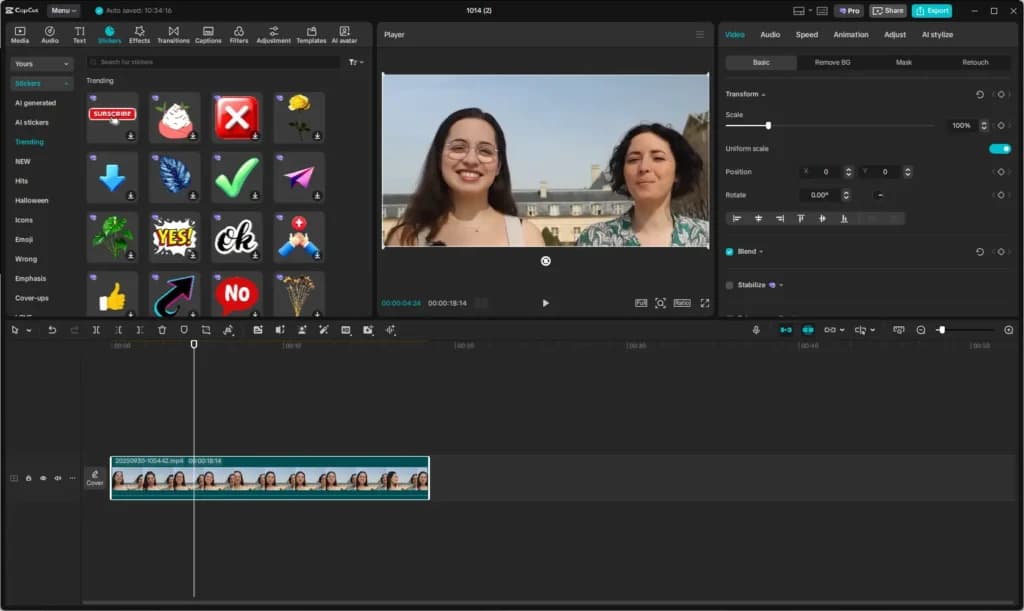
- The "all-in-one" factor: You aren’t just paying for an editor; you are paying for an auto-caption generator, a stock library, a vocal isolator, and a teleprompter in one app.
- Cross-platform sync: The ability to start an edit on your phone and finish on your desktop is a massive time-saver for busy business owners.
The case for leaving
For many, the value proposition has collapsed.
- Cost vs. capability: At $180/year, CapCut is approaching the price of professional-grade software like Adobe Premiere Pro. If you're paying pro prices, you might want pro-level stability.
- U.S. feature restrictions: If you are in the U.S., CapCut has already started removing features like the"Retouch" and "Makeup"tools due to regional policy changes. Paying more for an app with fewer features than the global version is a tough sell.
How to dodge the hike (legally)
If you aren’t ready to part with CapCut just yet, there are a few ways to soften the blow.
- Check the web, not the app: If you subscribe through the iOS App Store or Google Play, you’re often paying a "tax" to Apple or Google. Subscribing directly through the CapCut website can sometimes save you up to 15-20%.
- Audit your AI use: If you only use "Auto Captions" but none of the other Pro features, look for a standalone tool. Some web-based captioners are significantly cheaper if that's your only bottleneck.
- Group savings: The "Teams" plan starts at $24.99/mo for multiple users. If you have a partner or a small team, splitting a Team plan might actually be more cost-effective than everyone paying for individual Pro seats.
Related Articles


Best alternatives to CapCut
If the new pricing structure has priced you out, you have solid options. Use these to clear the runway for your business without overspending.
1) Adobe Premiere Pro: The industry standard

- Color correction, multi-cam & VR support
- Smooth integrations to enhance creativity
- Best for: Businesses that need professional-grade precision and are already in the Adobe ecosystem.
- Why swap: It offers unbeatable control over things like color grading and audio mixing. If you're going to pay a premium price, you might as well use the tool the entire industry uses.
2) DaVinci Resolve: The "Pro" desktop replacement
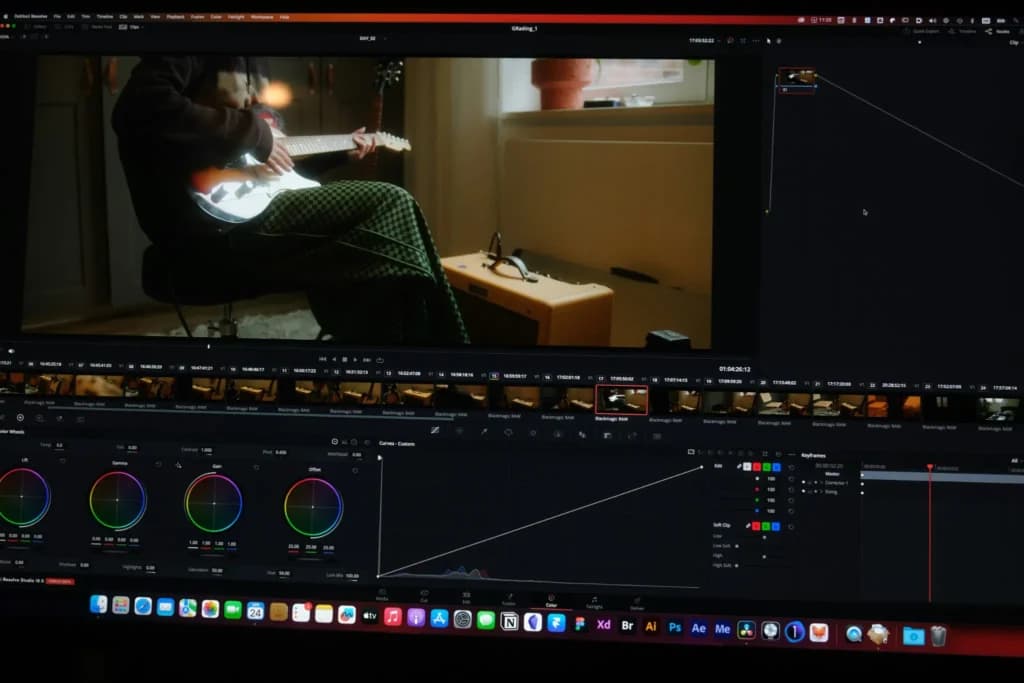
- Best for: Desktop users who refuse to pay a recurring subscription.
- Why swap: The free version of DaVinci Resolve is actually more powerful than CapCut Pro. It includes industry-leading color correction and professional editing tools.
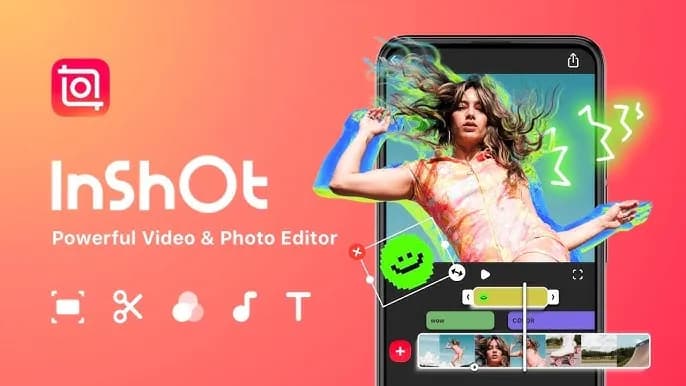
3) InShot: The budget-friendly social editor
- Best for: Casual creators needing quick cuts, flattering filters, and stickers.
- Why swap: If you only used CapCut for basic trimming and adding music, InShot remains highly affordable (often ~$15-$20/year).
Bottom line
CapCut is no longer the cheap, scrappy underdog—it is priced like a premium product. If your workflow depends on AI speed and cross-device syncing, the $179.99/year Pro plan may still pay for itself in saved time. However, for users who simply need to cut clips together, the value is gone. Check your auto-renewals before that February 2026 cliff hits.