

Top Copper Alternatives & Competitors in 2026
The best Copper CRM alternatives are Pipedrive, Thryv, and Odoo, each offering dashboards, with pricing from free.
The best Copper CRM alternatives are Pipedrive, Thryv, and Odoo, each offering dashboards, with… Show more
The best Copper CRM alternatives are Pipedrive, Thryv, and Odoo, each offering dashboards, with pricing from free.
Starting from: $23//mo/user
Basic
14-day FREE trial
- Google chrome extension
- User-friendly interface
- Diverse support options
- Explicit product tours
- Inflexible tool
- Confusing email tracking

Starting from: $14/month
Lite
14-day FREE trial
- User-friendly design
- Easy setup process
- Friendly customer support
- Efficient management tools
- No free version
Starting from: $255/month
Marketing Center
- Robust and comprehensive system
- Automated campaign features
- Friendly and intuitive user interface
- Reliable customer support
- Complex access to free trial
The best Copper CRM alternative is HubSpot if you want a free CRM that works in Gmail and Outlook, Capsule if you've outgrown Copper's 2,500-contact limit, and Pipedrive if you need automation and email sequences for less. Most teams look for alternatives to Copper CRM when contact caps or feature gating push them up a tier, or when someone joins on Outlook. Our Copper review covers the full product.

Pipedrive CRM is worth $14/user/month for sales teams of 5 to 25 reps that need pipeline visibility without the complexity of HubSpot Pro or Salesforce. If you have fewer than 5 reps, HubSpot Free… Read more
Pipedrive CRM is worth $14/user/month for sales teams of 5 to 25 reps that need pipeline visibility without the complexity of HubSpot Pro or Salesforce. If you have fewer than 5 reps, HubSpot Free covers you; if you have more than 25, you outgrow Pipedrive's reporting and need HubSpot Professional or Salesforce. The catch: Pipedrive has no free tier and the 14-day trial is the only way to test it, so plan an evaluation week and import a real subset of your data before committing to annual billing
Learn more in our full Pipedrive review.
Pros & Cons
- User-friendly design
- Easy setup process
- Friendly customer support
- Efficient management tools
- No free version
Features
- Dashboards
- Reporting
- Marketing Analytics
- Pipeline Management
- Call Management
- Account Management
- Collaborative Data
- Mobile App
- Integrations
- Sales AI
- Customer Contact Management
- Sales Opportunity
- Quote Management
- Lead Chatbot
- Lead Scoring
- Email Sync
- Email Tracking
- Email Templates
- Schedule Emails
- Automated Reports
- Marketing Automation
- Sales Pipeline Automation
- Sales Forecasting Automation
- Automated Emails
Pricing
$14
mo/
month
$39
mo/
month
$59
mo/
month
$79
mo/
month
Thryv CRM software provides excellent customer data organization to ensure you can engage and nurture leads effectively. It features a dedicated client portal that allows customers to enjoy a… Read more
Thryv CRM software provides excellent customer data organization to ensure you can engage and nurture leads effectively. It features a dedicated client portal that allows customers to enjoy a hitch-free experience for scheduling, secure payments, and interactions.
Learn more in our full Thryv review.
Pros & Cons
- Robust and comprehensive system
- Automated campaign features
- Friendly and intuitive user interface
- Reliable customer support
- Complex access to free trial
Features
- Dashboards
- Reporting
- Marketing Analytics
- Account Management
- Collaborative Data
- Mobile App
- Integrations
- Sales AI
- Sales Opportunity
- Quote Management
- Lead Chatbot
- Email Sync
- Schedule Emails
- Customer Contact Management
- Marketing Automation
- Sales Pipeline Automation
- Automated Emails
Pricing
$255
mo/
month
$299
mo/
month

Odoo CRM is a powerful tool that helps you track leads, gain precise forecasts and manage customers on a single platform. It provides insights that influence business decisions with custom dashboards… Read more
Odoo CRM is a powerful tool that helps you track leads, gain precise forecasts and manage customers on a single platform. It provides insights that influence business decisions with custom dashboards that give a full picture of your business. This software makes data accessible to all.
Learn more in our full Odoo review.
Pros & Cons
- Access to numerous apps
- Free version and trial
- Customizable features
- Easy setup
- Limited third-party integrations
Features
- Dashboards
- Reporting
- Marketing Analytics
- Pipeline Management
- Call Management
- Account Management
- Collaborative Data
- Mobile App
- Integrations
- Sales AI
- Customer Contact Management
- Sales Opportunity
- Quote Management
- Lead Chatbot
- Lead Scoring
- Email Sync
- Email Templates
- Schedule Emails
- Automated Reports
- Marketing Automation
- Sales Pipeline Automation
Pricing
$0
mo/
month
$13.5
mo/
month
$20.4
mo/
month
Zoho CRM is a single repository that helps businesses gain more leads, build excellent customer relationships, and have efficient business processes that help you save time and cost. With the precise… Read more
Zoho CRM is a single repository that helps businesses gain more leads, build excellent customer relationships, and have efficient business processes that help you save time and cost. With the precise data generated on Zoho CRM, organizations can make impactful decisions to boost sales.
Learn more in our full Zoho review.
Pros & Cons
- Easy setup
- Customizable capabilities
- Reliable customer support
- Different resource materials
- Billed per user
- Limited third-party integrations
Features
- Dashboards
- Reporting
- Marketing Analytics
- Pipeline Management
- Call Management
- Account Management
- Collaborative Data
- Mobile App
- Integrations
- Sales AI
- Sales Opportunity
- Quote Management
- Email Sync
- Schedule Emails
- Customer Contact Management
- Lead Chatbot
- Lead Scoring
- Automated Reports
- Marketing Automation
- Sales Pipeline Automation
- Sales Forecasting Automation
- Automated Emails
Pricing
$0
mo/
month
$14
/mo/user/
/mo/user
$23
/mo/user/
/mo/user
$40
/mo/user/
/mo/user
$52
/mo/user/
/mo/user

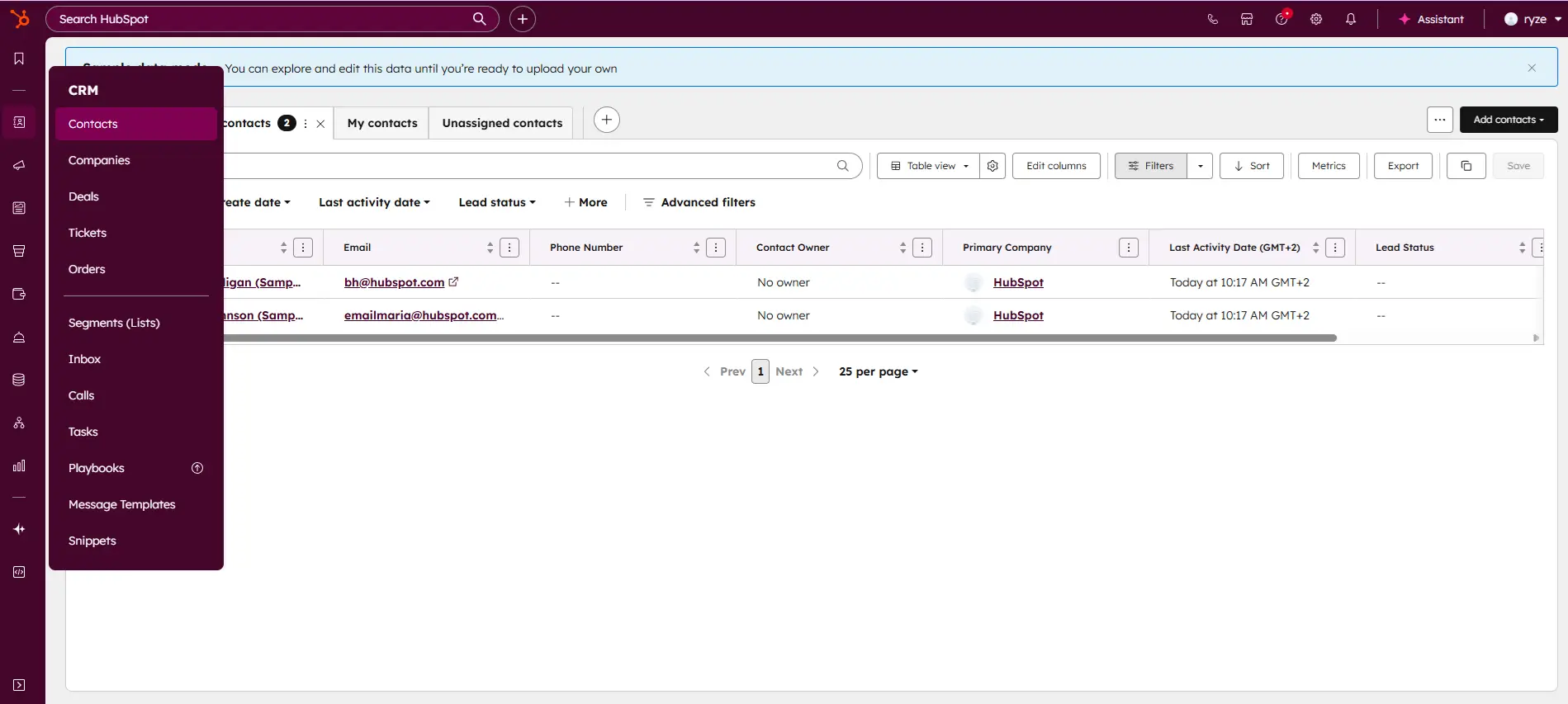
HubSpot CRM is your go-to solution for managing sales and customer relationships with precision and ease. Offering a real-time view of your sales activity, HubSpot provides explicit, actionable… Read more
HubSpot CRM is your go-to solution for managing sales and customer relationships with precision and ease. Offering a real-time view of your sales activity, HubSpot provides explicit, actionable reports that give you deep insights into your team's performance. Track deal progress, monitor leads, and pinpoint areas for growth, all within an intuitive platform. With HubSpot CRM, you gain the tools to optimize your sales strategy, enhance collaboration, and drive business success like never before. This Hubspot CRM review will look at pricing, features, and performance of the CRM tool.
Learn more in our full Hubspot review.
Pros & Cons
- Intuitive design
- Free version available
- Reliable customer support
- Numerous workflow templates
- Automation is unavailable for free plan
Features
- Dashboards
- Reporting
- Marketing Analytics
- Pipeline Management
- Call Management
- Account Management
- Collaborative Data
- Mobile App
- Integrations
- Sales AI
- Sales Opportunity
- Quote Management
- Lead Chatbot
- Email Sync
- Email Tracking
- Email Templates
- Schedule Emails
- Customer Contact Management
- Lead Scoring
- Automated Reports
- Marketing Automation
- Sales Pipeline Automation
- Sales Forecasting Automation
- Automated Emails
Pricing
$0
mo/
month
$7
mo/
month
$90
mo/
month
$150
mo/
month
Screenshots
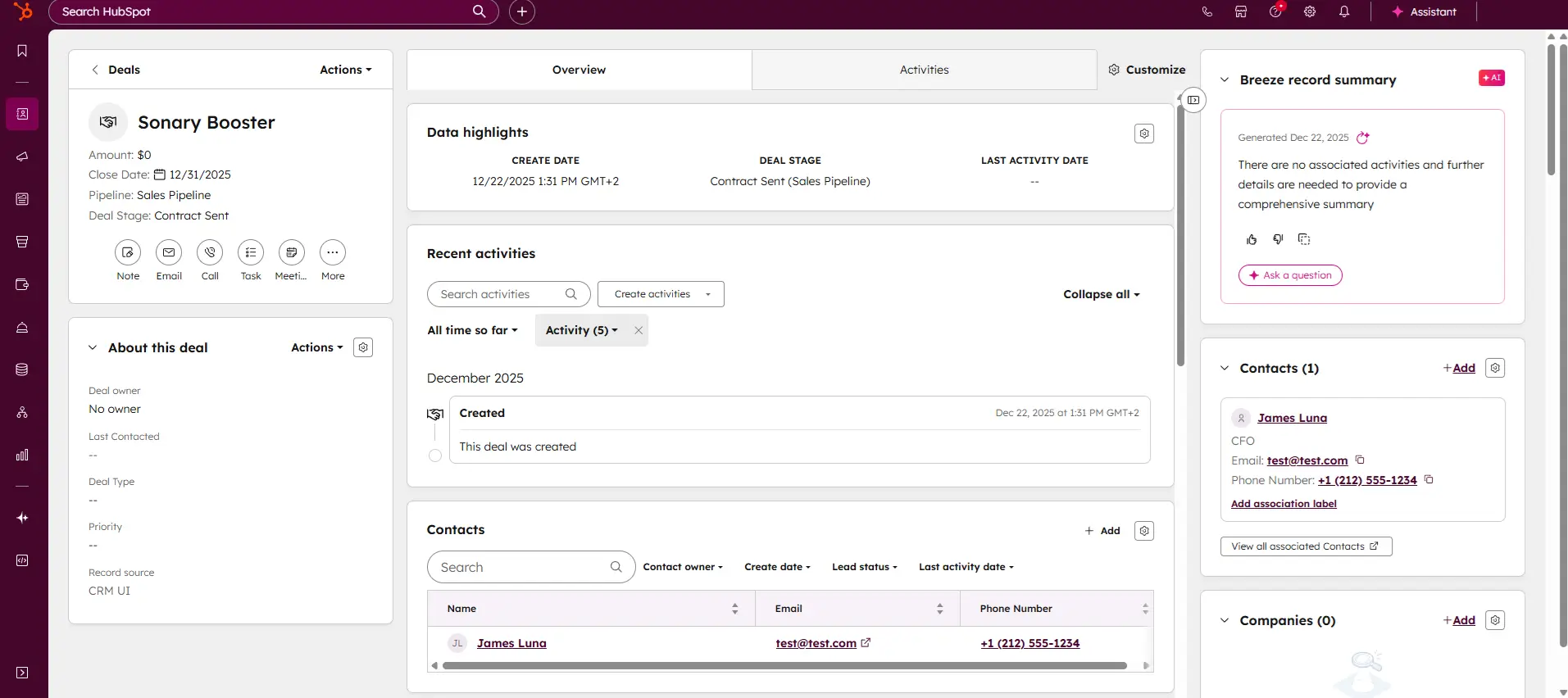
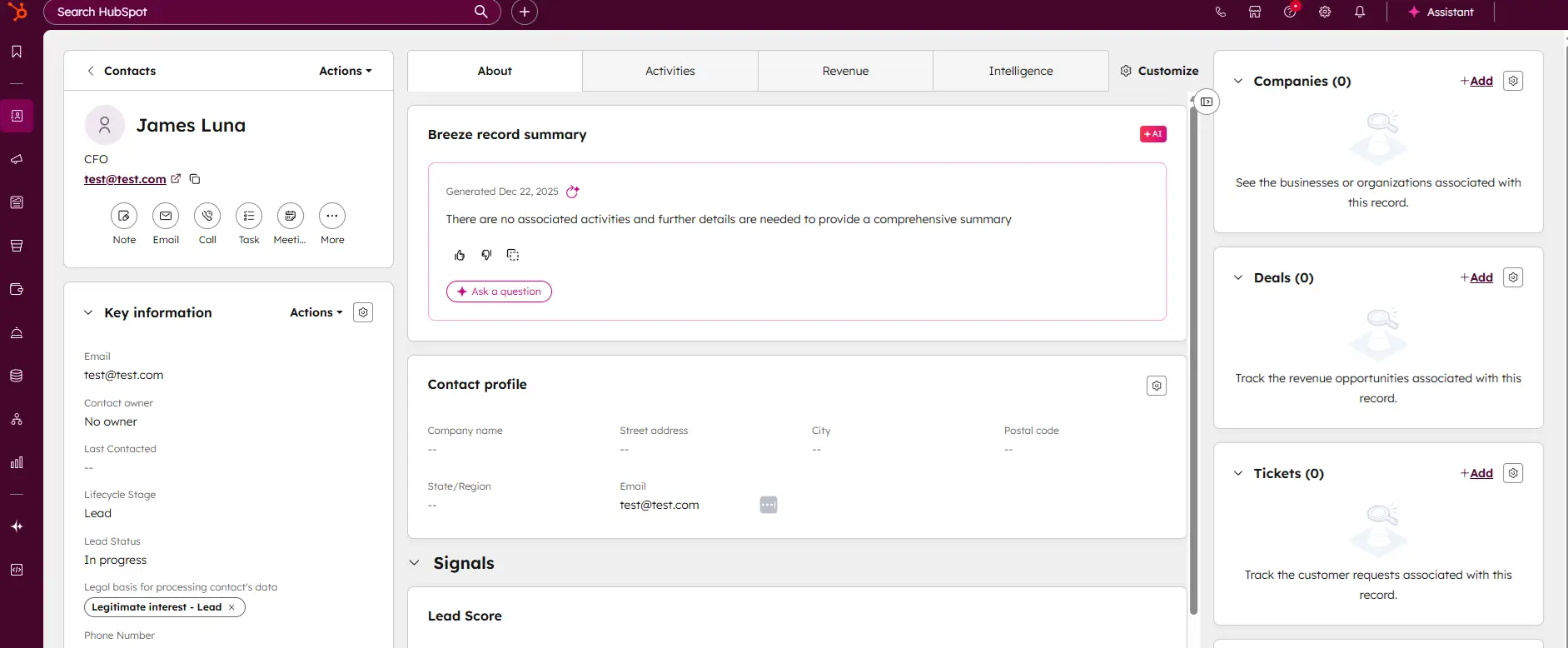
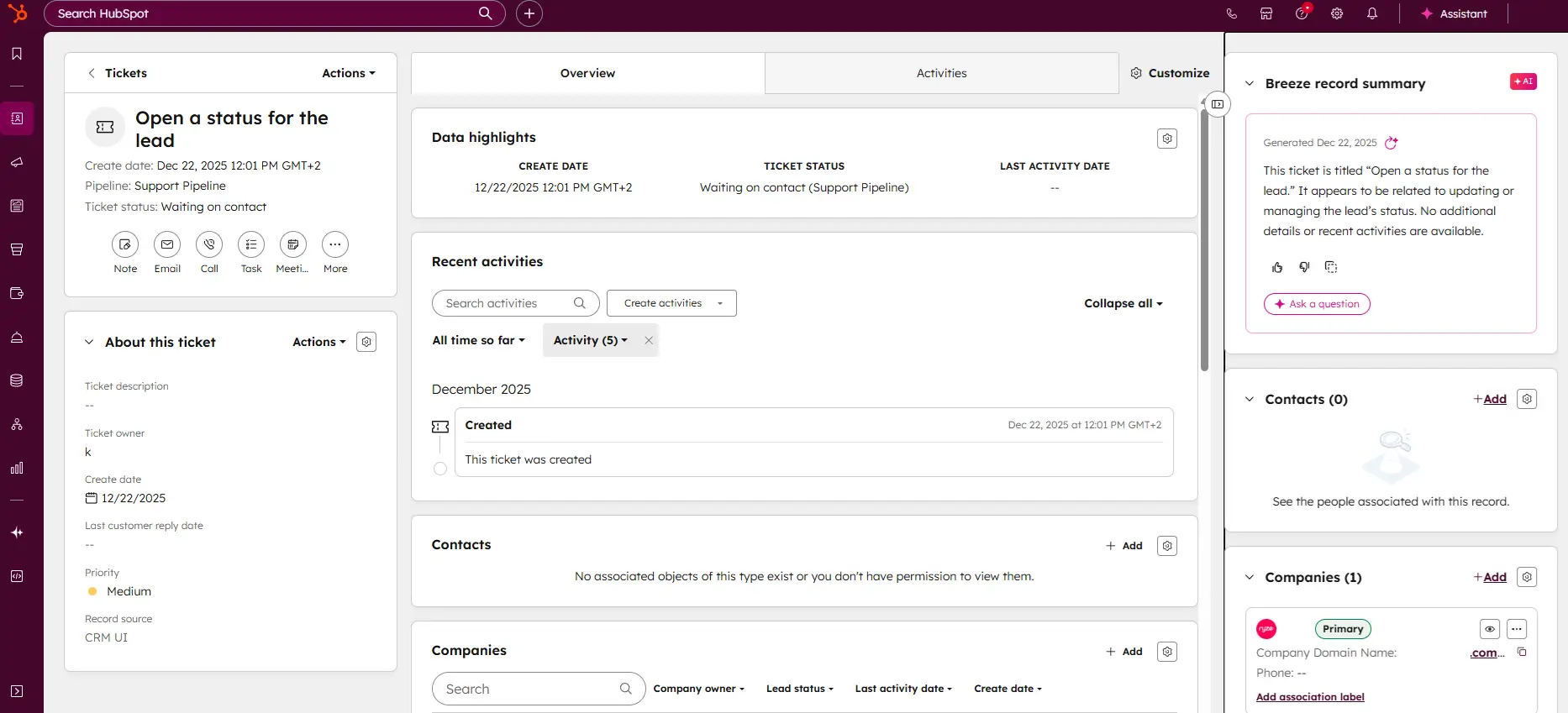
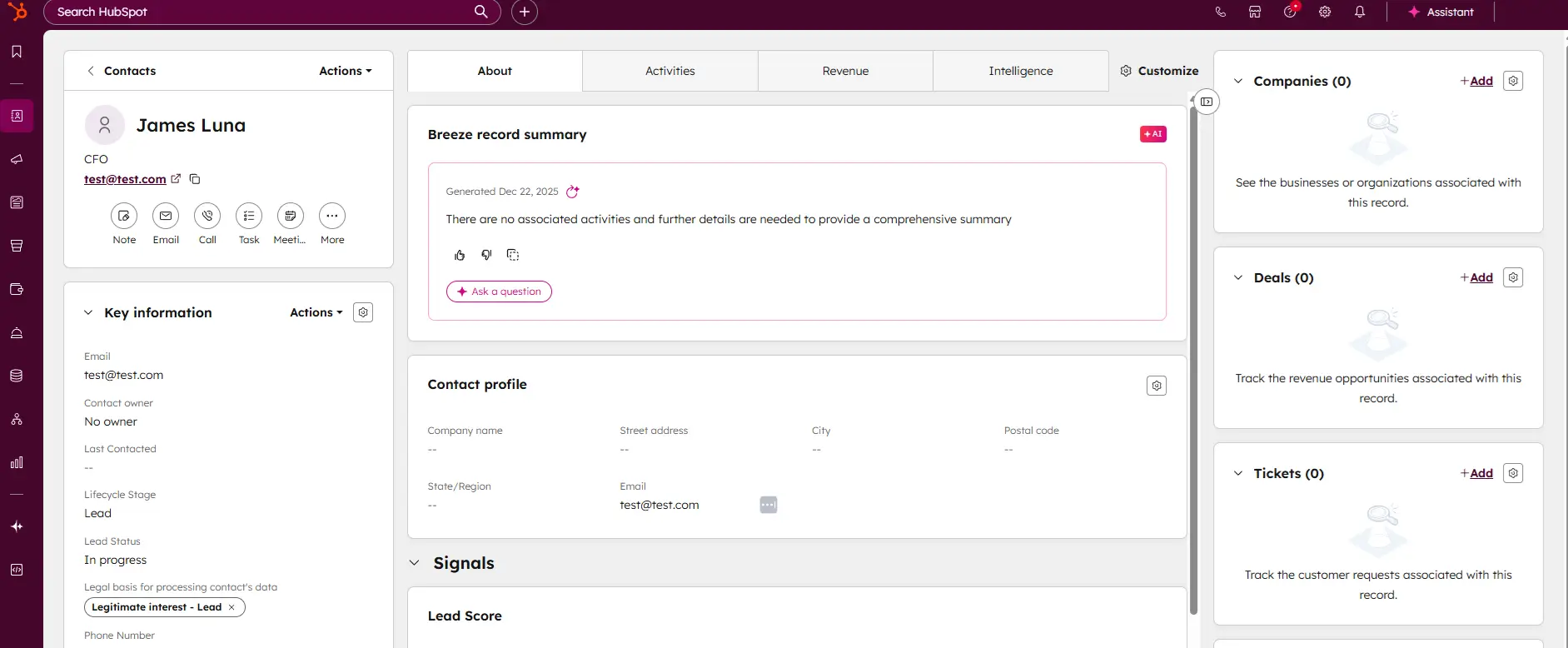

Honeybook is the ultimate CRM solution for entrepreneurs, freelancers, and independent business owners looking to streamline their operations. Designed to provide a seamless and professional… Read more
Honeybook is the ultimate CRM solution for entrepreneurs, freelancers, and independent business owners looking to streamline their operations. Designed to provide a seamless and professional experience, Honeybook simplifies customer relationship management by handling client interactions, payments, and follow-ups in one intuitive platform. By automating repetitive tasks and organizing your workflows, Honeybook lets you focus on growing your business while delivering exceptional service to your clients. In this review I'll discuss Honeybook CRM pricing, performance, customer service, and features.
Learn more in our full HoneyBook CRM review.
Pros & Cons
- Comprehensive client management
- Easy-to-use, intuitive interface and layout
- Custom automation for workflows and tasks
- Excellent customer support and onboarding assistance
- Limited scalability for very large enterprises
- Fewer integrations compared to larger CRMs
- Advanced CRM features are absent
Features
- Dashboards
- Reporting
- Pipeline Management
- Account Management
- Collaborative Data
- Mobile App
- Integrations
- Email Sync
- Email Templates
- Schedule Emails
- Customer Contact Management
- Automated Reports
- Sales Pipeline Automation
- Automated Emails
Pricing
$29
mo/
month
$49
mo/
month
$109
mo/
month
Best for | Alternative | Starts at | Key difference vs Copper |
|---|---|---|---|
Free, Gmail and Outlook | No paid tier needed for email logging | ||
Large contact lists | 30,000 contacts on the entry paid plan | ||
Unlimited contacts, hand-held move | Unlimited contacts on every plan, free migration | ||
Automation and sequences | Sequences at $39, not $99 | ||
Lowest per-seat cost | Workflow automation on the free plan |
[KD: Capsule and Zoho paid prices come from third-party sources because the vendor pages didn't render numbers. Check both in a browser before publishing.]
What changed in Copper CRM pricing?
- The Starter plan is gone. Copper's $9 (annual) / $12 (monthly) Starter tier, capped at 1,000 contacts, disappeared from its pricing page in mid-2026. Basic at $23/$29 per seat is now the entry plan.
- Basic stops at 2,500 contacts. Professional allows 15,000 and Business is unlimited. Cross a cap and every seat moves up.
- Automation and email series sit higher. Workflow automation, bulk email and integrations start at Professional ($59/$69). Email series and custom reports are Business-only ($99/$134). See the Copper pricing page.
Full plan details are in our Copper pricing breakdown.
Why do teams look for a Copper CRM alternative?
- Contact caps force tier jumps. A 3-seat team that crosses 2,500 contacts goes from $69 to $177 a month on annual billing, for the same people. "The basic plan is not good enough, so you need at least the mid-tier plan. - operations coordinator.
- No Outlook. Copper works inside Google Workspace. Copper staff said in its community forum that it won't build an Outlook integration. Microsoft 365 users can only BCC outgoing mail into Copper.
- Price per seat for small teams. "the price was too high for such a product for a small startup" - CIO of a 20-person IT company, January 2024.
- Reporting and tracking friction. "The reports are not very intuitive" and "the email tracking sometimes doesn't work" - sales ops specialist, October 2024. Our review lists confusing email tracking as a con.
- Annual lock-in. Plans auto-renew for the same term, fees are non-refundable, and you can't downgrade or drop seats until renewal. See Copper's terms.
Stay on Copper if
- Your whole team lives in Gmail and Google Calendar, you have fewer than 2,500 contacts and you don't need automation. Basic does the job, and its Workspace fit is strong per our Copper verdict.
- You're already on Business and use email series with unlimited contacts. Switching saves money only if you accept a weaker Google fit.
- You're mid-way through an annual term. You can't downgrade or exit before renewal, so plan the move for that date.
Signs you've outgrown Copper
- You crossed 2,500 contacts. Basic is capped and the next tier is $59 to $69 per seat.
- You need one automated workflow or bulk email. That's Professional at minimum.
- You need drip campaigns. That's Business at $99 annual or $134 monthly per seat.
- Anyone on the team uses Outlook or Microsoft 365.
Best CRM for Google Workspace teams (besides Copper)
Copper's strength is being a Google Workspace CRM. Every pick here also works as a Gmail CRM, so you don't give that up.
Your situation | Switch to | Deciding fact |
|---|---|---|
1-2 people, Gmail logging only | HubSpot or Zoho CRM | Free plans (2 and 3 users) |
Over 2,500 contacts, small budget | Capsule | 30,000 contacts on its entry paid plan |
Mixed Gmail and Outlook team | Nutshell or HubSpot | Gmail extension plus Outlook add-in |
Need automation without paying $59 | Zoho CRM or Pipedrive | Automation on Zoho Free, Pipedrive Growth at $39 |
Need email sequences under $99 | Pipedrive | Sequences on Growth at $39 |
Want someone to move your data | Nutshell | Free migration and onboarding |
If your team is on Outlook
Copper offers Microsoft 365 users only a BCC address for outgoing mail. If you need a CRM for Outlook, HubSpot's Office 365 add-in works on every plan, including free. Nutshell has a separate Outlook add-in. Zoho CRM includes Gmail and Outlook integration from Standard. See our CRM integrations guide.
HubSpot: best free Copper alternative for Gmail and Outlook
HubSpot's CRM is free for up to 2 users. Sales Hub Starter lists at $20 per seat a month, and Professional is $90 per seat plus a one-time $1,500 onboarding fee.
- Where it beats Copper: the Gmail extension and the Outlook add-in work on all plans. HubSpot's migration tool lists Copper as a source. Our review notes unlimited contacts on the free CRM.
- Where it falls short: sequences start at Professional, so at 5 seats it costs about as much as Copper Business plus onboarding. Professional appears to need an annual commitment.
- Skip it if: you need sequences under $100 per seat.
- Moving from Copper: HubSpot's migration tool is one-way. Custom field mapping needs Data Hub.
Capsule: best for Copper's contact-cap problem
Capsule is free for 2 users and 250 contacts, and Starter is about $18 per user a month billed annually with 30,000 contacts. Growth is about $36 with 60,000 and workflow automation.
- Where it beats Copper: 12 times the contacts on the entry paid plan. Automation on Growth, cheaper than Copper Professional. A Capsule-built Gmail add-on plus Outlook sending.
- Where it falls short: less native to Google Workspace than Copper. Our review notes email-only support.
- Skip it if: you need phone support or deep reporting.
- Moving from Copper: CSV import with a general "import from another CRM" guide.
Nutshell: best for unlimited contacts and a hand-held move
Nutshell runs from $13 to $79 per user a month, with lower prices on annual billing. Every plan has unlimited contacts.
- Where it beats Copper: no contact caps. A Gmail extension and an Outlook add-in. Free migration and onboarding on every plan, and live human support per our support score.
- Where it falls short: Foundation is limited to 100 open leads. Sales automation starts at Pro ($42).
- Skip it if: you want Copper-style Drive and Sheets embedding.
- Contract: no long-term contracts.
Pipedrive: best for automation and sequences below Copper's prices
Pipedrive is $14, $39, $59 or $79 per seat a month billed annually. Growth at $39 bundles email sync, automations and sequences. Compare Pipedrive with HubSpot in HubSpot Sales Hub vs Pipedrive.
- Where it beats Copper: sequences at $39 against $99. Gmail and Outlook sync. Free Copper import up to 1,000,000 records through Import2.
- Where it falls short: Lite has no email sync. Not embedded in Google Workspace like Copper.
- Skip it if: you only need a contact book inside Gmail.
- Contract: no commitment on plan changes. Annual plans are charged once a year.
Zoho CRM: best when Copper's per-seat price is the problem
- Where it beats Copper: automation on the free plan, where Copper needs $59. Gmail and Outlook integration from Standard.
- Where it falls short: Zoho's migration wizard doesn't list Copper, so it's a CSV move. Our review notes a steeper learning curve.
- Skip it if: you want zero setup work.
If post-sale project work is your real issue, monday CRM is worth a look, though its Basic plan caps contacts lower than Copper.
Copper CRM competitors compared
Alternative | Best for | Not for | What fixes the Copper pain | Watch out for | Moving from Copper |
|---|---|---|---|---|---|
Free Gmail + Outlook CRM | Cheap sequences | Free tier, no contact cap on free | $1,500 onboarding on Pro | Migration tool lists Copper | |
Big lists, small budget | Phone support | 30,000 contacts from about $18 | Email-only support | CSV import | |
Mixed email teams | Deep Google embedding | Unlimited contacts | 100 open leads on Foundation | Free migration | |
Pipeline sales teams | Contact-book users | Sequences at $39 | No email sync on Lite | Import2, free to 1M records | |
Budget teams | Zero-setup buyers | Free automation | Learning curve | CSV only |
What would you pay instead of Copper?
Per month, annual billing unless noted.
5 users, 4,000 contacts, needs workflow automation
Option | Math | Per month |
|---|---|---|
Copper Professional (Basic is capped at 2,500) | 5 x $59 | $295 ($345 monthly) |
5 x $36 | $180 | |
5 x $39 | $195 | |
5 x $42 monthly | $210 | |
5 x $14 | $70 |
2 users, 3,000 contacts, Gmail logging only
Option | Math | Per month |
|---|---|---|
Copper Professional (over the Basic cap) | 2 x $59 | $118 |
HubSpot Free | 2 users included | $0 |
Capsule Starter | 2 x $18 | $36 |
Nutshell Foundation | 2 x $13 monthly | $26 (watch the 100 open-lead limit) |
5 users need email sequences
Option | Math | Per month |
|---|---|---|
Copper Business | 5 x $99 | $495 ($670 monthly) |
Pipedrive Growth | 5 x $39 | $195 |
HubSpot Sales Hub Professional | 5 x $90 | $450, plus $1,500 one-time onboarding |
The gap is widest at the contact cap and at sequences. If you're under 2,500 contacts and need neither, Copper Basic is a fair price.
How do you leave Copper without losing your history?
- Check your renewal date. Cancellations, downgrades and seat cuts must be filed by the last business day of the term and take effect at renewal.
- Export from Workspace Settings > Manage Your Data > Export Data. People, companies, opportunities, projects, tasks and leads arrive by email.
- Ask Copper Support for a one-time activity export. Activity history isn't self-serve. See Copper's export help article.
- Give non-admins the "Data Export" permission if they need to pull their own data.
- Retrieve anything left within 30 days of termination. After that Copper has no obligation to keep it.
- Rebuild what breaks: Gmail sidebar workflows, Drive links on records, Zapier zaps and Looker reports.
- Map custom fields before importing. HubSpot needs Data Hub for custom field mapping.
Questions to ask before you sign
- What's the contact or record cap on my plan, and what happens when I hit it?
- Which tier first includes workflow automation and email sequences?
- Does it log email from Gmail and Outlook on this tier?
- Is the price a promo or annual-only, and what's the monthly list price?
- Can I downgrade mid-term, and how much notice does renewal need?
- Will you migrate Copper data, activities included, for free?
- Are there onboarding fees?
How we chose these alternatives
Every CRM here has a full Sonary review. We checked each vendor's pricing, integration and migration pages, and picked tools that keep Gmail working while fixing Copper's contact caps, gating or Outlook gap. We dropped tools in other categories, like marketing suites and ERPs. Sonary may earn a commission from some providers. That never decides who appears or in what order.
FAQ
What is the best Copper CRM alternative?
It depends on why you're leaving. Contact limits: Capsule. Outlook users: HubSpot or Nutshell. Automation and sequences for less: Pipedrive. Lowest cost: Zoho CRM, whose free plan covers 3 users with workflow automation.
What is Copper CRM?
Copper is a CRM built to run inside Google Workspace. It sits in Gmail and Google Calendar and logs contacts, deals and email there. It's priced per seat with contact caps on its lower plans.
How much does Copper CRM cost?
Per seat: Basic $23 billed annually or $29 monthly, Professional $59/$69 and Business $99/$134. Basic is capped at 2,500 contacts and Professional at 15,000. See our Copper pricing.
Does Copper still have a Starter plan?
No. The $9/$12 Starter tier with a 1,000-contact cap disappeared from Copper's pricing page in mid-2026. Basic at $23/$29 per seat is now the entry plan.
Is Copper CRM good?
Yes, for teams fully on Google Workspace with small lists. It gets expensive once you need automation, more than 2,500 contacts or email series, and it doesn't integrate with Outlook.
Does Copper work with Outlook?
No native integration. Copper staff said they won't build one. Microsoft 365 users can only BCC outgoing mail into Copper and can't send from the CRM.
What is the best CRM for Gmail?
Among Sonary-reviewed tools: HubSpot (free Chrome extension for Gmail), Capsule (Gmail add-on), Nutshell (Gmail extension) and Zoho CRM (Gmail integration from Standard). Each is a CRM that integrates with Gmail and also works with Outlook.
Is there a free alternative to Copper?
Yes. HubSpot is free for up to 2 users, Zoho CRM is free for 3 users with workflow automation, and Capsule is free for 2 users and 250 contacts.
Copper CRM vs Pipedrive: which is cheaper for automation?
In a Pipedrive vs Copper match-up on automation, Pipedrive costs less. Growth at $39 per seat billed annually includes automations and sequences. Copper needs Professional ($59) for automation and Business ($99) for email series.
Copper CRM vs HubSpot: which should a small team pick?
HubSpot if you want free Gmail and Outlook logging and a guided move. Its migration tool lists Copper. Sequences need Sales Hub Professional at $90 per seat plus $1,500 onboarding.
Copper CRM vs Zoho: which costs less?
Zoho CRM. It's free for 3 users with workflow automation, and its paid plans start at about $14 per user billed annually. Copper Basic is $23 and has no workflow automation.
How to export from Copper CRM?
Go to Workspace Settings > Manage Your Data > Export Data. Records arrive as a file by email. For activity history, ask Copper Support for a one-time export.
Can I cancel Copper mid-contract?
Generally no. Plans auto-renew, fees are non-refundable, and cancellations or downgrades take effect at renewal if filed by the last business day of the term.
Which Copper alternative has unlimited contacts?
Nutshell includes unlimited contacts on every plan, with 100 open leads on Foundation. Our review notes HubSpot's free CRM also allows unlimited contacts.
See also