
Revolutionize Your Shop: Top E-Commerce Tools to Skyrocket Your Business
Last updated: September 2026
3-Days Free Trial
- Trusted by millions of businesses globally
- Drag-and-drop store creator
- Create your online store in minutes
- Large suite of marketing tools to grow your website
- You’re able to sell online, offline, and through multiple marketplaces
- It has a built-in payment processor
- Supports unlimited products on every plan
- It charges you for third party payment processors
- The basic plan doesn’t have access to pro reports
3-Days Free Trial
- Trusted by millions of businesses globally
- Drag-and-drop store creator
- Create your online store in minutes
- Large suite of marketing tools to grow your website
- You’re able to sell online, offline, and through multiple marketplaces
- It has a built-in payment processor
- Supports unlimited products on every plan
- It charges you for third party payment processors
- The basic plan doesn’t have access to pro reports

- Dropshipping-friendly
- 100+ designer-made templates
- You can integrate directly with social platforms
- Built-in email marketing and cart abandonment workflows
- Dozens of payment processors options
- In-depth product listing options
- Templates aren’t interchangeable
- Some elements can’t be fully customized
- Dropshipping-friendly
- 100+ designer-made templates
- You can integrate directly with social platforms
- Built-in email marketing and cart abandonment workflows
- Dozens of payment processors options
- In-depth product listing options
- Templates aren’t interchangeable
- Some elements can’t be fully customized

Free plan available
- Vast ecosystem of extensions
- Enables limitless customization
- Integrates with any WordPress site
- Excellent customization and extensions library
- Integrations with all essential payment options
- Fully scalable from startup phase onward
- Extensive online community
- Greater functionality leads to more complexity
- Over-reliance on extensions
- Large stores are resource-intensive
Free plan available
- Vast ecosystem of extensions
- Enables limitless customization
- Integrates with any WordPress site
- Excellent customization and extensions library
- Integrations with all essential payment options
- Fully scalable from startup phase onward
- Extensive online community
- Greater functionality leads to more complexity
- Over-reliance on extensions
- Large stores are resource-intensive
* Featured prices and terms can be updated. Free offers may include additional terms.
Why You Can Trust the Expertise of Sonary
At Sonary, we are committed to providing accurate and trustworthy information to help you make informed decisions. Our research process is meticulous, transparent, and guided by a dedication to maintaining the highest standards of integrity.
Unlike many other review platforms, we conduct in-depth evaluations of the software and services we feature. Our expert team tests and actively uses the tools we review to understand their features, performance, and value comprehensively. Our assessments are based on real-world use, giving you insights beyond surface-level descriptions.
Our research methodology includes analyzing key consumer factors such as pricing, functionality, device usability, scalability, customer support quality, and unique industry-specific features.
This hands-on approach and dedication to transparency mean you can trust Sonary to deliver regular, up-to-date content and recommendations that are well-researched and genuinely helpful for your business needs.
Unlock the Potential of Your Online Store with Powerful Ecommerce Tools
Running a successful online store requires more than just setting up a website. E-commerce tools provide the resources to manage your shop effectively, promote your products, and drive business growth. Whether streamlining inventory, improving customer engagement, or optimizing your marketing efforts, the right tools can simplify operations and boost your store's performance. Discover the e-commerce solutions that can help you stay competitive and easily scale your business.
Best Tools for E-commerce by Use Cases
- E-commerce Platforms (Must-Have)
- Web Hosting (Must-Have)
- Domain Registrars (Must-Have)
- Point of Sale (Nice-to-Have)
- Merchant Services (Must-Have)
- Inventory Management (Must-Have)
- Invoicing Software (Nice-to-Have)
- ERP Software (Optional)
- HR Software (Optional)
- Password Manager Software (Nice-to-Have)
- CRM Software (Must-Have)
- Email Marketing (Must-Have)
- Affiliate Marketing Platforms (Optional)
- SEO Tools (Must-Have)
- Project Management (Nice-to-Have)
- AI Writing Tools (Optional)
- Graphic Design Software (Must-Have)
- Plagiarism Checker (Nice-to-Have)
E-commerce Infrastructure & Core Tools
Building a successful online store starts with the right foundation. E-commerce infrastructure tools help you create, host, and manage your store, ensuring smooth operations and a seamless customer experience. Without a solid core, growing your business becomes difficult. These tools ensure your store is fast, secure, and user-friendly, directly impacting your sales and customer retention.
E-commerce Platforms (Must-Have)
Platforms like Shopify, Wix eCommerce, and WooCommerce provide everything you need to launch and manage your online store. They are widely regarded as some of the best e-commerce platforms for beginners. Their user-friendly interfaces, customizable templates, and seamless integrations make them ideal for small businesses looking to sell online.
Shopify stands as a leading e-commerce platform, empowering over 1.75 million merchants across 175 countries to sell online seamlessly. Its user-friendly interface, customizable templates, and… Read more
Shopify stands as a leading e-commerce platform, empowering over 1.75 million merchants across 175 countries to sell online seamlessly. Its user-friendly interface, customizable templates, and comprehensive app ecosystem enable businesses to create and manage online stores with ease. Features like integrated inventory management, secure payment gateways, and mobile-responsive design ensure a smooth shopping experience for customers. Trusted by brands like Netflix and Mattel, Shopify offers scalable solutions suitable for businesses of all sizes. In this Shopify e-commerce review, I'll discuss features, performance, customer service, and Shopify pricing.
Learn more in our full Shopify review.
Pros & Cons
- Large suite of marketing tools to grow your website
- You’re able to sell online, offline, and through multiple marketplaces
- It has a built-in payment processor
- Supports unlimited products on every plan
- It charges you for third party payment processors
- The basic plan doesn’t have access to pro reports
Features
- Number of templates
- Drag & Drop Editor
- Free Stock Photos
- SEO Tools
- Social Media Integration
- Visitor statistics
- Third-party apps
- Data Security
- Multi-lingual website
- Inventory Management
- Payment options
- Returns & Refunds
- Shipping Management
- Mobile - friendly
- Mobile compatible templates
- Add HTML code
- Portfolio
- Design flexibility
- Fully customized
- Video Plug-Ins
- Audio Plug-Ins
- Widgets + Apps
- Abandoned cart tools
- Newsletter tool
- Monetization
- Product reviews
- Promotions & Discounts
- Advertising credits
- Free custom domain
- Space
- Bandwith
Pricing
$29
mo/
month
$79
mo/
month
$299
mo/
month
Wix is a versatile website builder that empowers users to create stunning, professional websites without requiring advanced technical skills. Known for its intuitive drag-and-drop editor, Wix offers… Read more
Wix is a versatile website builder that empowers users to create stunning, professional websites without requiring advanced technical skills. Known for its intuitive drag-and-drop editor, Wix offers hundreds of customizable templates, robust e-commerce capabilities, and built-in SEO tools to optimize site performance. Whether you're a small business owner, blogger, or creative professional, Wix provides an all-in-one solution to design, manage, and grow your online presence. With features like mobile optimization, app integrations, and reliable hosting, Wix ensures your website is both functional and visually impressive, making it a top choice for users of all experience levels.
Learn more in our full Wix review.
Pros & Cons
- Wix-powered websites are fast
- Has intuitive drag-and-drop design features
- Digital marketing integrations are super easy
- Massive reservoir of support materials
- One paid plan (except Enterprise) for only one site.
- Wix branding on Free plan
- Cannot use a custom domain on Free plan
Features
- 100+ Templates
- Add HTML code
- Blog Templates
- Portfolio
- Drag & Drop Editor
- Multi-lingual website
- Fully customized
- SEO Tools
- Social Media Integration
- Widgets + Apps
- Newsletter tool
- Monetization
- Visitor statistics
- Multiple Sites
- Free Stock Photos
- Free custom domain
- Unlimited Space
- Unmetered Bandwidth
- Video Plug-Ins
- Blogging
- Online Stores
- Automatic Website Building
- Mobile-friendly
Pricing
$0
mo/
month
$17
mo/
month
$29
mo/
month
$39
mo/
month
$159
mo/
month
WooCommerce, launched in 2011, has evolved from a simple plugin into a powerful open-source e-commerce solution for WordPress websites. Its seamless integration with WordPress allows businesses to… Read more
WooCommerce, launched in 2011, has evolved from a simple plugin into a powerful open-source e-commerce solution for WordPress websites. Its seamless integration with WordPress allows businesses to transform their sites into fully customizable online stores, offering features like flexible product management, secure payment processing, and a vast library of extensions to enhance functionality. This adaptability makes WooCommerce an ideal choice for businesses aiming to establish a robust online presence without incurring substantial costs. In this WooCommerce review we'll look at the features, pricing, ease of use and business value offered by this e-commerce web builder.
Learn more in our full WooCommerce review.
Pros & Cons
- Excellent customization and extensions library
- Integrations with all essential payment options
- Fully scalable from startup phase onward
- Extensive online community
- Greater functionality leads to more complexity
- Over-reliance on extensions
- Large stores are resource-intensive
Features
- Number of templates
- Drag & Drop Editor
- Free Stock Photos
- SEO Tools
- Social Media Integration
- Visitor statistics
- Third-party apps
- Data Security
- Multi-lingual website
- Inventory Management
- Payment options
- Returns & Refunds
- Shipping Management
- Mobile - friendly
- Mobile compatible templates
- Add HTML code
- Blog
- Portfolio
- Design flexibility
- Fully customized
- Video Plug-Ins
- Audio Plug-Ins
- Widgets + Apps
- Abandoned cart tools
- Newsletter tool
- Monetization
- Product reviews
- Promotions & Discounts
- Advertising credits
Pricing
$0
mo/
month
$6.95
mo/
month
$8.95
mo/
month
$12.95
mo/
month
Web Hosting (Must-Have)
Choosing the right web hosting service is essential for ensuring your e-commerce site runs smoothly. Hostinger, Bluehost, and HostGator are known for their affordable hosting services and excellent performance for small e-commerce websites. They provide fast load times, strong security, and minimal downtime.

The Hostinger (formerly known as Zyro) website builder is a drag-and-drop, intuitive website builder equipped with an interactive and minimalistic interface, over 100 fascinating website templates,… Read more
The Hostinger (formerly known as Zyro) website builder is a drag-and-drop, intuitive website builder equipped with an interactive and minimalistic interface, over 100 fascinating website templates, seamless eCommerce integrations, and AI-powered tools to automate even the most human-centric activities like blog writing.
Learn more in our full Hostinger review.
Pros & Cons
- Excellent uptime
- Unlimited storage and bandwidth on all plans
- Sophisticated AI-powered business tools
- Large photo repository
- Can’t publish a site on free plan
- Limited customization
Features
- 100+ Templates
- Add HTML code
- Blog Templates
- Portfolio
- Drag & Drop Editor
- Fully customized
- Mobile-friendly
- SEO Tools
- Widgets + Apps
- Visitor statistics
- Free custom domain
- Unlimited Space
- Unmetered Bandwidth
- Free Stock Photos
- Video Plug-Ins
- Blogging
- Online Stores
- Automatic Website Building
Pricing
$2.99
mo/
month
$3.99
mo/
month
$9.99
mo/
month

The Bluehost website builder is a basic site editor built on top of WordPress with over 300 design templates for SMB owners to build interactive websites for their businesses. An embedded WordPress… Read more
The Bluehost website builder is a basic site editor built on top of WordPress with over 300 design templates for SMB owners to build interactive websites for their businesses. An embedded WordPress plugin integration feature allows you to install WordPress-enabled apps that will boost your website performance.
Learn more in our full Bluehost review.
Pros & Cons
- Large design template library (over 300 design templates available)
- Large stock image repository
- First-class uptime
- You can quickly learn how to use WordPress through Bluehost Website Builder
- No free plan
- No monthly billing on some plans
Features
- 100+ Templates
- Add HTML code
- Blog Templates
- Portfolio
- Drag & Drop Editor
- Fully customized
- Mobile-friendly
- SEO Tools
- Social Media Integration
- Widgets + Apps
- Newsletter tool
- Monetization
- Visitor statistics
- Free custom domain
- Unlimited Space
- Unmetered Bandwidth
- Free Stock Photos
- Video Plug-Ins
- Audio Plug-Ins
- Blogging
- Online Stores
- Automatic Website Building
Pricing
$2.95
mo/
month
$4.95
mo/
month
$5.45
mo/
month
$9.95
mo/
month
$13.95
mo/
month
$12.95
mo/
month

HostGator is a mature web hosting company that has expanded into multiple verticals. 24/7 customer support, generous usage limits, and 99.9% uptime make this a solid choice.
Learn more in our full Hostgator review.
Pros & Cons
- Inexpensive to get started
- Can install popular website CMS with a single click
- Native website builder and eCommerce store
- Unlimited domains and subdomains
- Does have many upsells in the backend
- Doesn’t support staging areas
Features
- Website Builder
- Shared Hosting
- Cloud hosting
- Reseller Hosting
- Dedicated Hosting
- VPS Hosting
- WordPress Hosting
- Linux Servers
- Windows servers
- Unmetered SSD storage
- Unlimited Transfers
- Email Access
- Control Panel
- Free SSL Certificate
- Free Backups
- 1-Click App Installs
- Free Domain Registration
- PCI Compliance
- GIT
- SSH Access
- Log Files
- File Manager
- Custom Cron Jobs
- Raw Access Logs
- Script Library
- Customizable Error Pages
- Autoresponder
- Cron Jobs
- Spam Filters
- Unlimited Mailboxes
- Hypertext Access
- Unlimited FTP Accounts
- Advertising credits
- Mailing lists
- Search engine submission
Pricing
$2.75
mo/
month
$3.5
mo/
month
$5.25
mo/
month
Domain Registrars (Must-Have)
Your domain name is a key part of your brand. Bluehost, GoDaddy, and Ionos are top choices for buying a domain for an e-commerce store. They offer competitive pricing and make securing a memorable and professional web address easy.
The Bluehost website builder is a basic site editor built on top of WordPress with over 300 design templates for SMB owners to build interactive websites for their businesses. An embedded WordPress… Read more
The Bluehost website builder is a basic site editor built on top of WordPress with over 300 design templates for SMB owners to build interactive websites for their businesses. An embedded WordPress plugin integration feature allows you to install WordPress-enabled apps that will boost your website performance.
Learn more in our full Bluehost review.
Pros & Cons
- Large design template library (over 300 design templates available)
- Large stock image repository
- First-class uptime
- You can quickly learn how to use WordPress through Bluehost Website Builder
- No free plan
- No monthly billing on some plans
Features
- 100+ Templates
- Add HTML code
- Blog Templates
- Portfolio
- Drag & Drop Editor
- Fully customized
- Mobile-friendly
- SEO Tools
- Social Media Integration
- Widgets + Apps
- Newsletter tool
- Monetization
- Visitor statistics
- Free custom domain
- Unlimited Space
- Unmetered Bandwidth
- Free Stock Photos
- Video Plug-Ins
- Audio Plug-Ins
- Blogging
- Online Stores
- Automatic Website Building
Pricing
$2.95
mo/
month
$4.95
mo/
month
$5.45
mo/
month
$9.95
mo/
month
$13.95
mo/
month
$12.95
mo/
month

GoDaddy provides a wide range of internet services including hosting. With industry-leading load times, guaranteed 99.9% uptime and expert, 24/7 support, your site couldn’t ask for more.
Learn more in our full Godaddy review.
Pros & Cons
- Free SSL certificate when purchasing a hosting plan
- Free domain is also included with hosting plans
- Unlimited storage and unmetered bandwidth on most plans
- 1-click installation for 100+ applications
- More expensive than comparable web hosting services
- Many instances of the hosting service being slow
Features
- Website Builder
- Shared Hosting
- Reseller Hosting
- Dedicated Hosting
- VPS Hosting
- WordPress Hosting
- Linux Servers
- Windows servers
- Unmetered SSD storage
- Unlimited Transfers
- Email Access
- Control Panel
- Free SSL Certificate
- 1-Click App Installs
- Free Domain Registration
- PCI Compliance
- GIT
- SSH Access
- Site Statistics
- Log Files
- File Manager
- Custom Cron Jobs
- Raw Access Logs
- Script Library
- Customizable Error Pages
- Autoresponder
- Cron Jobs
- Spam Filters
- Hypertext Access
- Unlimited FTP Accounts
- Anonymous FTP
- Mailing lists
Pricing
$6.99
mo/
month
$9.99
mo/
month
$14.99
mo/
month
$21.99
mo/
month

IONOS is a mature web hosting company that provides all the tools small and medium businesses need to thrive online. A lightning-fast CDN, 24/7 support, and inexpensive pricing make this work… Read more
IONOS is a mature web hosting company that provides all the tools small and medium businesses need to thrive online. A lightning-fast CDN, 24/7 support, and inexpensive pricing make this work checking out.
Learn more in our full Ionos review.
Pros & Cons
- Free domain when you register
- Among the cheapest hosting providers available
- Outstanding uptime with little if any downtime
- 1-click software installation
- The admin area is different and can take time to learn
- Can only use the SSL provided by the company
Features
- Website Builder
- Shared Hosting
- Cloud hosting
- Reseller Hosting
- Dedicated Hosting
- VPS Hosting
- WordPress Hosting
- Linux Servers
- Windows servers
- Unmetered SSD storage
- Unlimited Transfers
- Email Access
- Control Panel
- Free SSL Certificate
- Free Backups
- 1-Click App Installs
- Free Domain Registration
- PCI Compliance
- GIT
- SSH Access
- Site Statistics
- Log Files
- File Manager
- Custom Cron Jobs
- Raw Access Logs
- Script Library
- Customizable Error Pages
- Autoresponder
- Cron Jobs
- Spam Filters
- Unlimited Mailboxes
- Hypertext Access
- Unlimited FTP Accounts
- Anonymous FTP
- Mailing lists
- Search engine submission
Pricing
$4
mo/
month
$6
mo/
month
$1
mo/
month
$10
mo/
month
POS (Point of Sale) (Nice-to-Have)
A POS system that integrates all your sales channels is critical for businesses that sell online and offline. Lightspeed, Shopify POS, and KORONA POS allow you to manage transactions and inventory seamlessly. This multichannel POS solution keeps inventory and customer data in sync.
Lightspeed POS is a sophisticated, cloud-based point-of-sale system designed to adapt seamlessly to businesses of all sizes. Whether you're operating a cozy café or managing a multi-location retail… Read more
Lightspeed POS is a sophisticated, cloud-based point-of-sale system designed to adapt seamlessly to businesses of all sizes. Whether you're operating a cozy café or managing a multi-location retail chain, Lightspeed offers a versatile solution that scales with your needs. Its user-friendly interface simplifies complex tasks, from real-time inventory tracking to comprehensive sales analytics, empowering business owners to make informed decisions effortlessly. With integrated eCommerce capabilities, you can unify in-store and online operations, providing a consistent customer experience across all platforms. In this Lightspeed POS review, I'll discuss features, performance, customer service, and pricing.
Learn more in our full Lightspeed review.
Pros & Cons
- Payments, POS and e-commerce all in one place
- Wide hardware compatibility makes customization easy
- Interface is intuitive and simple to use
- Lots of support options and helpful tutorials
- Some desirable features only included in the top tier plans
- Add-ons can ramp up the cost
- You are tied in to an annual contract
Features
- Inventory Management
- Loyalty Program
- Mobile Compatibility
- Online Ordering
- Reporting
- Split Checks
- Manage Tips
- Offline Payments
- Customer Profiles
- Multidevice Payments
- Gift Card Support
- Accounting Integration
- Tableside Ordering
- Floor Plan Management
- Customer-Facing Display
- Retail Store
- Coffee Shop
- Quick Service
- Bars
- Restaurants
- iOS
- Cloud-Based
- Windows
- Mac
- Free Trial
- Monthly subscription
- Annual subscription
Pricing
$89
mo/
month
$149
mo/
month
$289
mo/
month
Shopify stands as a leading e-commerce platform, empowering over 1.75 million merchants across 175 countries to sell online seamlessly. Its user-friendly interface, customizable templates, and… Read more
Shopify stands as a leading e-commerce platform, empowering over 1.75 million merchants across 175 countries to sell online seamlessly. Its user-friendly interface, customizable templates, and comprehensive app ecosystem enable businesses to create and manage online stores with ease. Features like integrated inventory management, secure payment gateways, and mobile-responsive design ensure a smooth shopping experience for customers. Trusted by brands like Netflix and Mattel, Shopify offers scalable solutions suitable for businesses of all sizes. In this Shopify e-commerce review, I'll discuss features, performance, customer service, and Shopify pricing.
Learn more in our full Shopify review.
Pros & Cons
- Large suite of marketing tools to grow your website
- You’re able to sell online, offline, and through multiple marketplaces
- It has a built-in payment processor
- Supports unlimited products on every plan
- It charges you for third party payment processors
- The basic plan doesn’t have access to pro reports
Features
- Number of templates
- Drag & Drop Editor
- Free Stock Photos
- SEO Tools
- Social Media Integration
- Visitor statistics
- Third-party apps
- Data Security
- Multi-lingual website
- Inventory Management
- Payment options
- Returns & Refunds
- Shipping Management
- Mobile - friendly
- Mobile compatible templates
- Add HTML code
- Portfolio
- Design flexibility
- Fully customized
- Video Plug-Ins
- Audio Plug-Ins
- Widgets + Apps
- Abandoned cart tools
- Newsletter tool
- Monetization
- Product reviews
- Promotions & Discounts
- Advertising credits
- Free custom domain
- Space
- Bandwith
Pricing
$29
mo/
month
$79
mo/
month
$299
mo/
month

KORONA is a cloud-based POS system for retail stores. It’s perfect for ordering, receiving, and counting inventory as well as taking payments from customers. Plus, customers can access free 24/7… Read more
KORONA is a cloud-based POS system for retail stores. It’s perfect for ordering, receiving, and counting inventory as well as taking payments from customers. Plus, customers can access free 24/7 support via phone, email, and chat.
Learn more in our full KORONA POS review.
Pros & Cons
- Quickest average checkout time in the industry
- Customer service support is available 24/7
- Complete inventory management
- Integrations for loyalty and eCommerce
- Software updates can temporarily interfere with system
- Queries could be more robust
- Time-intensive data transfer in initial set-up
Features
- Inventory Management
- Loyalty Program
- Mobile Compatibility
- Online Ordering
- Reporting
- Split Checks
- Offline Payments
- Customer Profiles
- Multidevice Payments
- Gift Card Support
- Accounting Integration
- Customer-Facing Display
- Retail Store
- Coffee Shop
- Quick Service
- Food Truck
- iOS
- Android
- Cloud-Based
- On-place Installation
- Windows
- Mac
- Free Trial
- Monthly subscription
- Annual subscription
Pricing
$59
mo/
month
$69
mo/
month
Merchant Services (Must-Have)
Merchant services like PaySafe, Merchant One, and Clover enable you to process payments online securely. They offer fraud protection, secure payment gateways, and the ability to accept credit card payments, making them some of the best merchant services for e-commerce.

Paysafe merchant services are worth it for merchants processing over $500K in annual card volume or operating in high-risk verticals (CBD, nutraceuticals, online gaming, travel) where flat-rate… Read more
Paysafe merchant services are worth it for merchants processing over $500K in annual card volume or operating in high-risk verticals (CBD, nutraceuticals, online gaming, travel) where flat-rate providers like Square and Stripe refuse to underwrite. Pricing is quote-based interchange-plus, typically landing around interchange + 0.30% + $0.15 per transaction. The catch: Paysafe's website is notoriously opaque on pricing, contract terms often include 2-year commitments and PCI fees, and the SMB onboarding experience is weaker than Stripe or Square. Under $500K annual volume and low-risk, stay on Stripe.
Learn more in our full Paysafe review.
Pros & Cons
- User-friendly interface
- Diverse payment options for all sized businesses
- Prompt customer service
- Efficient chargebacks management feature
- Compatibility Problems which may lead to manual reconciliation
- Customer Support on technical issues may be slower than anticipated
Features
- ACH Payment Processing
- Billing & Invoicing
- Cryptocurrency Processing
- Data Security
- Debit/Credit Card Processing
- Electronic Signature
- In-Person Payments
- Mobile Payments
- Multiple Payment Gateways
- Online payment processing
- PCI Compliance
- POS Integration
- Payment Fraud Prevention
- Payment Processing Services Integration
- Recurring Billing
- Reporting/Analytics
- Mobile Credit card processing
- Cash Transactions
- Contactless NFC
- Electronic Receipts
- Mobile Card Reader
- 3rd-Party Integrations
- iOS
- Android
- Cloud-Based
- On-place Installation
- Windows
- Mac
- Instore Sales
- Online Sales
- Mobile Sales
Pricing
2.75%
/ transaction/
/ transaction

With over 20 years of experience, Merchant One is a trusted leader in credit card payment processing, serving industries such as retail, hospitality, and e-commerce. Offering state-of-the-art… Read more
With over 20 years of experience, Merchant One is a trusted leader in credit card payment processing, serving industries such as retail, hospitality, and e-commerce. Offering state-of-the-art technology and direct-to-source services, they ensure seamless transactions, competitive rates, and next-day funding. Known for their customer-centric approach, the merchant service provider streamlines payment solutions with no setup fees and flexible equipment leasing, making them a reliable partner for over 100,000 businesses. Their commitment to compliance and innovation guarantees businesses secure, efficient, and scalable solutions tailored to their unique needs. In this review, I'll cover the Merchant One pricing structure, features, performance, and more.
Learn more in our full Merchant One review.
Pros & Cons
- High Approval Rate Regardless of Credit
- Quick Setup
- Quick Access to Funds
- PCI Compliant
- Merchant One requires a three-year contract
- Services may be more expensive than competitors
Features
- ACH Payment Processing
- Billing & Invoicing
- Data Security
- Debit/Credit Card Processing
- Electronic Signature
- In-Person Payments
- Mobile Payments
- Multiple Payment Gateways
- Online payment processing
- PCI Compliance
- POS Integration
- Payment Fraud Prevention
- Payment Processing Services Integration
- Recurring Billing
- Reporting/Analytics
- Mobile Credit card processing
- Contactless NFC
- Electronic Receipts
- Mobile Card Reader
- 3rd-Party Integrations
- iOS
- Android
- Cloud-Based
- On-place Installation
- Windows
- Mac
- Monthly subscription
- Instore Sales
- Online Sales
- Mobile Sales
Pricing
$13.95
mo/
month

Clover is a user-friendly point-of-sale (POS) system designed for small to medium businesses, offering a range of software and hardware tailored to different industries, from retail to restaurants.… Read more
Clover is a user-friendly point-of-sale (POS) system designed for small to medium businesses, offering a range of software and hardware tailored to different industries, from retail to restaurants. While not the most affordable, its diverse payment partners make it a reliable choice. Developed by Clover Network Inc., a First Data Corporation subsidiary, Clover POS delivers a comprehensive solution for payment processing, inventory management, and sales tracking.
Learn more in our full Clover review.
Pros & Cons
- Attractive pricing 30-day trial at no cost
- Affordable hardware beginning at $49
- Feature-packed Ideal for businesses with an online presence
- Round-the-clock phone and email assistance.
- You can't apply for the POS online; it requires interaction with a sales representative
- Pricing information isn't clear-cut
- No complimentary plan available
Features
- Inventory Management
- Loyalty Program
- Mobile Compatibility
- Online Ordering
- Reporting
- Split Checks
- Manage Tips
- Staff Scheduling
- Offline Payments
- Customer Profiles
- Multidevice Payments
- Gift Card Support
- Accounting Integration
- Tableside Ordering
- Floor Plan Management
- Customer-Facing Display
- Self-Service Kiosk
- Retail Store
- Coffee Shop
- Nightclub
- Quick Service
- Bars
- Restaurants
- Food Truck
- Android
- Cloud-Based
- Free Trial
- Monthly subscription
Pricing
$13
mo/
month
$105
mo/
month
$170
mo/
month
$145
mo/
month
$230
mo/
month
$205
mo/
month
Operations & Business Management Tools
Smooth operations are the backbone of any successful e-commerce business. These tools help you automate repetitive tasks, track inventory, and manage business processes efficiently. From inventory management to invoicing, these e-commerce tools allow you to focus on growing your business without worrying about operational bottlenecks.
Inventory Management (Must-Have)
Keeping your inventory in check is crucial to ensuring your online store runs smoothly. Zoho Inventory, Acumatica, and SquareUp provide some of the best inventory management solutions for small businesses. They help you track stock levels, automate restocking, and manage inventory across multiple sales channels.
Zoho CRM is a single repository that helps businesses gain more leads, build excellent customer relationships, and have efficient business processes that help you save time and cost. With the precise… Read more
Zoho CRM is a single repository that helps businesses gain more leads, build excellent customer relationships, and have efficient business processes that help you save time and cost. With the precise data generated on Zoho CRM, organizations can make impactful decisions to boost sales.
Learn more in our full Zoho review.
Pros & Cons
- Easy setup
- Customizable capabilities
- Reliable customer support
- Different resource materials
- Billed per user
- Limited third-party integrations
Features
- Dashboards
- Reporting
- Marketing Analytics
- Pipeline Management
- Call Management
- Account Management
- Collaborative Data
- Mobile App
- Integrations
- Sales AI
- Sales Opportunity
- Quote Management
- Email Sync
- Schedule Emails
- Customer Contact Management
- Lead Chatbot
- Lead Scoring
- Automated Reports
- Marketing Automation
- Sales Pipeline Automation
- Sales Forecasting Automation
- Automated Emails
Pricing
$0
mo/
month
$14
/mo/user/
/mo/user
$23
/mo/user/
/mo/user
$40
/mo/user/
/mo/user
$52
/mo/user/
/mo/user

Acumatica has an intuitive design that supports flexible pricing and enterprise scalability. These features combine to make Acumatica a great choice for inventory management, ledger accounting, and… Read more
Acumatica has an intuitive design that supports flexible pricing and enterprise scalability. These features combine to make Acumatica a great choice for inventory management, ledger accounting, and business resource planning.
Learn more in our full Acumatica review.
Pros & Cons
- Supports on-premise or cloud installation and deployment.
- Support for multiple databases.
- In-depth reporting.
- Non-user-based pricing is convenient for small businesses
- Difficulty in license cost estimation.
- Standard report filters require additional customizing.
- Inconvenient pricing structure.
Features
- Accounting Integration
- Activity Dashboard
- Alerts/Notifications
- API
- Auditing
- Barcode/Ticket Scanning
- Billing & Invoicing
- Cloud Infrastructure
- Control Software
- Cost Tracking
- Customer Database
- Data Synchronization
- Forecasting
- Mobile-device access
- Multi-Channel Management
- Optimization
- Purchase Order Management
- Search/Filter
- Tracking
- eCommerce Management
- Invoice Management
- Manufacturing Inventory Management Software
- Multi-Currency
- Multi-Location
- Product Identification
- Purchasing & Receiving
- Real-time Updates
- Reorder Management
- Status Tracking
- Stock Management
- Supplier Management
- Vendor Managed Inventory
- Customizable Reports
- Real Time Reporting
- Real-Time Data
- Sales Reports
- Mailing lists

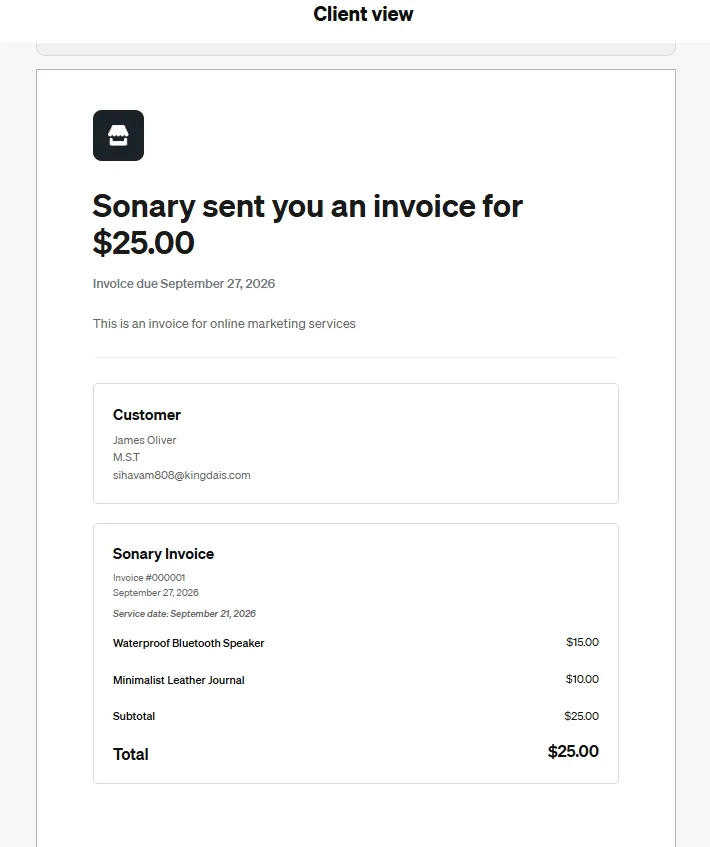
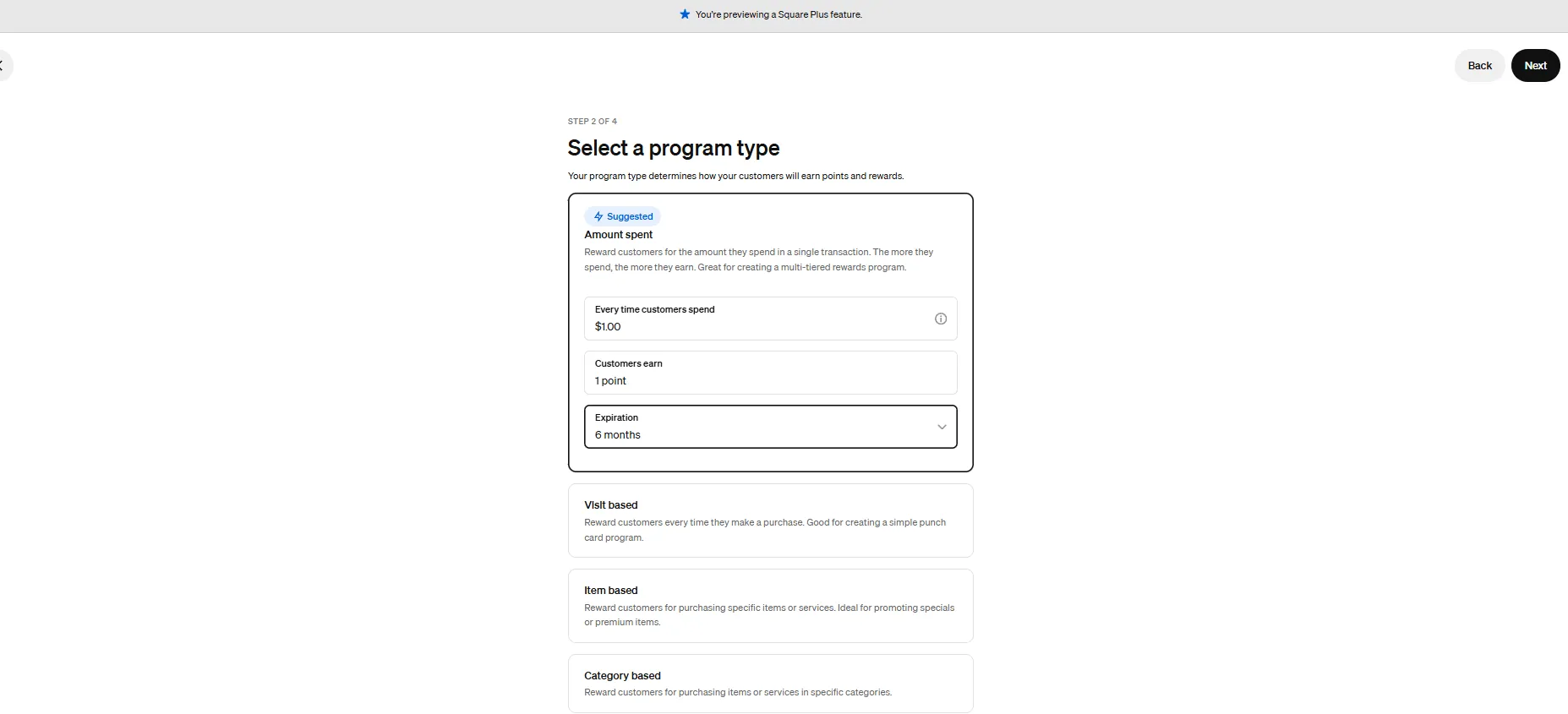
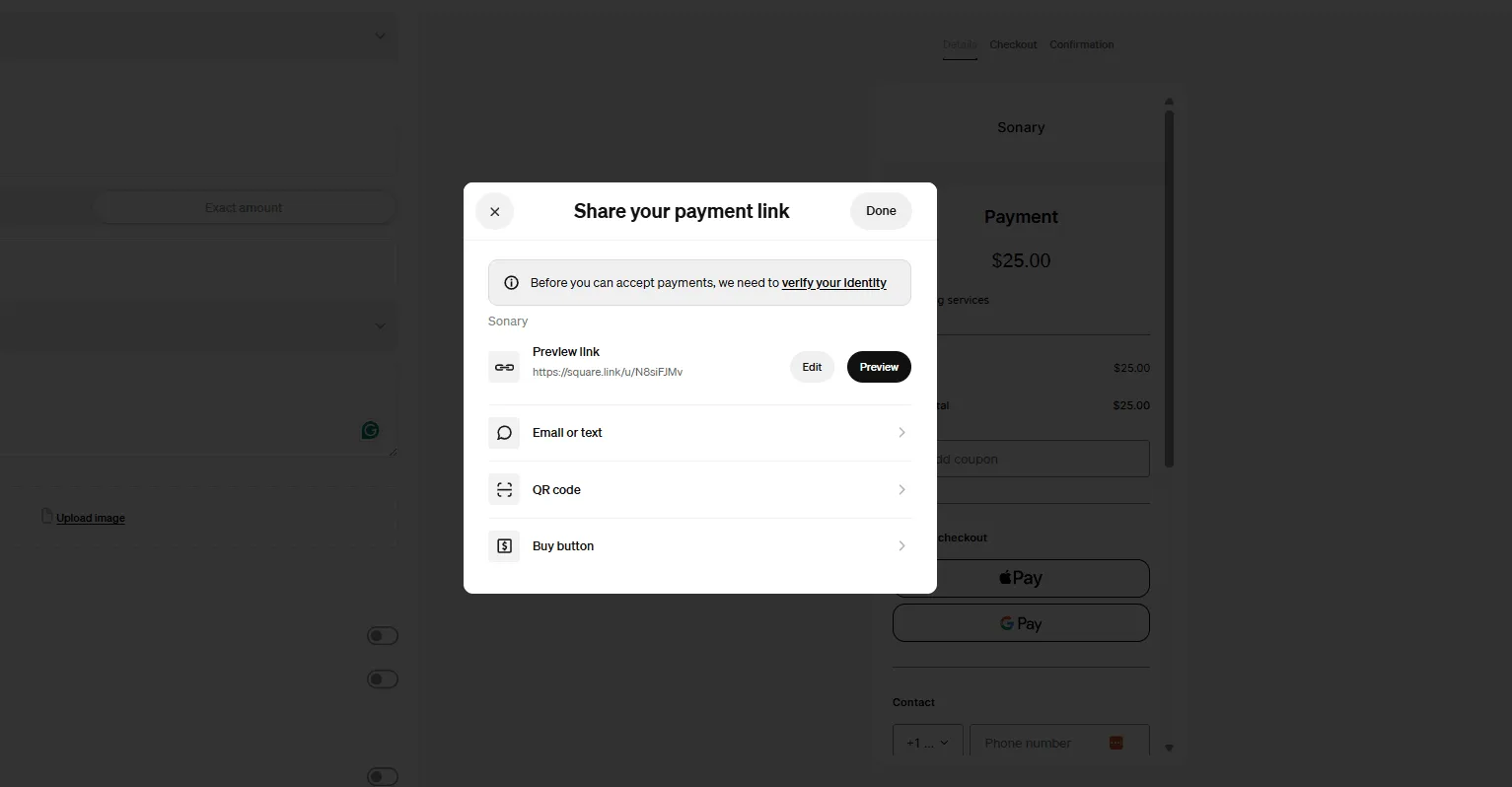
Square is one of the most complete free business platforms for small businesses, covering POS, merchant services, accounting, online invoicing, payroll, bookkeeping, and ecommerce from a single… Read more
Square is one of the most complete free business platforms for small businesses, covering POS, merchant services, accounting, online invoicing, payroll, bookkeeping, and ecommerce from a single dashboard. It works especially well for micro businesses and SMBs that want to replace multiple subscriptions with one connected system — where sales, finances, inventory, and payroll all update automatically in the same place. For most small businesses, Square is worth it.
Learn more in our full Square review.
Pros & Cons
- No monthly payment
- Next-business-day transfers
- Inexpensive long-term option
- Comprehensive inventory management
- Not great for all industries
- Some performance issues
Features
- Inventory Management
- Loyalty Program
- Mobile Compatibility
- Online Ordering
- Reporting
- Split Checks
- Manage Tips
- Staff Scheduling
- Offline Payments
- Customer Profiles
- Multidevice Payments
- Gift Card Support
- Accounting Integration
- Tableside Ordering
- Floor Plan Management
- Customer-Facing Display
- Self-Service Kiosk
- Retail Store
- Coffee Shop
- Nightclub
- Quick Service
- Bars
- Restaurants
- Food Truck
- iOS
- Android
- Cloud-Based
- Free Trial
- Freemium
- Monthly subscription
- One-Time License
Pricing
$0
mo/
month
$29
mo/
month
Screenshots

Invoicing Software (Nice-to-Have)
Creating professional invoices and tracking payments can be a breeze with tools like QuickBooks, Zoho Books, and FreshBooks. These platforms offer invoicing software specifically designed for small businesses, helping you automate billing and get paid faster.

Quickbooks leads the way in cloud-based accounting software for small businesses by keeping it simple and effective. Everything your business needs is housed under its site and app. It is packed with… Read more
Quickbooks leads the way in cloud-based accounting software for small businesses by keeping it simple and effective. Everything your business needs is housed under its site and app. It is packed with features and integrations for automating aspects deemed too time-consuming.
Learn more in our full Quickbooks review.
Pros & Cons
- Robust and secure cloud-based software
- Customizable and intuitive dashboard and reports
- Numerous integrations
- Full desktop and mobile access
- Lack of 24/7 customer phone support (except for Advanced)
- Payroll costs extra
- Learning curve
Features
- General Ledger
- Bookkeeping
- Manages Accounts Payable/Receivable
- Income & Expenses Tracking/Management
- Account Reconciliations
- Financial Reporting
- Invoicing
- Record Expenses
- Record Mileage
- Generate Invoices
- Tax Compliance
- Manage Tax Calculations/Reporting
- Accountant-Prep Friendly
- Automation of Invoices/Notifications
- Suggests Transaction Matches
- Purchase Order Automation
- Payment Processing
- Payroll Processing
- Project Management
- Time tracking
- Third-party Integrations
- Windows
- Android
- iPhone/iPad
- Mac
- Web-Based
Pricing
$0
mo/
month
$38
mo/
month
$85
mo/
month
$140
mo/
month
$340
mo/
month
Zoho Books is the online accounting software for managing finances, automating business workflows, and collaborating across departments in your business. Its affordable price model and numerous… Read more
Zoho Books is the online accounting software for managing finances, automating business workflows, and collaborating across departments in your business. Its affordable price model and numerous features make this ideal keeping all of your accounting needs under one platform.
Learn more in our full Zoho Books review.
Pros & Cons
- Account packages are reasonably priced
- Ability to add on a range of different services
- Very easy to use on desktop and mobile
- Allows for plenty of time-saving due to automation
- Probably not suitable for very large businesses
- Separate accounts needed for different businesses
- No payroll services as an add-on option
Features
- General Ledger
- Bookkeeping
- Manages Accounts Payable/Receivable
- Income & Expenses Tracking/Management
- Account Reconciliations
- Financial Reporting
- Invoicing
- Tax Compliance
- Manage Tax Calculations/Reporting
- Accountant-Prep Friendly
- Automation of Invoices/Notifications
- Suggests Transaction Matches
- Purchase Order Automation
- Project Management
- Time tracking
- Third-party Integrations
- Windows
- Android
- iPhone/iPad
- Mac
- Web-Based
Pricing
$0
mo/
month
$15
mo/
month
$40
mo/
month
$60
mo/
month
$120
mo/
month
$240
mo/
month

Freshbooks has accounting software that saves time without sacrificing professionalism. Their easy financial record keeping, unique invoice templates, and flexible business model make it easier for… Read more
Freshbooks has accounting software that saves time without sacrificing professionalism. Their easy financial record keeping, unique invoice templates, and flexible business model make it easier for businesses of any size to grow efficiently. Over 30 million people have used Freshbooks.
Learn more in our full Freshbooks review.
Pros & Cons
- Easy recurring invoices
- Excellent custom invoicing
- Competitive plan pricing
- Award-winning customer support
- High cost per user
- Manual balance sheet generation
Features
- General Ledger
- Bookkeeping
- Manages Accounts Payable/Receivable
- Income & Expenses Tracking/Management
- Account Reconciliations
- Financial Reporting
- Receipt Scanning
- Invoicing
- Record Expenses
- Generate Invoices
- Recurring Expenses
- Tax Compliance
- Manage Tax Calculations/Reporting
- Accountant-Prep Friendly
- Automation of Invoices/Notifications
- Suggests Transaction Matches
- Payment Processing
- Payroll Processing
- Project Management
- Time tracking
- Third-party Integrations
- Windows
- Android
- Linux
- iPhone/iPad
- Mac
- Web-Based
Pricing
$2.3
mo/
month
$4.3
mo/
month
$7
mo/
month
ERP Software (Optional)
For growing businesses, ERP software like Acumatica, Microsoft Dynamics 365 Business Central, and QT9 integrates critical functions such as finance, supply chain management, and customer data. While often used by larger companies, these ERP solutions are scalable for small e-commerce businesses looking to streamline complex operations.
Acumatica has an intuitive design that supports flexible pricing and enterprise scalability. These features combine to make Acumatica a great choice for inventory management, ledger accounting, and… Read more
Acumatica has an intuitive design that supports flexible pricing and enterprise scalability. These features combine to make Acumatica a great choice for inventory management, ledger accounting, and business resource planning.
Learn more in our full Acumatica review.
Pros & Cons
- Supports on-premise or cloud installation and deployment.
- Support for multiple databases.
- In-depth reporting.
- Non-user-based pricing is convenient for small businesses
- Difficulty in license cost estimation.
- Standard report filters require additional customizing.
- Inconvenient pricing structure.
Features
- Accounting Integration
- Activity Dashboard
- Alerts/Notifications
- API
- Auditing
- Barcode/Ticket Scanning
- Billing & Invoicing
- Cloud Infrastructure
- Control Software
- Cost Tracking
- Customer Database
- Data Synchronization
- Forecasting
- Mobile-device access
- Multi-Channel Management
- Optimization
- Purchase Order Management
- Search/Filter
- Tracking
- eCommerce Management
- Invoice Management
- Manufacturing Inventory Management Software
- Multi-Currency
- Multi-Location
- Product Identification
- Purchasing & Receiving
- Real-time Updates
- Reorder Management
- Status Tracking
- Stock Management
- Supplier Management
- Vendor Managed Inventory
- Customizable Reports
- Real Time Reporting
- Real-Time Data
- Sales Reports
- Mailing lists
QT9 QMS is a cloud-based quality management system that integrates seamlessly with enterprise resource planning (ERP) functionalities, offering a comprehensive solution for small to medium-sized… Read more
QT9 QMS is a cloud-based quality management system that integrates seamlessly with enterprise resource planning (ERP) functionalities, offering a comprehensive solution for small to medium-sized businesses. Designed to simplify compliance and enhance operational efficiency, QT9 QMS provides extensive features tailored to industries requiring stringent quality control and regulatory adherence. With modules for document control, employee training, corrective actions, and customer feedback, it centralizes quality processes to ensure consistency and accountability. In this review, we'll dive in to how QT9 QMS's features and performance can benefit your organization, along with insights into its customer service and pricing structure.
Learn more in our full QT9 review.
Pros & Cons
- Integration with Microsoft Ecosystem
- Comprehensive feature set
- Customizable dashboards
- User-friendly interface
- Cost (may be considered high for small business)
- Learning curve
Features
- General Ledger
- Bookkeeping
- Manages Accounts Payable/Receivable
- Account Reconciliations
- Financial Reporting
- Generate Invoices
- Tax Compliance
- Automation of Invoices/Notifications
- Project Management
- Third-party Integrations
- Windows
- Linux
- Mac
Pricing
$30
per user/month/
per user/month
$50
per user/month/
per user/month
$70
per user/month/
per user/month
Microsoft Dynamics 365 ERP is a cloud-based enterprise resource planning solution designed to unify and streamline business operations across finance, supply chain, and human resources. By… Read more
Microsoft Dynamics 365 ERP is a cloud-based enterprise resource planning solution designed to unify and streamline business operations across finance, supply chain, and human resources. By integrating these core processes into a single platform, it enhances efficiency, provides real-time insights, and supports data-driven decision-making. With features like AI-powered analytics and seamless integration with other Microsoft products, businesses can adapt swiftly to market changes and drive growth. In this Microsoft Dynamics 365 ERP review, I'll discuss the software's performance, features, customer service, and pricing.
Learn more in our full Microsoft Dynamics 365 review.
Pros & Cons
- Integration with Microsoft Ecosystem
- Comprehensive feature set
- Customizable dashboards
- User-friendly interface
- Cost (may be considered high for small business)
- Initial setup complexity
- Limited built-in payroll
Features
- General Ledger
- Bookkeeping
- Manages Accounts Payable/Receivable
- Income & Expenses Tracking/Management
- Account Reconciliations
- Financial Reporting
- Invoicing
- Record Expenses
- Generate Invoices
- Tax Compliance
- Manage Tax Calculations/Reporting
- Purchase Order Automation
- Payment Processing
- Project Management
- Windows
- Mac
- Web-Based
Pricing
$70
/month or user/
/month or user
$100
/month or user/
/month or user
$8
/month or user/
/month or user
HR Software (Optional)
As your business grows, managing your team becomes easier with HR software like HiBob, Connecteam, and BambooHR. These tools provide HR solutions for small businesses, helping manage everything from payroll to employee scheduling.

HiBob is a leading global HR management software that is changing how businesses manage their workforce. Designed with a focus on employee experience and engagement, HiBob provides features… Read more
HiBob is a leading global HR management software that is changing how businesses manage their workforce. Designed with a focus on employee experience and engagement, HiBob provides features supporting talent management such as employee feedback, payroll reporting and time management, and a manager dashboard for tracking employee performance. Let's explore the HR software's features, pricing, performance, and more in this HiBob review.
Learn more in our full HiBob review.
Pros & Cons
- User-friendly interface
- Includes all the necessary features for an HRIS
- Strong focus on employee engagement
- Customizable global HR platform
- Pricing may be higher than some competitors
- Limited customization options for certain features
- Recruitment module isn’t included
Features
- 360 Degree Feedback
- Applicant Tracking
- Benefits Management
- Compensation Management
- Employee Database
- Employee Profiles
- Onboarding
- Payroll Management
- Performance Management
- Recruitment Management
- Self Service Portal
- Time & Attendance Management
- Time Off Management
- Calendar Management
- Employee Scheduling
- FMLA Tracking
- Overtime Calculation
- Reporting/Analytics
- Time tracking
- Interview Scheduling
- Job Posting
- Workflow Management
- Auto Tax Payment
- Tax Calculation
- Live Online
- Webinars
- Documentation
- Android
- Mac
- Chromebook
- Cloud, SaaS, Web-Based
- iPad
- iPhone
- Linux
- On-Premise - Linux
- On-Premise - Windows
- Windows

Connecteam is the ultimate HR solution tailored for businesses managing non-desk employees. From onboarding and training new hires to seamless team communication and employee feedback tools,… Read more
Connecteam is the ultimate HR solution tailored for businesses managing non-desk employees. From onboarding and training new hires to seamless team communication and employee feedback tools, Connecteam lets you manage, train, and engage your workforce all in one place. Designed for simplicity, flexibility, and scalability, it's perfect for small and growing teams. With its easy-to-use interface, businesses can streamline workflows effortlessly. Plus, you can try it risk-free with a 14-day free trial, no credit card required. In this Connecteam review, I'll discuss features, performace, customer support, and Connecteam pricing.
Learn more in our full Connecteam review.
Pros & Cons
- Instantaneous co-worker interaction
- Insights into the workforce
- A time clock for employees
- Some plans are pricey
- Lacking in training and tutorial videos
Features
- 360 Degree Feedback
- Applicant Tracking
- Benefits Management
- Compensation Management
- Employee Database
- Employee Profiles
- Onboarding
- Payroll Management
- Performance Management
- Recruitment Management
- Self Service Portal
- Time & Attendance Management
- Time Off Management
- Employee Scheduling
- Overtime Calculation
- Reporting/Analytics
- Time tracking
- Workflow Management
- Documentation
- Monthly Payment
- One-Time Payment
- Annual subscription
- Android
- Chromebook
- Cloud, SaaS, Web-Based
- iPad
- iPhone
- Linux
- On-Premise - Linux
- On-Premise - Windows
- Windows
Pricing
$29
mo/
month
$49
mo/
month
$99
mo/
month

BambooHR is a powerful HR software solution tailored to simplify operations for businesses of all sizes. It features an employee feedback tool that supports 360-degree reviews, enabling… Read more
BambooHR is a powerful HR software solution tailored to simplify operations for businesses of all sizes. It features an employee feedback tool that supports 360-degree reviews, enabling self-assessments, peer evaluations, and manager insights for a comprehensive understanding of performance. BambooHR Payroll streamlines payroll management with features like automated tax filings, direct deposit, and time-off tracking, ensuring accurate and efficient compensation processes. With these tools, BambooHR not only enhances employee engagement but also empowers HR teams to drive organizational success. In this BambooHR review i'll examine the features, performance, customer support and BambooHR pricing tiers.
Learn more in our full Bamboohr review.
Pros & Cons
- User-friendly interface
- Extensive reporting and analytics
- Wide-range of learning and support resources
- Payroll is an Add-on
Features
- 360 Degree Feedback
- Applicant Tracking
- Benefits Management
- Compensation Management
- Employee Database
- Employee Profiles
- Onboarding
- Performance Management
- Recruitment Management
- Time Off Management
- Calendar Management
- FMLA Tracking
- Reporting/Analytics
- Time tracking
- Candidate Tracking
- Interview Scheduling
- Job Posting
- Resume Search
- Workflow Management
- Auto Tax Payment
- Tax Calculation
- Tax Filing
- Documentation
- Monthly Payment
- Annual subscription
- Mac
- Chromebook
- Windows
Pricing
$19
/mo /employee/
/mo /employee
$49.95
/mo /employee/
/mo /employee
Password Manager Software (Nice-to-Have)
Ensuring that your e-commerce store is secure is essential. Password manager software like 1Password, LastPass, and NordPass keeps sensitive data safe and organized. These are some of the best password management tools for small businesses that need to protect multiple accounts and logins.

1Password is a top-rated password manager designed to securely store, autofill, and manage passwords, credit cards, and sensitive information across all devices. Trusted by over 150,000 businesses… Read more
1Password is a top-rated password manager designed to securely store, autofill, and manage passwords, credit cards, and sensitive information across all devices. Trusted by over 150,000 businesses worldwide, including stalwarts like Slack, Salesforce, and IBM, it enhances security, mitigates breaches, and offers seamless integration with apps. The password manager also provides businesses with real-time alerts to enhance security and boost productivity. This 1Password review will take you through all aspects of this password management platform, including features, pricing, performance, and more.
Learn more in our full 1Password Password Manager review.
Pros & Cons
- All plans come with a free trial of at least 14 days
- The interface for storing and managing passwords is intuitive
- Regular monitoring for the quality of your passwords
- Almost two decades of no security breaches
- Lacks a free password management plan
- Doesn't have any live chat available to users
Pricing
$2.99
mo/
month
$4.99
mo/
month
$19.95
mo/
month
$7.99
mo/
month

LastPass is a password management tool that has steadily grown in popularity since launching in 2008. More than 100,000 businesses use LastPass's services, and it also works with millions of… Read more
LastPass is a password management tool that has steadily grown in popularity since launching in 2008. More than 100,000 businesses use LastPass's services, and it also works with millions of individuals who want to create secure passwords. LastPass is based in Boston and employs over 800 across the world. It offers a user-friendly password management tool, a good variety of plans, and a free trial to allow people to try it out with minimal commitment. This LastPass review will take you through all the features, pricing, and performance of this password manager.
Learn more in our full LastPass Password Manager review.
Pros & Cons
- Offers a free plan and free trials without having to give credit card details
- User-friendly apps for mobile, desktop, and browser use
- Low entry point for small businesses as they just have to pay $4 monthly per user
- Able to access your vault offline
- Lacks a live chat option
- The free plan has limited support options
Pricing
$4
/mo per user/
/mo per user
$7
/mo per user/
/mo per user
$0
mo/
month
$3
mo/
month
$4
mo/
month

NordPass has one of the most user-friendly password management software on the market. The Netherlands-based company is affiliated with NordVPN and holds accreditations with leading organizations,… Read more
NordPass has one of the most user-friendly password management software on the market. The Netherlands-based company is affiliated with NordVPN and holds accreditations with leading organizations, including being a member of the FIDO Alliance. NordPass is a highly secure password manager that uses XChaCha20 encryption and zero-knowledge architecture to ensure only you can access your encrypted data.
Learn more in our full NordPass Password Manager review.
Pros & Cons
- Has a free plan for people getting started
- Most user-friendly password protection manager
- Very detailed reports for password health
- Not too many customization options
Pricing
$0
mo/
month
$1.89
mo/
month
$3.69
mo/
month
$1.99
/mo per user/
/mo per user
$3.99
/mo per user/
/mo per user
$5.99
/mo per user/
/mo per user
Marketing, Sales & Customer Engagement
The right marketing and sales tools can significantly boost your e-commerce success. These tools help you reach new customers, optimize sales, and build lasting relationships. Whether you’re a solo entrepreneur or a small team, these tools automate and improve customer engagement, allowing you to focus on growth.
CRM Software (Must-Have)
Customer relationship management is essential for driving repeat sales and nurturing customer relationships. Monday sales CRM, Pipedrive, and Clickup provide some of the best CRM software solutions for small businesses looking to organize sales pipelines and manage customer data effectively.

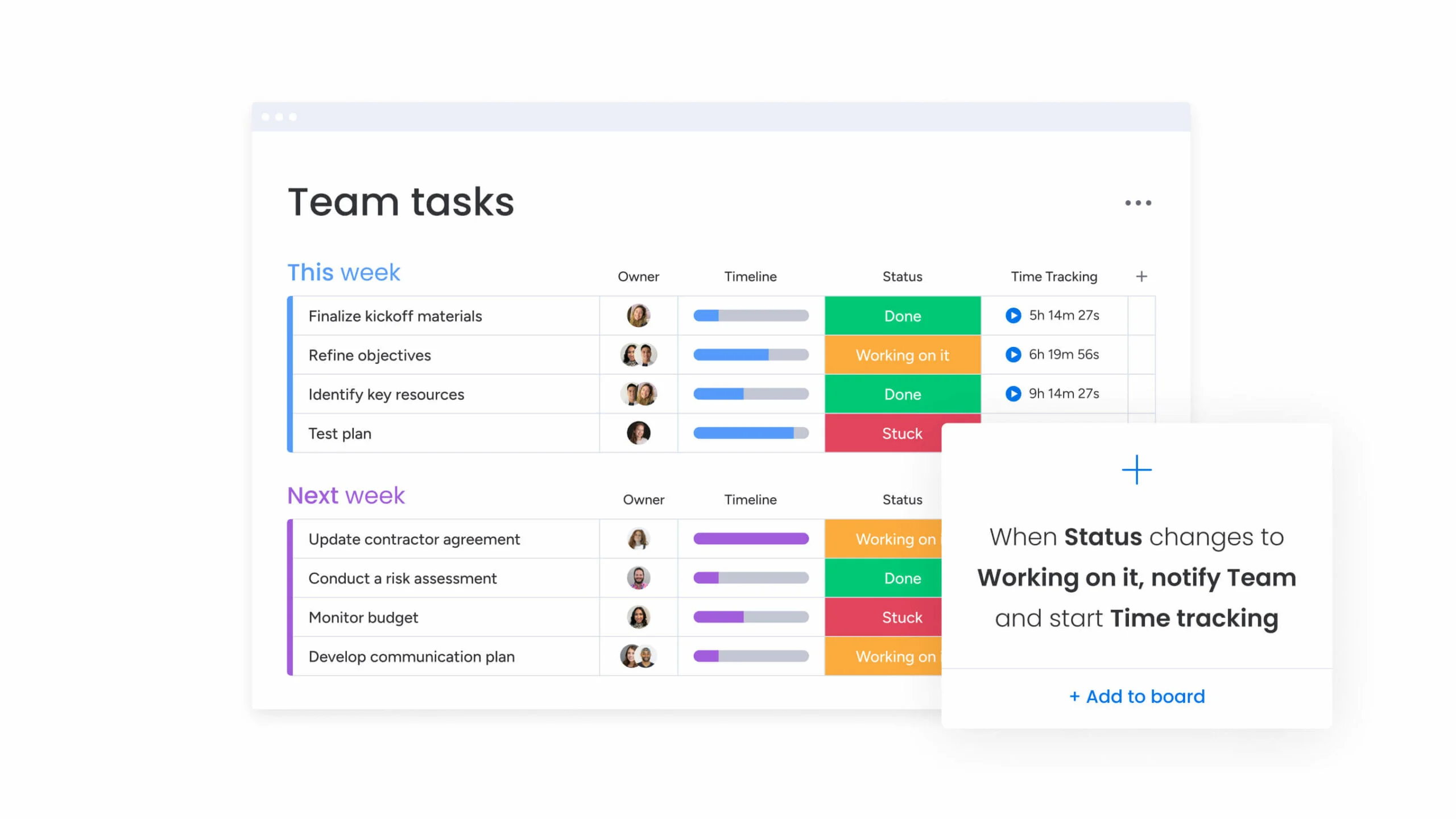
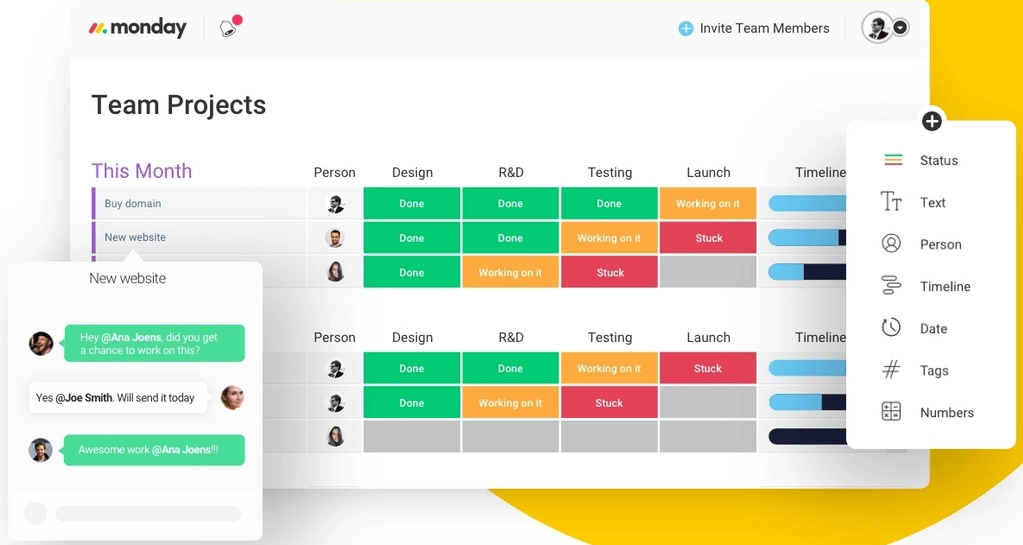
Visualize your projects' progress and make informed decisions with monday.com's project management software. Trusted by over 200,000 customers worldwide, monday.com offers a flexible platform… Read more
Visualize your projects' progress and make informed decisions with monday.com's project management software. Trusted by over 200,000 customers worldwide, monday.com offers a flexible platform adaptable to various workflows, including project management, CRM, software development, and human resources. Its intuitive interface and customizable features streamline collaboration, enhance efficiency, and provide real-time insights into project stages. In this monday.com project management review, I'll discuss features, performance, customer service, and monday.com pricing.
Learn more in our full Monday review.
Pros & Cons
- This project management software is easy to navigate
- The site uses reliable and user-friendly tools
- The organization of the platform is effective
- The help and support area needs to offer more options
- The help and support area should have more extensive testimonials and videos
- There is no multilingual support
Features
- File Sharing
- Document collaboration
- User Access and Permissions
- Mobile App
- Multi-language support
- Reporting and Dashboards
- Customization
- Storage Included
- Integrated Chat
- Notifications
- Comments on Tasks
- Discussion
- Task Creation and Assignment
- Due Dates
- Task Prioritization
- To-Do Lists
- Calendar
- Gantt Chart / Project Map
- Baselining / KPIs
- Project Budgeting
- Resource Management
- Reporting
- Forecasting
- Marketing Analytics
Pricing
$9
/mo /user/
/mo /user
$12
/mo /user/
/mo /user
$19
/mo /user/
/mo /user
Screenshots

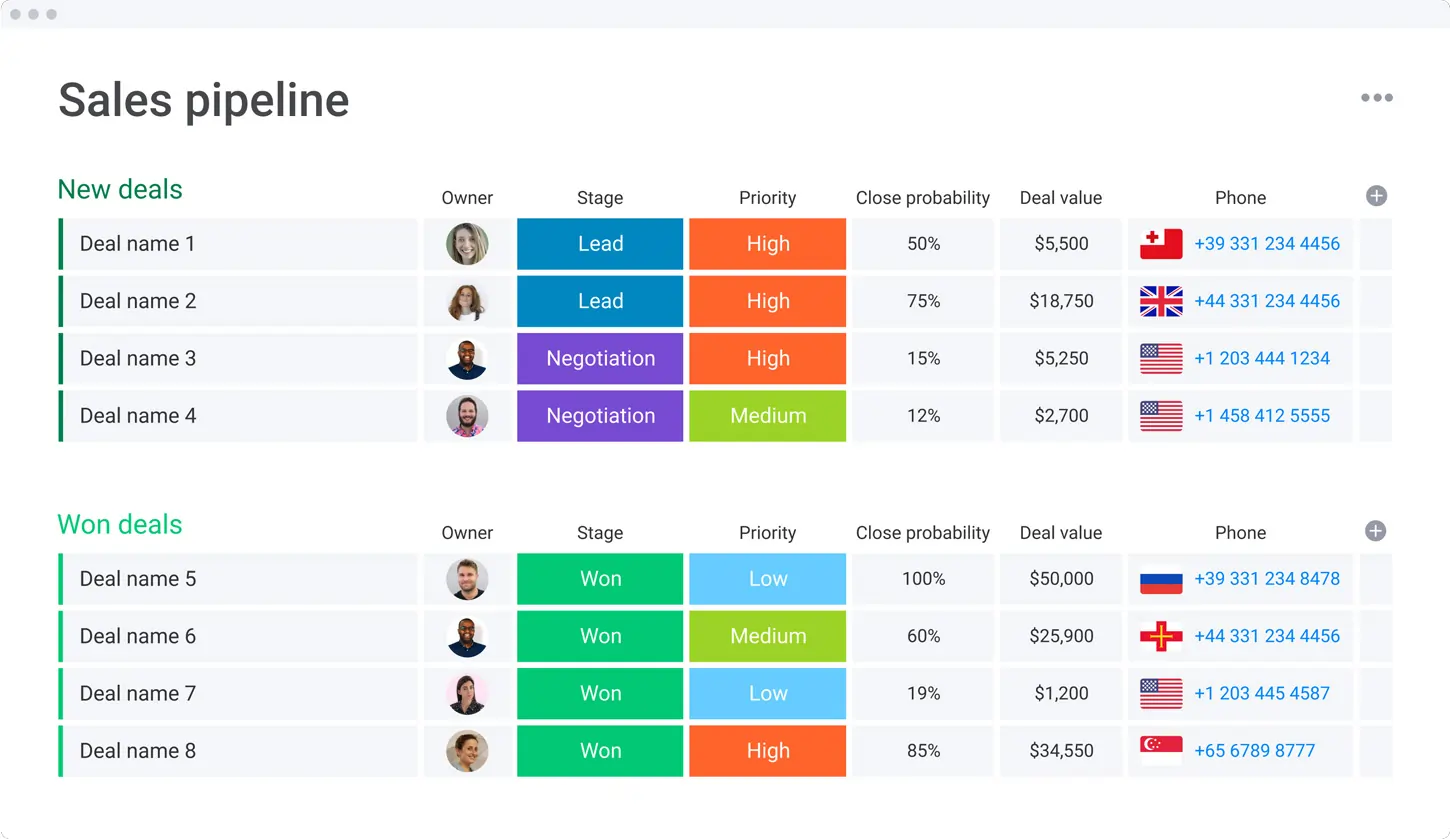
Pipedrive CRM is worth $14/user/month for sales teams of 5 to 25 reps that need pipeline visibility without the complexity of HubSpot Pro or Salesforce. If you have fewer than 5 reps, HubSpot Free… Read more
Pipedrive CRM is worth $14/user/month for sales teams of 5 to 25 reps that need pipeline visibility without the complexity of HubSpot Pro or Salesforce. If you have fewer than 5 reps, HubSpot Free covers you; if you have more than 25, you outgrow Pipedrive's reporting and need HubSpot Professional or Salesforce. The catch: Pipedrive has no free tier and the 14-day trial is the only way to test it, so plan an evaluation week and import a real subset of your data before committing to annual billing
Learn more in our full Pipedrive review.
Pros & Cons
- User-friendly design
- Easy setup process
- Friendly customer support
- Efficient management tools
- No free version
Features
- Dashboards
- Reporting
- Marketing Analytics
- Pipeline Management
- Call Management
- Account Management
- Collaborative Data
- Mobile App
- Integrations
- Sales AI
- Customer Contact Management
- Sales Opportunity
- Quote Management
- Lead Chatbot
- Lead Scoring
- Email Sync
- Email Tracking
- Email Templates
- Schedule Emails
- Automated Reports
- Marketing Automation
- Sales Pipeline Automation
- Sales Forecasting Automation
- Automated Emails
Pricing
$14
mo/
month
$39
mo/
month
$59
mo/
month
$79
mo/
month

Imagine a workspace where every project detail aligns seamlessly, teams collaborate effortlessly, and productivity soars—welcome to ClickUp. This all-in-one project management platform offers… Read more
Imagine a workspace where every project detail aligns seamlessly, teams collaborate effortlessly, and productivity soars—welcome to ClickUp. This all-in-one project management platform offers customizable workflows, enabling you to tailor processes to your team's unique needs. Assign tasks with precision, visualize projects from inception to completion, and maintain clear communication through integrated document sharing, comments, and real-time notifications. With a vast library of project templates and integrations, ClickUp adapts to businesses of all sizes, ensuring tasks are executed efficiently and effectively. In this ClickUp review, I'll discuss features, performance, customer service, and ClickUp pricing.
Learn more in our full Clickup review.
Pros & Cons
- Over a dozen project views
- Built-in document editor that can be used to collaborate in real-time
- Dedicated chat interface to aid team collaboration
- Workload and time log tracking
- Can be difficult to master because of how expansive the platform is
- When using the Everything view, it can be difficult to understand who owns what.
Features
- File Sharing
- Document collaboration
- User Access and Permissions
- Mobile App
- Search
- Multi-language support
- Risk Analysis
- Reporting and Dashboards
- Customization
- Storage Included
- Integrated Chat
- Notifications
- Comments on Tasks
- Discussion
- Task Creation and Assignment
- Due Dates
- Task Prioritization
- To-Do Lists
- Calendar
- Gantt Chart / Project Map
- Resource Management
- Reporting
Pricing
$0
mo/
month
$7
mo/
month
$12
mo/
month
Email Marketing (Must-Have)
Email marketing is one of the most effective ways to stay connected with customers. MailChimp, Constant Contact, and Brevo (formerly Sendinblue) make creating and sending personalized email campaigns easy, helping small businesses boost engagement and sales.
Quickbooks leads the way in cloud-based accounting software for small businesses by keeping it simple and effective. Everything your business needs is housed under its site and app. It is packed with… Read more
Quickbooks leads the way in cloud-based accounting software for small businesses by keeping it simple and effective. Everything your business needs is housed under its site and app. It is packed with features and integrations for automating aspects deemed too time-consuming.
Learn more in our full Quickbooks review.
Pros & Cons
- Robust and secure cloud-based software
- Customizable and intuitive dashboard and reports
- Numerous integrations
- Full desktop and mobile access
- Lack of 24/7 customer phone support (except for Advanced)
- Payroll costs extra
- Learning curve
Features
- General Ledger
- Bookkeeping
- Manages Accounts Payable/Receivable
- Income & Expenses Tracking/Management
- Account Reconciliations
- Financial Reporting
- Invoicing
- Record Expenses
- Record Mileage
- Generate Invoices
- Tax Compliance
- Manage Tax Calculations/Reporting
- Accountant-Prep Friendly
- Automation of Invoices/Notifications
- Suggests Transaction Matches
- Purchase Order Automation
- Payment Processing
- Payroll Processing
- Project Management
- Time tracking
- Third-party Integrations
- Windows
- Android
- iPhone/iPad
- Mac
- Web-Based
Pricing
$0
mo/
month
$38
mo/
month
$85
mo/
month
$140
mo/
month
$340
mo/
month

Constant Contact is designed to help small and growing businesses grow their email list. Supercharged with 200+ responsive email design templates, seamless automations, and A/B testing tools, over… Read more
Constant Contact is designed to help small and growing businesses grow their email list. Supercharged with 200+ responsive email design templates, seamless automations, and A/B testing tools, over 600,000 marketers and small business owners use this tool to increase customer engagement and sales.
Learn more in our full Constant Contact review.
Pros & Cons
- High deliverability rate
- Users can receive payments via email
- Easy integration for social media marketing
- Outstanding customer support
- Account cancellation is difficult
- Relatively high-priced tiers
Features
- Image Library
- Multiple Users
- Gmail Import
- Sign-Up Forms
- Google Analytics
- Email Lists
- Segmenting
- A/B Testing
- Social Media Marketing
- Surveys
- Bounce Management
- Tracking Analytics
- Automated Email Responses
- Email Templates
- Building Personalized Emails
- Email & Mobile Preview
- Flexible Design
- Storage for Data & Images
- Newsletter Templates
- Integrations
Brevo (formerly Sendinblue) is an all-in-one digital marketing software designed to empower businesses with tools like email marketing, SMS campaigns, marketing automation, and CRM functionalities.… Read more
Brevo (formerly Sendinblue) is an all-in-one digital marketing software designed to empower businesses with tools like email marketing, SMS campaigns, marketing automation, and CRM functionalities. Its intuitive drag-and-drop editor and over 60 customizable templates simplify campaign creation, saving time and resources. Brevo also provides survey functionalities that can be used for customer feedback and adapted for employee feedback collection. With its affordability and scalability, Brevo delivers significant value to businesses of all sizes, enhancing customer engagement while supporting internal communication and growth strategies. In this Brevo review, I'll look at the features, performance, customer service, and the Brevo pricing plans.
Learn more in our full Sendinblue review.
Pros & Cons
- Intuitive user interface
- Simple drag-and-drop editor
- Easy integrations
- Wealth of resource materials
- Brevo branding on free plan
- Limited tools on free plan
Features
- Image Library
- Multiple Users
- Sign-Up Forms
- Google Analytics
- Email Lists
- Segmenting
- A/B Testing
- Social Media Marketing
- Surveys
- Bounce Management
- Tracking Analytics
- Automated Email Responses
- Email Templates
- Building Personalized Emails
- Email & Mobile Preview
- Flexible Design
- Storage for Data & Images
- Newsletter Templates
- Integrations
Pricing
$0
mo/
month
$8.08
/mo*/
/mo*
$16.17
/mo*/
/mo*
Affiliate Marketing Platforms (Optional)
Affiliate marketing allows small businesses to reach new audiences and drive sales. Platforms like ClickBank, Amazon Associates, and Shopify Affiliate are among the best affiliate marketing platforms for growing your business without large upfront costs.

Clickbank's e-commerce platform is a trusted global partner for product sellers and affiliate marketers who want to market and expand their businesses online. Clickbank is committed to helping… Read more
Clickbank's e-commerce platform is a trusted global partner for product sellers and affiliate marketers who want to market and expand their businesses online. Clickbank is committed to helping sellers grow online businesses by providing the most suitable tools, marketing strategies, and coaching. With Clickbank’s proven accountability to customers and partners, you can leverage the incredible potential of affiliate marketing.
Learn more in our full ClickBank review.
Pros & Cons
- Easy to use with built-in promotional tools
- High commission rate
- Integrated and reliable payment processing
- ClickBank facilitates global transactions to sell internationally
- Customers can return products due to refund policy
- Fees
- Penalty if your account goes dormant
Features
- Dashboards
- Reporting
- Marketing Analytics
- Account Management
- Mobile App
- Integrations
Pricing
$49.95
mo/
month
$23.5
mo/
month

Amazon Associates is Amazon’s official affiliate marketing platform. With a quick setup, businesses and content creators of all kinds can access the company’s massive reach. The oldest affiliate… Read more
Amazon Associates is Amazon’s official affiliate marketing platform. With a quick setup, businesses and content creators of all kinds can access the company’s massive reach. The oldest affiliate program in the world is accessible to everyone, from YouTubers and authors to large businesses. Amazon Associates is one of the best affiliate programs for beginners. Its simple link-building tools enable anyone to get started fast.
Learn more in our full Amazon Associates review.
Pros & Cons
- Fast and easy setup
- Accessible to anyone
- Tailored service to each content form
- Access to Amazon Marketplace
- Limited customization
- No cloaked links
- No email marketing/links
Features
- Dashboards
- Reporting
- Marketing Analytics
- Mobile App
- Integrations
Pricing
$0
mo/
month
Shopify stands as a leading e-commerce platform, empowering over 1.75 million merchants across 175 countries to sell online seamlessly. Its user-friendly interface, customizable templates, and… Read more
Shopify stands as a leading e-commerce platform, empowering over 1.75 million merchants across 175 countries to sell online seamlessly. Its user-friendly interface, customizable templates, and comprehensive app ecosystem enable businesses to create and manage online stores with ease. Features like integrated inventory management, secure payment gateways, and mobile-responsive design ensure a smooth shopping experience for customers. Trusted by brands like Netflix and Mattel, Shopify offers scalable solutions suitable for businesses of all sizes. In this Shopify e-commerce review, I'll discuss features, performance, customer service, and Shopify pricing.
Learn more in our full Shopify review.
Pros & Cons
- Large suite of marketing tools to grow your website
- You’re able to sell online, offline, and through multiple marketplaces
- It has a built-in payment processor
- Supports unlimited products on every plan
- It charges you for third party payment processors
- The basic plan doesn’t have access to pro reports
Features
- Number of templates
- Drag & Drop Editor
- Free Stock Photos
- SEO Tools
- Social Media Integration
- Visitor statistics
- Third-party apps
- Data Security
- Multi-lingual website
- Inventory Management
- Payment options
- Returns & Refunds
- Shipping Management
- Mobile - friendly
- Mobile compatible templates
- Add HTML code
- Portfolio
- Design flexibility
- Fully customized
- Video Plug-Ins
- Audio Plug-Ins
- Widgets + Apps
- Abandoned cart tools
- Newsletter tool
- Monetization
- Product reviews
- Promotions & Discounts
- Advertising credits
- Free custom domain
- Space
- Bandwith
Pricing
$29
mo/
month
$79
mo/
month
$299
mo/
month
Marketing Automation (Nice-to-Have)
Marketing automation tools like Zapier and Jasper make automating repetitive tasks such as social media posting and email follow-ups easy. These tools are some of the best automation tools for small businesses, allowing you to save time and focus on bigger strategies.

Zapier offers a powerful AI chatbot, an automation tool that helps businesses save time and money by streamlining various processes. Zapier allows users to create their own AI chatbot without coding… Read more
Zapier offers a powerful AI chatbot, an automation tool that helps businesses save time and money by streamlining various processes. Zapier allows users to create their own AI chatbot without coding experience. Users can create AI chatbots that are fully customized to their needs using simple prompts. It offers premade templates and automations to increase productivity. The Zapier review you’re about to read will include its plans, prices, and features.
Learn more in our full Zapier review.
Pros & Cons
- Seamlessly integrates with over 6,000 apps
- Automates repetitive and time-consuming tasks
- Deep customization and control over automation processes
- Scalability as your business evolves
- A very limited free plan
- Requires time to learn and develop
Features
- Collaboration Features
- Multilingual Support
- API Access
- Text Editing and Formatting
- Compliance and Security Measures
- Web
Pricing
$0
mo/
month
$13.33
mo/
month
$66.67
mo/
month
Jasper's AI Writing Tool is designed specifically for marketing teams & SEOs. It revolutionizes content creation by leveraging advanced AI to swiftly produce high-quality, engaging content. It offers… Read more
Jasper's AI Writing Tool is designed specifically for marketing teams & SEOs. It revolutionizes content creation by leveraging advanced AI to swiftly produce high-quality, engaging content. It offers extensive language support and integrates seamlessly with numerous platforms for easy publishing. The platform’s main features are designed to scale content production and maintain a brand voice, featuring real-time grammar, style, and plagiarism checks. Ideal for marketers, bloggers, and businesses looking to scale their content efforts efficiently, Jasper's writing tool ensures consistency and quality in all communications, promoting better engagement and SEO performance.
Learn more in our full Jasper review.
Pros & Cons
- Scalability from solo team to large enterprise
- Comprehensive marketing collaboration features for large teams
- Extensive prompt engineering educational materials
- Many helpful templates to get you started
- Not the cheapest option for marketing AI applications
- Requires existing content inputs for optimal results
- Some key features not included in plans (cost extra)
Features
- Grammar and Style Checks
- SEO Optimization
- Plagiarism Check
- Collaboration Features
- Content Personalization
- Multilingual Support
- API Access
- Text Editing and Formatting
- Compliance and Security Measures
- Web
- Windows
- macOS
Pricing
$59
mo/
month
SEO Tools (Must-Have)
SEO tools like Semrush, Ahrefs, and Yoast are essential for driving organic traffic to your online store. These tools help you optimize your e-commerce website for search engines, track keyword rankings, and analyze competitors.

Semrush is a top-of-the-line, all-in-one SEO & content management toolkit. This comprehensive suite helps businesses of all sizes improve their online presence through data-driven insights. From… Read more
Semrush is a top-of-the-line, all-in-one SEO & content management toolkit. This comprehensive suite helps businesses of all sizes improve their online presence through data-driven insights. From comprehensive keyword research to an impressive array of marketing tools, users get everything they need from this SEO tool and much more.
Learn more in our full Semrush review.
Pros & Cons
- Comprehensive Toolset
- Detailed Competitive Analysis
- User-Friendly Interface
- Extensive Database
- Comparatively Expensive
- Limited Website Crawling
- Additional Add-Ons Cost
Features
- Organic Competitors
- SEO PDF Report
- Competitor Analysis
- Graphs and Widgets
- Email Notifications
- API Integration
- Looker Studio Integration
- Traffic Analysis
- Social Media Analytics
- XML Sitemap
- Snippet Preview
- Redirect Manager
- Keyword Research
- Backlinks Analysis
- Content Analysis
- Site Audit
Pricing
$117.33
mo/
month
$208.33
mo/
month
$416.66
mo/
month

If you are a small business owner, being found on Google is often the difference between a busy month and a quiet one. Ahrefs has long been the "gold standard" for SEO pros. In 2026, it has grown… Read more
If you are a small business owner, being found on Google is often the difference between a busy month and a quiet one. Ahrefs has long been the "gold standard" for SEO pros. In 2026, it has grown into a massive platform that even helps you track how AI tools like ChatGPT and Perplexity talk about your brand.
Learn more in our full Ahrefs review.
Pros & Cons
- Excellent backlink and off-page SEO tracking
- Reliable domain rating metric
- Comprehensive SEO reports
- Looker Studio (Google Data Studio) integration for advanced reporting
- Starter and Lite plans have strict limits
- Looker Studio integration is only available in Advanced+ plans
- Some learning curve for beginners
Features
- Organic Competitors
- SEO PDF Report
- Competitor Analysis
- Graphs and Widgets
- Email Notifications
- API Integration
- Looker Studio Integration
- Traffic Analysis
- Schema Controls
- Meta Tags Management
- XML Sitemap
- Snippet Preview
- Keyword Research
- Backlinks Analysis
- Content Analysis
- Site Audit
Pricing
$29
mo/
month
$108
mo/
month
$208
mo/
month
$374
mo/
month
$1499
mo/
month
Screenshots
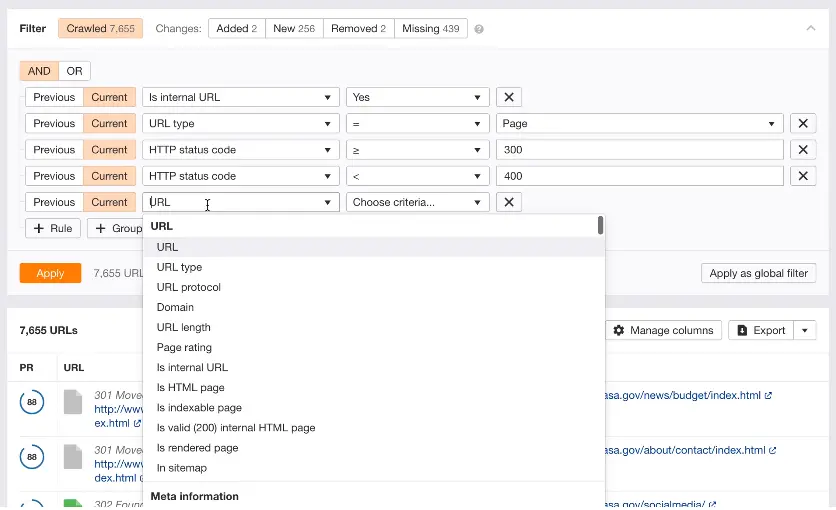


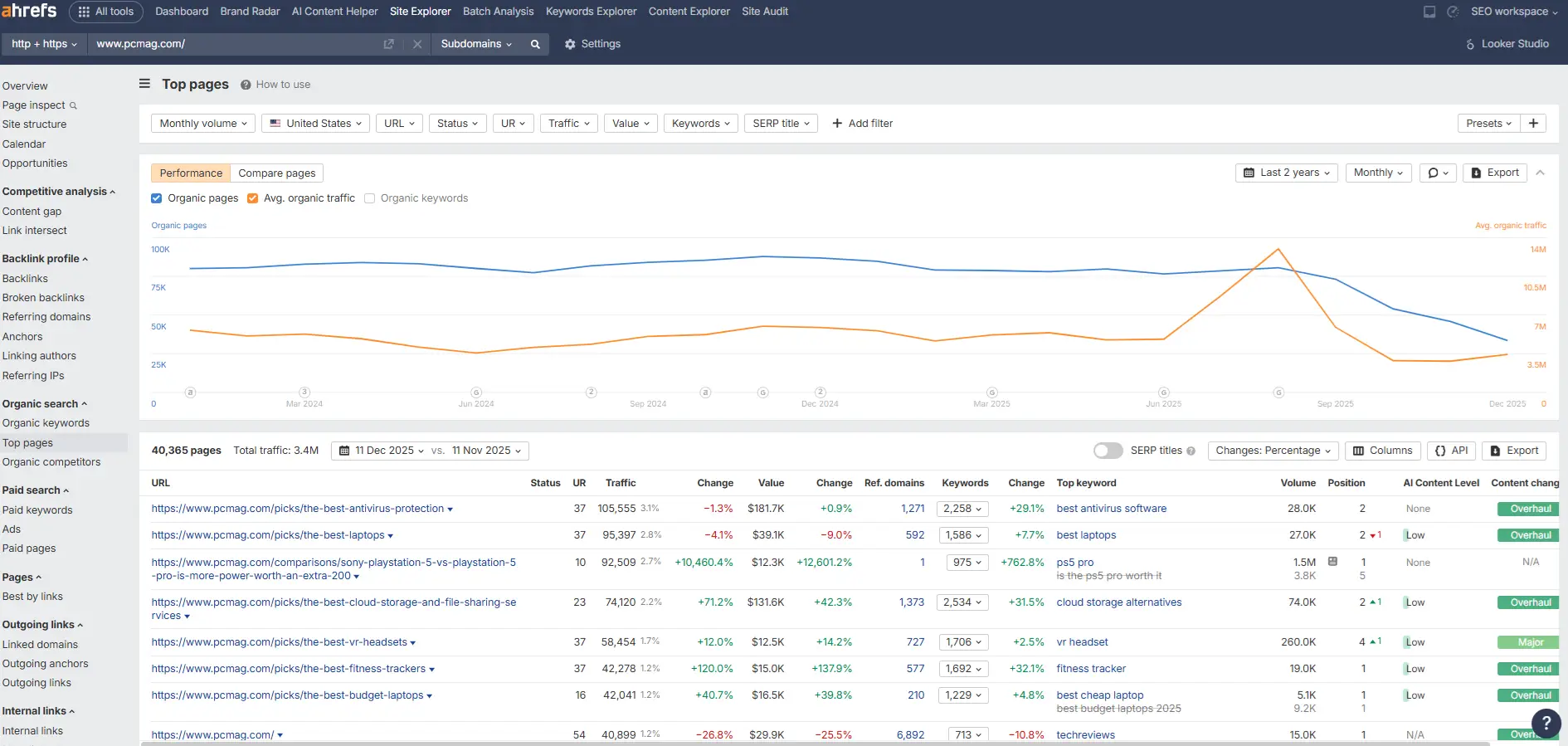
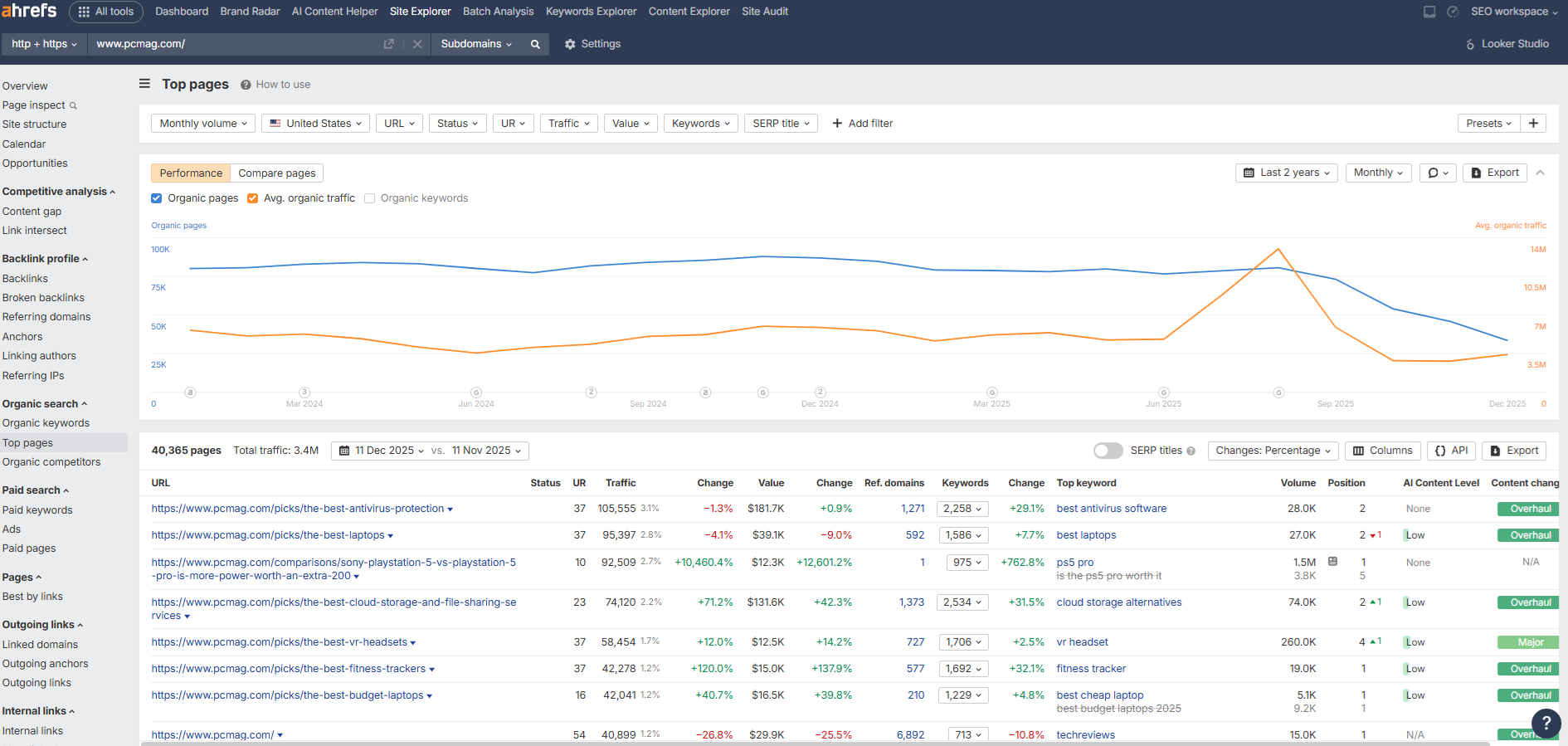
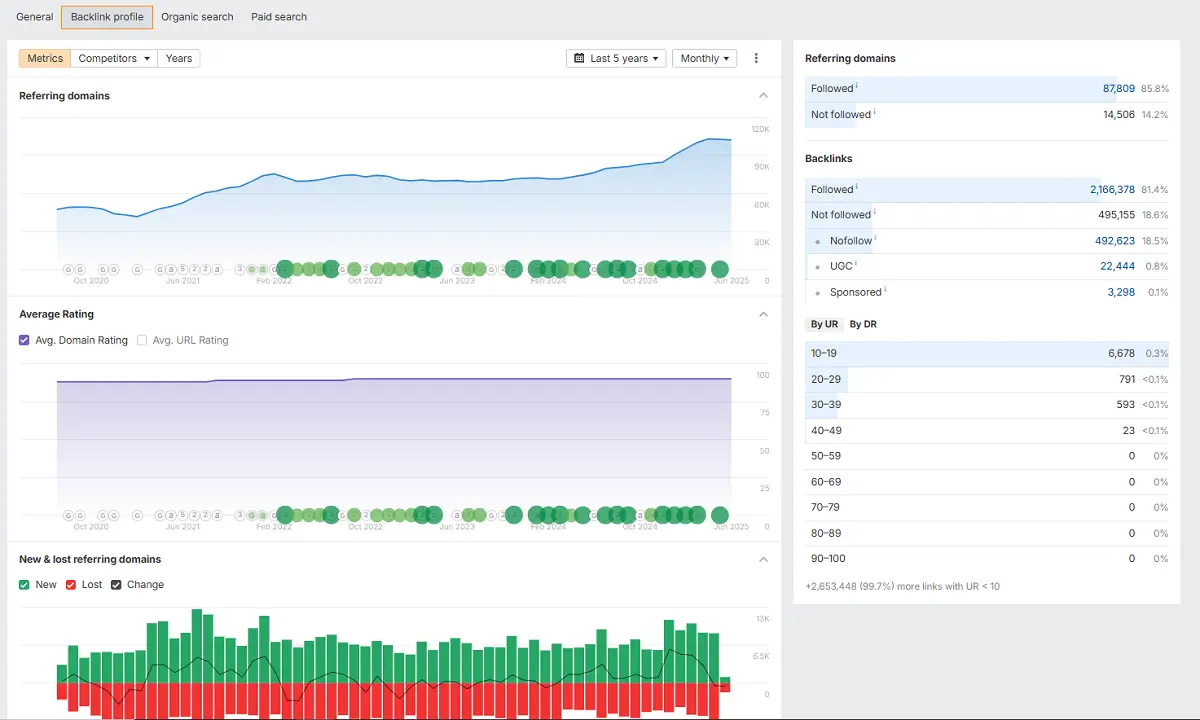
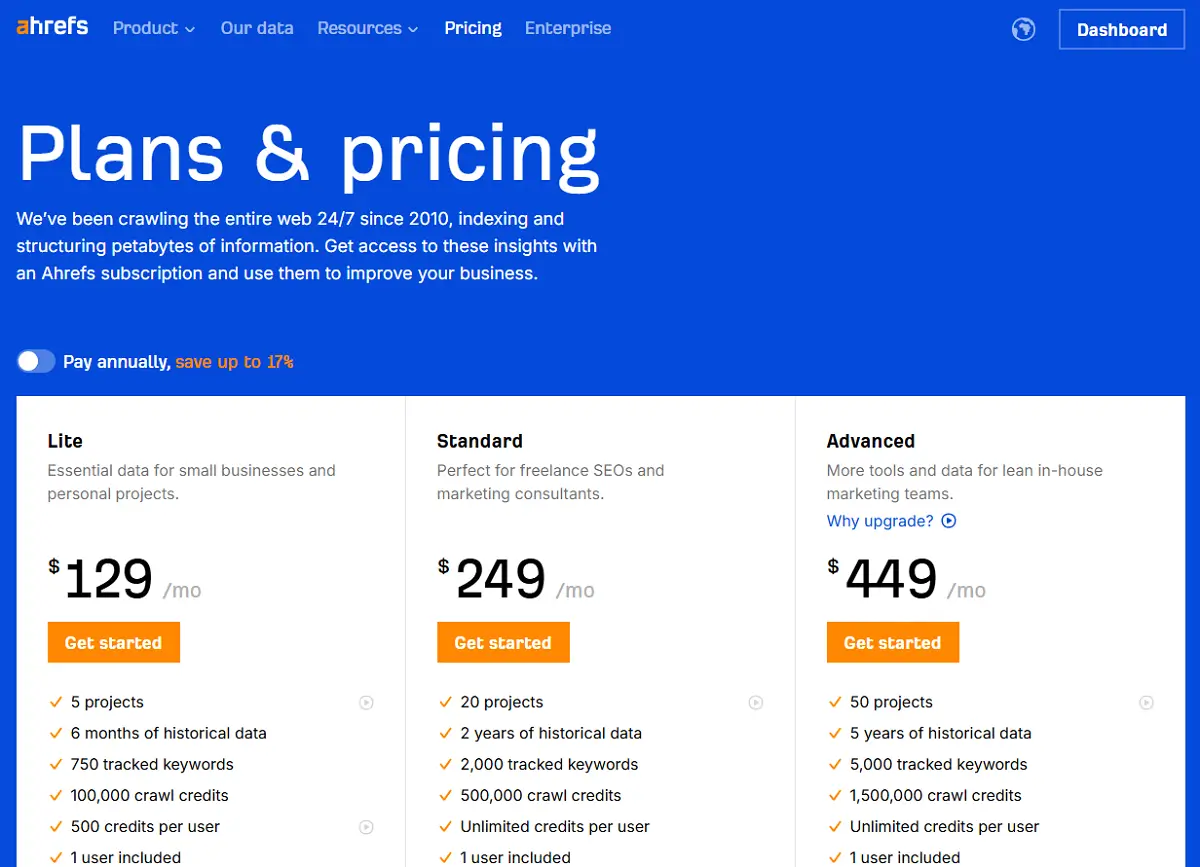
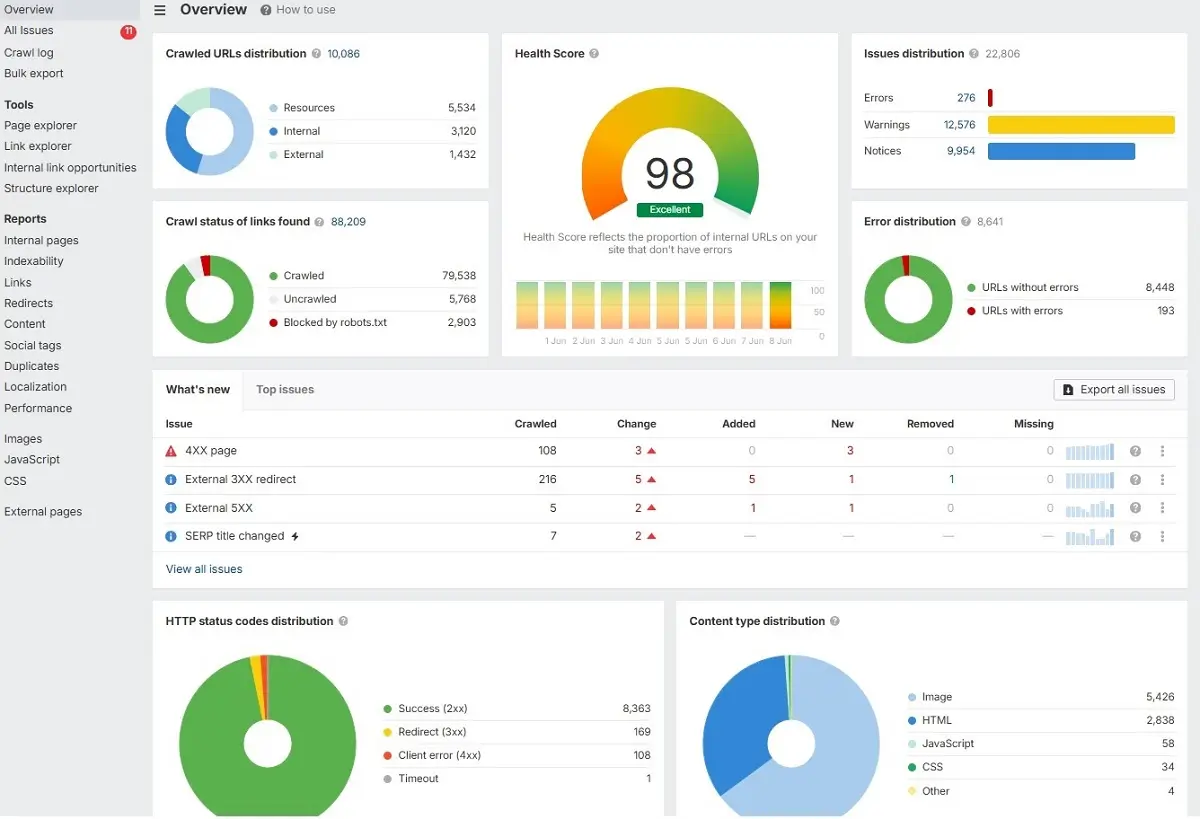
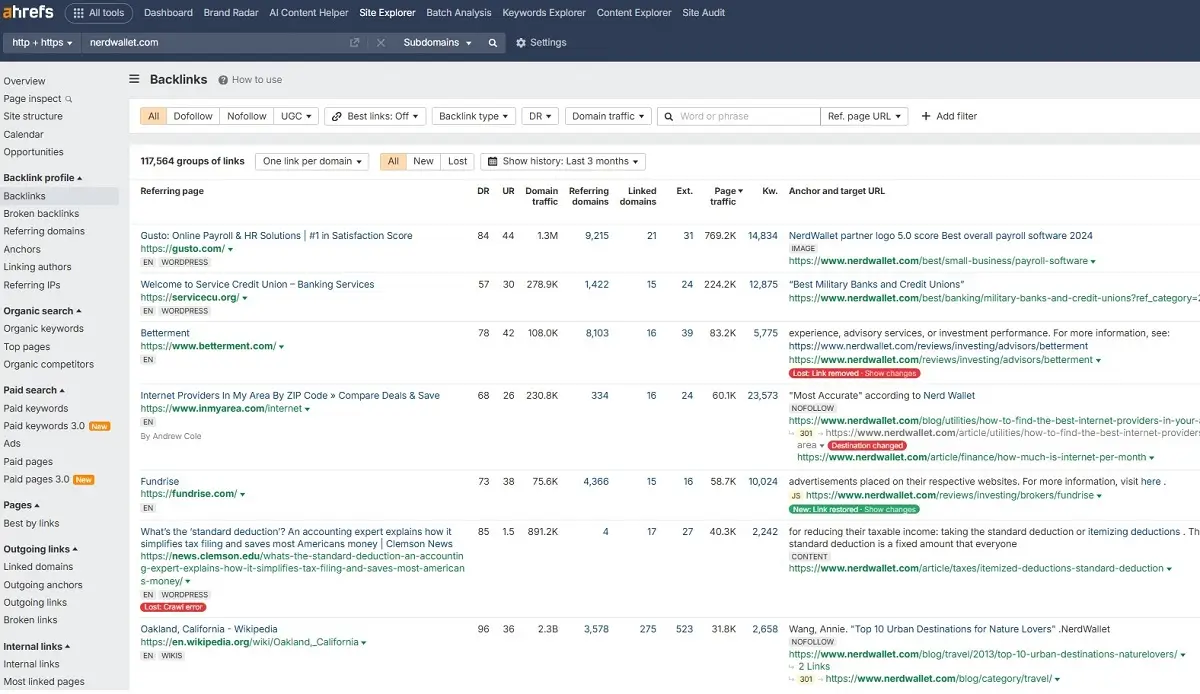
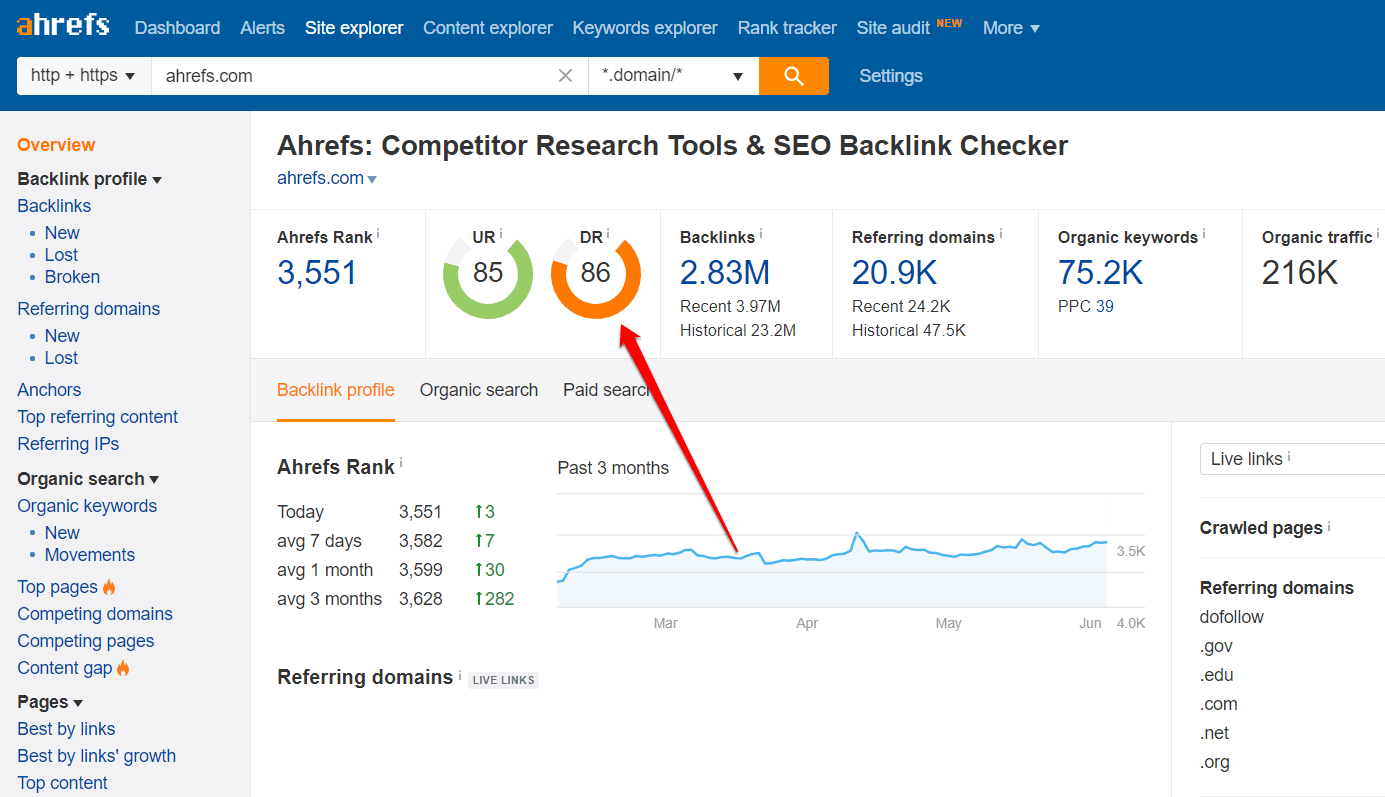
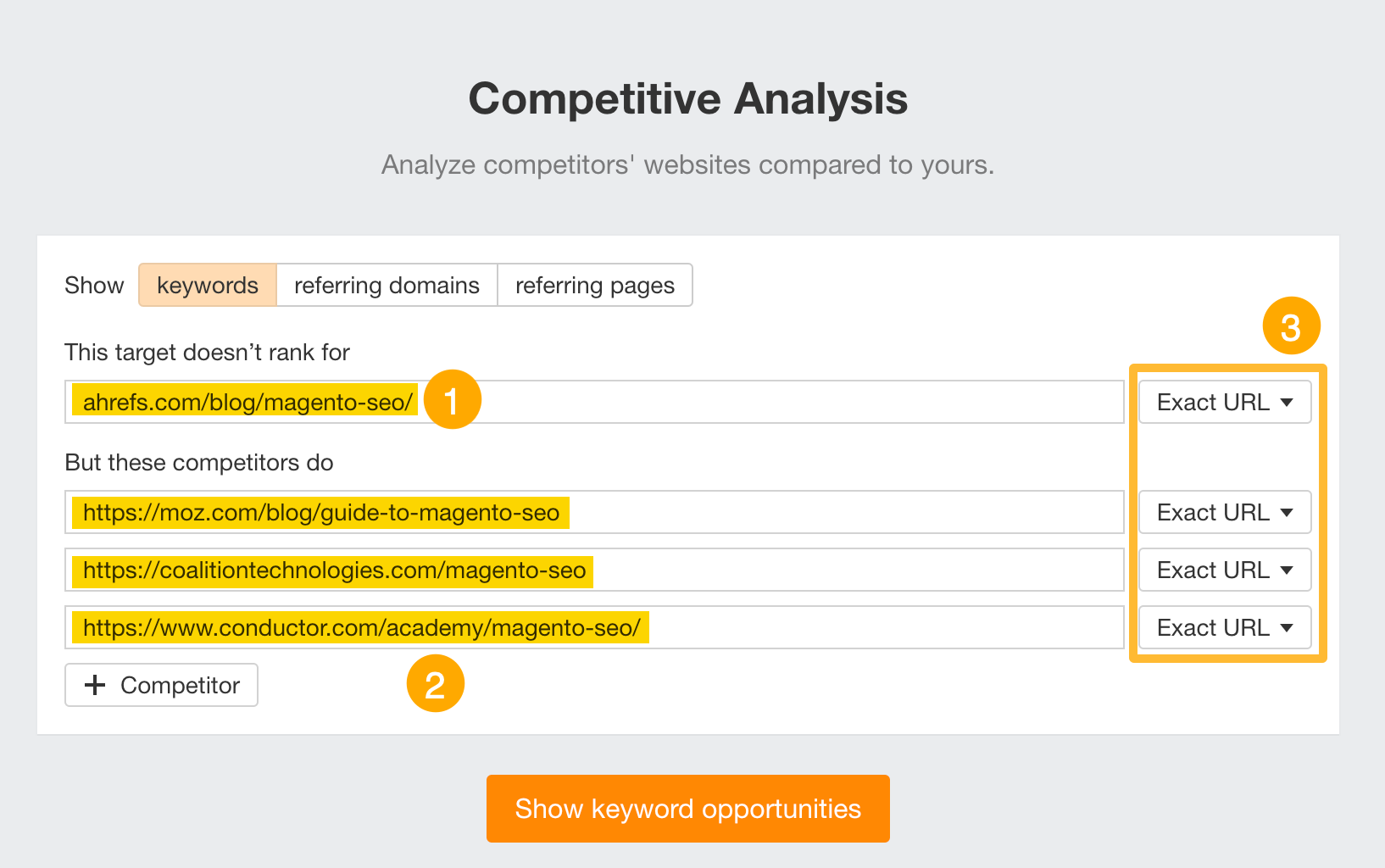
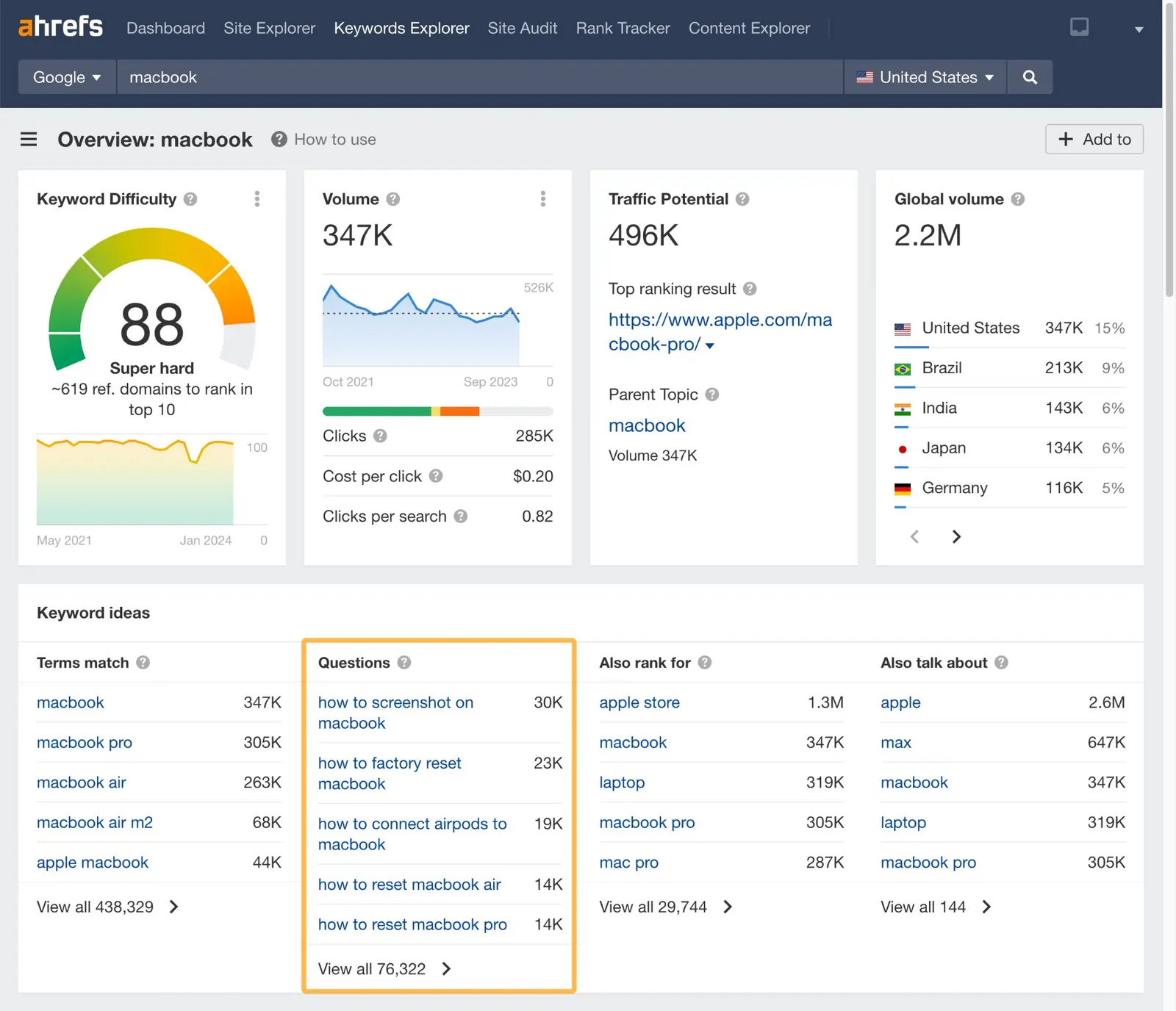
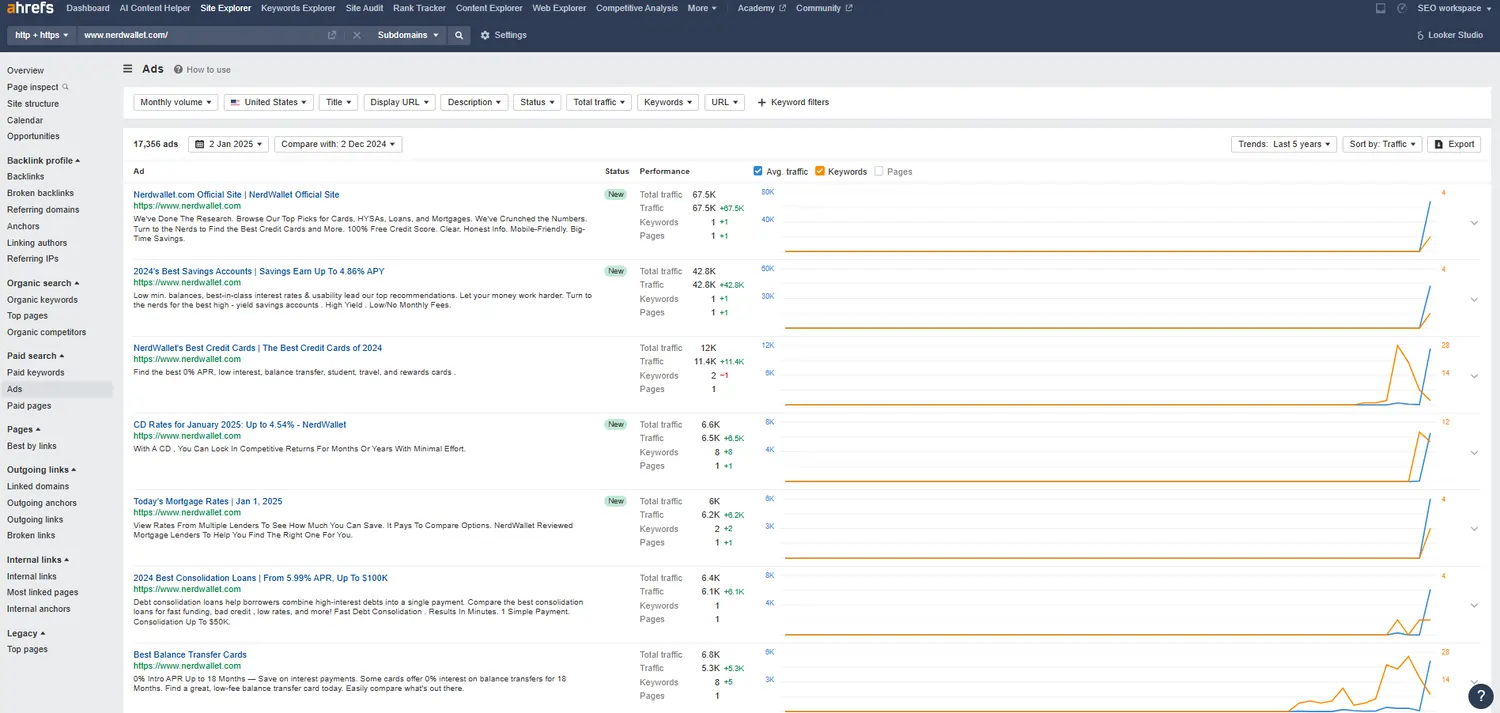
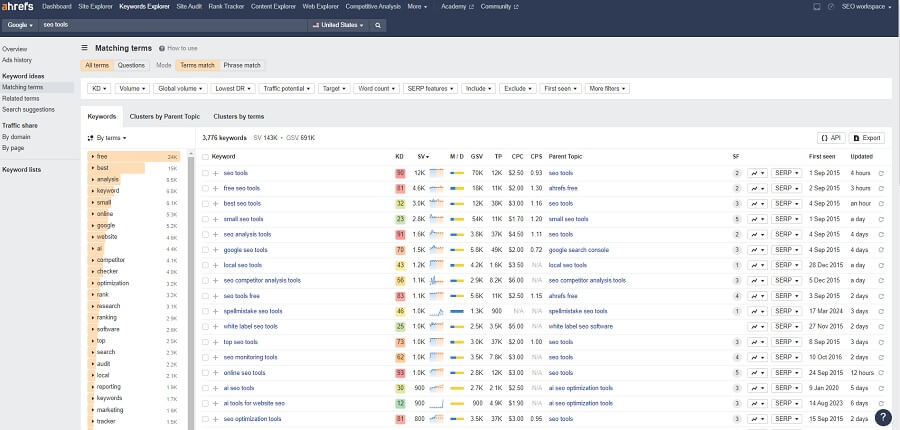
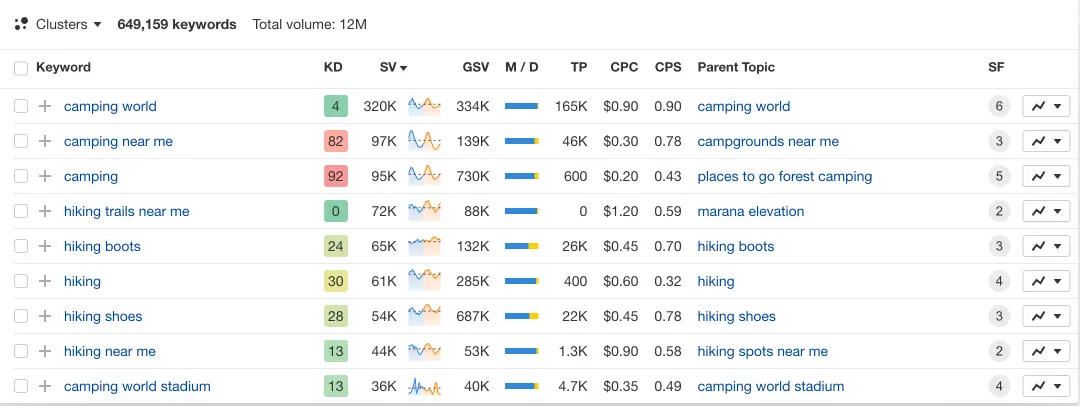
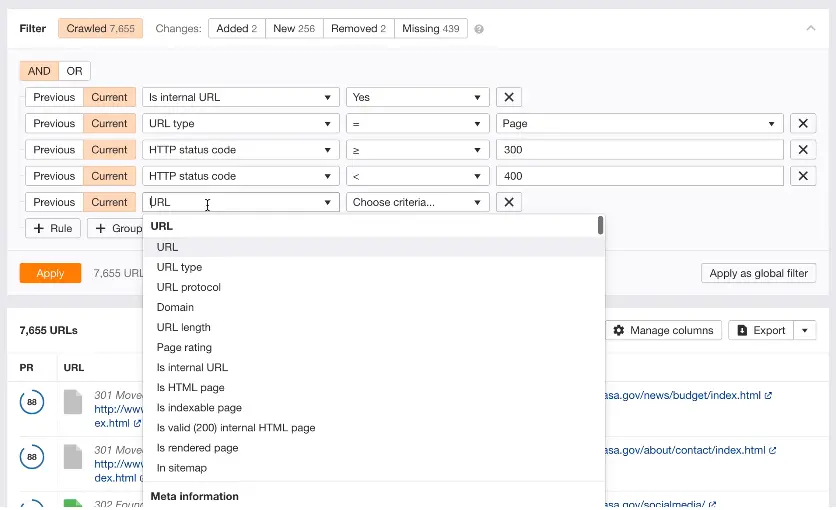
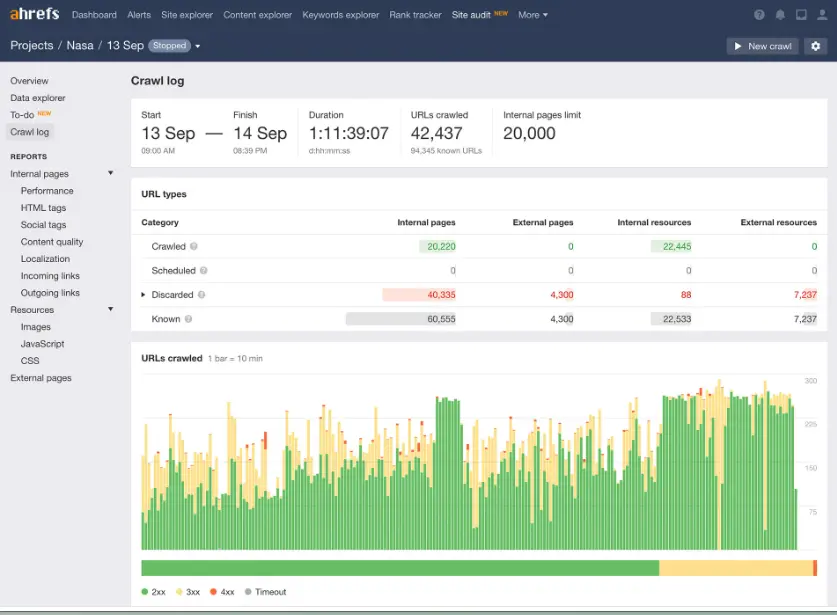
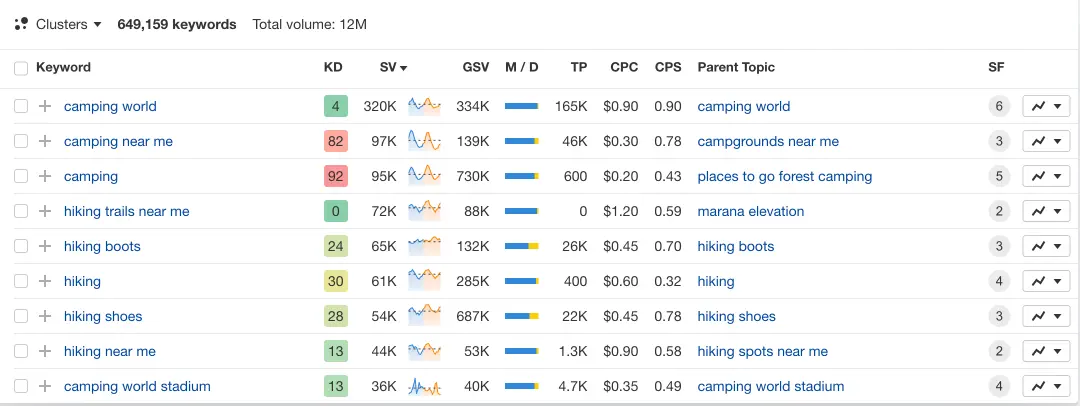
Yoast SEO is a simple and effective way to optimize your website for increased traffic and outrank your competition. The WordPress and Shopify plugins are designed to enhance your online visibility… Read more
Yoast SEO is a simple and effective way to optimize your website for increased traffic and outrank your competition. The WordPress and Shopify plugins are designed to enhance your online visibility through technical SEO, content optimization, and business-specific solutions.
Learn more in our full Yoast review.
Pros & Cons
- User-Friendly Interface
- 24/7 Support
- Integration with WordPress
- Limited Free Features
- Impacted Performance
- Frequent Updates
Features
- SEO PDF Report
- Competitor Analysis
- Graphs and Widgets
Pricing
$0
yr/
year
$99
yr/
year
$79
yr/
year
Project Management (Nice-to-Have)
Managing your projects and marketing campaigns is essential to staying organized. Clickup, monday.com, and Asana are some of the best project management tools for small e-commerce businesses, helping you keep track of deadlines and tasks.
Imagine a workspace where every project detail aligns seamlessly, teams collaborate effortlessly, and productivity soars—welcome to ClickUp. This all-in-one project management platform offers… Read more
Imagine a workspace where every project detail aligns seamlessly, teams collaborate effortlessly, and productivity soars—welcome to ClickUp. This all-in-one project management platform offers customizable workflows, enabling you to tailor processes to your team's unique needs. Assign tasks with precision, visualize projects from inception to completion, and maintain clear communication through integrated document sharing, comments, and real-time notifications. With a vast library of project templates and integrations, ClickUp adapts to businesses of all sizes, ensuring tasks are executed efficiently and effectively. In this ClickUp review, I'll discuss features, performance, customer service, and ClickUp pricing.
Learn more in our full Clickup review.
Pros & Cons
- Over a dozen project views
- Built-in document editor that can be used to collaborate in real-time
- Dedicated chat interface to aid team collaboration
- Workload and time log tracking
- Can be difficult to master because of how expansive the platform is
- When using the Everything view, it can be difficult to understand who owns what.
Features
- File Sharing
- Document collaboration
- User Access and Permissions
- Mobile App
- Search
- Multi-language support
- Risk Analysis
- Reporting and Dashboards
- Customization
- Storage Included
- Integrated Chat
- Notifications
- Comments on Tasks
- Discussion
- Task Creation and Assignment
- Due Dates
- Task Prioritization
- To-Do Lists
- Calendar
- Gantt Chart / Project Map
- Resource Management
- Reporting
Pricing
$0
mo/
month
$7
mo/
month
$12
mo/
month
Visualize your projects' progress and make informed decisions with monday.com's project management software. Trusted by over 200,000 customers worldwide, monday.com offers a flexible platform… Read more
Visualize your projects' progress and make informed decisions with monday.com's project management software. Trusted by over 200,000 customers worldwide, monday.com offers a flexible platform adaptable to various workflows, including project management, CRM, software development, and human resources. Its intuitive interface and customizable features streamline collaboration, enhance efficiency, and provide real-time insights into project stages. In this monday.com project management review, I'll discuss features, performance, customer service, and monday.com pricing.
Learn more in our full Monday review.
Pros & Cons
- This project management software is easy to navigate
- The site uses reliable and user-friendly tools
- The organization of the platform is effective
- The help and support area needs to offer more options
- The help and support area should have more extensive testimonials and videos
- There is no multilingual support
Features
- File Sharing
- Document collaboration
- User Access and Permissions
- Mobile App
- Multi-language support
- Reporting and Dashboards
- Customization
- Storage Included
- Integrated Chat
- Notifications
- Comments on Tasks
- Discussion
- Task Creation and Assignment
- Due Dates
- Task Prioritization
- To-Do Lists
- Calendar
- Gantt Chart / Project Map
- Baselining / KPIs
- Project Budgeting
- Resource Management
- Reporting
- Forecasting
- Marketing Analytics
Pricing
$9
/mo /user/
/mo /user
$12
/mo /user/
/mo /user
$19
/mo /user/
/mo /user
Screenshots

Asana is a project management platform designed for team clarity and collaboration. It helps teams manage projects and tasks, specify deadlines, and communicate directly within the platform. It also… Read more
Asana is a project management platform designed for team clarity and collaboration. It helps teams manage projects and tasks, specify deadlines, and communicate directly within the platform. It also includes reporting tools, file attachments, calendars, and setting and tracking company-wide goals.
Learn more in our full Asana review.
Pros & Cons
- Multiple views for projects and tasks
- Easy for non-technical users to get started with the platform
- Track the workload of individual contributors in real-time
- Forms with conditional logic for data submission
- Doesn’t have built-in budget tracking
- Because of its expansiveness, it’s not suitable for a single project
Features
- File Sharing
- User Access and Permissions
- Mobile App
- Search
- Multi-language support
- Risk Analysis
- Reporting and Dashboards
- Customization
- Storage Included
- Integrated Chat
- Notifications
- Comments on Tasks
- Discussion
- Task Creation and Assignment
- Due Dates
- Task Prioritization
- To-Do Lists
- Calendar
- Gantt Chart / Project Map
- Resource Management
- Reporting
Pricing
$0
mo/
month
$10.99
/mo /user/
/mo /user
$24.99
/mo /user/
/mo /user
Content Creation & Design Tools
Effective content and design can make your store stand out in a crowded marketplace. These tools help you create engaging visuals, write persuasive content, and ensure everything is unique and plagiarism-free.
AI Writing Tools (Optional)
Do you need help writing product descriptions or blog posts? AI writing tools like Jasper, Copy.ai, and Rytr make it easy to generate high-quality content quickly. These tools are perfect for small business owners who need to save time while maintaining engaging e-commerce content.
Jasper's AI Writing Tool is designed specifically for marketing teams & SEOs. It revolutionizes content creation by leveraging advanced AI to swiftly produce high-quality, engaging content. It offers… Read more
Jasper's AI Writing Tool is designed specifically for marketing teams & SEOs. It revolutionizes content creation by leveraging advanced AI to swiftly produce high-quality, engaging content. It offers extensive language support and integrates seamlessly with numerous platforms for easy publishing. The platform’s main features are designed to scale content production and maintain a brand voice, featuring real-time grammar, style, and plagiarism checks. Ideal for marketers, bloggers, and businesses looking to scale their content efforts efficiently, Jasper's writing tool ensures consistency and quality in all communications, promoting better engagement and SEO performance.
Learn more in our full Jasper review.
Pros & Cons
- Scalability from solo team to large enterprise
- Comprehensive marketing collaboration features for large teams
- Extensive prompt engineering educational materials
- Many helpful templates to get you started
- Not the cheapest option for marketing AI applications
- Requires existing content inputs for optimal results
- Some key features not included in plans (cost extra)
Features
- Grammar and Style Checks
- SEO Optimization
- Plagiarism Check
- Collaboration Features
- Content Personalization
- Multilingual Support
- API Access
- Text Editing and Formatting
- Compliance and Security Measures
- Web
- Windows
- macOS
Pricing
$59
mo/
month

Copy.ai is an AI writing tool designed to generate high-quality content for millions of users. This state-of-the-art artificial intelligence software provides content across various niches to… Read more
Copy.ai is an AI writing tool designed to generate high-quality content for millions of users. This state-of-the-art artificial intelligence software provides content across various niches to simplify the content creation process. The AI tool includes features like automated content generation, multilingual support, SEO optimization, plagiarism checks, and tailored templates for emails, social media, and e-commerce, all designed to enhance user productivity and creativity. With its advanced technology, users can now generate creative, relevant, and engaging content.
Learn more in our full Copy Ai review.
Pros & Cons
- Both AI writing tool and ChatBot provide high-quality content generation
- AI writing tool provides customization options
- Provides a wide range of templates for various content need
- Some advanced features require learning and practicing for new users
- Slow and glitchy UI and unresponsive at times
Features
- Grammar and Style Checks
- SEO Optimization
- Collaboration Features
- Content Personalization
- API Access
- Text Editing and Formatting
- Compliance and Security Measures
- Web
Pricing
$0
mo/
month
$49
mo/
month
$249
mo/
month

Rytr is a Free AI Writer that offers users the ability to generate engaging content across 40+ use cases. It is an AI writing tool designed to enhance productivity with multilingual support, SEO… Read more
Rytr is a Free AI Writer that offers users the ability to generate engaging content across 40+ use cases. It is an AI writing tool designed to enhance productivity with multilingual support, SEO optimization features, and a rich-text editor. With an easy-to-use Chrome extension and a robust text editor, it stands out as a reliable writing assistant for businesses and individuals alike.
Learn more in our full Rytr review.
Pros & Cons
- An intuitive and user-friendly text editor
- Fast and accurate content generator
- Pick between tones of voice and creativity level
- Capable of providing top-quality content for different purposes
- No mobile app yet to use on the go
- The free version has limited content generation.
- It could have more collaborative features for teams
Features
- SEO Optimization
- Plagiarism Check
- Content Personalization
- Multilingual Support
- API Access
- Text Editing and Formatting
- Compliance and Security Measures
Pricing
$7.5
mo/
month
$24.16
mo/
month
Graphic Design Software (Must-Have)
Stunning visuals can make your e-commerce store stand out. Adobe Photoshop, Canva, and Figma are among the best graphic design software for creating professional product images, banners, and marketing materials. These tools allow small businesses to create impactful visual content.

In the realm of design, Adobe Photoshop remains an essential tool for professionals, blending traditional design functionalities with cutting-edge AI enhancements. The introduction of AI-driven tools… Read more
In the realm of design, Adobe Photoshop remains an essential tool for professionals, blending traditional design functionalities with cutting-edge AI enhancements. The introduction of AI-driven tools like the improved Font browser helps designers manage and explore over 25,000 Adobe fonts with ease, enriching the creative process and ensuring a seamless workflow across devices and platforms. Adobe Photoshop, a leader in digital editing for over 30 years, offers powerful tools to support creatives across industries in produce detailed and complex designs effortlessly.
Learn more in our full Adobe Photoshop review.
Pros & Cons
- Can deeply customize almost every aspect of the design process
- Supports multiple file formats — essential for cross-platform design work.
- Tools for mobile and web design
- Adobe Suite integration for easy workflow
- Requires a powerful computer as it runs many processes
- Steep learning curve due to many features
- No option for a perpetual license
Features
- API
- Templates
- Image Database
- Collaboration Tools
- Content Import/Export
- Edits Vector & Raster Graphics
- Touch Interface Support
- Pro-Level Typography
- Print Management
- Publishing / Sharing
- Multi-Language
- Multiple Format Support
- Animation
- Document Storage
- Search/Filter
- Photo Editing
- Video Editing
- Offline Editing
- Drag & Drop
Pricing
$14.98
mo/
month
$22.99
mo/
month
$37.99
mo/
month
$59.99
mo/
month

Canva is a user-friendly graphic design platform that empowers individuals to create a wide array of visual content, including graphics, presentations, headers, documents, invitations, posters, and… Read more
Canva is a user-friendly graphic design platform that empowers individuals to create a wide array of visual content, including graphics, presentations, headers, documents, invitations, posters, and resumes. This all-in-one graphic design tool features a video and graphic maker, photo editor, and logo creator, making it accessible for both beginners and professionals. With its intuitive interface and extensive template library, Canva simplifies the design process, enabling users to produce stunning visuals with ease. In this Canva review, I'll discuss, graphic design features, performance, Canva pricing, and more.
Learn more in our full Canva review.
Pros & Cons
- AI tools for creating and editing designs
- 1M+ free templates
- Easy to share option
- Automatic save
- Best features aren't available for free
- No phone, live chat, email or community support
- Its online version has more templates and design elements
Features
- API
- Templates
- Image Database
- Collaboration Tools
- Content Import/Export
- Content Management
- Edits Vector & Raster Graphics
- Pro-Level Typography
- Print Management
- Publishing / Sharing
- Multi-Channel Marketing
- Multi-Language
- Multiple Format Support
- Social Promotion
- Animation
- Document Storage
- Access Controls/Permissions
- Search/Filter
- Photo Editing
- Video Editing
- Rich Text Editor
- WYSIWYG Editor
- Drag & Drop
Pricing
$0
mo/
month
$15
mo/
month
$21
mo/
month

Figma is a browser-based design platform built for collaboration. It combines vector design, prototyping, feedback, and developer handoff into one shared workspace. Instead of juggling multiple… Read more
Figma is a browser-based design platform built for collaboration. It combines vector design, prototyping, feedback, and developer handoff into one shared workspace. Instead of juggling multiple tools, small businesses can design websites, mobile apps, and marketing visuals in one place. With flexible pricing and smart seat types, Figma gives SMBs the same professional design power that large teams enjoy.
Learn more in our full Figma review.
Pros & Cons
- Real-time co-editing improves teamwork and eliminates file chaos.
- Smart layout and prototyping tools reduce repetitive work.
- Flexible pricing suits both small teams and larger organizations.
- No native CMYK support, which limits print design workflows.
- Lacks advanced photo editing capabilities.
- Requires careful seat management to avoid paying for unused licenses.
Features
- API
- Image Database
- Collaboration Tools
- Content Import/Export
- Content Management
- Edits Vector & Raster Graphics
- Touch Interface Support
- Pro-Level Typography
- Print Management
- Publishing / Sharing
- Multi-Channel Marketing
- Multi-Language
- Multiple Format Support
- Engagement Analytics
- Animation
- Document Storage
- Access Controls/Permissions
- Freelancer Screening & Profiles
- Search/Filter
- Photo Editing
- Offline Editing
- Rich Text Editor
- WYSIWYG Editor
- Drag & Drop
Pricing
$0
mo/
month
$16
mo/
month
Plagiarism Checker (Nice-to-Have)
Maintaining unique content is crucial for SEO and brand credibility. Tools like Grammarly, Copyscape, and Scribbr are among the best plagiarism checkers to ensure your product descriptions and marketing materials are original.

Grammarly is an AI-powered tool that helps users compose bold, clear, and mistake-free writing. It also offers a plagiarism checker that searches billions of web pages and documents to find matching… Read more
Grammarly is an AI-powered tool that helps users compose bold, clear, and mistake-free writing. It also offers a plagiarism checker that searches billions of web pages and documents to find matching text.
Learn more in our full Grammarly review.
Pros & Cons
- Offers rewriting suggestions that can help decrease plagiarism percentage
- Mostly accurate in finding plagiarized sources
- Catches even common phrases
- Plagiarism checker is not available in the free plan
- Plagiarized sources do not match in some cases
- Not reliable for edited or paraphrased texts
Features
- Plagiarism Check
- Style Editor
- Citation Finder
- Content Scan
- Text Similarity Detection
- Reporting/Analytics
- Multiple File Format Support
- Spell Checker
- Grammar Check
- Tone Check
- Sentence Formatting
- Vocabulary Recommendations
- Sentence Rephrasing
- Dictionary
- Standalone Application
- Plugin
- Browser Application
- Desktop Application
- Internet Content
- Academic Databases
Pricing
$0
mo/
month

Copyscape is the solution to stop plagiarism or finding unlicensed copies of any content. The industry benchmark for plagiarism detection is Copyscape Premium. Additionally, Copysentry guards… Read more
Copyscape is the solution to stop plagiarism or finding unlicensed copies of any content. The industry benchmark for plagiarism detection is Copyscape Premium. Additionally, Copysentry guards websites against content theft by checking the internet daily or weekly for copies of their content.
Learn more in our full Copyscape review.
Pros & Cons
- It shows you where your content has been published without your permission.
- It gives you the option to take action against the offender.
- You can directly compare text between two sources or websites.
- Automated checks provided in Copysentry plans saves you time and give ease of mind against plagiarism.
- This leads to broken links if the offender removes the content.
- It shows you unoriginal content even if it's not an infringement (e.g., quotes).
- The per-word pricing for Copyscape credits can easily build up when checking many documents or pages, making it less accessible for students.
Features
- Plagiarism Check
- Citation Finder
- Content Scan
- Text Similarity Detection
- Reporting/Analytics
- Multiple File Format Support
- Sentence Formatting
- Sentence Rephrasing
- Standalone Application
- Plugin
- Browser Application
- Custom Database
- Internet Content
- Proprietary Database
- Academic Databases
Pricing
$0.03
/200 words/
/200 words
$4.95
mo/
month
$19.95
mo/
month

Scribbr is a plagiarism detection software that helps students improve their writing. It matches text to various sources, including websites, journals, and books. Scribbr has become the leading… Read more
Scribbr is a plagiarism detection software that helps students improve their writing. It matches text to various sources, including websites, journals, and books. Scribbr has become the leading provider of plagiarism checking services for students, with over 1 billion documents checked to date.
Learn more in our full Scribbr review.
Pros & Cons
- Access to the biggest database in the world, including several academic databases
- You can exclude certain text like quotes and bibliographies
- You can set whether to compare the text with Internet sources or publications only
- Slower than other checkers
- Low accuracy based on personal experience
Features
- Plagiarism Check
- Citation Finder
- Content Scan
- Text Similarity Detection
- Reporting/Analytics
- Multiple File Format Support
- Spell Checker
- Grammar Check
- Sentence Formatting
- Vocabulary Recommendations
- Standalone Application
- Browser Application
- Custom Database
- Internet Content
- Proprietary Database
- Academic Databases
Pricing
$19.95
/doc/
/doc
$29.95
/doc/
/doc
$39.95
/doc/
/doc
See also
- Add-ons only make sense once the platform is settled, so start from best ecommerce platforms and then fill the gaps.
- Free platforms leave the widest gaps because apps stand in for built-in features, which is what the best free ecommerce platform page shows.
- Stock counts drifting between channels is an inventory problem rather than a store problem, and best ecommerce inventory management software is where it gets solved.
- Abandoned cart and post-purchase flows run on email, and the best free email marketing tools cope while the list is small.
- Ads, affiliates and campaign tracking around the shop get their own treatment in best ecommerce marketing tools for small business.
Conclusion
Choosing the right e-commerce tools can make all the difference in the success of your online store. Whether you’re just starting out or looking to scale your business, the tools for e-commerce listed here can help streamline operations, reduce your expenses, and create a more efficient workflow. By automating tasks, improving customer engagement, and optimizing your processes, these tools will help you grow faster and achieve more profit. From inventory management and CRM software to SEO tools and marketing automation, each tool plays a vital role in driving your business toward sustainable growth. Invest in the right solutions, and watch your store thrive in today’s competitive digital market.